Adding voice chat to your Minecraft server (Forge, Fabric, or Spigot/PaperMC) lets players communicate in real time, making collaboration easier and gameplay more immersive. Voice chat improves teamwork, strategy, and social interaction, while also creating a stronger sense of community among players.
Modpacks come with voice chat disabled by default. To enable it, rename the voice chat .jar file and remove the .disabled at the end.
Players must also install the voice chat mod on their Minecraft client.
For Spigot/PaperMC servers, players still need to run the Forge/Fabric/Quilt client version for compatibility.
Download the Simple Voice Chat mod.
Log in to the ChipHead Panel.

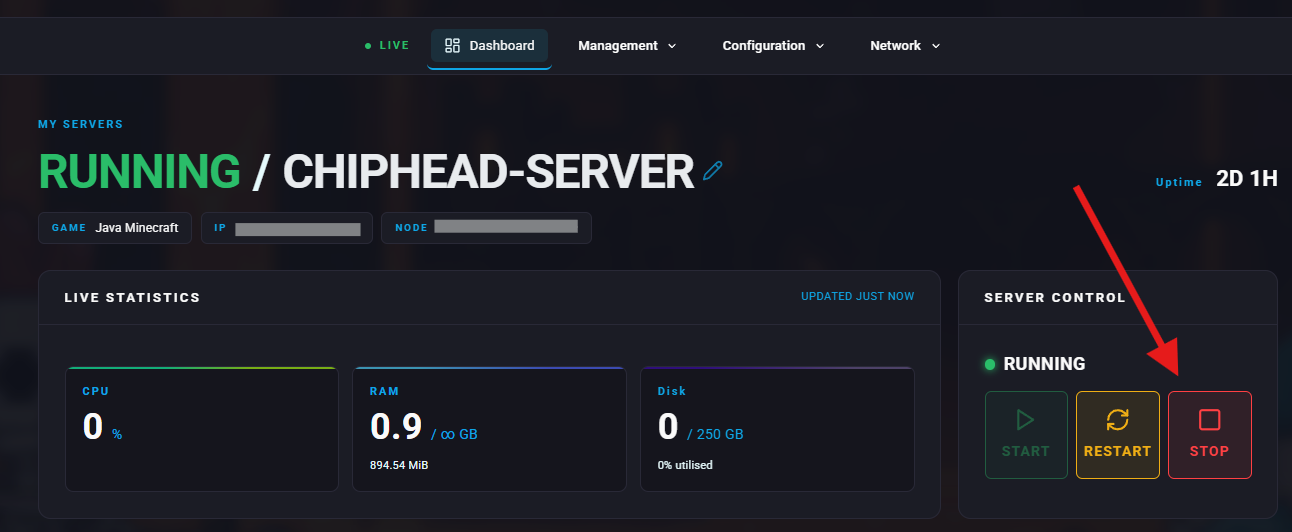
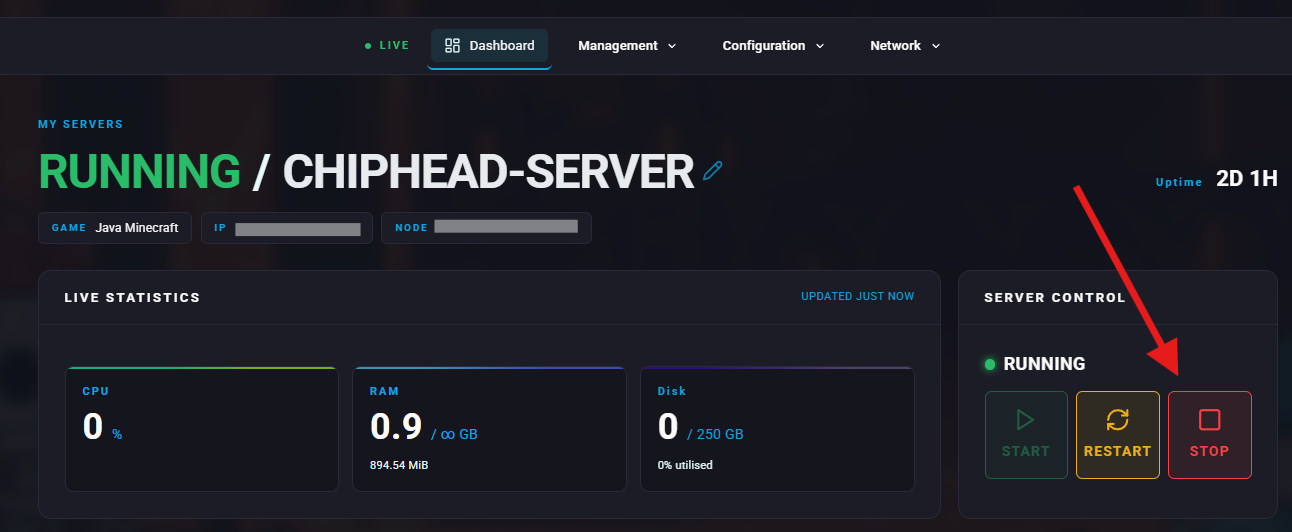
Stop your server.
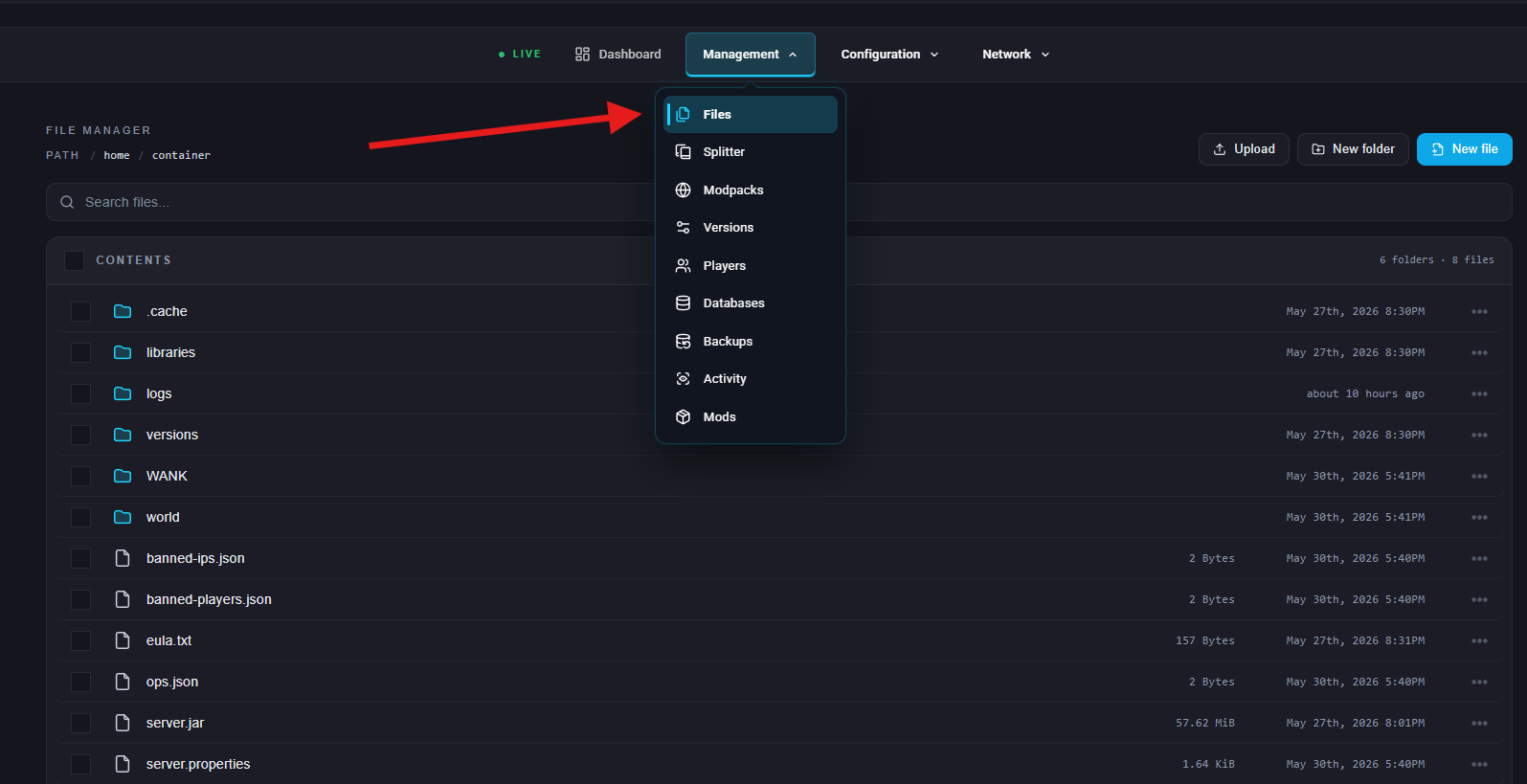
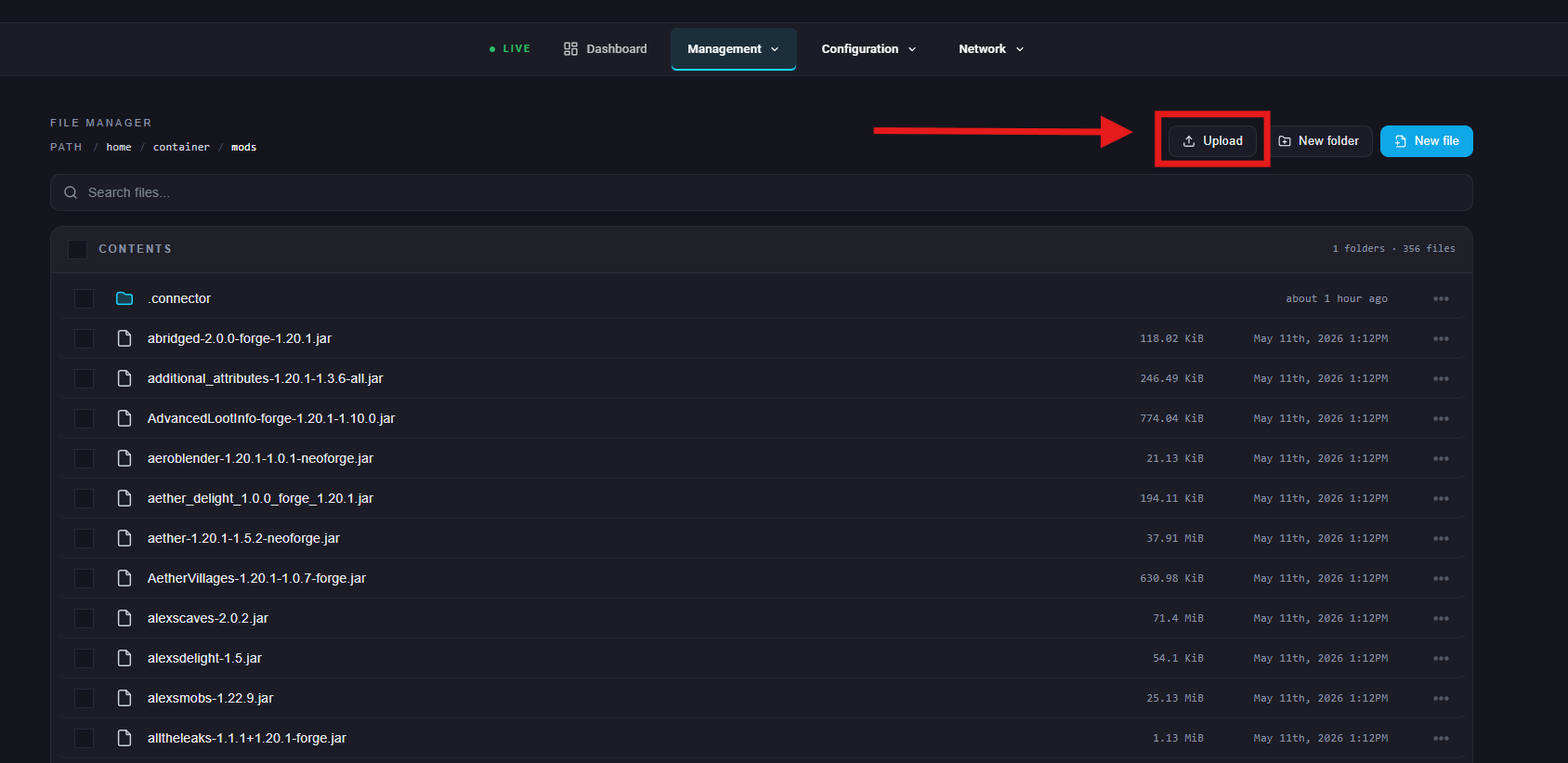
Under Management go to the Files.
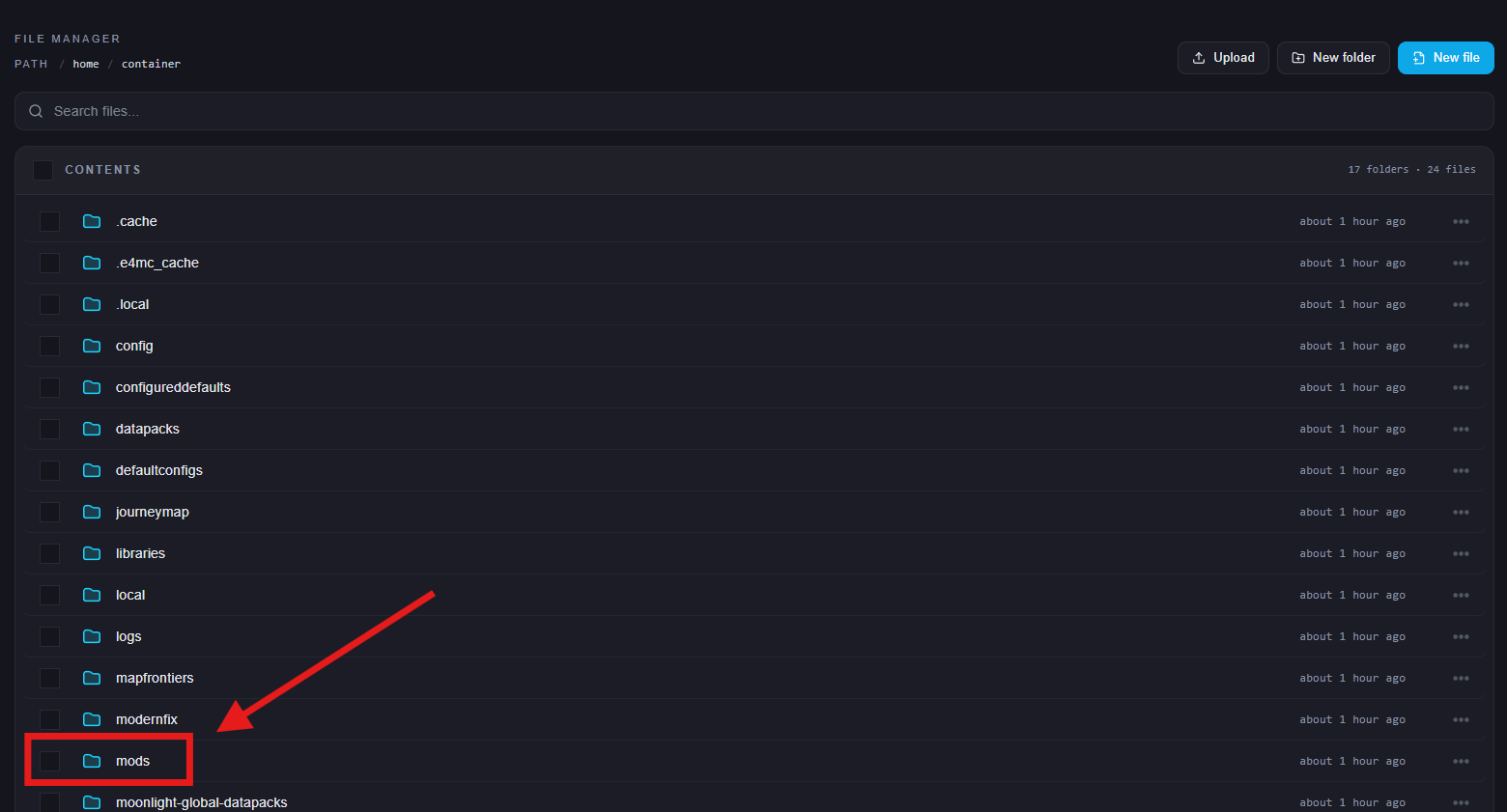
Open the mods folder.
Upload the .jar file you downloaded.
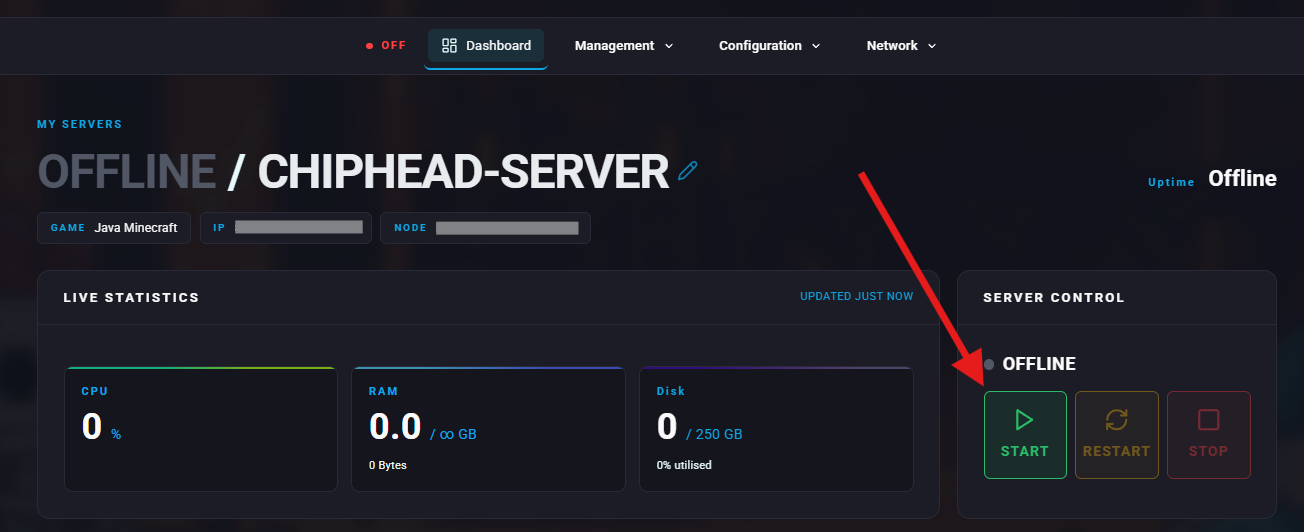
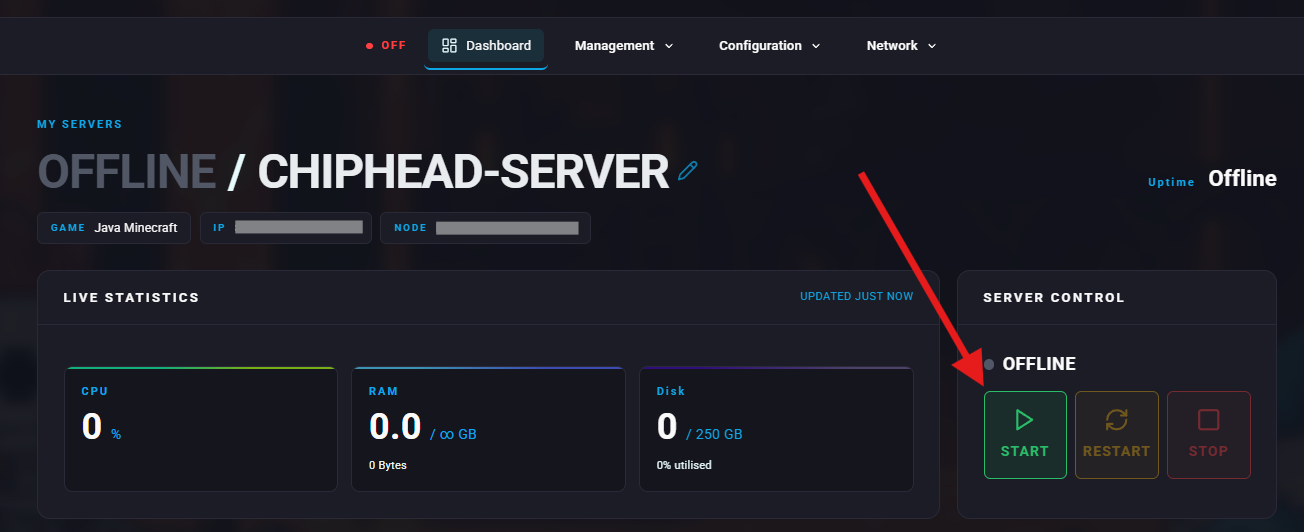
Start the server.
Once the server fully starts, stop it again.
Under Network navigate to Ports.
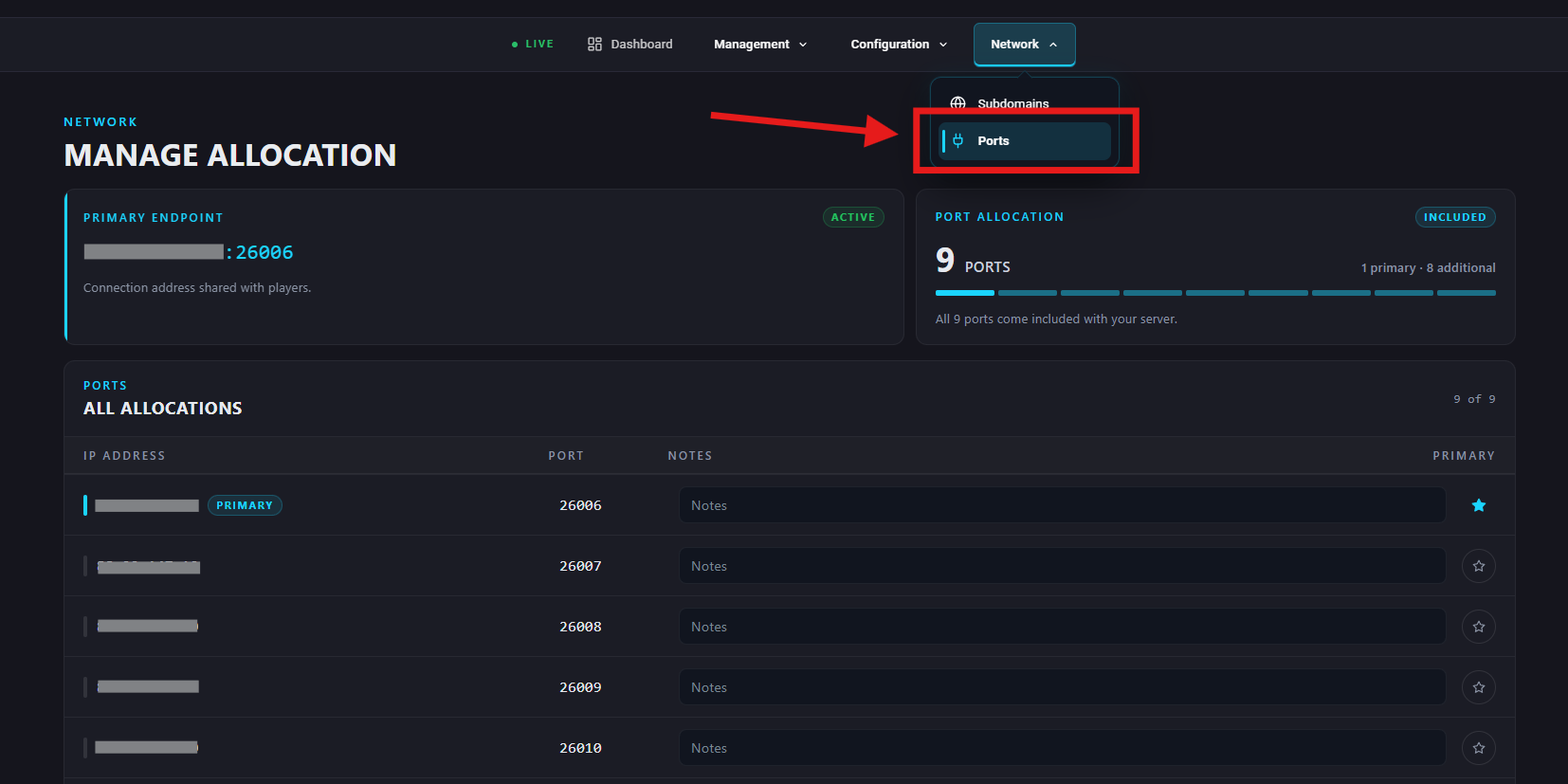
Note an available port:
Use a port not already in use by other mods.
(ChipHead gives you 9 extra ports at no additional cost)
Go back to the Files tab.
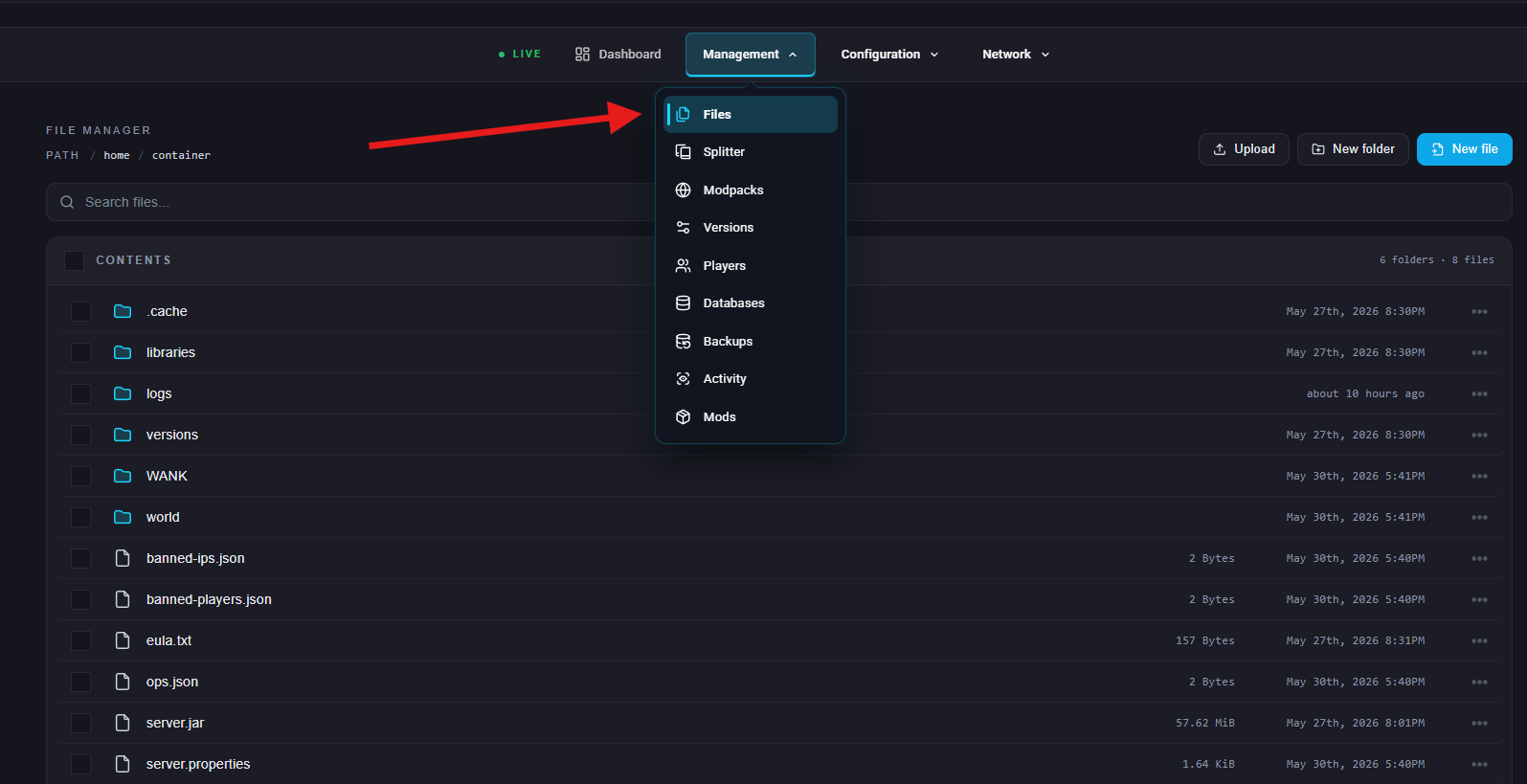
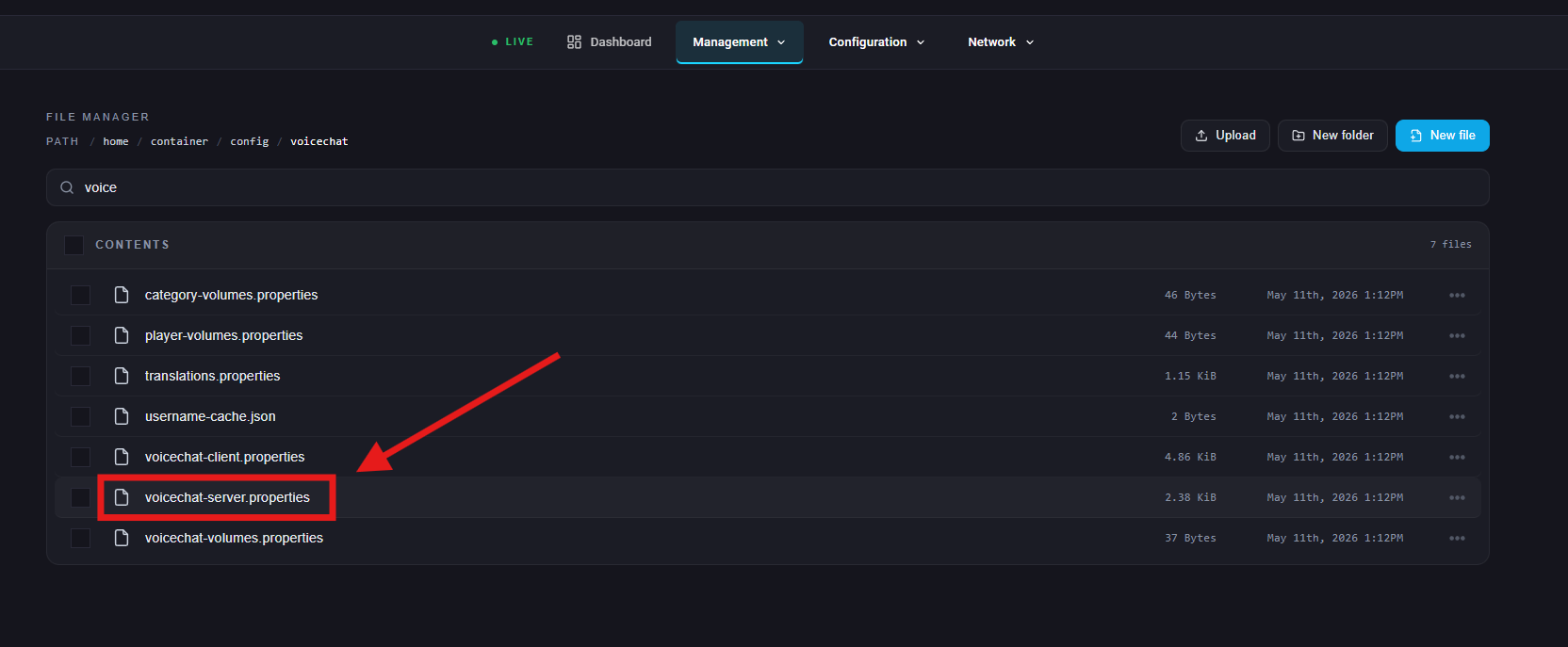
Navigate to /config/voicechat/ and open voicechat-server.properties.
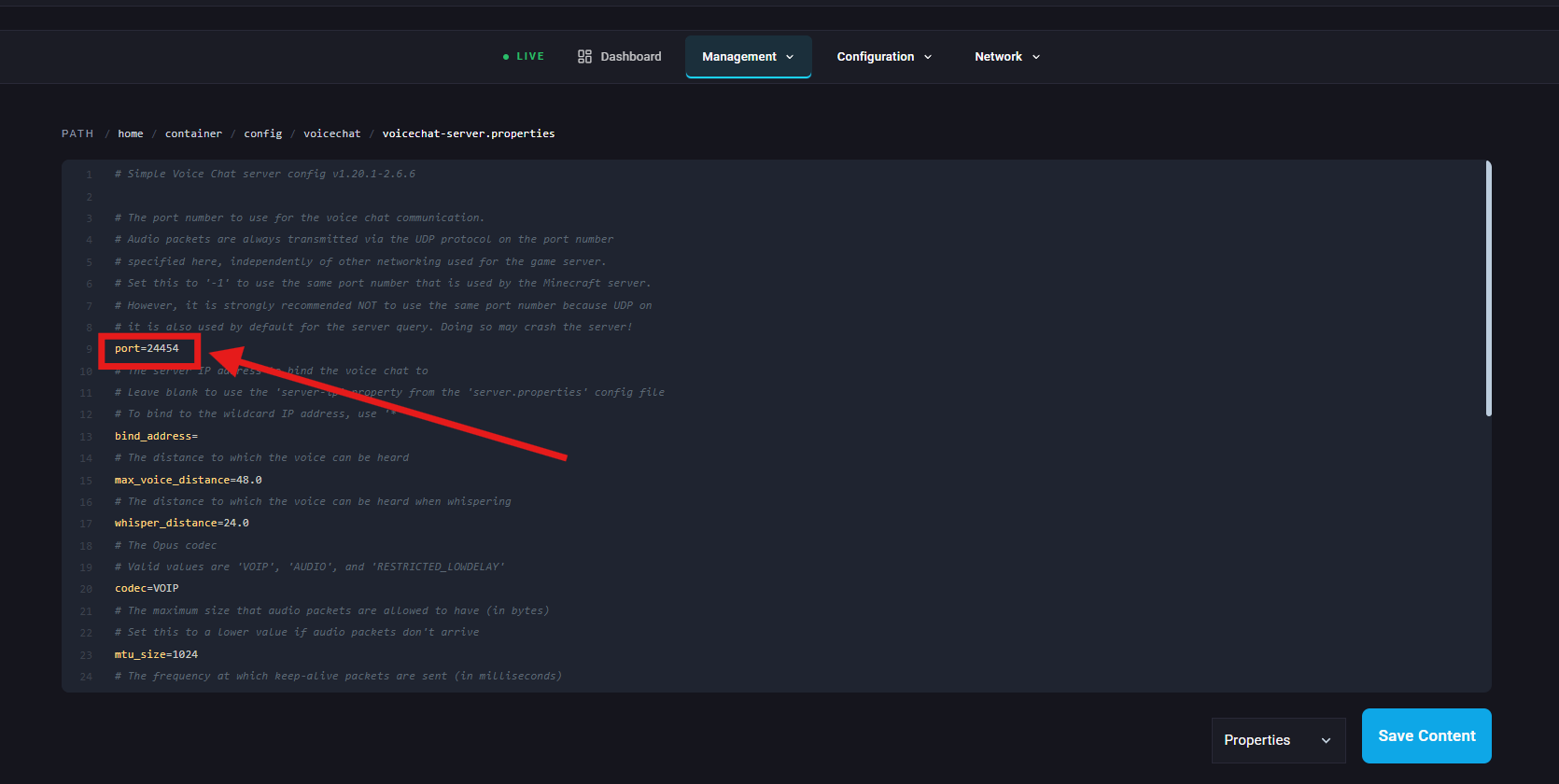
On the port= line, set it to the port from Step 8.
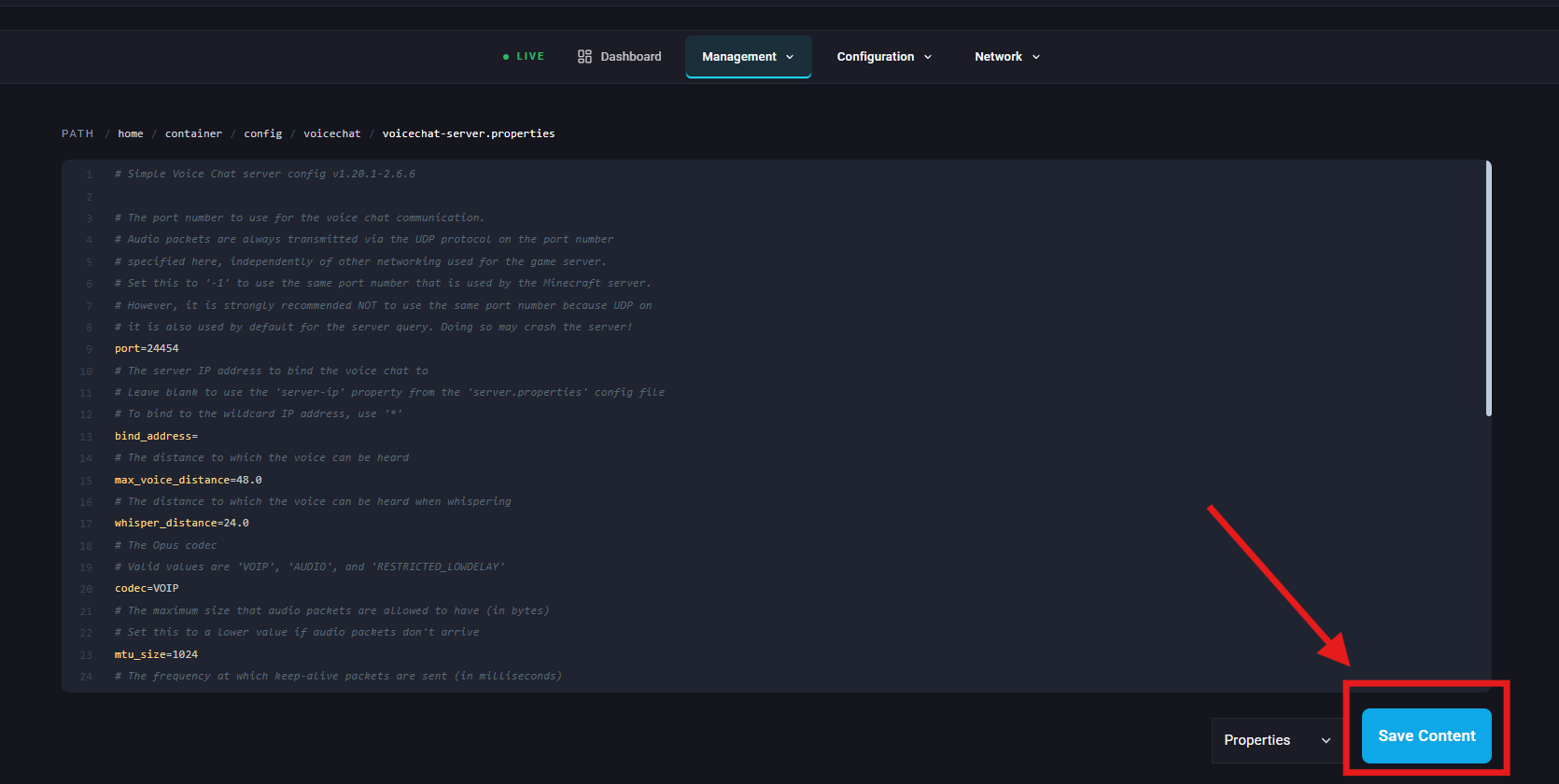
Save the file.
Start the server again.