Summary
The Minecraft world seed generates an entirely new world with different terrain, biomes, and structures. This can refresh gameplay for players who’ve fully explored or completed their current world. Additionally, seeds make it easy to share world layouts with others, allowing players to experience the same terrain on separate worlds. However, only the map layout is shared any built structures or player progress will not carry over.

Requirement
Changing the world seed requires generating a new world.
Changing the world seed requires generating a new world.

Note
Always create local backups beforehand to preserve any important files or progress.
Always create local backups beforehand to preserve any important files or progress.
How to Change the World Seed on a Minecraft Server
Log in to the ChipHead Panel.

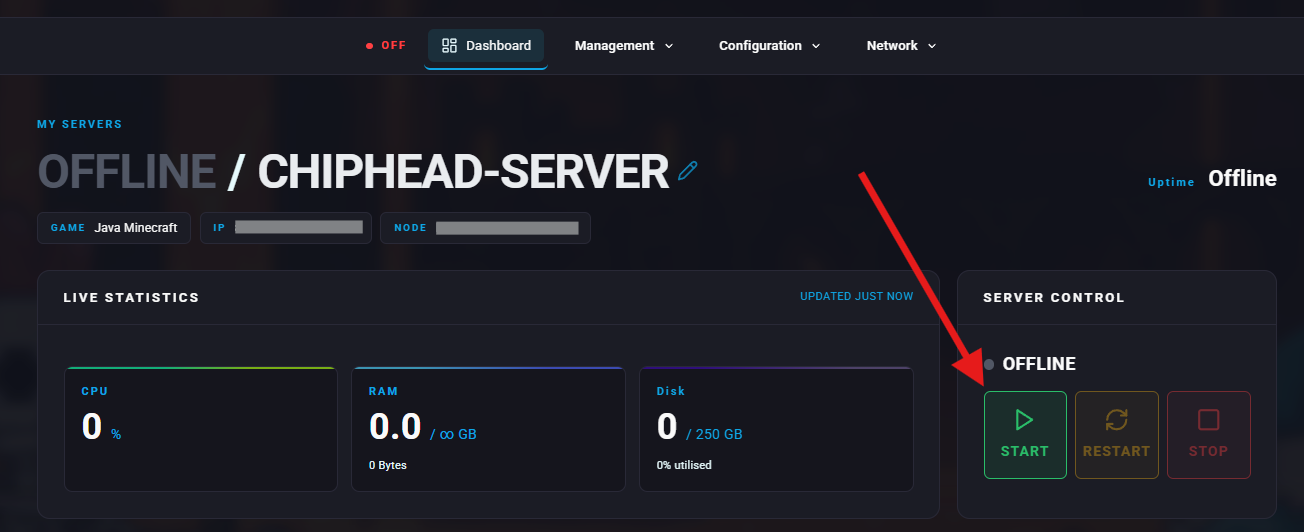
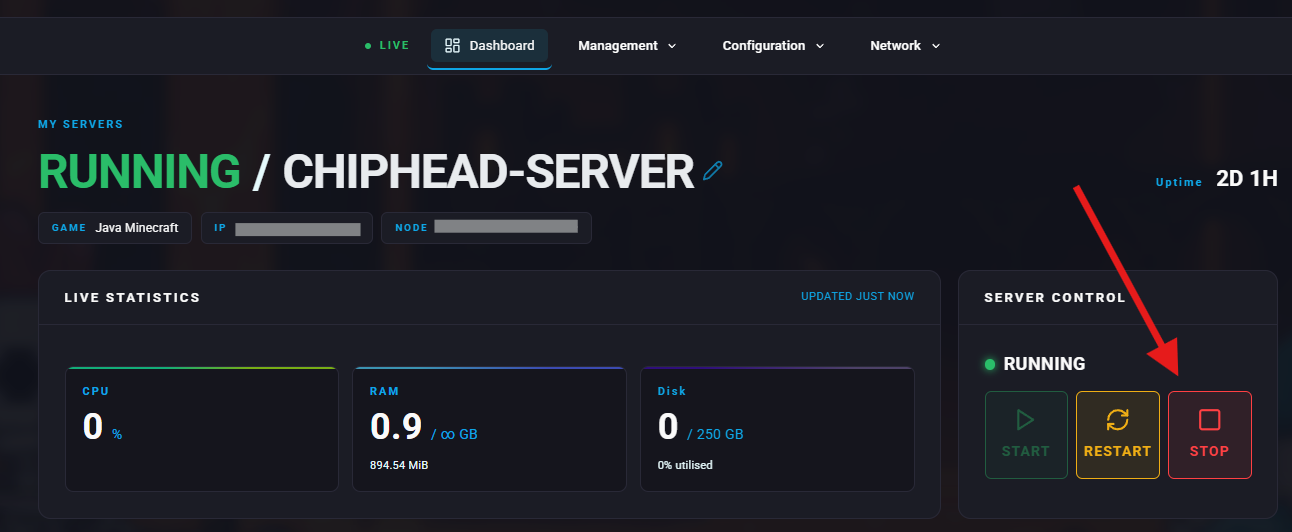
Stop the server.
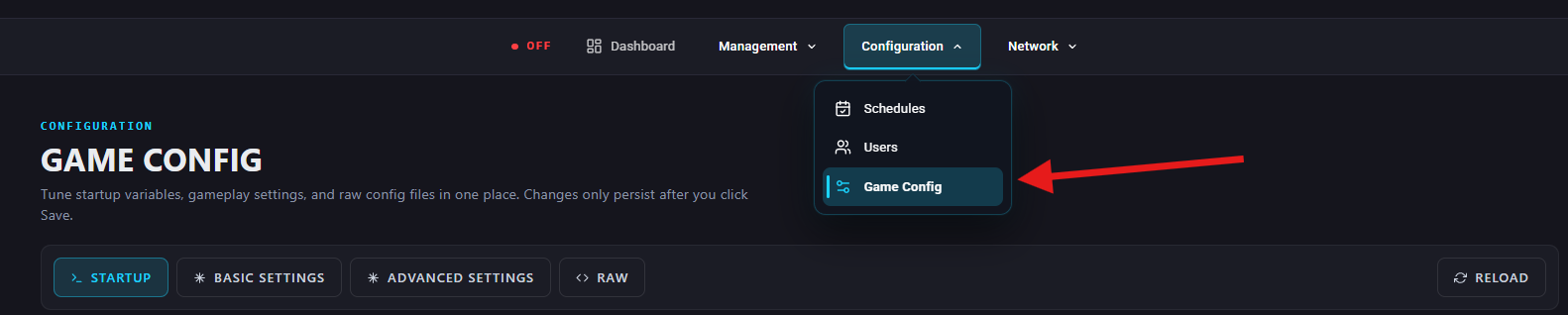
Go to Configuration > Game Config
Under Basic Settings > Sever Properties, find World Seed or search “seed” then enter the desired world seed in the empty field.
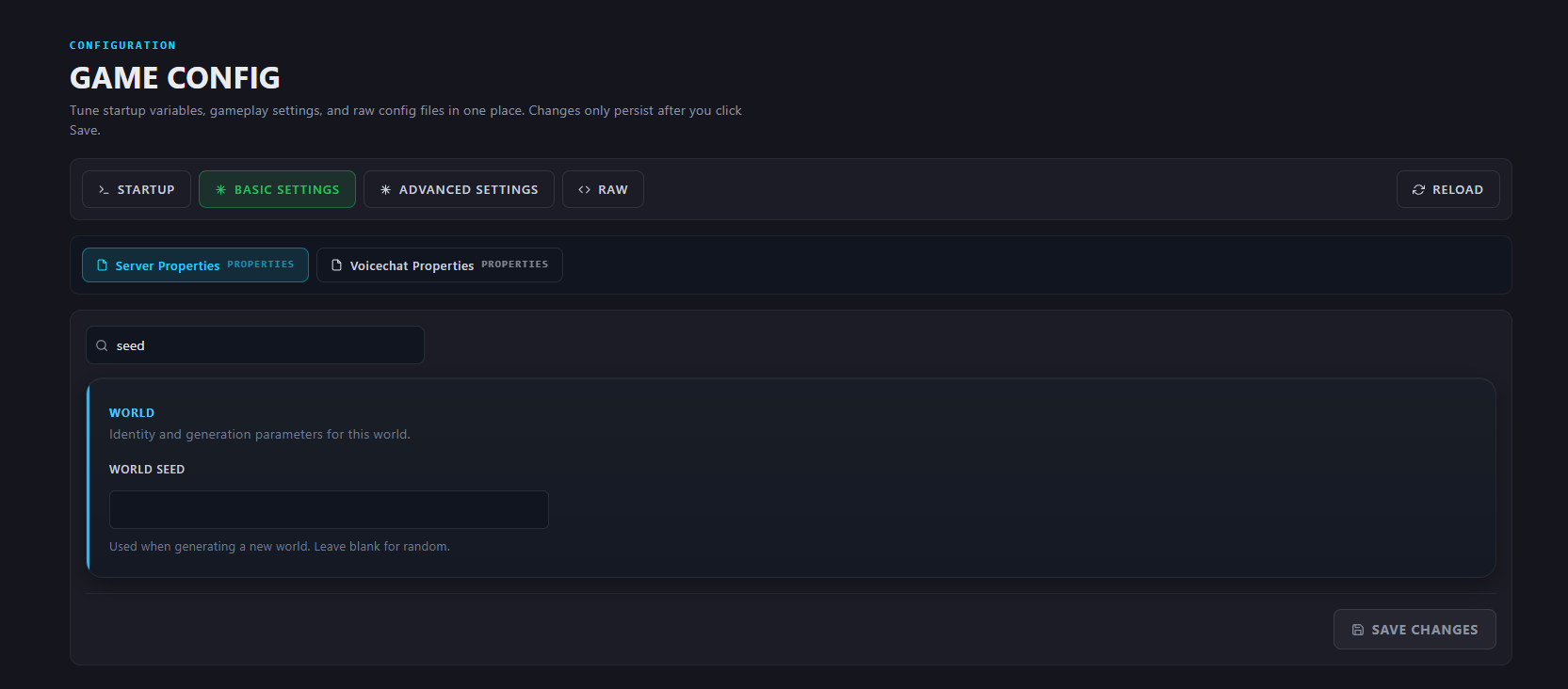
Save Changes

Start the server.