
Sometimes, when starting a Minecraft Java Edition server, you may encounter an error message related to the EULA (End User License Agreement).
Minecraft’s EULA applies to all servers and clients, including Bukkit, Spigot, and Forge servers.

Note: As stated in ChipHead’s Terms of Service, if your server violates Mojang’s EULA, it may be suspended until the violating content is removed.
How to Agree to Your Server’s EULA
Start your server for the first time.
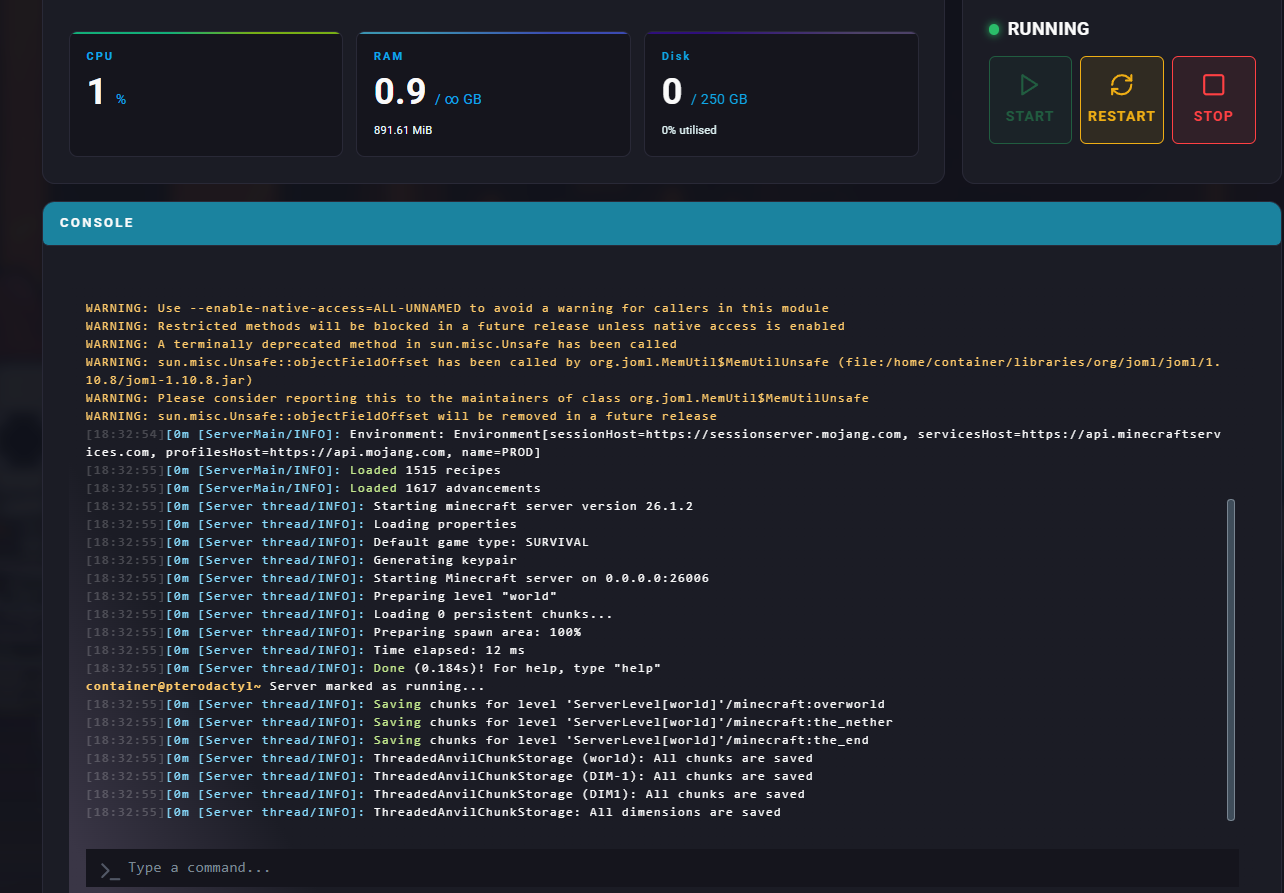
Navigate to the Dashboard and view the Console.
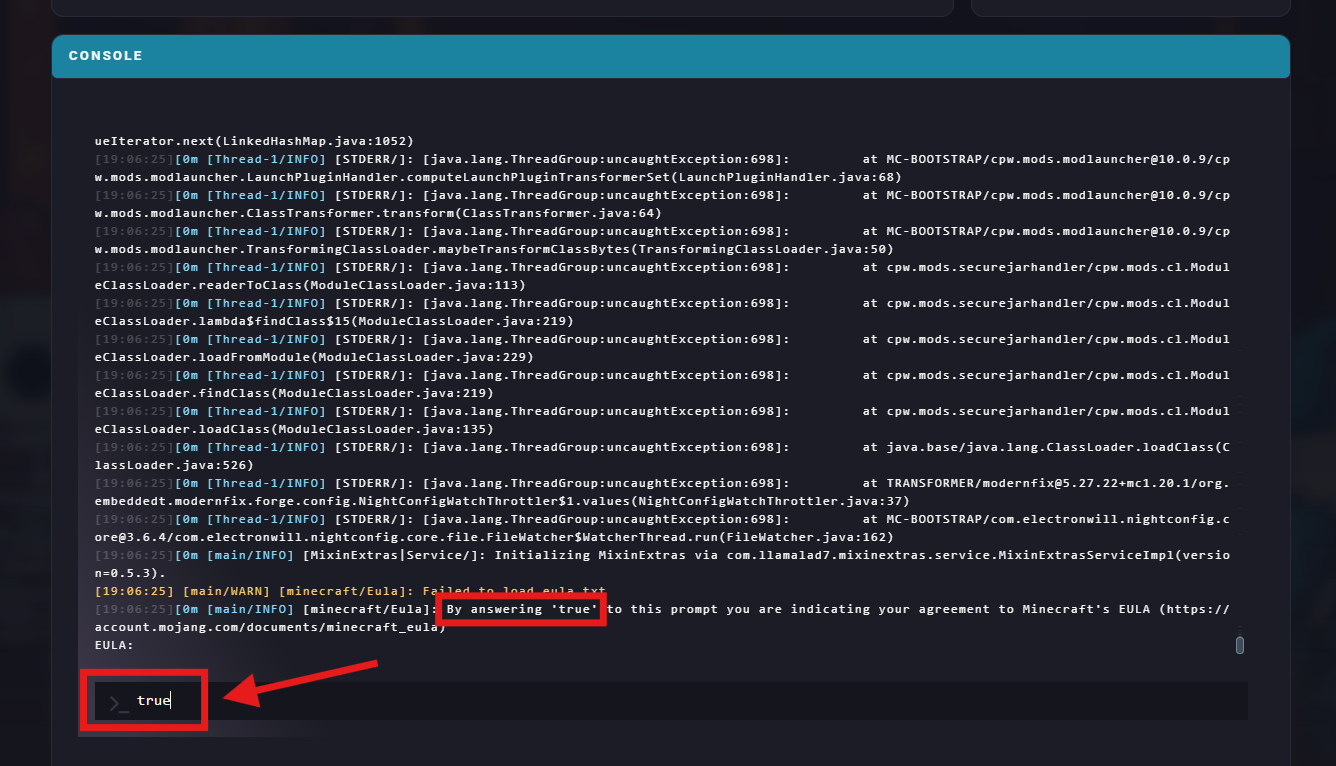
Once prompted by “By answering 'true' to this prompt you are indicating your agreement to Minecraft's EULA (https://account.mojang.com/documents/minecraft_eula)”, type in true and enter to accept and continue starting your server.
Alternatively, if you’re prompted with a popup, you can hit I accept to accept the Minecraft EULA.

Your server will then be shortly online and ready to go!