Player vs. Player (PvP) combat lets players and their Pals battle each other - a fun and competitive feature for community servers.
You can enable PvP in your server’s Config tab when creating a new world.
Log in to the ChipHead Panel.

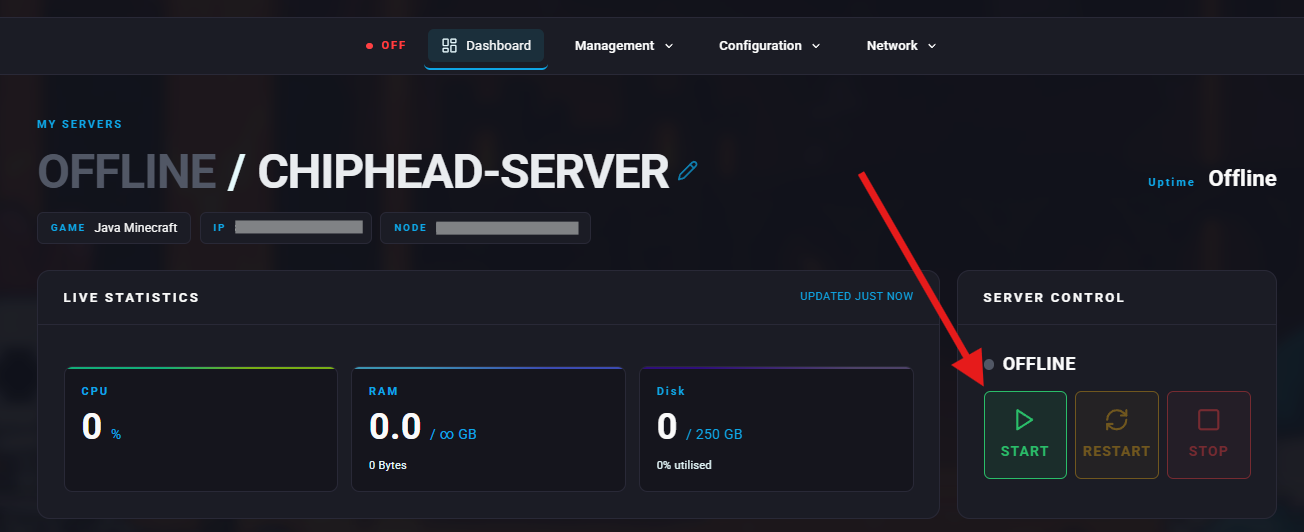
Stop your server.
Open the Config tab.
(We recommend clicking on </> Raw to view this config file.)
Set "PvP" to True.
Set "Player to Player Damage" to True.
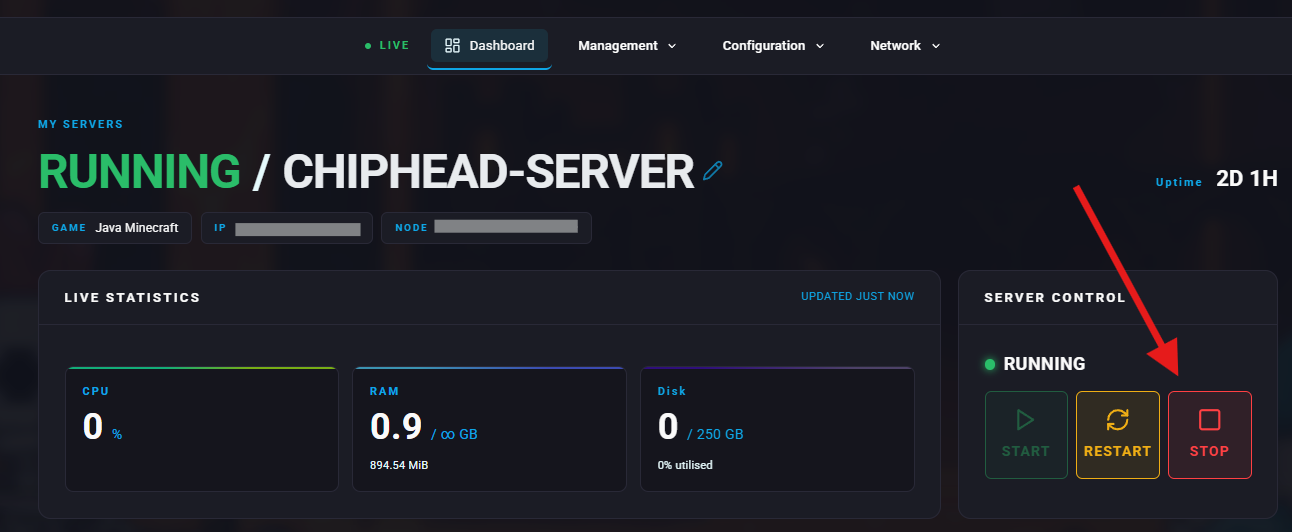
Navigate back to Dashboard and start your server.

If your server already has a world running, config changes may not apply automatically.
You’ll need to update the world options directly.
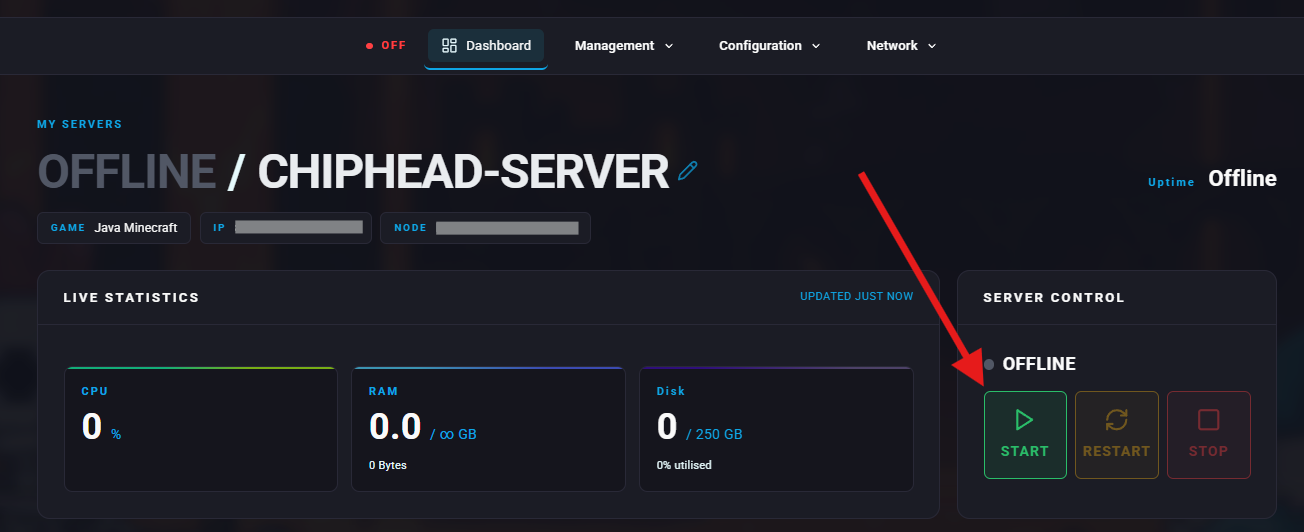
Stop your server.
Go to the Files tab and navigate to:
Pal/Saved/Config/LinuxServer/
Open "PalWorldSettings.ini" and copy all its contents.
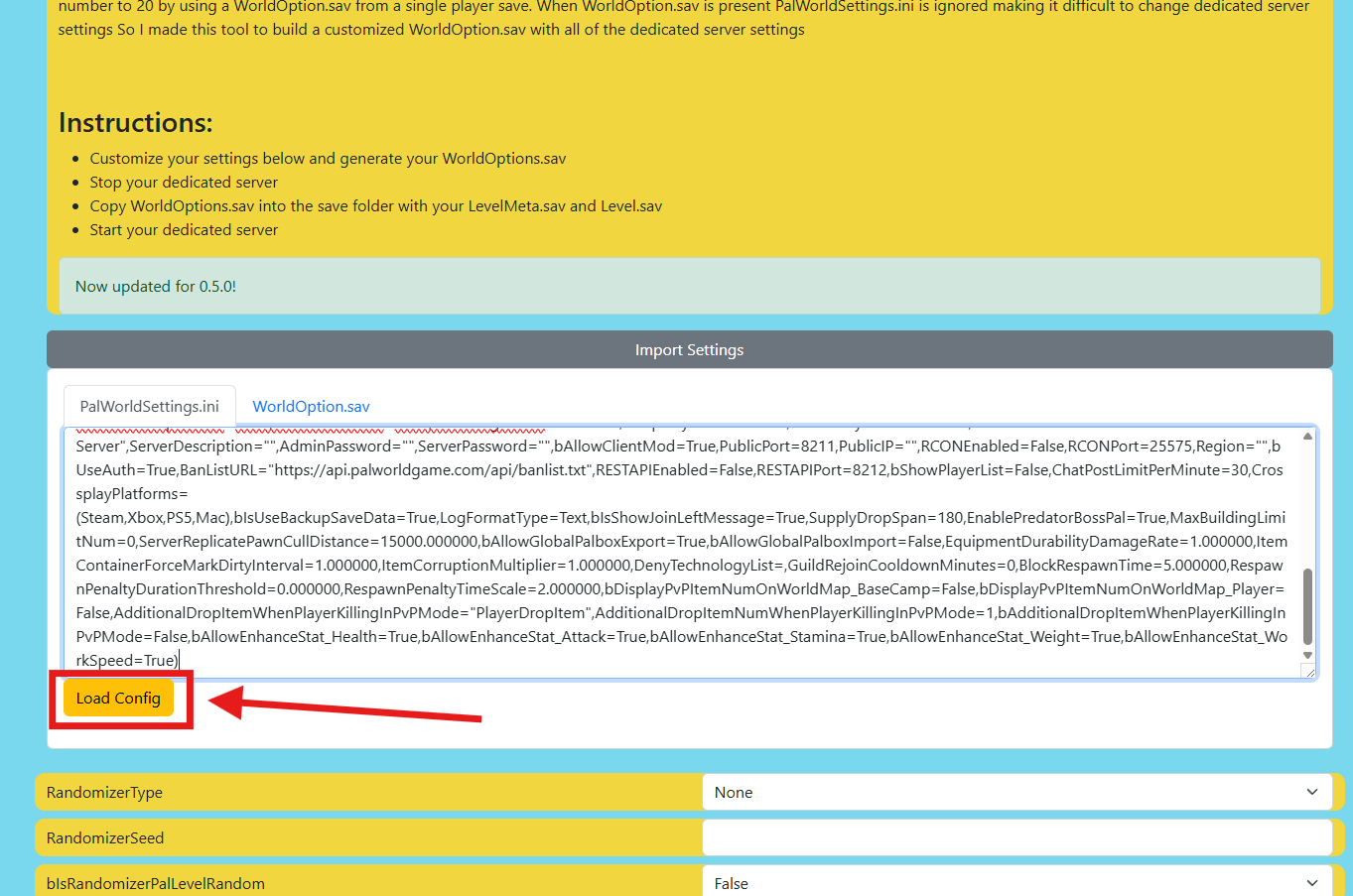
Click on Import Settings
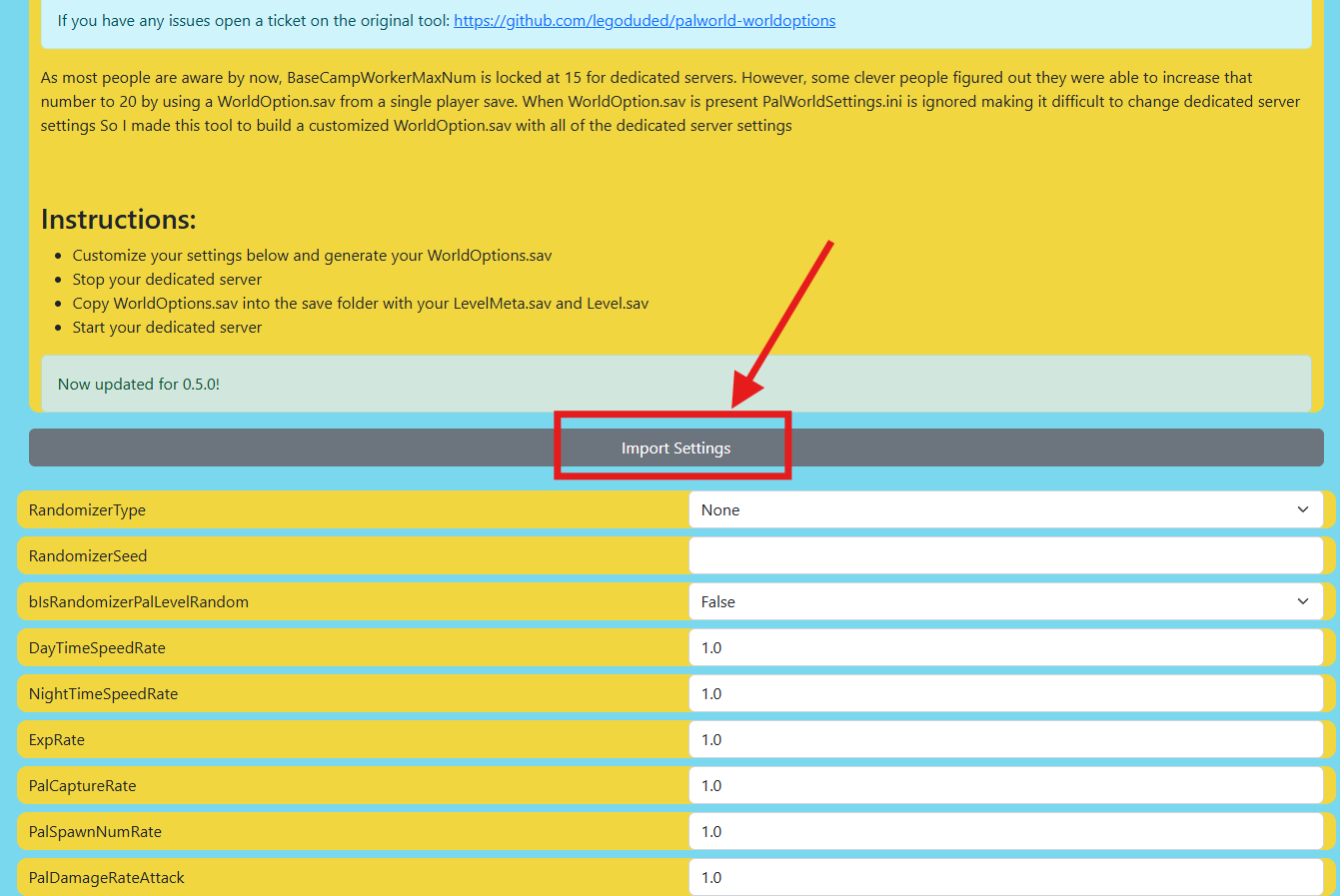
Paste the contents into the editor and click Load Config.
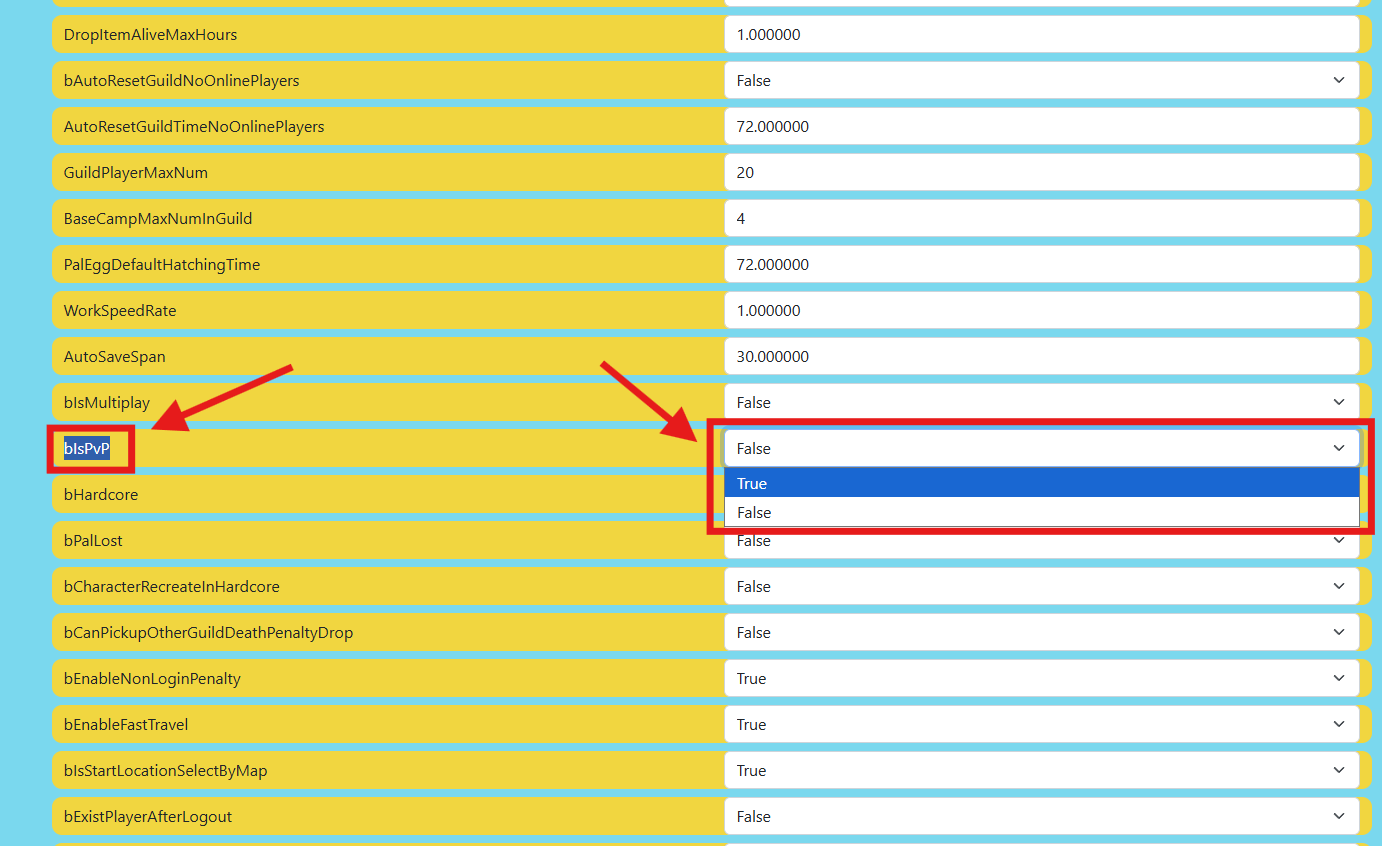
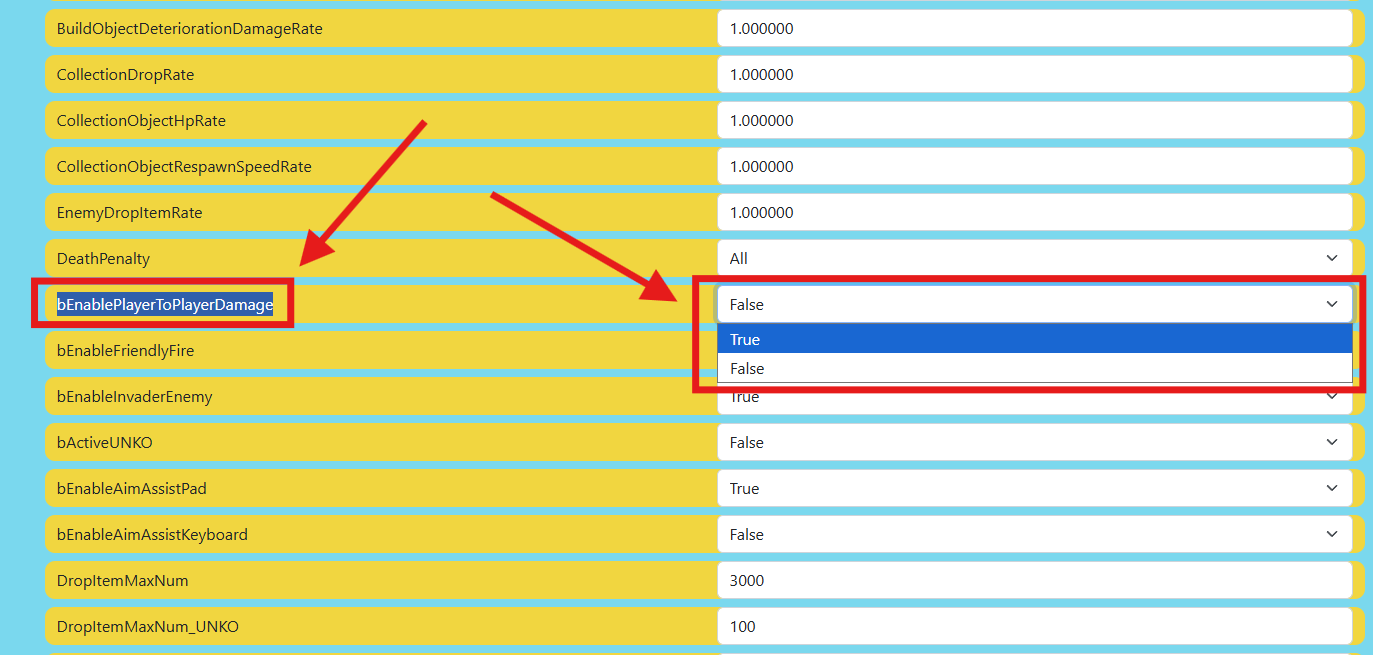
Set both of these to True:
bIsPvP=True
bEnablePlayerToPlayerDamage=True
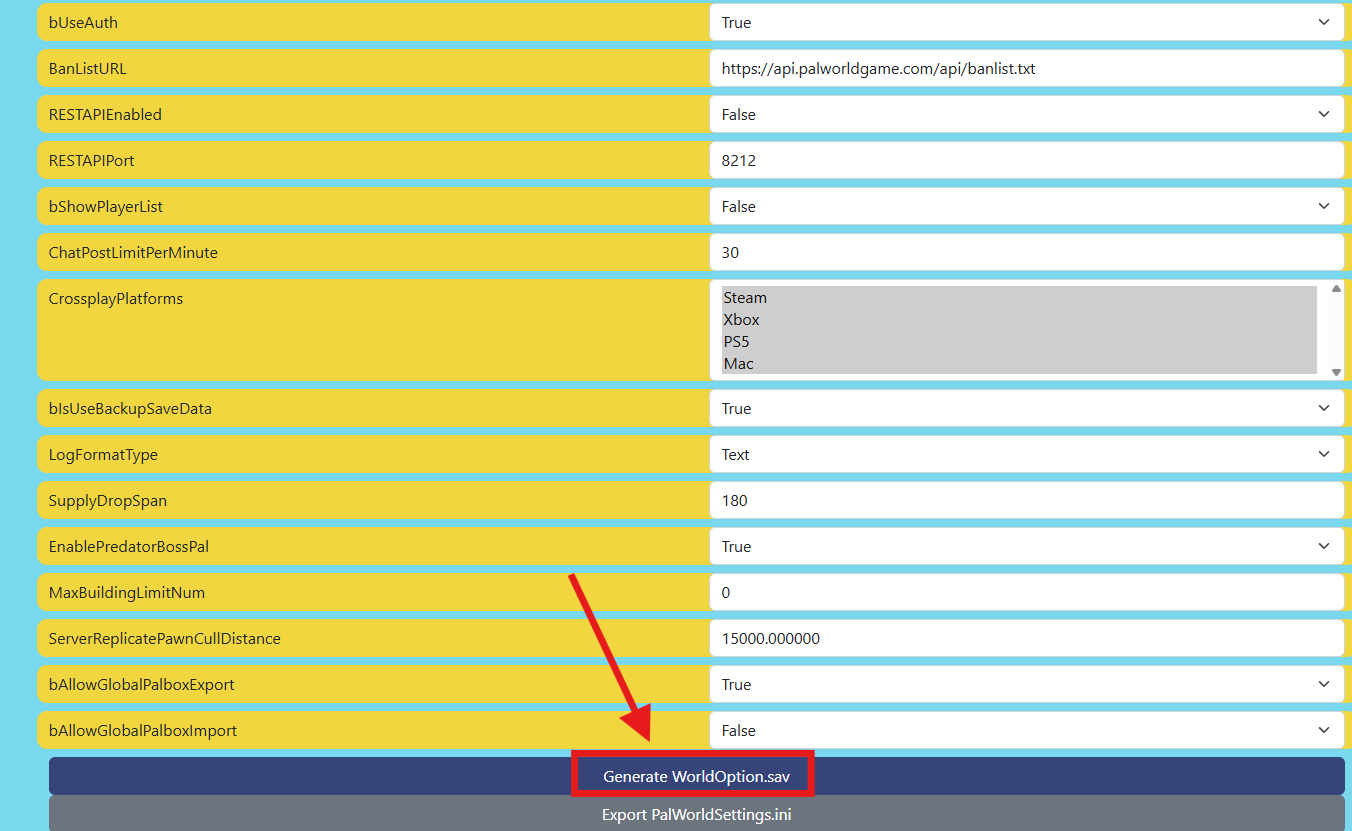
Click "Generate WorldOption.sav".
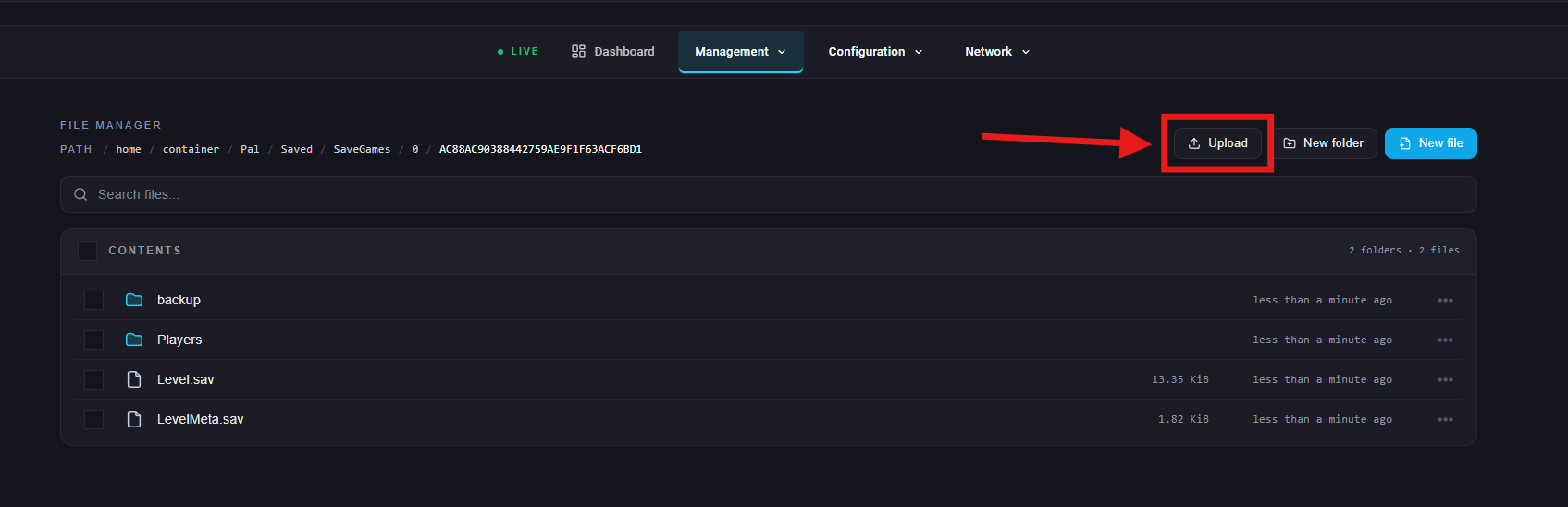
Upload the new WorldOption.sav to:
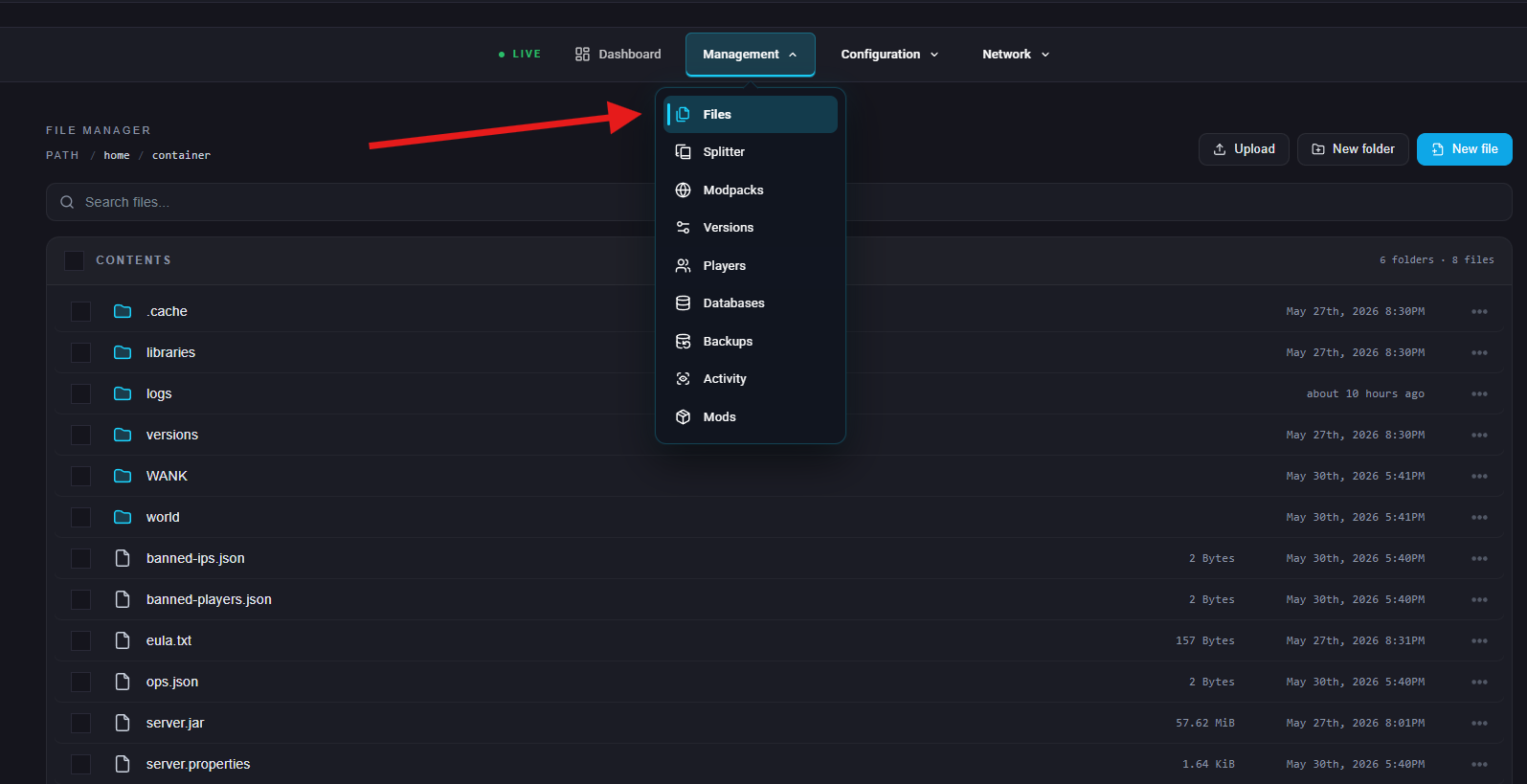
Navigate to Management > Files on the ChipHead Panel
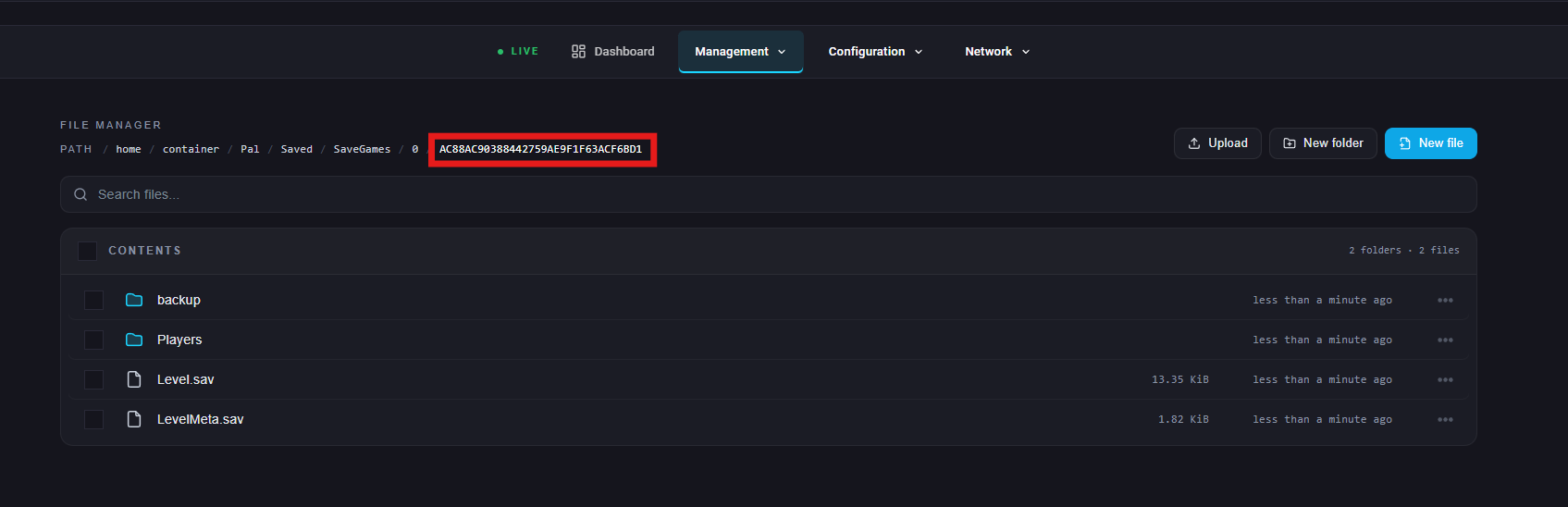
Navigate to Pal/Saved/SaveGames/0/<YourSaveString>/
Upload the WorldOption file from step 8.
Start your server.