
🌀 How to Reset Your Palworld Server World
If you want to start over with a fresh world on your Palworld server, you can easily reset it.
Before doing so, it’s highly recommended that you create a backup of your current world - just in case you want to restore it later.
⚙ Resetting Your Palworld World
You can reset your world by deleting your current save files through your ChipHead control panel.
Log in to the ChipHead Panel.

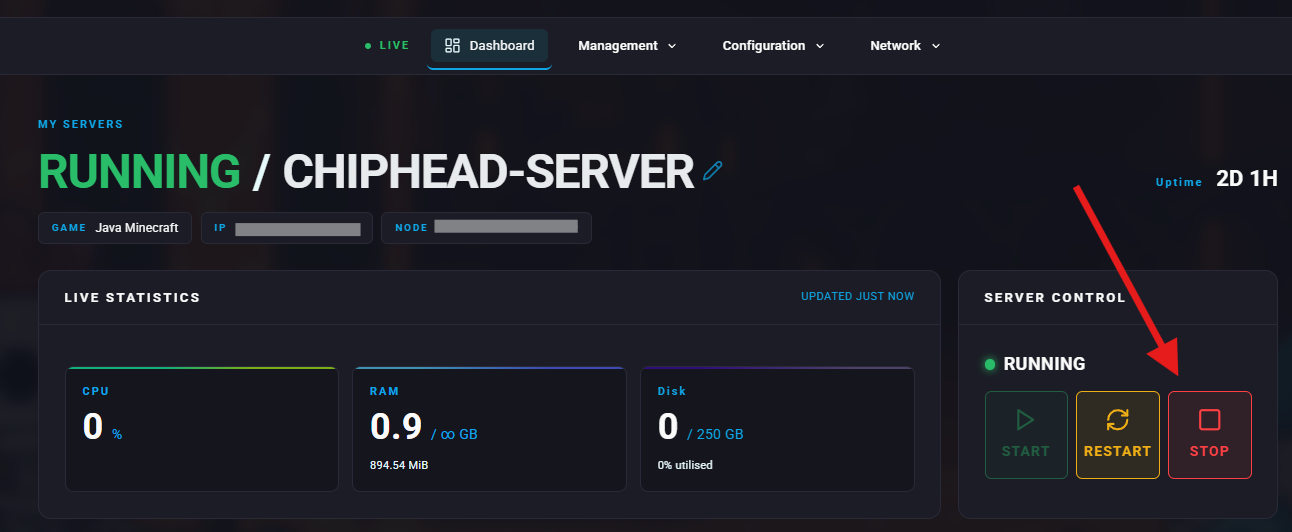
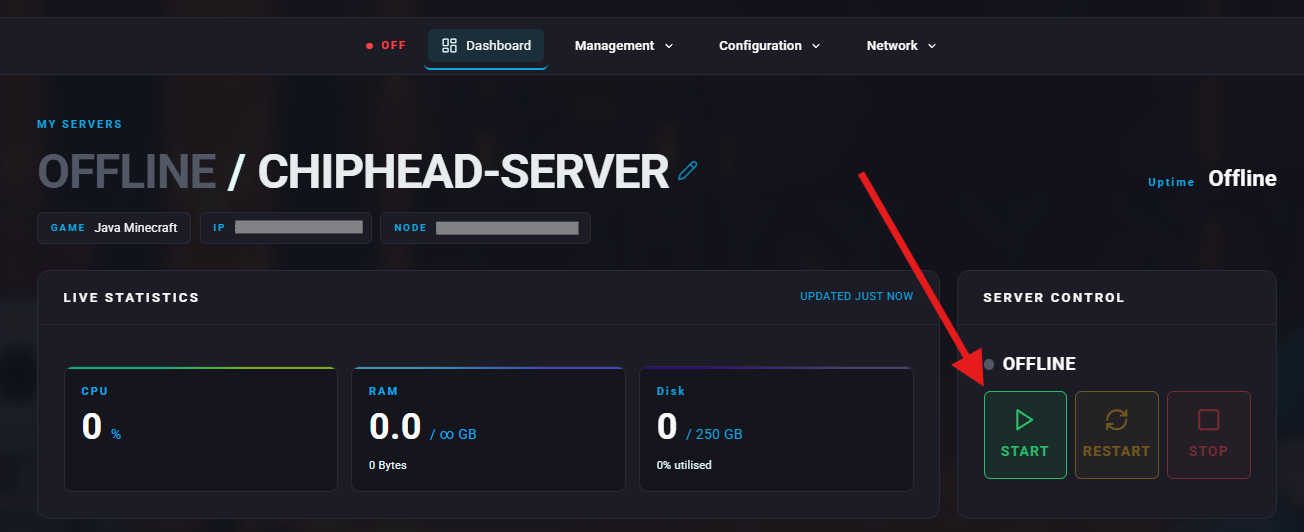
Stop your server.
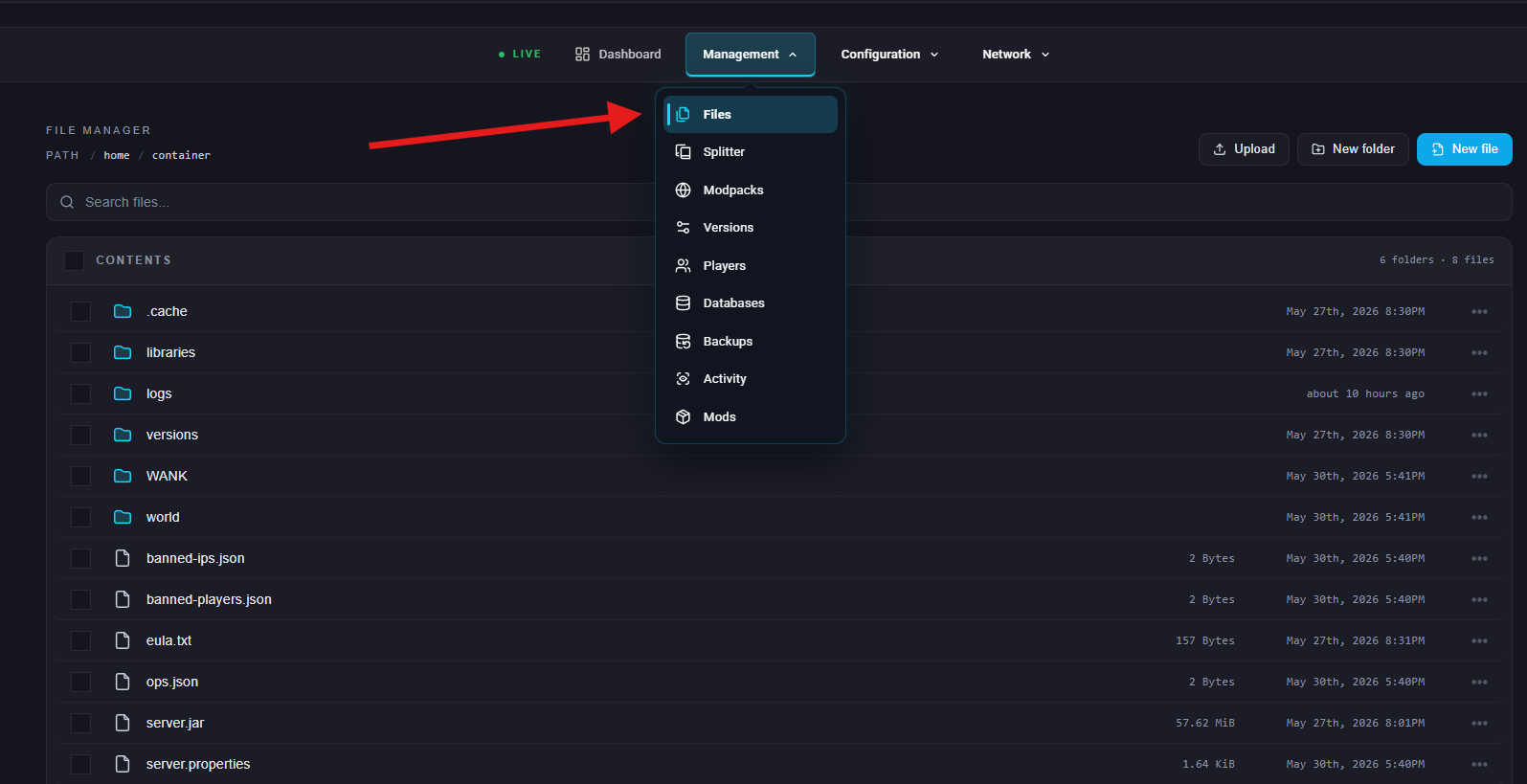
Go to the Files tab.
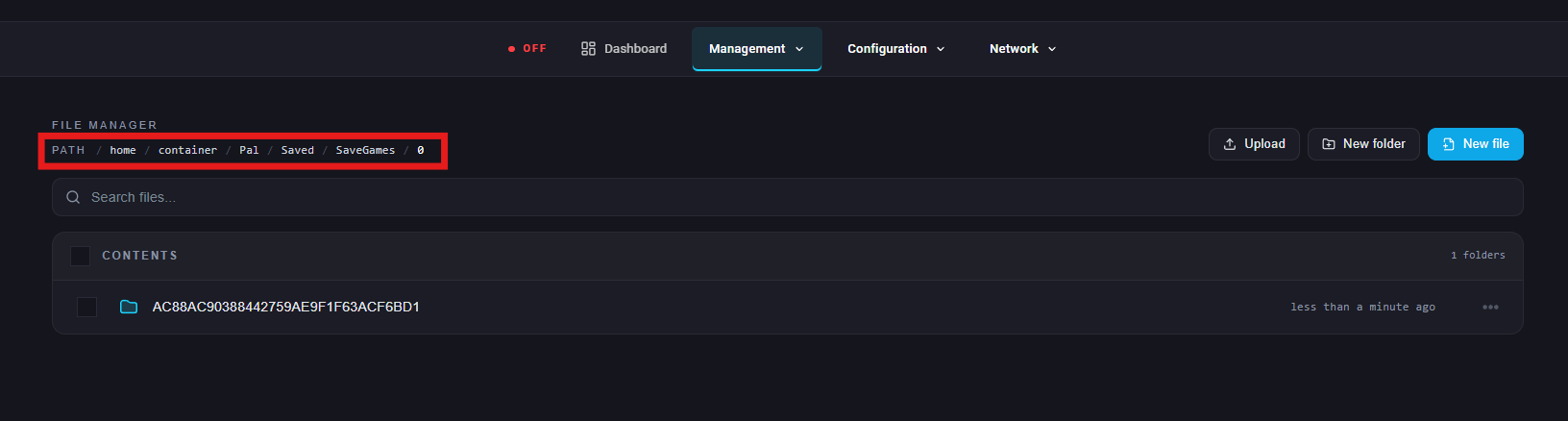
Navigate to: /Pal/Saved/SaveGames/0
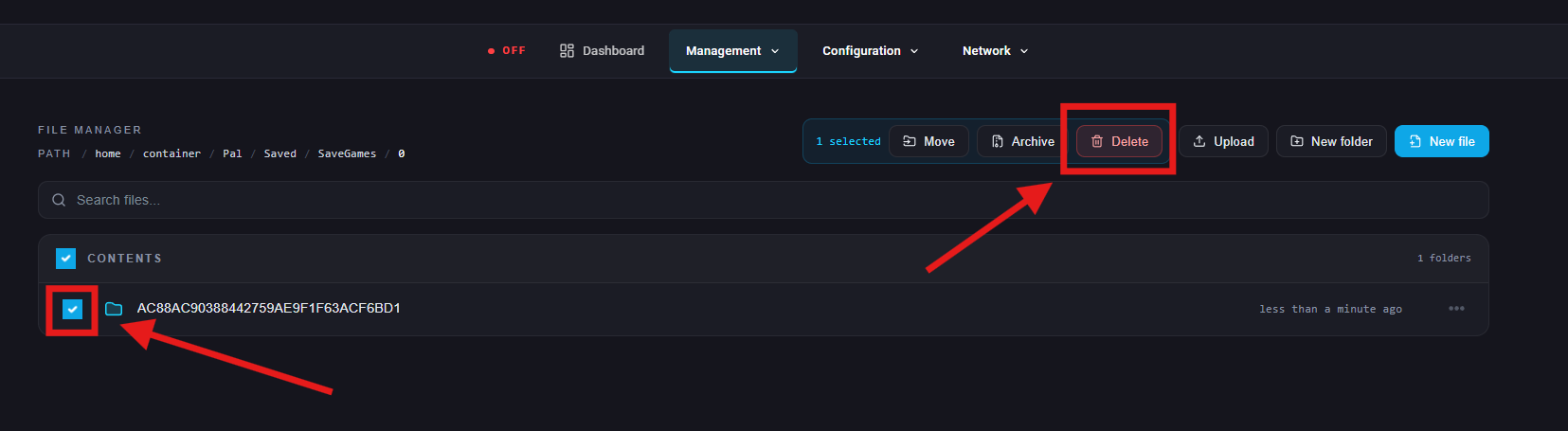
Select and delete your save directory.
Start your server.

That’s it! When your server starts back up, a brand-new world will be generated automatically.