
How to Fix the “Connection Timed Out” Error in Satisfactory
If you’re getting a connection timed-out error when trying to join your ChipHead Satisfactory server, it means your PC wasn’t able to connect quickly enough - usually due to network performance or client-side loading speed.
Luckily, this can often be fixed by adjusting your Network Quality settings in-game.
Changing Your Network Quality
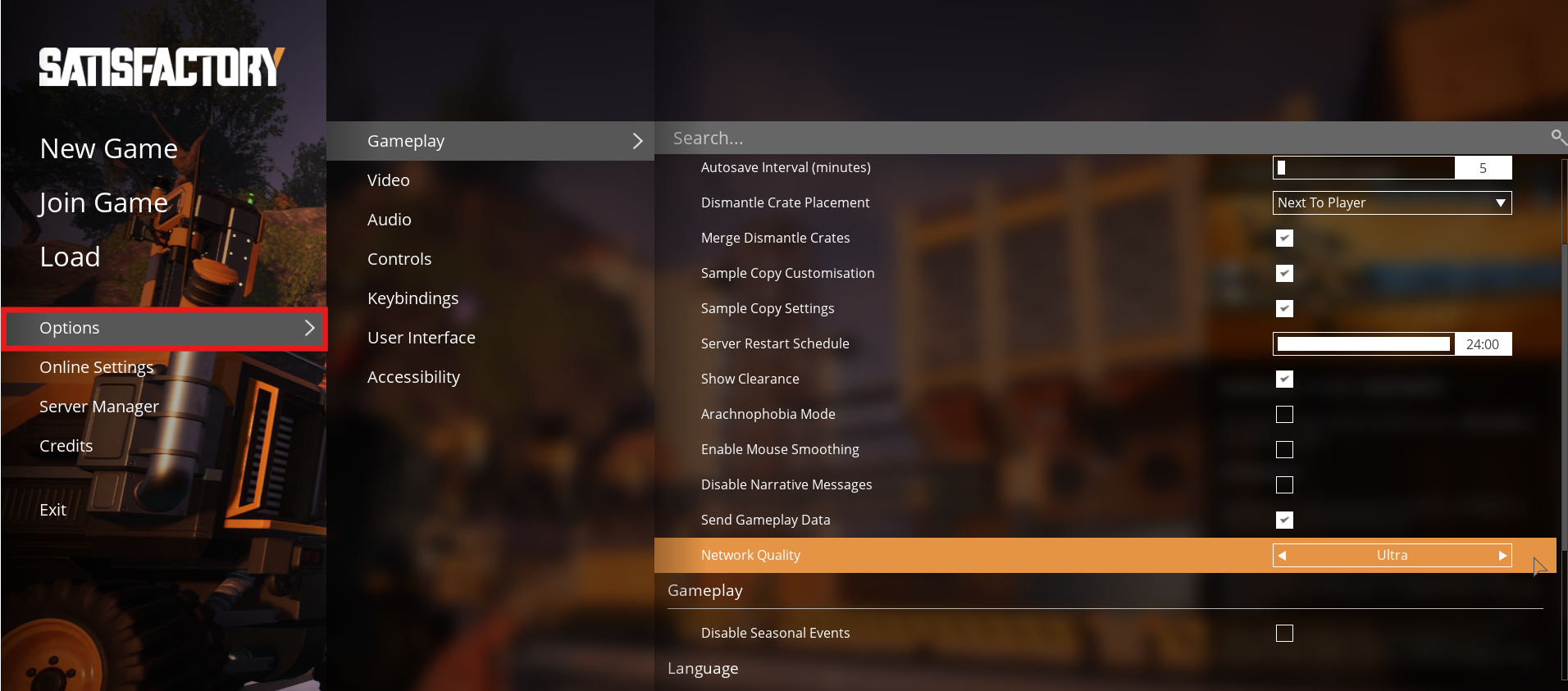
1⃣ From the main menu, click Options.
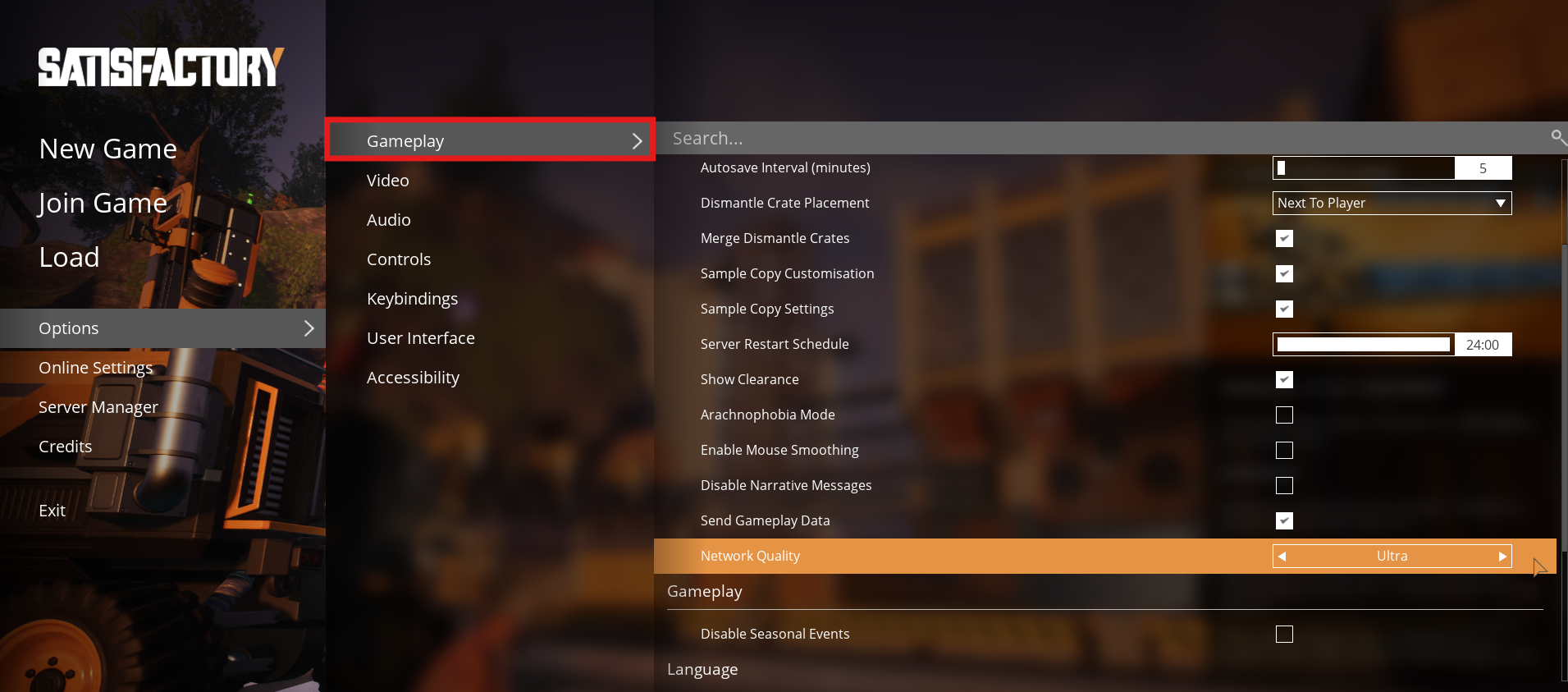
2⃣ Go to the Gameplay tab.
3⃣ Set Network Quality to Ultra.
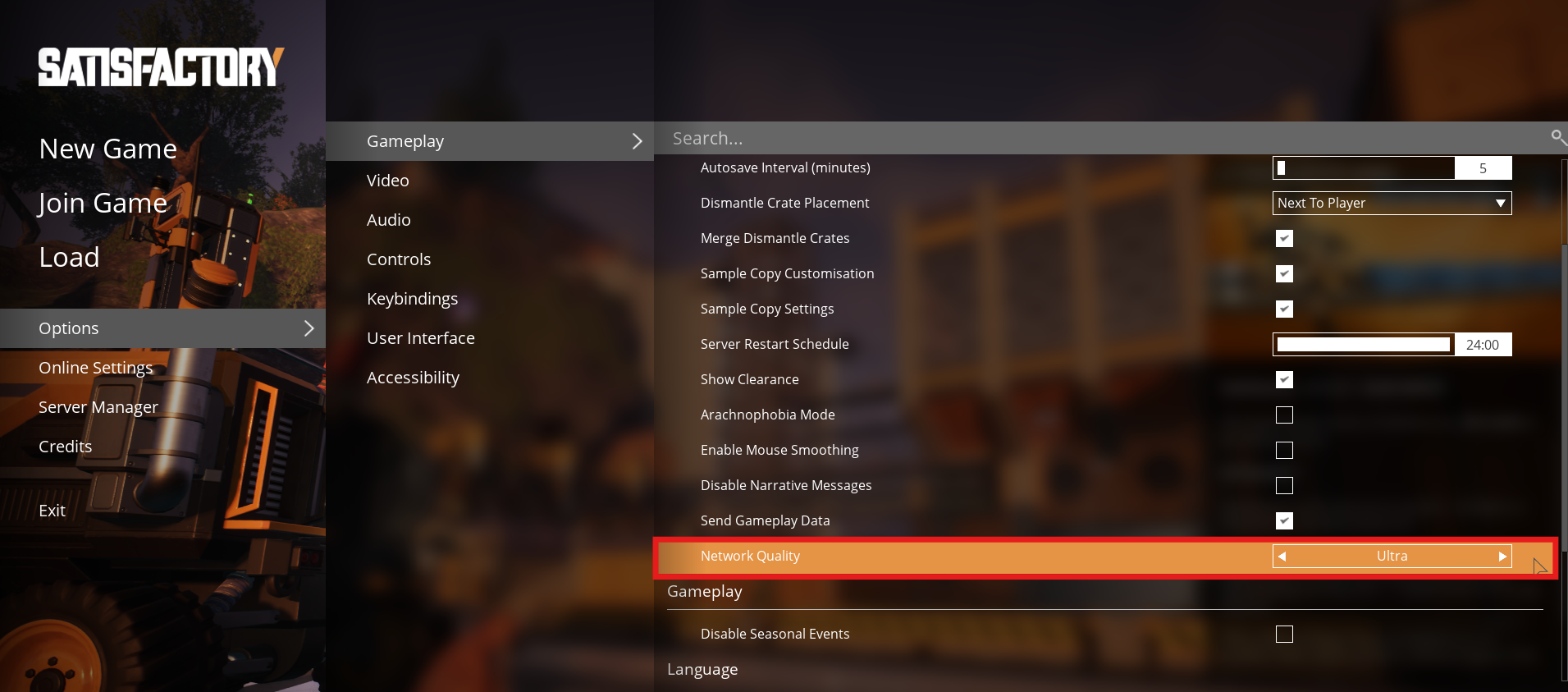
This improves client load times and network performance, helping you connect before the timeout occurs.

You should now be able to join your ChipHead Satisfactory server without timing out!