
How to Access the In-Game Console in Satisfactory
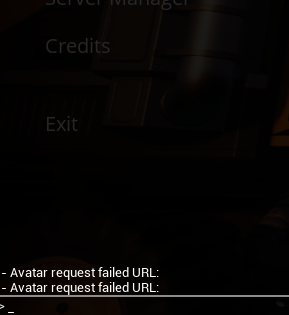
You can open Satisfactory’s in-game console by pressing one of the following keys:
§ or ` or ~Each time you press the key, the console will toggle through three stages:
Stage 0: Console closed
Stage 1: Small command line at the bottom of the screen

Stage 2: Large console window showing logs and a command line at the top
For a full list of available commands, check out the Satisfactory Wiki:
🔗 https://satisfactory.wiki.gg/wiki/Console_commands