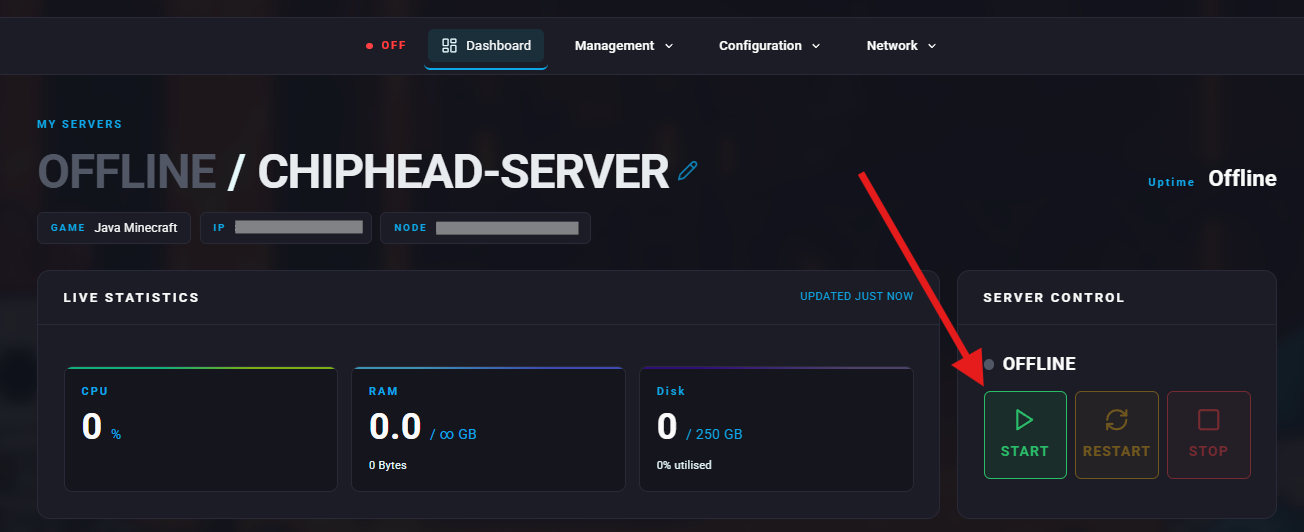
If you’re running an ARK: Survival Evolved server with mods, you’ll occasionally need to update them when new versions are released. This guide will walk you through how to safely update your mods on your ChipHead Server.

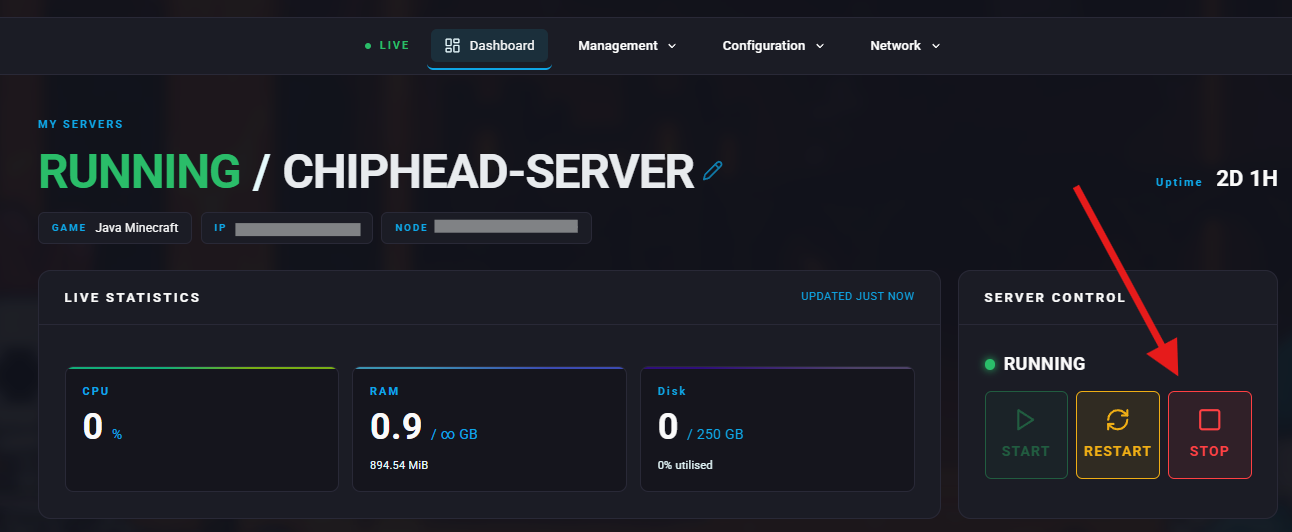
Log in to your ChipHead Panel and Stop your server before making any modifications.
Log in to your ChipHead Panel.

Stop your server.
From the ChipHead Panel, go to the Files section.
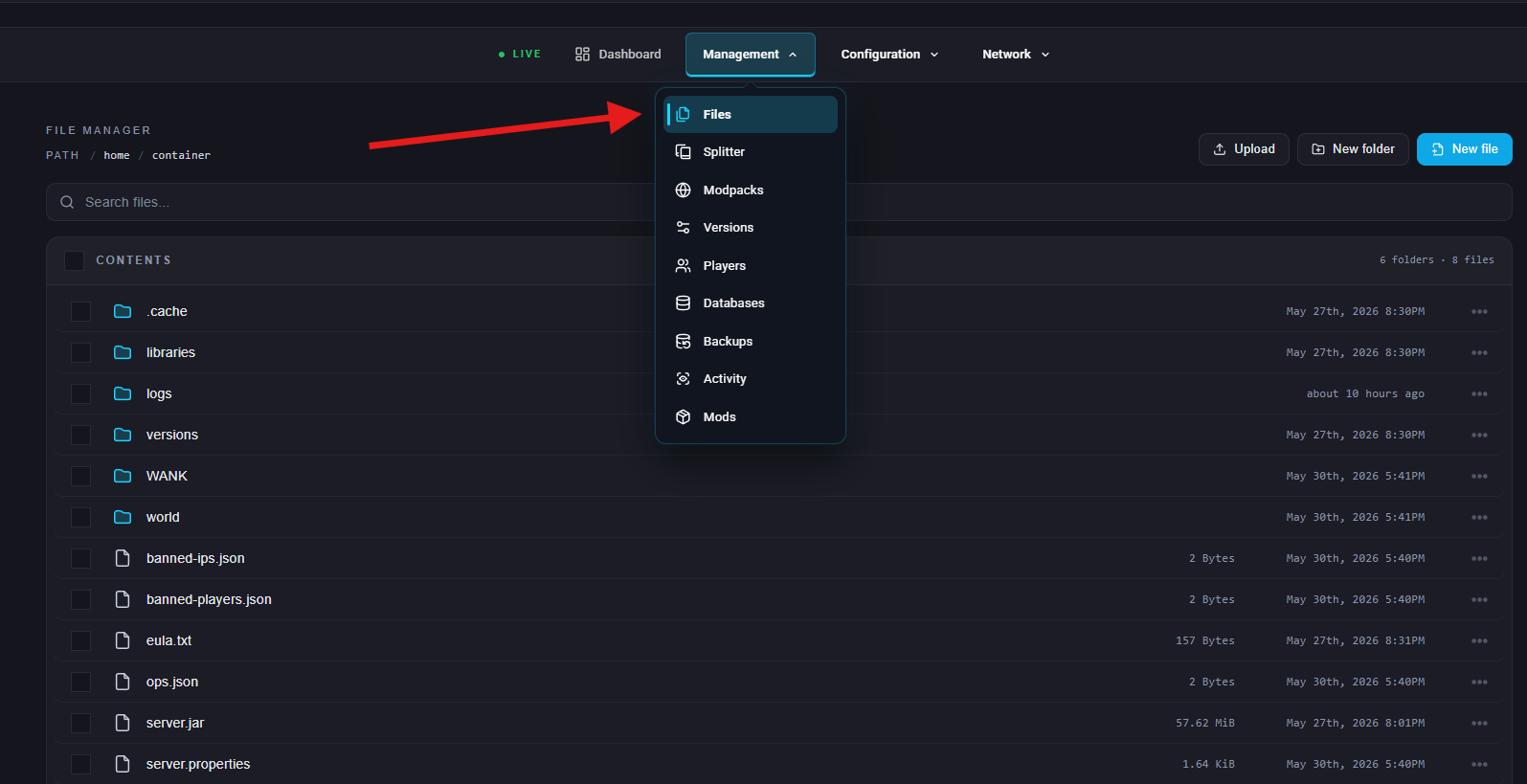
Navigate to the following directory:
/ShooterGame/Content/ModsInside the Mods folder, you’ll see several subfolders named after Mod IDs and their matching .mod files.
To update specific mods, select only those folders and their matching .mod files.
To update all mods, select every file and folder except the following base map and system files:

After selecting the correct mod folders and files, click Delete and confirm the action. This removes the outdated mod data from your server.
Start your server again from the ChipHead Panel.