
When someone connects to your Satisfactory server via IP, the server name is the first thing they’ll see - so it’s a great way to personalize your world! Luckily, you can change it easily from within the game.
Changing Your Server Name
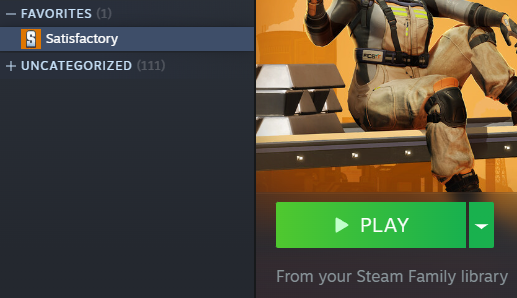
Launch Satisfactory & Open Server Manager
Go to Server Settings Tab and authenticate as admin
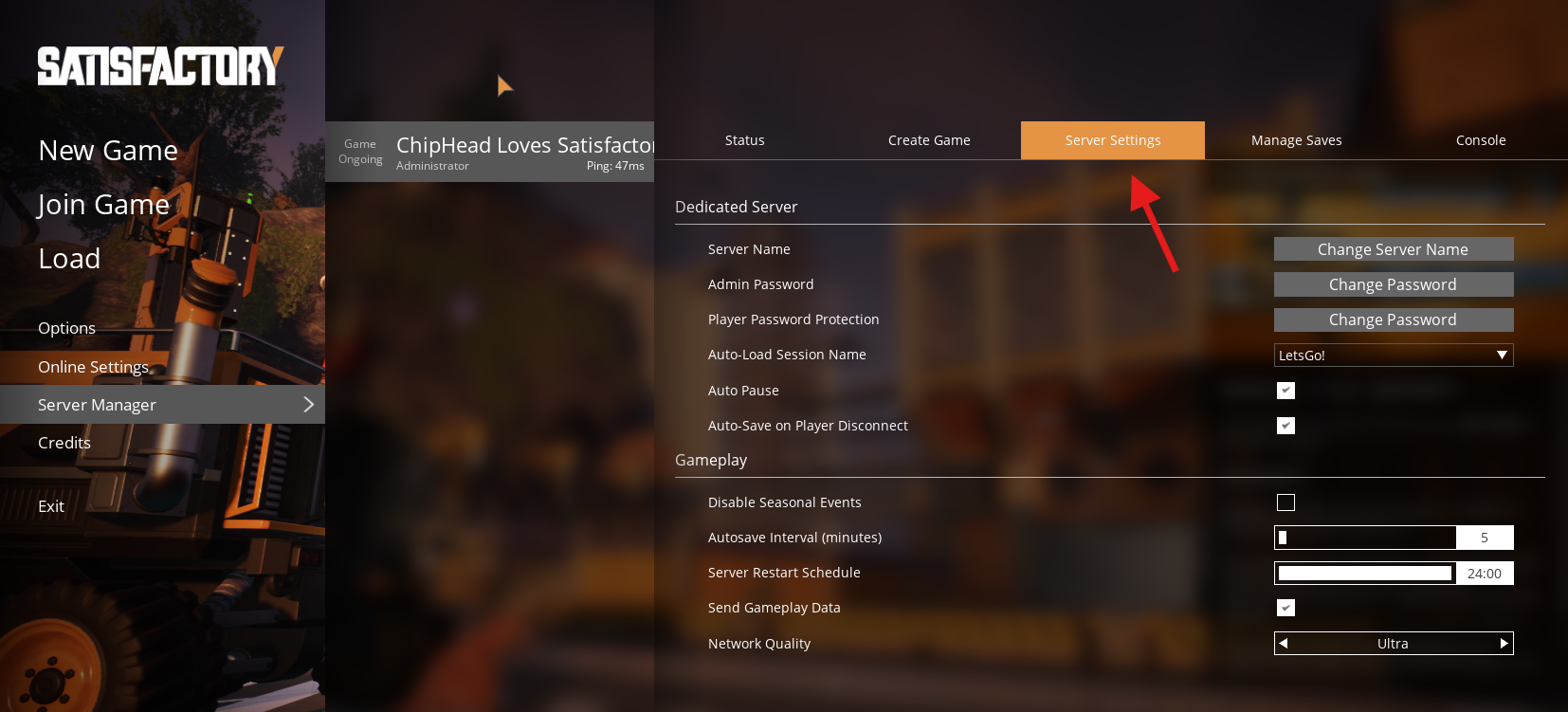
Click “Change Server Name”
Enter your desired name
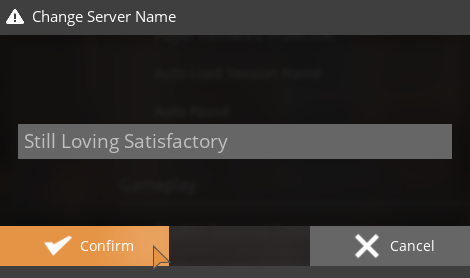
Press Confirm to save the changes.

Your server’s name will now update and be visible to anyone who has added your ChipHead Satisfactory Server!