
Summary
Resetting your world is a great way to start fresh or to fix world corruption issues. You can reset your world either in-game or directly through your ChipHead Panel using FTP access.
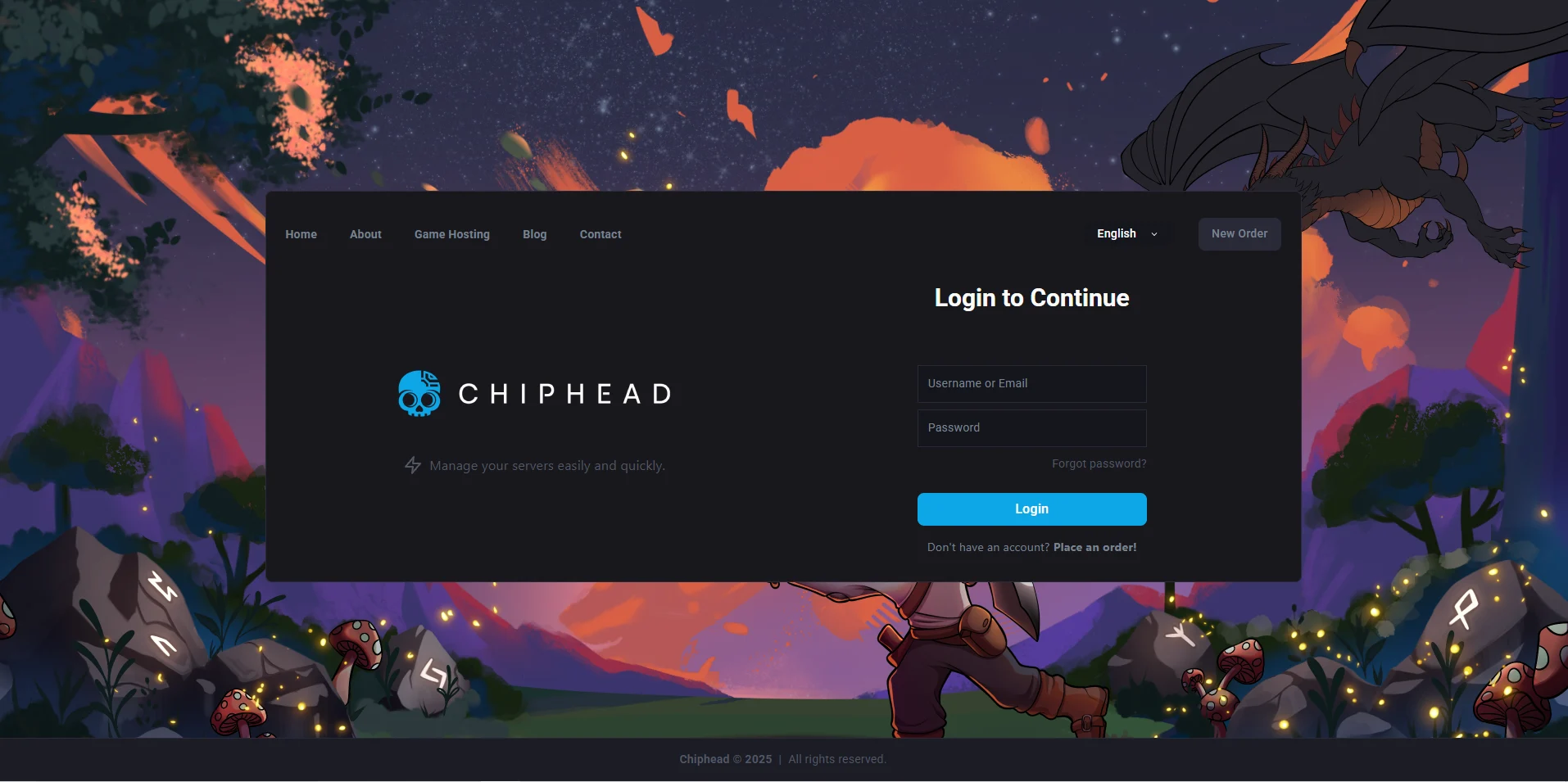
Log in to your ChipHead Panel
Navigate to “Dashboard”
Scroll down & Click on “Reinstall”

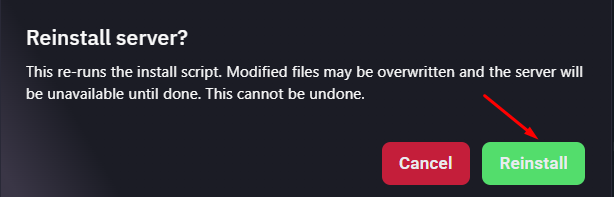
Confirm the server reinstallation

Your Satisfactory server will now reset and ready for a new start!