
Summary
BepInEx is a simple and powerful plugin loader for Valheim, allowing you to easily install and manage mods on your server. These mods can add everything from new mechanics and items to full gameplay overhauls! We have a specific installation for Valheim BepInEx to install please follow the instructions below.
How to install BepInEx:
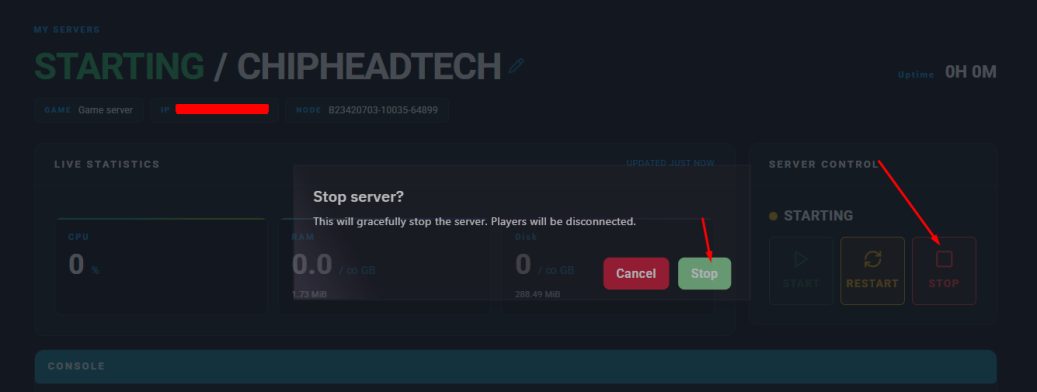
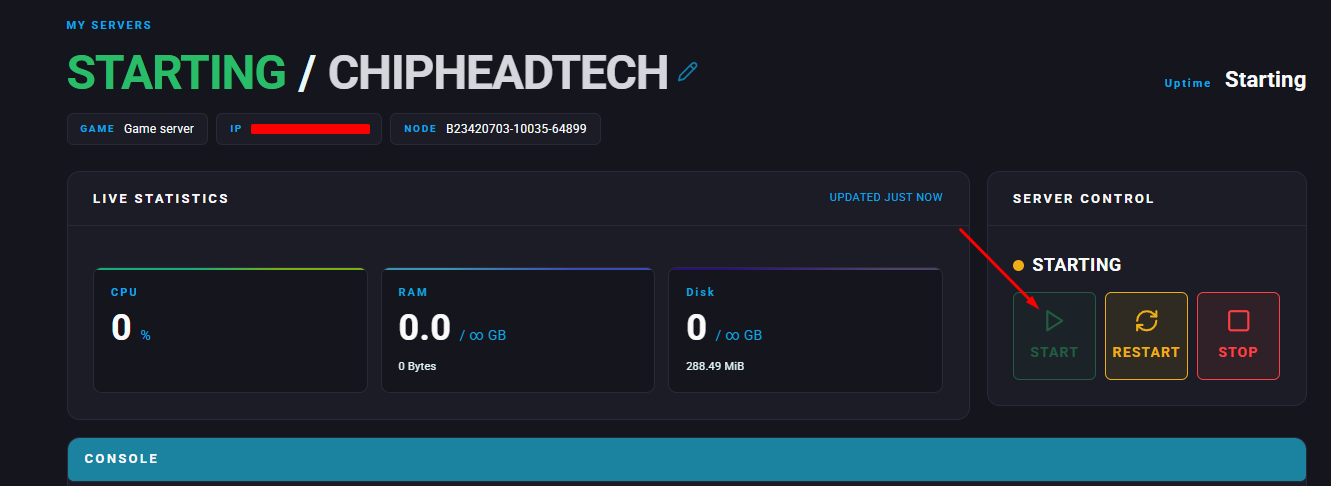
Log in to your ChipHead Panel and stop your Valheim server.

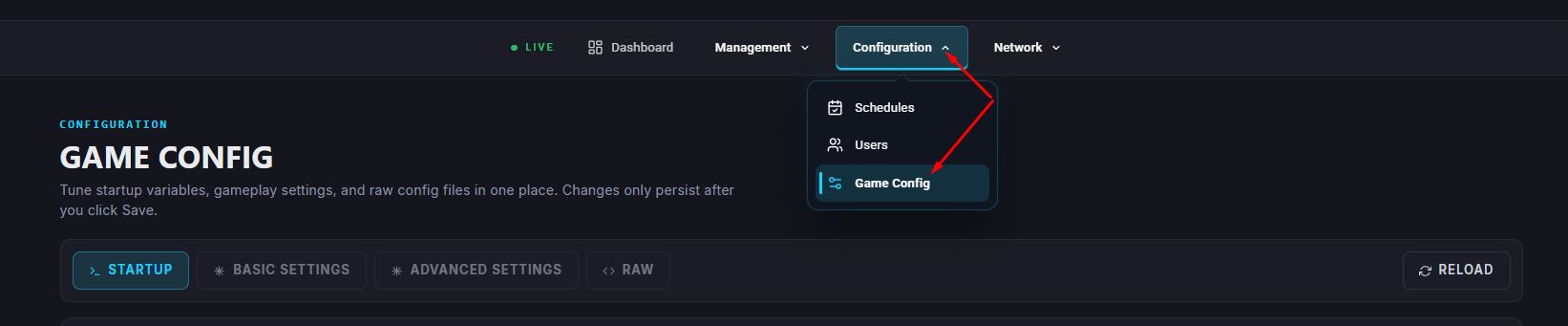
Navigate to Configuration → Game Config.
Search for “Enable BepInEx”.
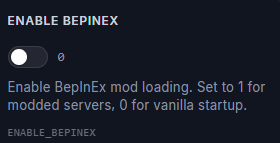
Enable It.
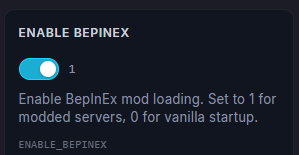
Save it at the bottom right & launch your server.

Your ChipHead Valheim server will now launch with BepInEx automatically installed and ready for mods!