
Summary
While Valheim is primarily designed as a cooperative PvE adventure, it also includes a limited PvP option for players who want to test their combat skills against friends. Player-versus-player combat in Valheim only occurs when both participants agree to fight, preventing unwanted attacks or griefing.
Be aware that normal death rules still apply during PvP battles. If you’re defeated, you’ll drop your entire inventory just as you would in standard gameplay, so only duel with players you trust.
Enabling PvP Mode
Join the ChipHead Valheim server where you want to enable PvP.
Open your inventory (default key: TAB).
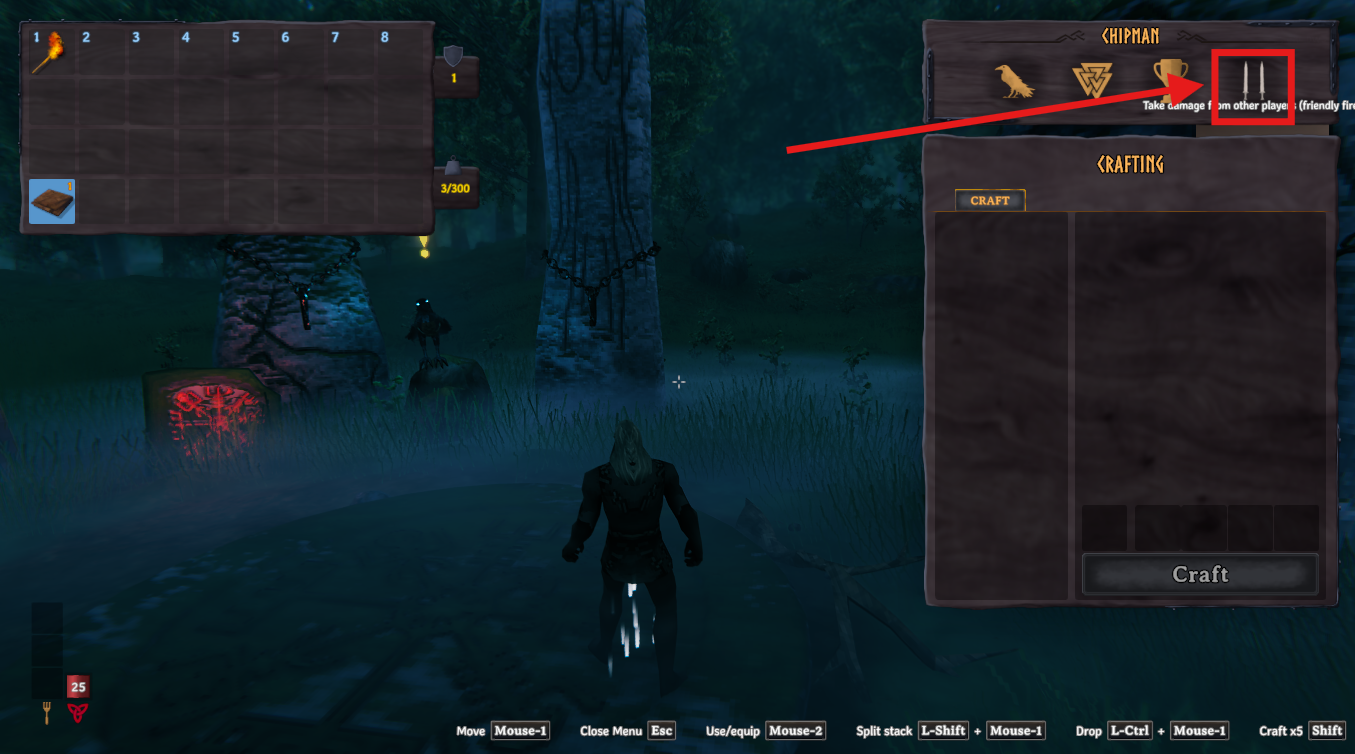
In the top-right corner of the screen, click the icon showing two swords.
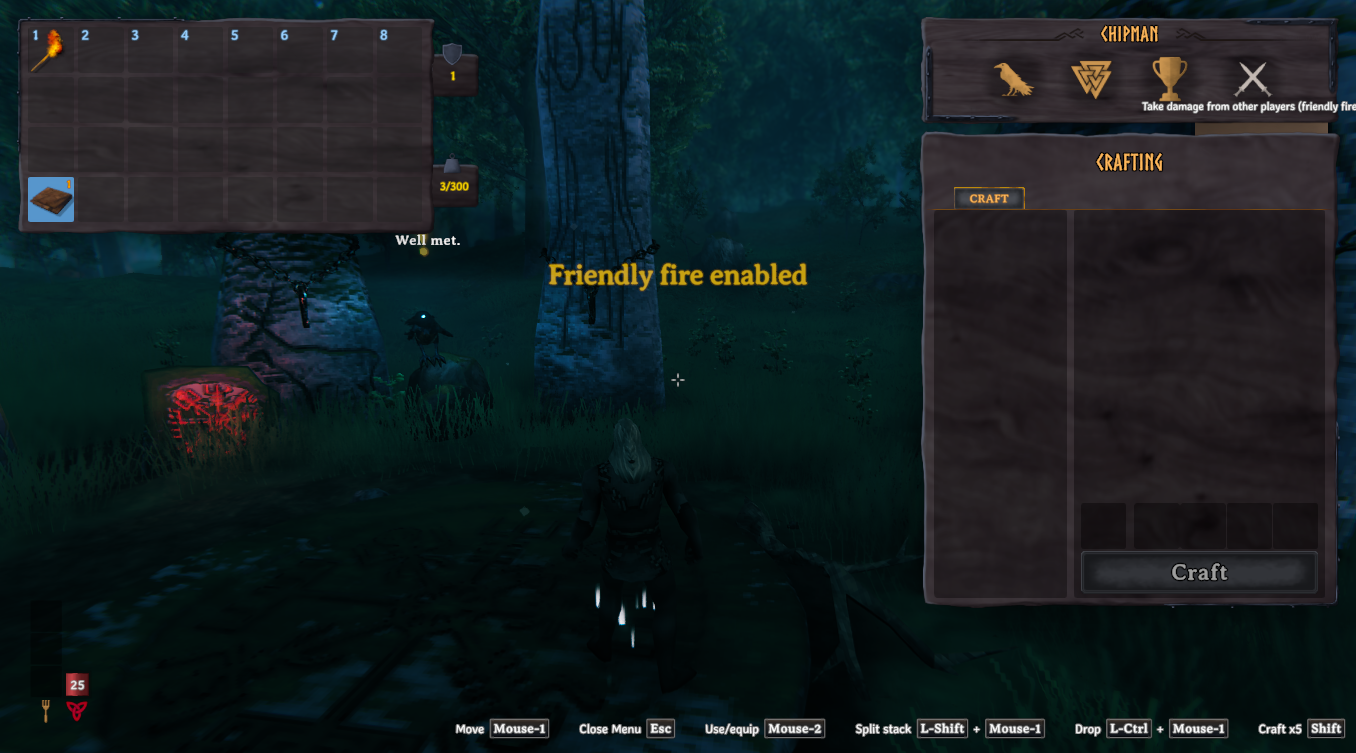
When the swords are crossed, a message will appear saying “Friendly fire enabled.”
Ask your opponent to enable PvP the same way. Both players must activate it before combat begins.
