Summary
Valheim is designed around cooperative play, encouraging teamwork and shared exploration. Because of this, many players prefer to keep their servers private and accessible only to trusted friends.
Valheim includes two built-in ways to restrict access to your server setting a password or using a whitelist. A whitelist ensures that only approved players can join, even if they know the server’s password or IP address.
Managing Your Server Whitelist
By default, the whitelist file on Valheim servers is empty, meaning that whitelisting is disabled. Once you add at least one entry to the file (even if it isn’t a valid player ID), the whitelist becomes active. From that point, only players listed in the file will be able to join your server.
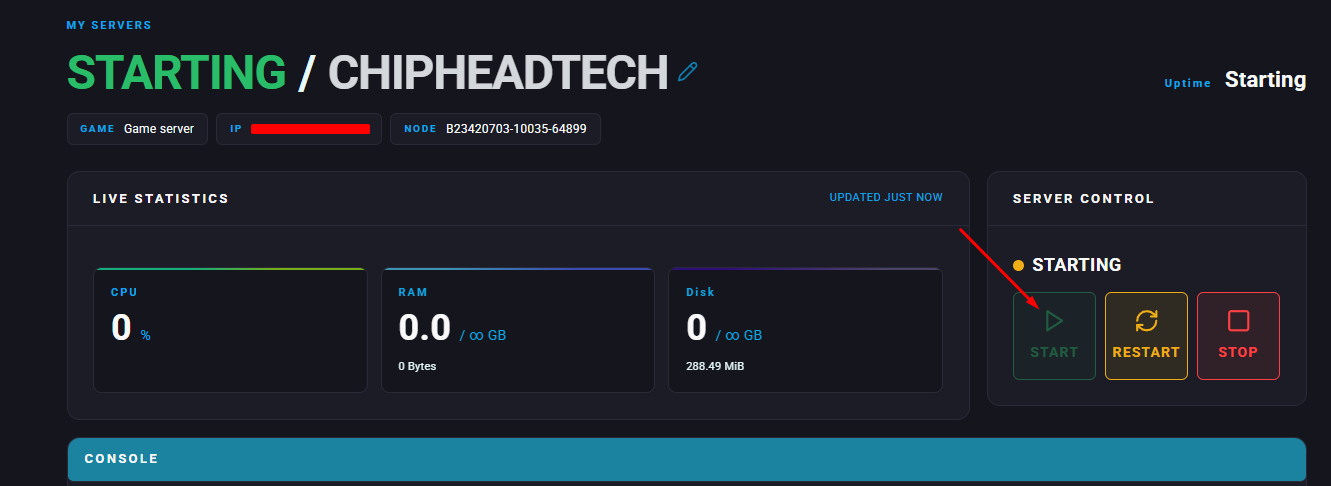
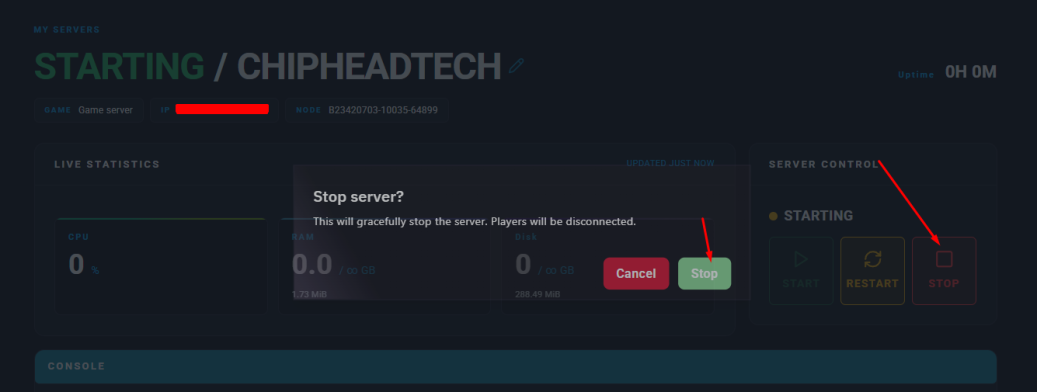
Log in to your ChipHead Panel and stop your server.

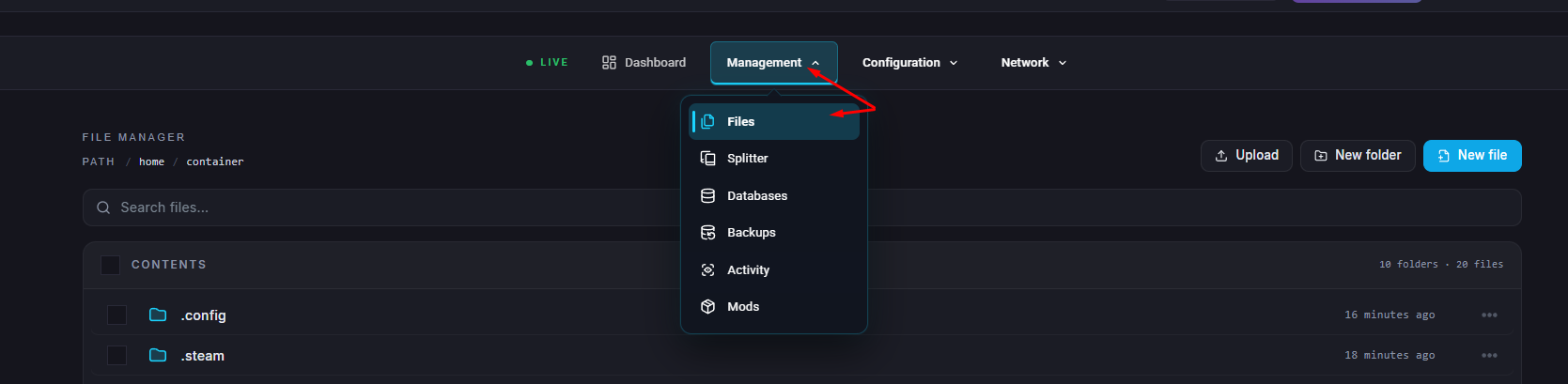
Go to the Files tab.
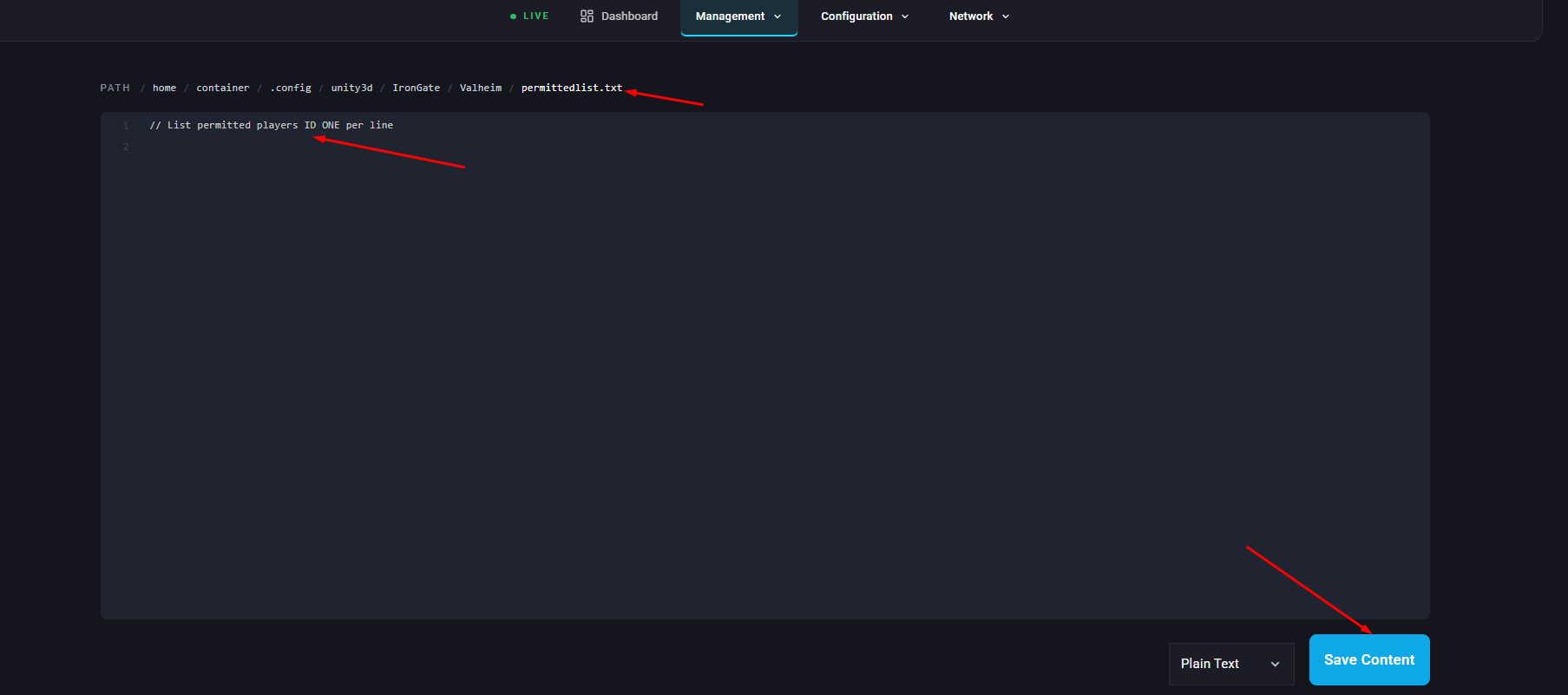
Navigate to
/.config/unity3d/IronGate/Valheim/permittedlist.txt.Add the SteamID64 of each player you want to allow on your server, entering one ID per line and click Save Content.
Start/restart your server.