
How to Join Your ChipHead Valheim Server
Before joining your Valheim server, make sure it’s online, updated to the latest version, and that you have your server’s IP address and password ready. Once you’ve gathered this information, you’ll be able to connect directly from the game or through the Steam server list.
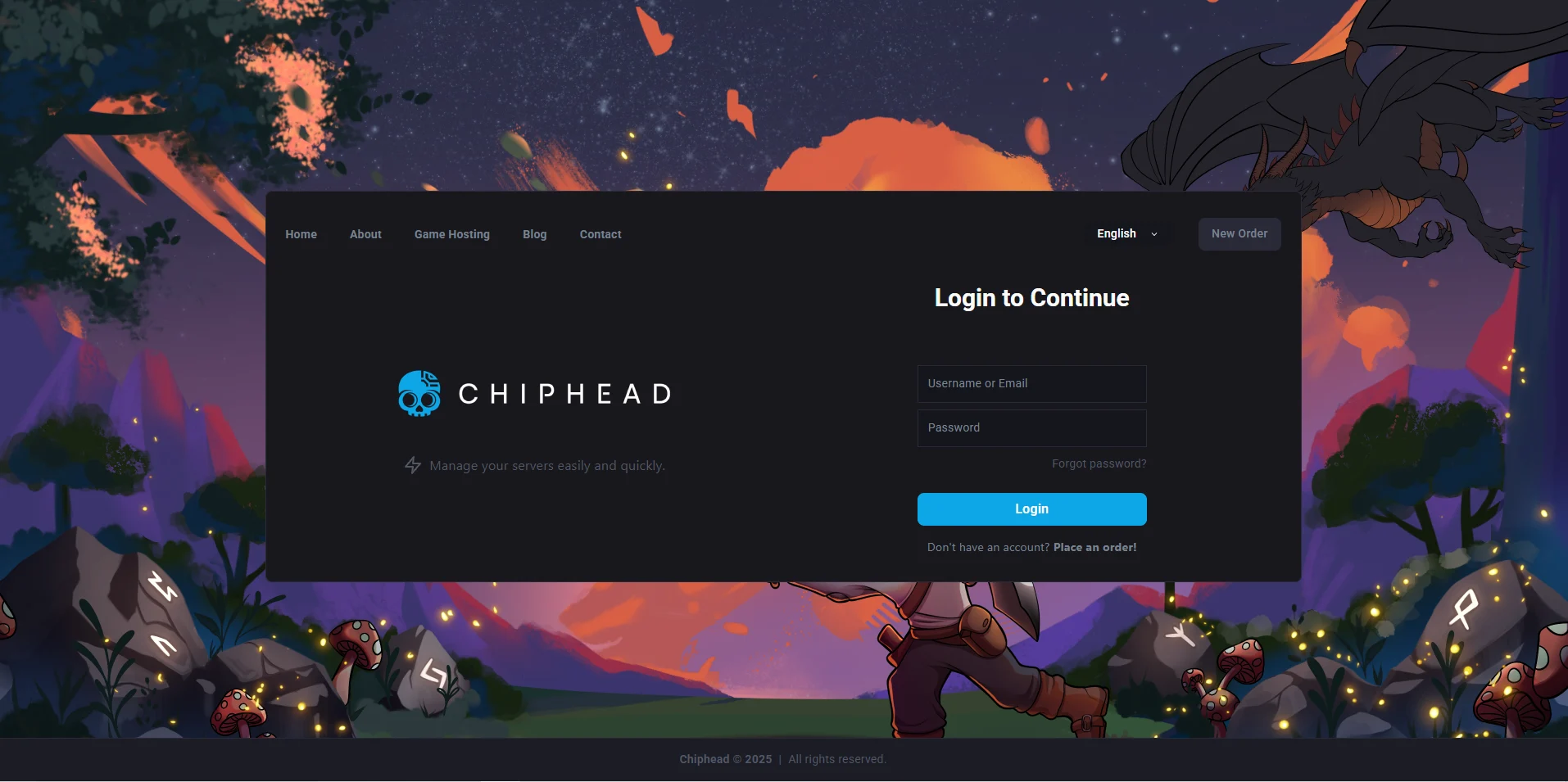
Log in to your ChipHead Panel.
Start your Server
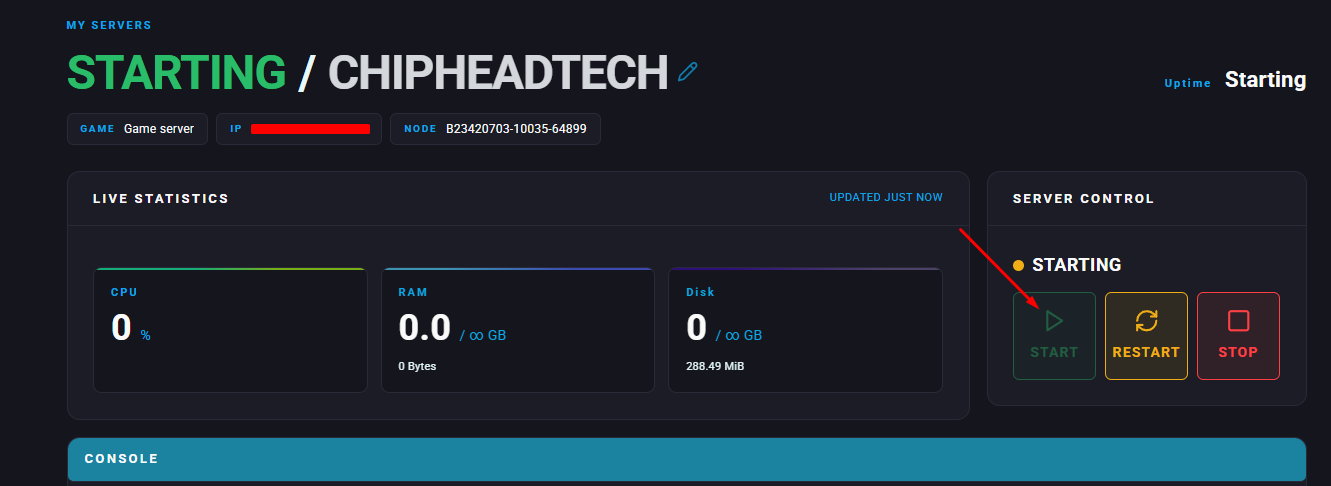
Copy your Server IP & Port number located in “My Servers”

Navigate to “Startup”.
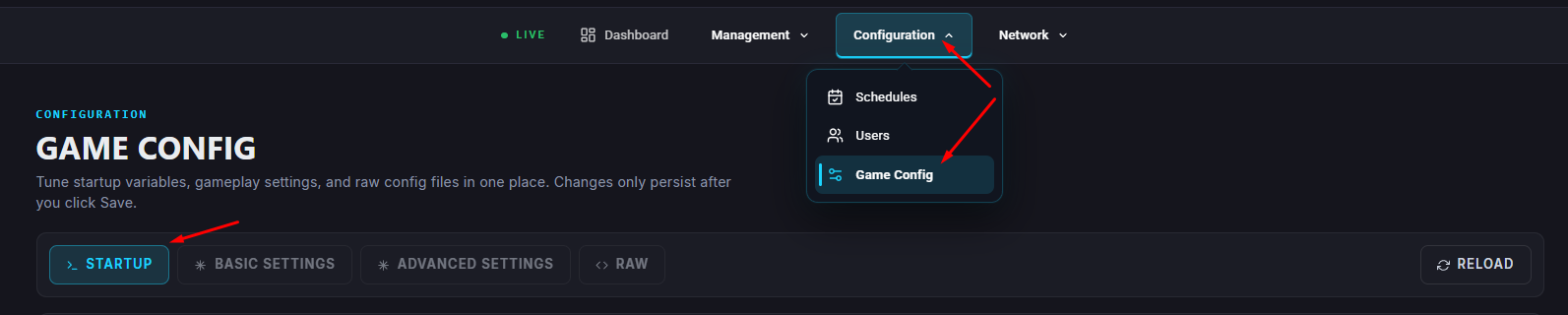
Make a note of your “Server Password”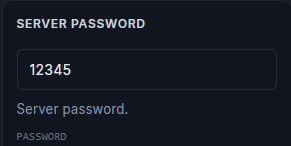
Launch Valheim

Select the character you’d like to play with - If you don’t have one create a new character first
Switch to the Join Game tab
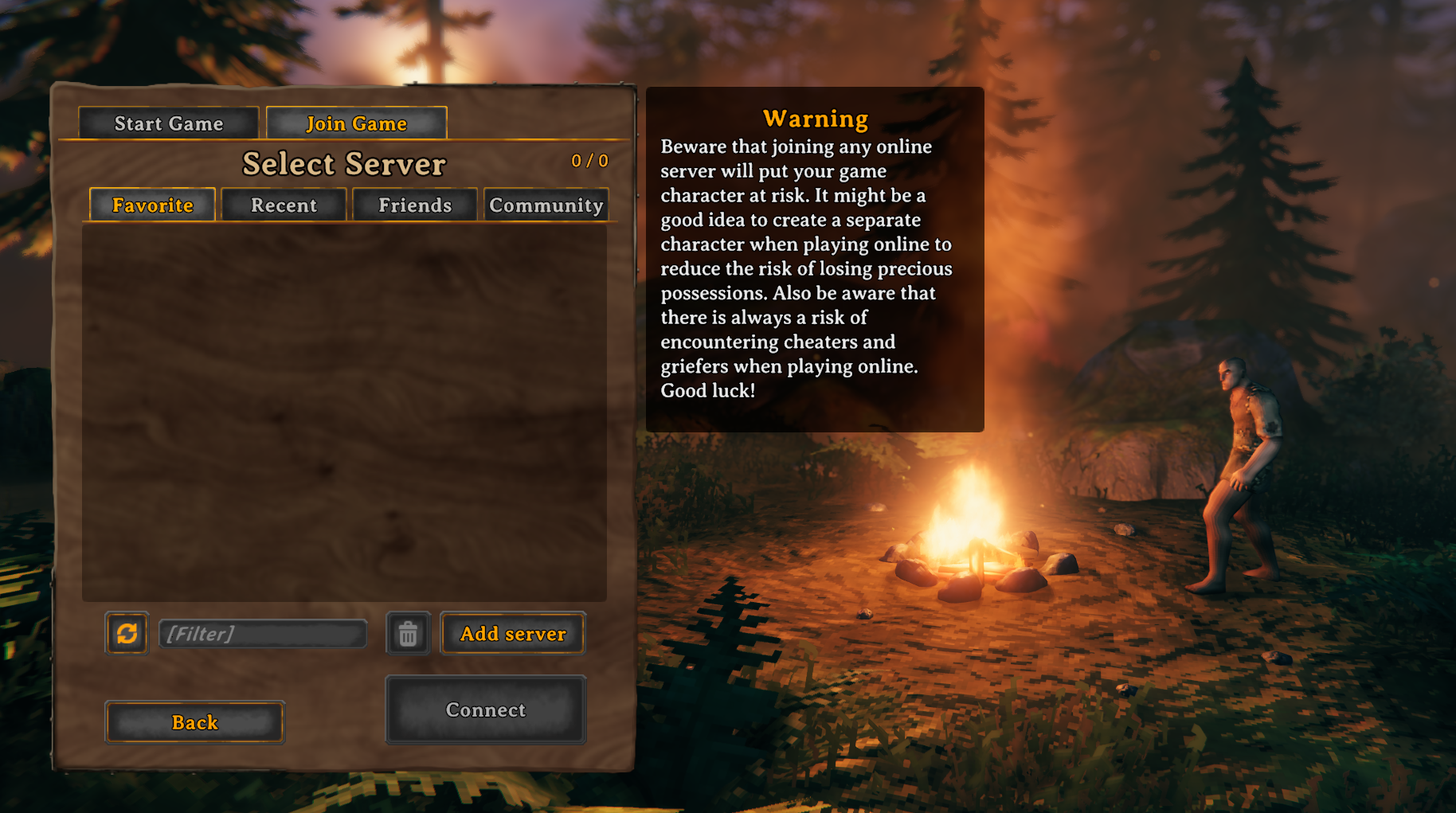
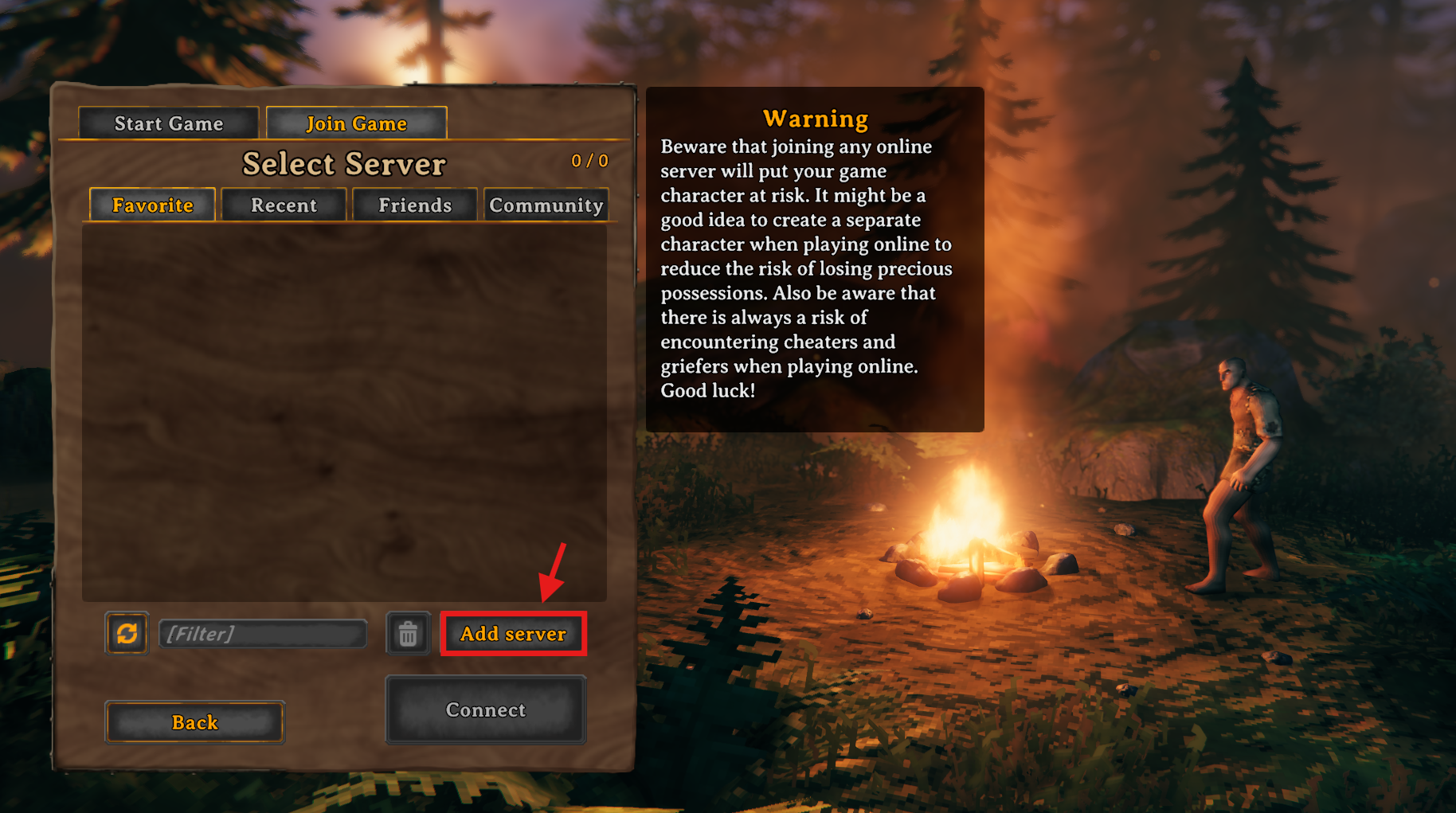
Click the “Add Server” button
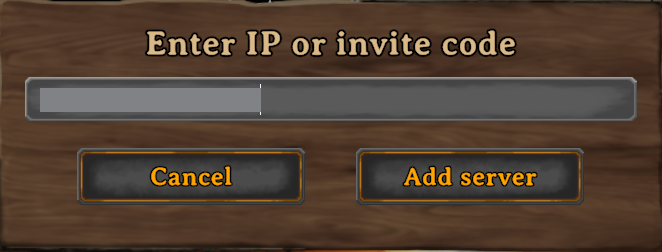
Paste your server IP & Add Server to confirm
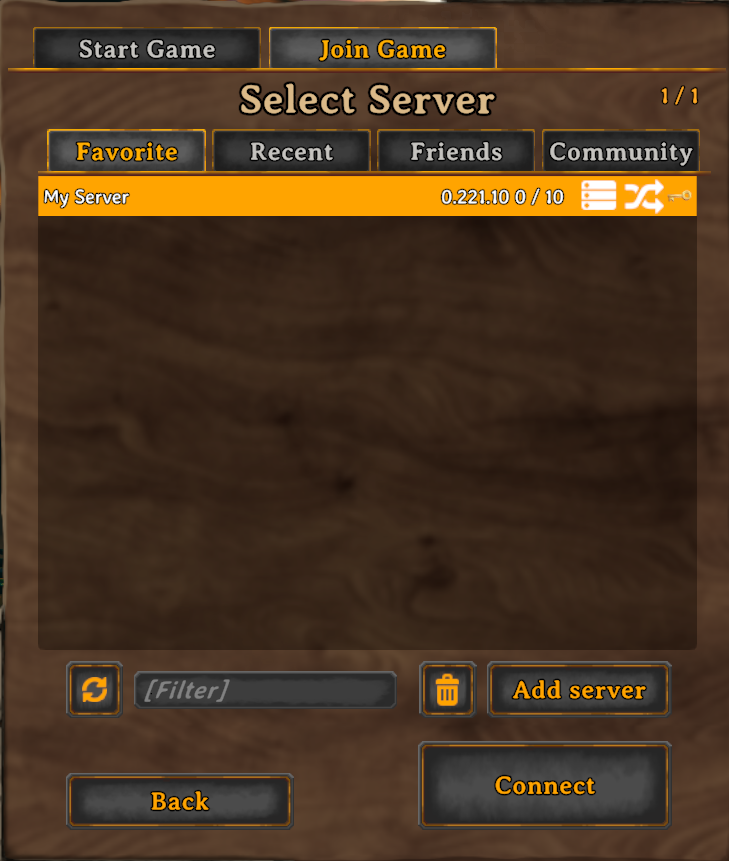
Select your world & click “Connect”
Enter your server password when prompted.

You’re now ready to explore your ChipHead Valheim world with friends!