
How To Make Your Satisfactory Server Private
Satisfactory gives you the option to control who can access your server by setting a client password. This helps ensure only players you trust can join your world.
Setting a Server Password
Launch Satisfactory & Open Server Manager
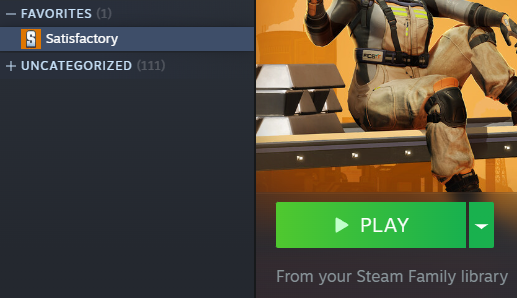
Select your Server
Click Server Settings.

Under Player Password Protection, choose Change Password.
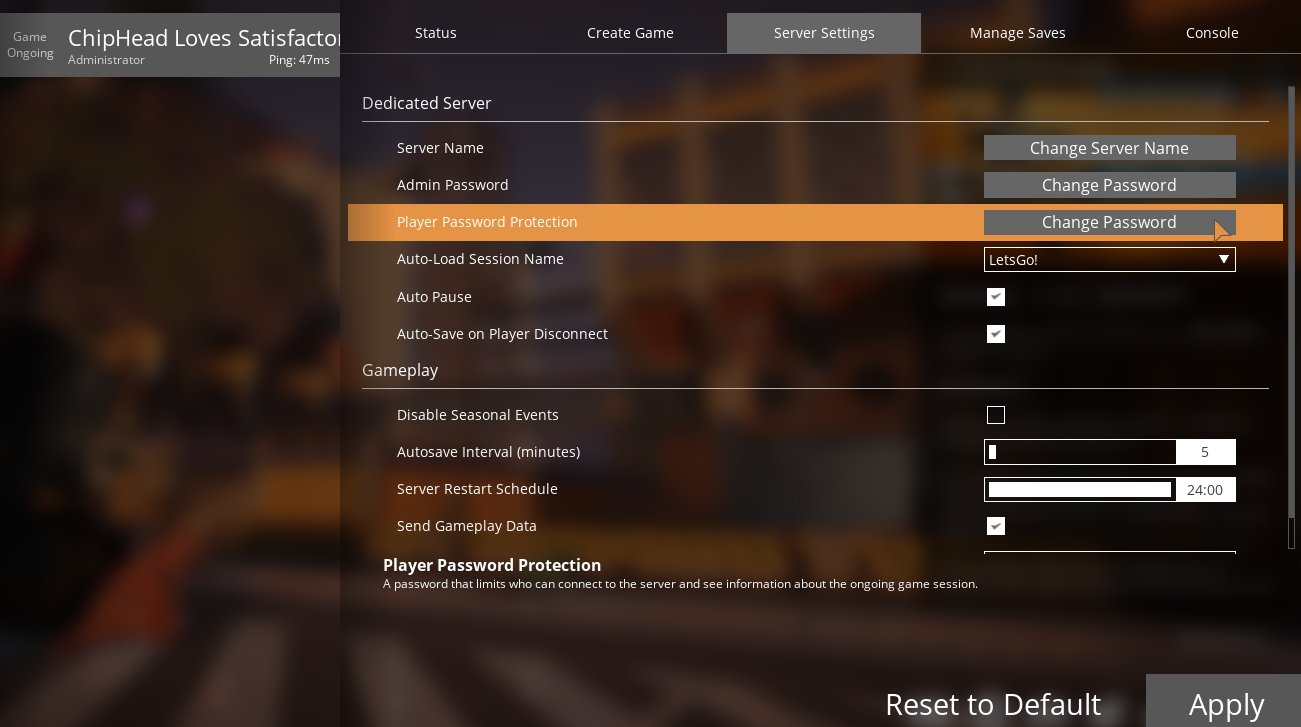
Enter your desired password for players to join. If you prefer an open server, leave this field blank.
Click Confirm to save your changes.

From now on, any player attempting to connect to your Satisfactory server will need to enter the correct password before they can join.