
If you’ve forgotten your Satisfactory server’s admin password or want to change it, there are two different methods you can use depending on whether you still have access to the current password.
Changing the Admin Password from Server Settings
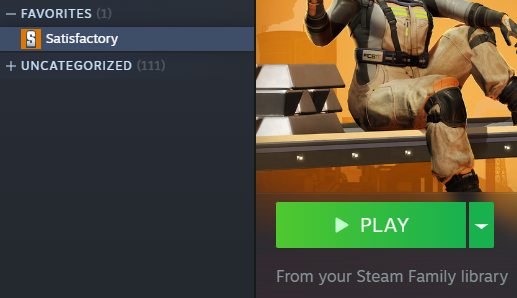
Launch Satisfactory and open the Server Manager.
Select your server, then go to Server Settings and authenticate yourself as an admin.
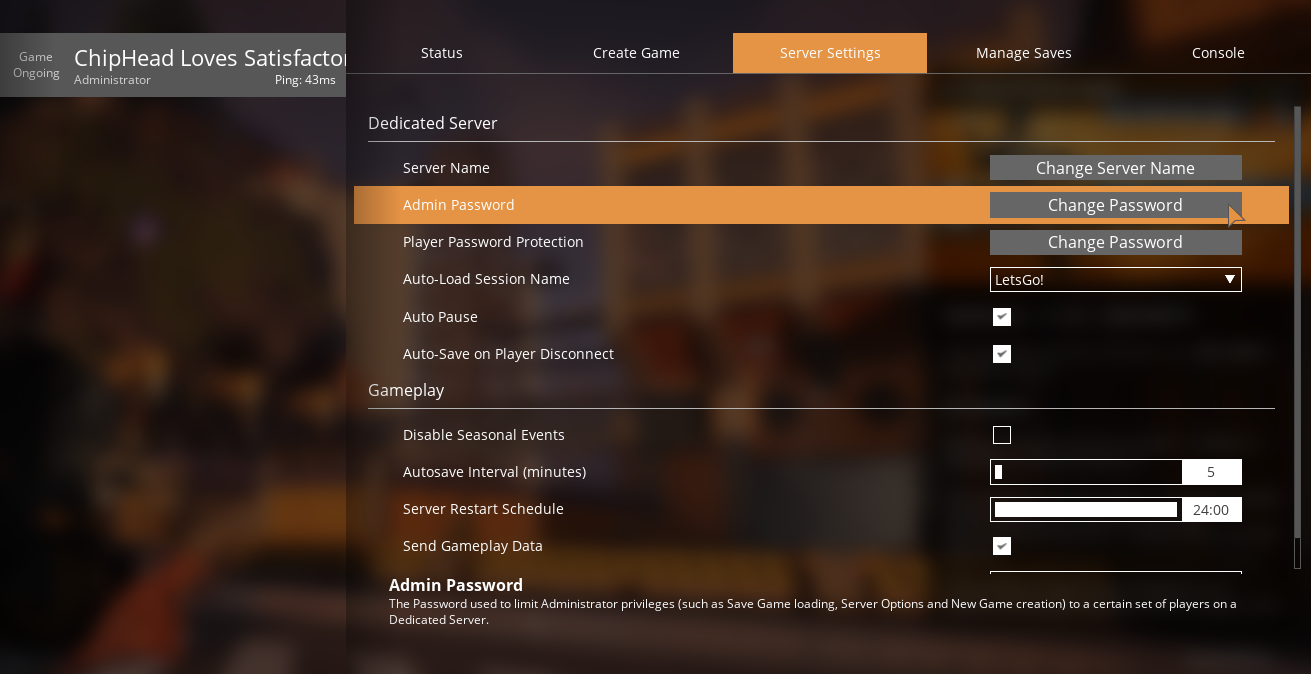
Click the Change Password option next to Admin Password.
Enter your new password twice to confirm, then click the Confirm button.

Your admin password has now been updated.