
Saving Your Game
Press Escape to open the in-game menu.
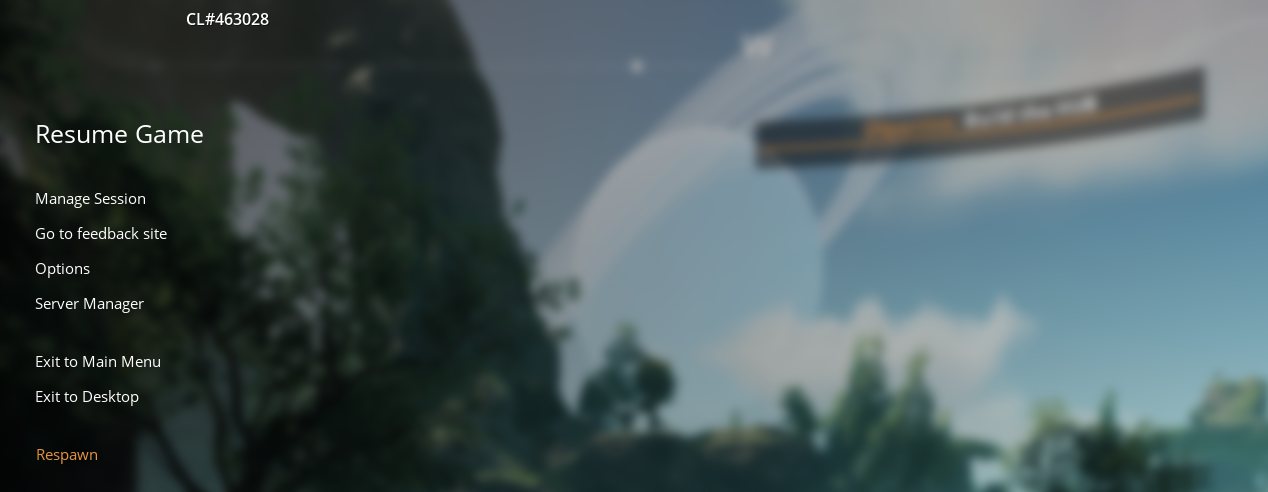
Click “Server Manager”
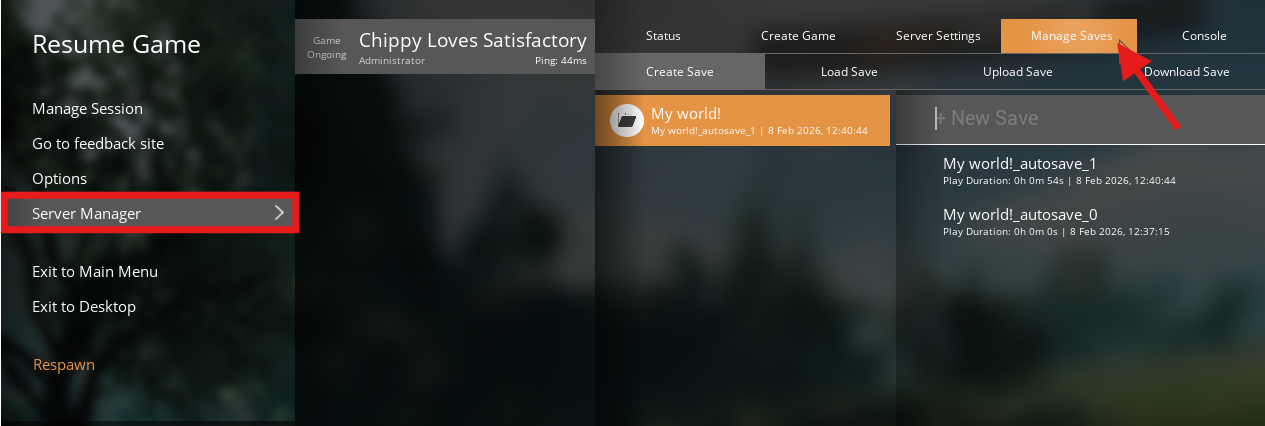
Enter a name for your Save & click “Create Save”.

(Optional) Choose the session you want to save to, enter a name for your save file, and click Save.

Your game world is now safely stored and can be loaded later whenever needed.
Loading a Save
Press Escape to open the menu.
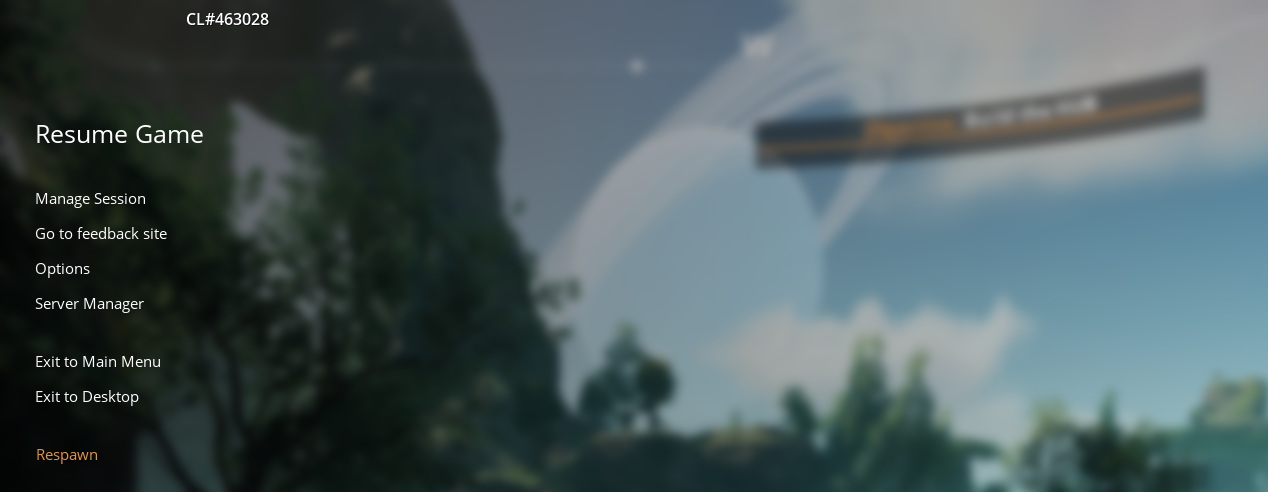
Click Server Manager, choose your server, and open Manage Saves.
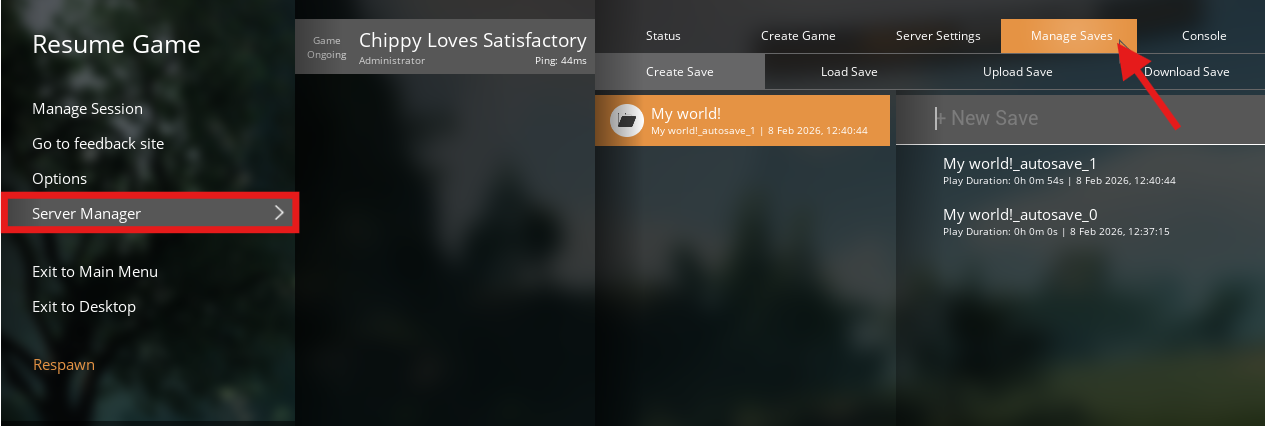

Note: While loading a save, you might be temporarily disconnected from the server. If this happens, simply wait a moment and reconnect once the load is complete.
Click Load Save, pick the session and specific save file you wish to load, and then click Load.
Your world will begin loading, and once finished, you’ll be able to jump right back into your saved progress.