
Summary
When players join your Terraria server, they automatically receive a chat message known as the Message of the Day (MOTD). This can be customized to welcome players, share rules, or display server information.
Changing Your Terraria Server MOTD
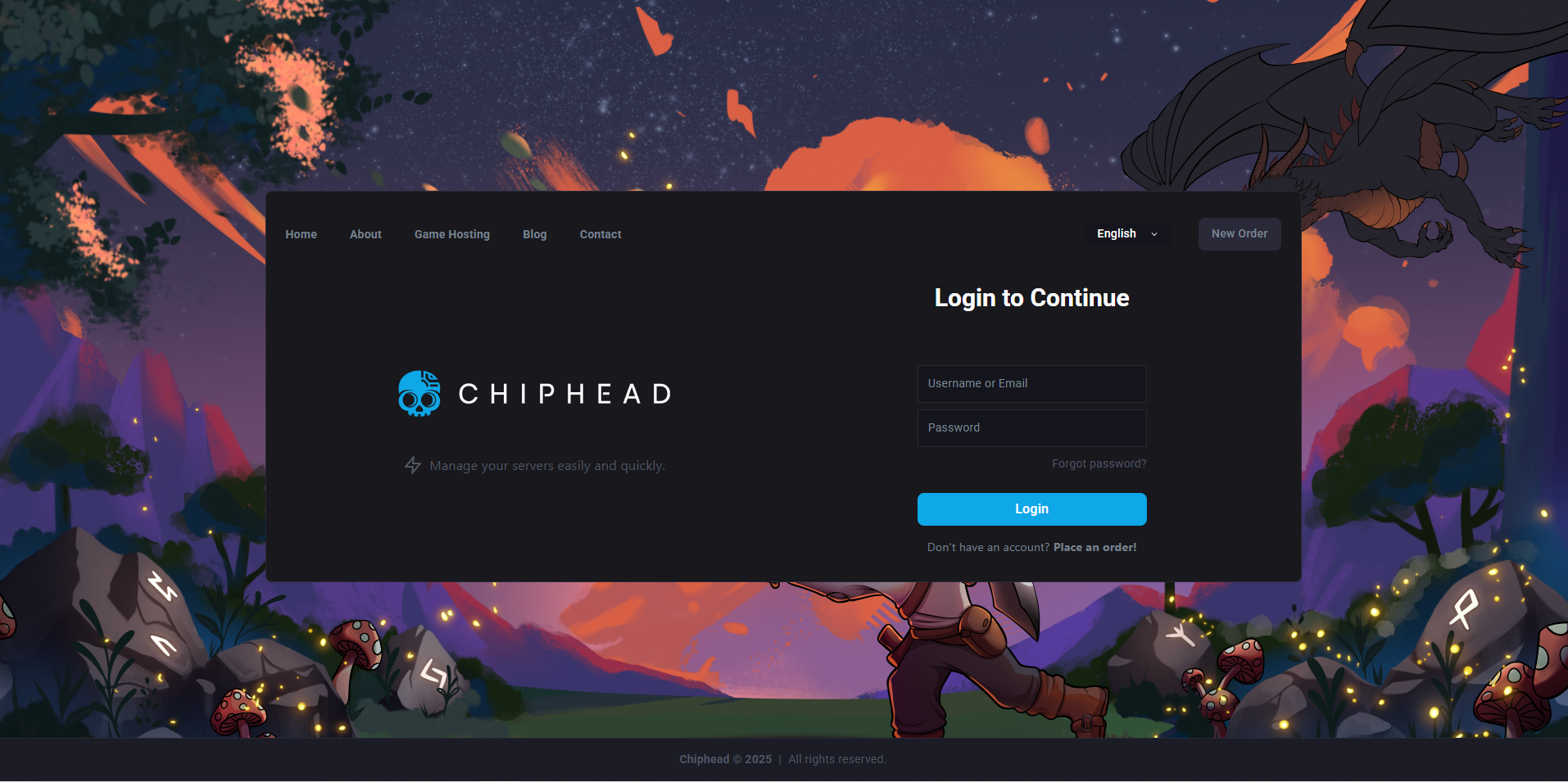
Log in to your Control Panel and stop your server.
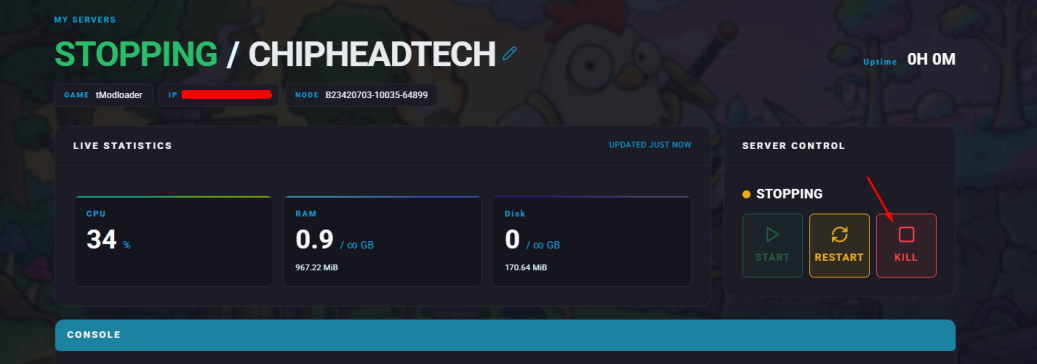
Navigate to Startup.
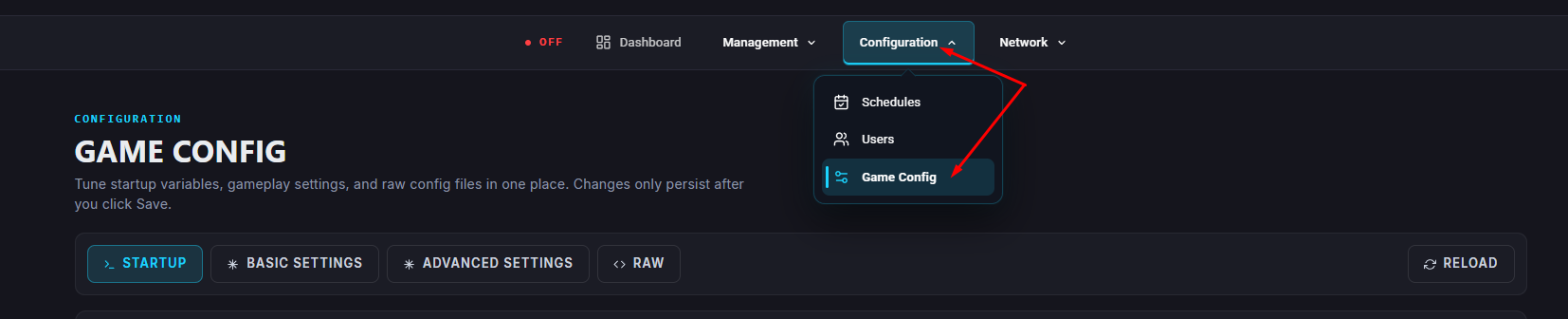
Find the MOTD field and enter the message you want to appear when players join.
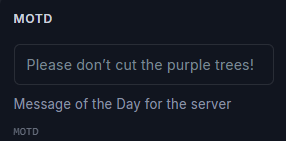
Your MOTD will save automatically.
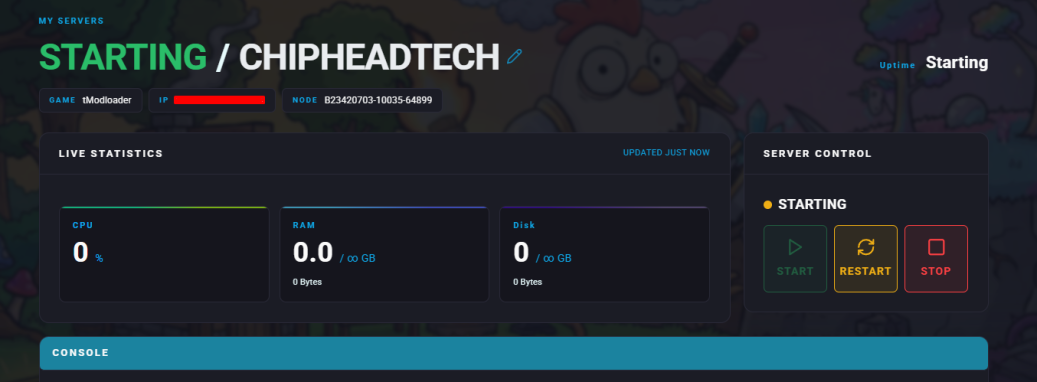
Now Start/Restart your server.

Once your server restarts, your new Message of the Day will appear in chat whenever players connect.