
Summary
By default, Terraria servers are open to the public, meaning anyone with your IP address can join. Adding a password helps protect your world from unwanted visitors and keeps your server secure from griefing.
Changing Your Terraria Server Password
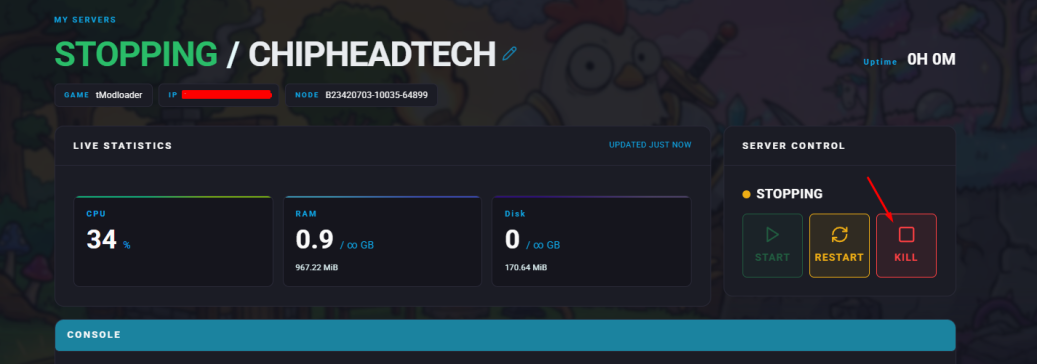
Log in to your Control Panel and stop the server.
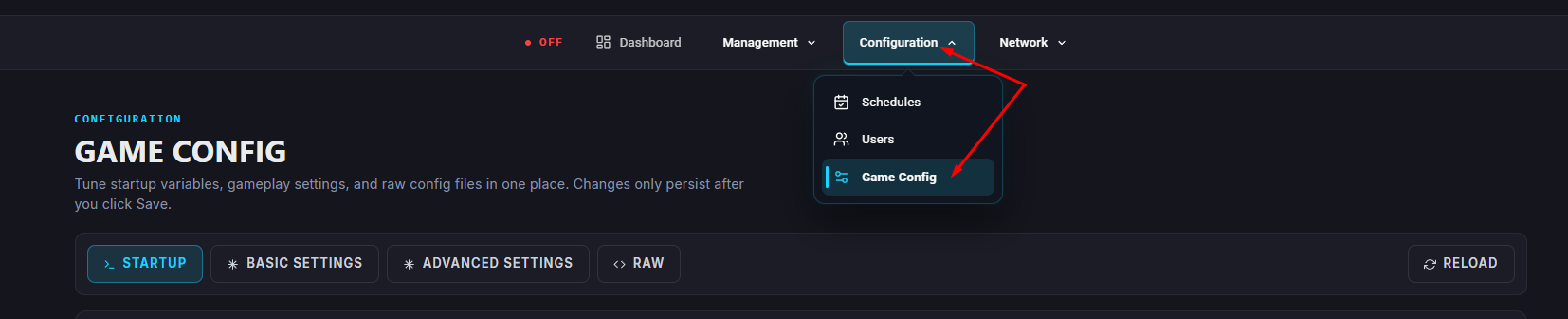
Navigate Startup.
Scroll down to the Password field and enter your desired password.
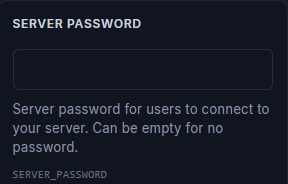
 Once your desired password has been entered in the Password field, it will automatically be saved to your server.
Restart your server.
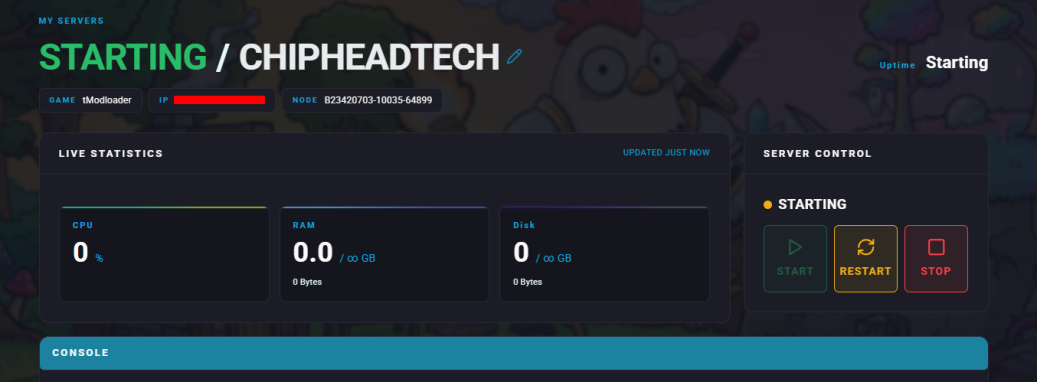

After restarting, your new password will be required for anyone trying to join your Terraria server.