
Summary
The size of your Terraria world determines how much space there is to explore and build. Depending on how many players are on your server or how large you want your adventures to be, you may want to adjust this size.

Note: Changing the world size requires resetting your current world.
Changing Your Terraria World Size
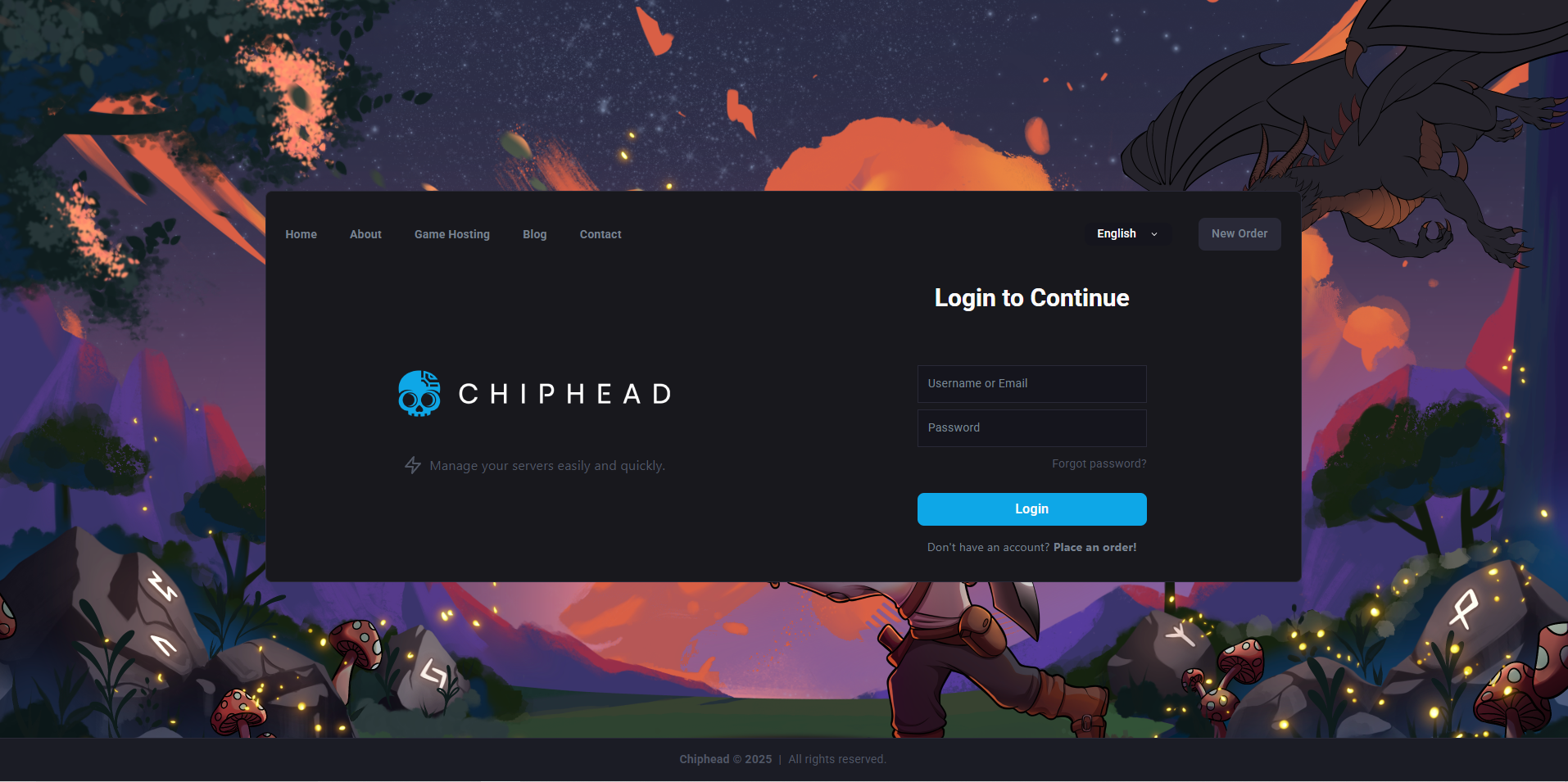
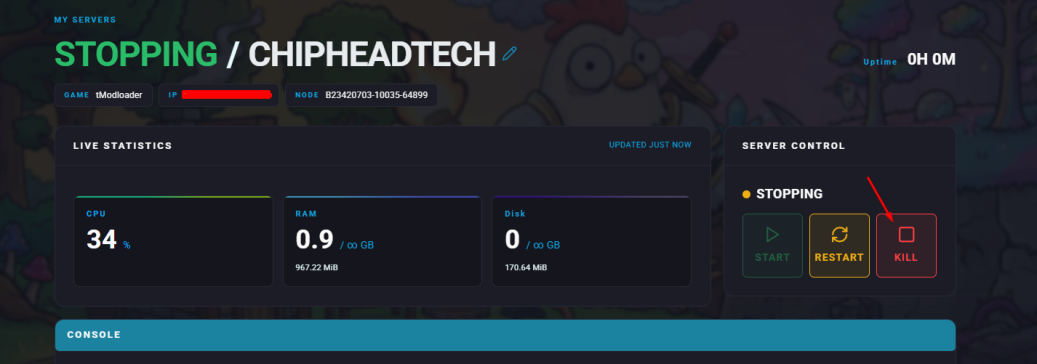
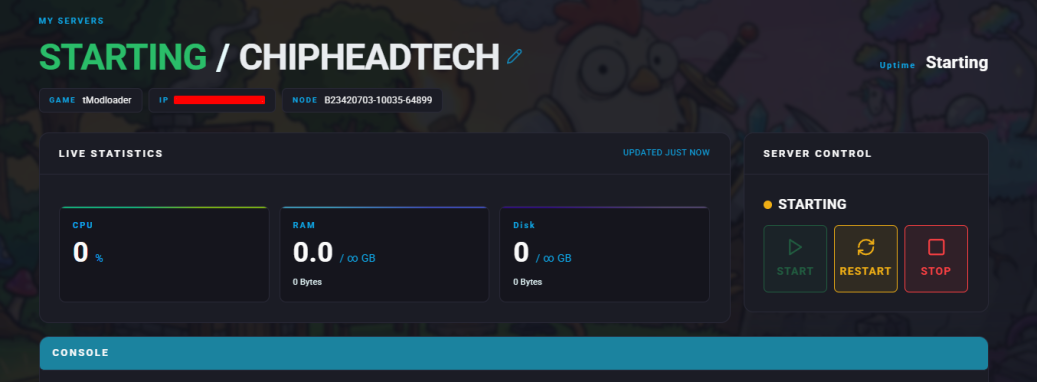
Log in to your Control Panel and stop the server.
Navigate to Startup.
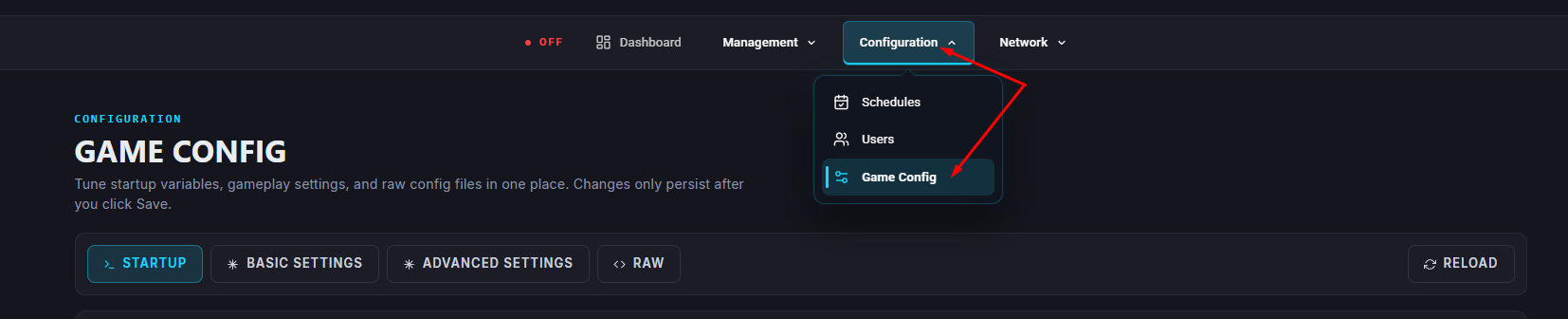
Select from the dropdown options in the World Size field.
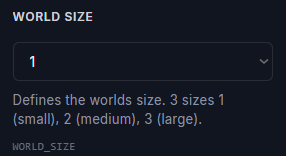
 World size options are as states - sizes 1 (small), 2 (medium), 3 (large).
Once your desired world size has been selected in the World Size field, it will automatically be saved to your server.Restart your server once you’ve made the changes.

Your Terraria server will now generate a new world with the size you selected. Adjusting world size can greatly affect how you play whether you want a vast world full of exploration or a compact map for quicker gameplay.