
Summary
If you want to play your Terraria server world in single player or keep a local backup, you can easily download it to your computer.
Downloading Your Terraria World
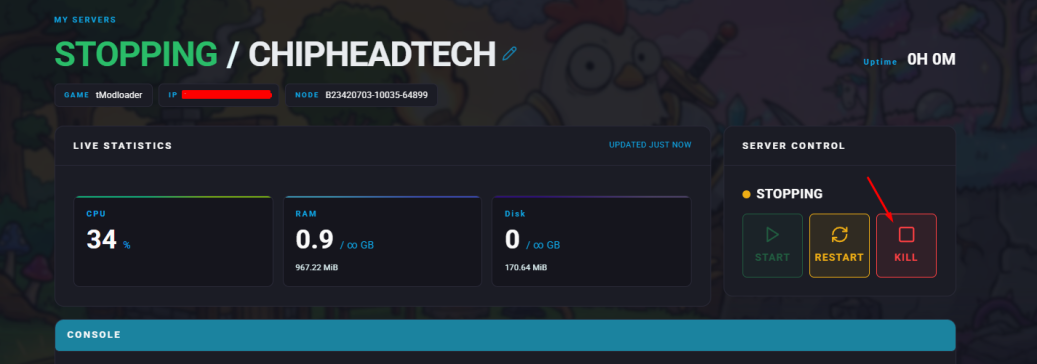
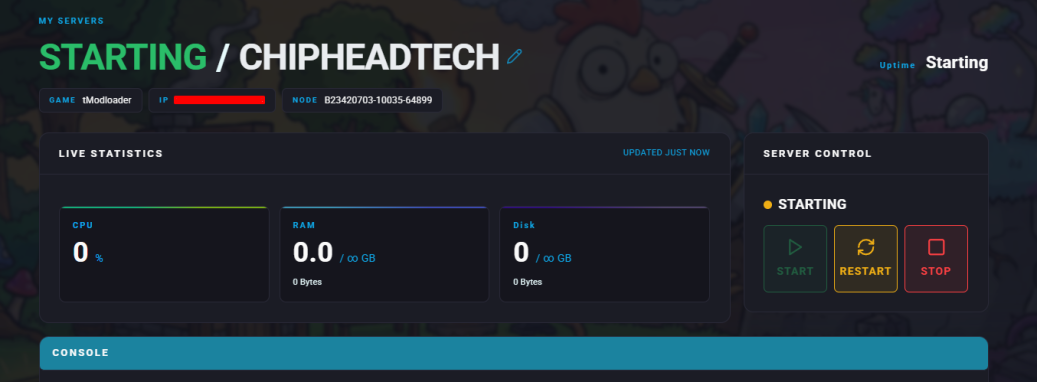
Log in to your Control Panel and stop the server.
Create a folder on your computer where you’ll store your downloaded world.
Navigate to Files.
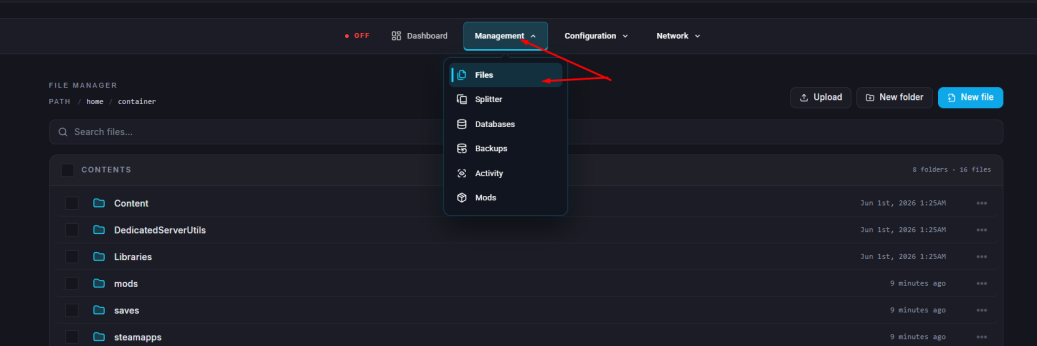
Navigate to
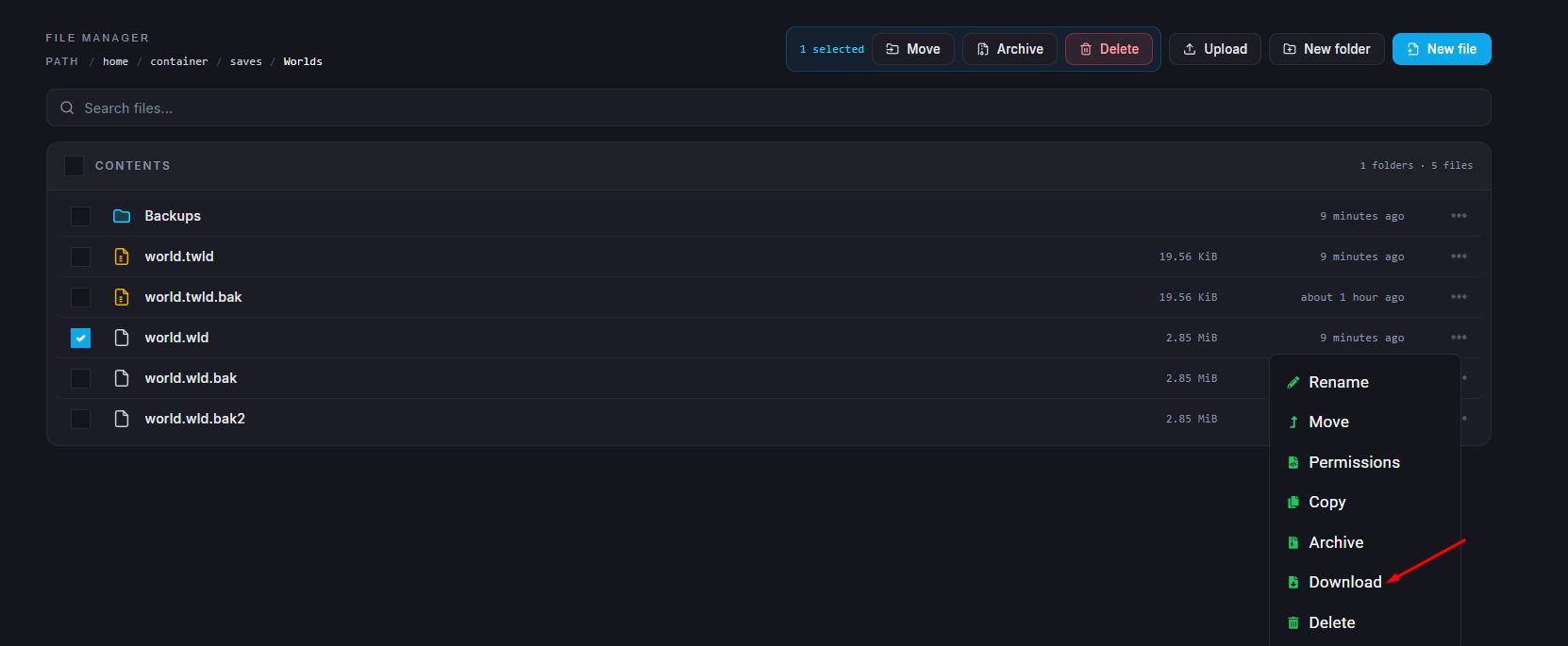
/home/container/saves/Worldsand select the world you’d like to download.World files end with .wld and have the same name as your world.
You can ignore any files ending with .bak, as these are older backups.

Select the .wld file to your computer.
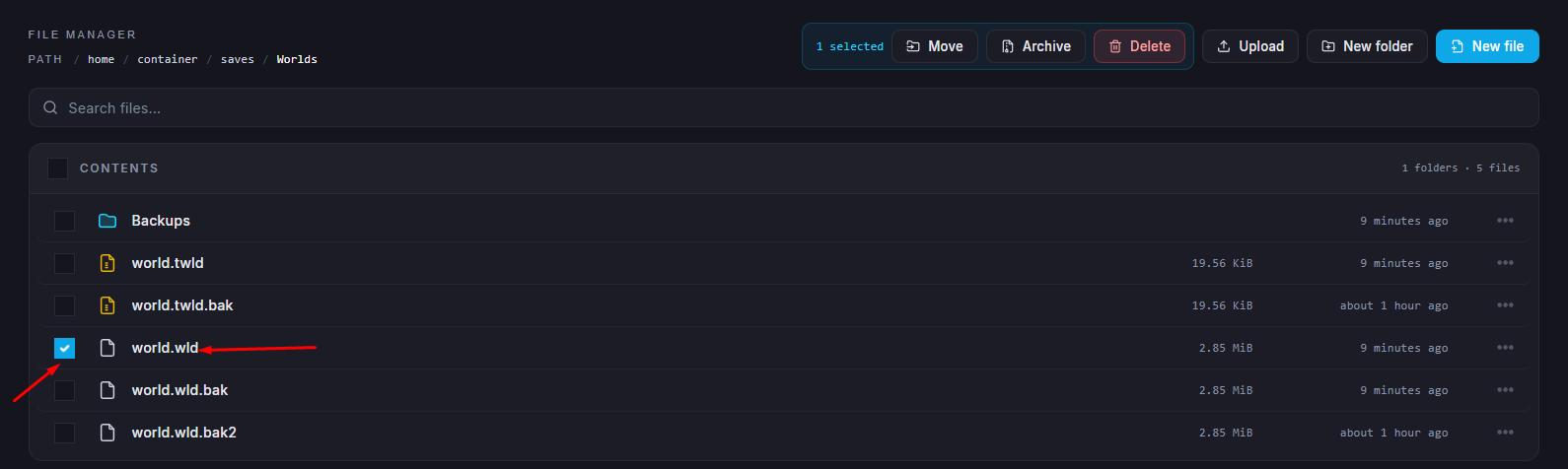
Click on the three dots and click Download.
Once the download is complete, return to your Dashboard and start your server again.

Your Terraria world has now been successfully downloaded. You can use it for single player, upload it to another server, or store it safely as a backup.