
Change/Select tModLoader version
Open Steam and go to your Library
Find tModLoader in your games list
Right click tModLoader and select Properties
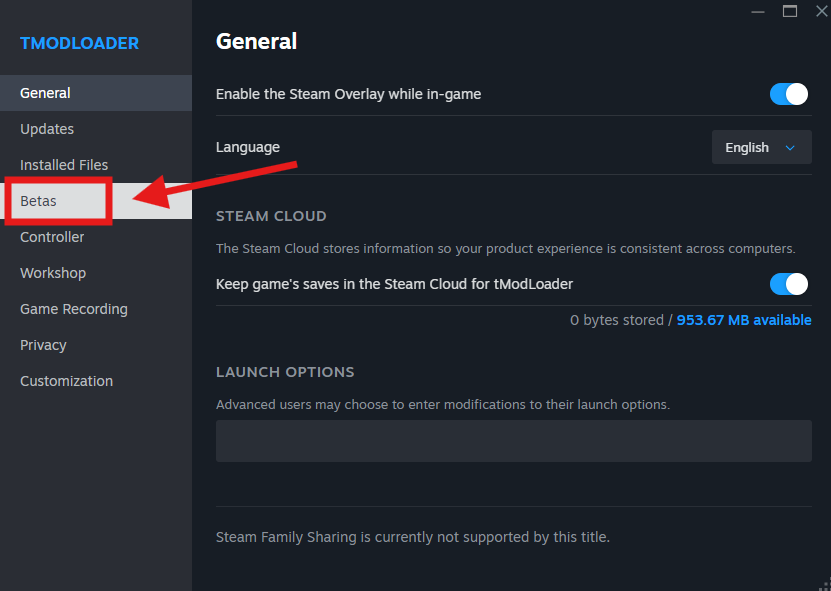
Open the Betas tab
Click the Beta Participation dropdown
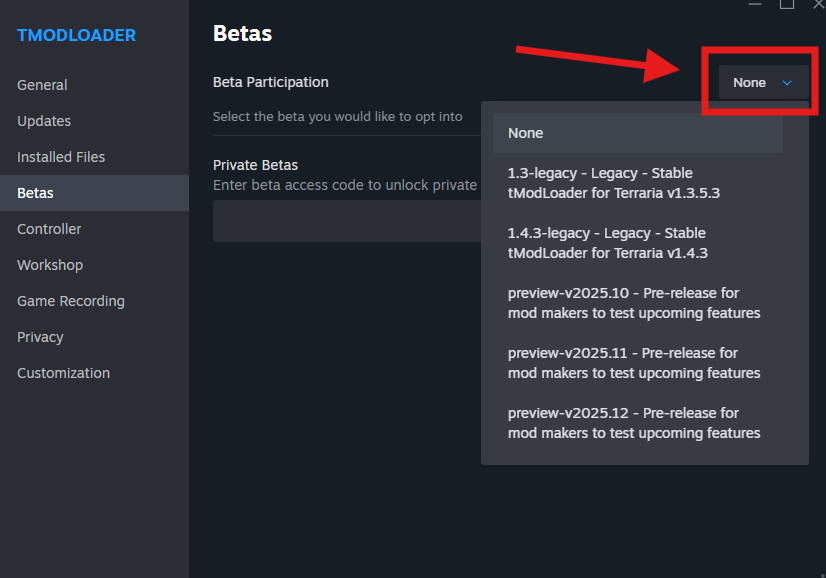
Select from the available versions.
Close the properties window.
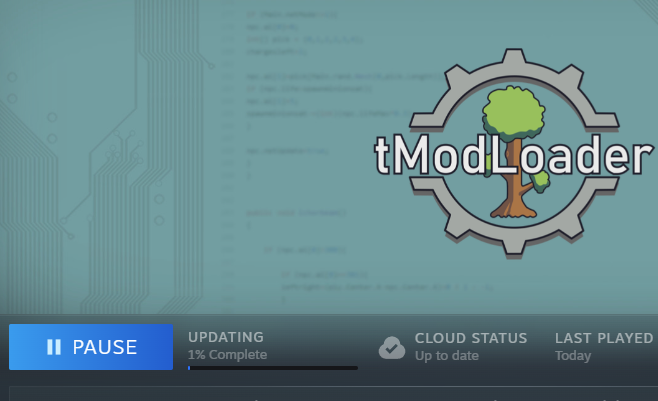
Once selected Steam will automatically download and apply the selected version

Alternatively, check out the official guide on tModLoader guide for players.