Sometimes, you or your players might decide it’s time for a fresh start on your Terraria server. Resetting your world will remove all current world progress and generate a new one. You can do this either by deleting your current world file or by changing your active world’s name.
If you don’t plan to keep your old world, the simplest way to start over is to delete the existing world file.
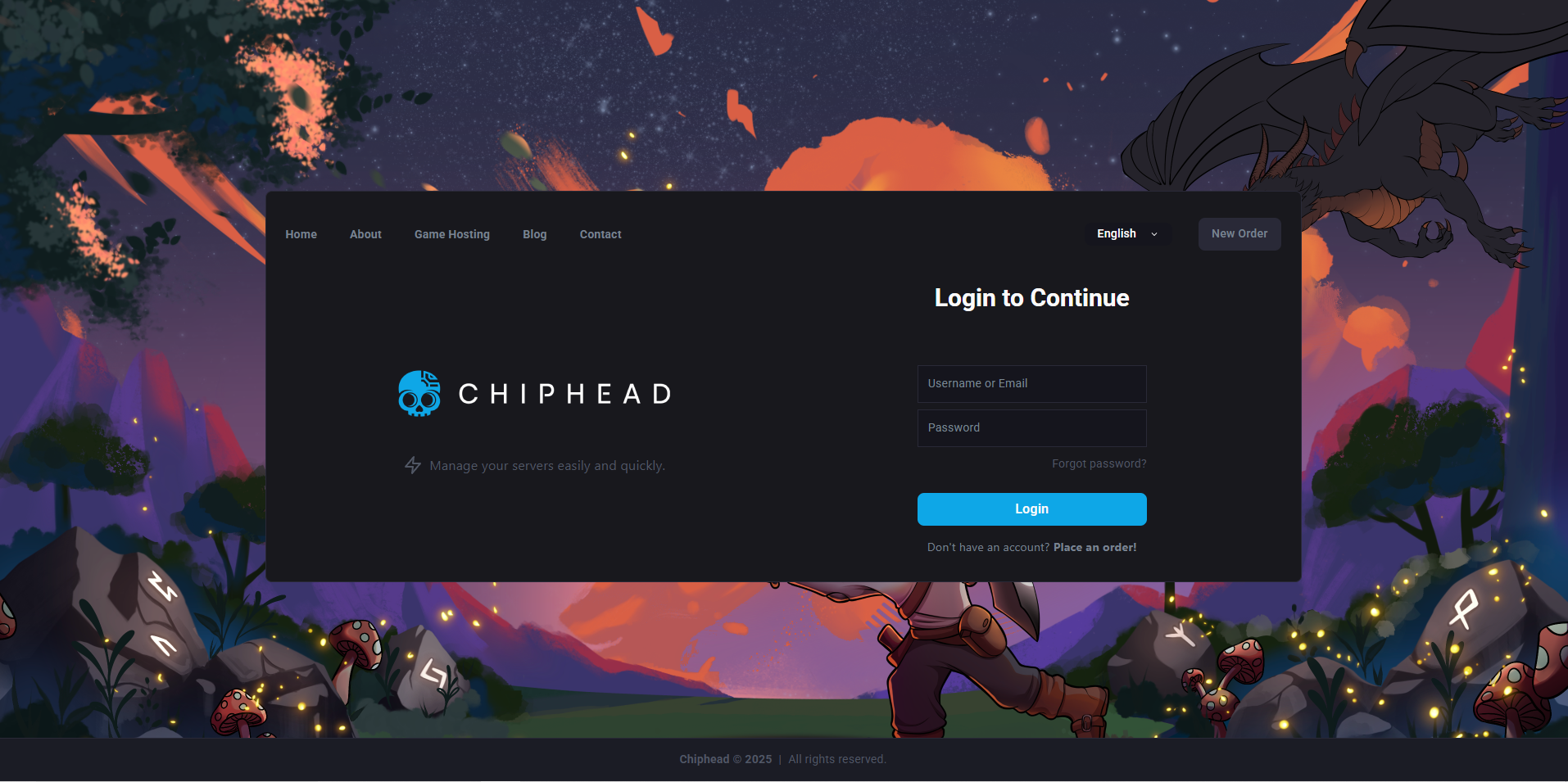
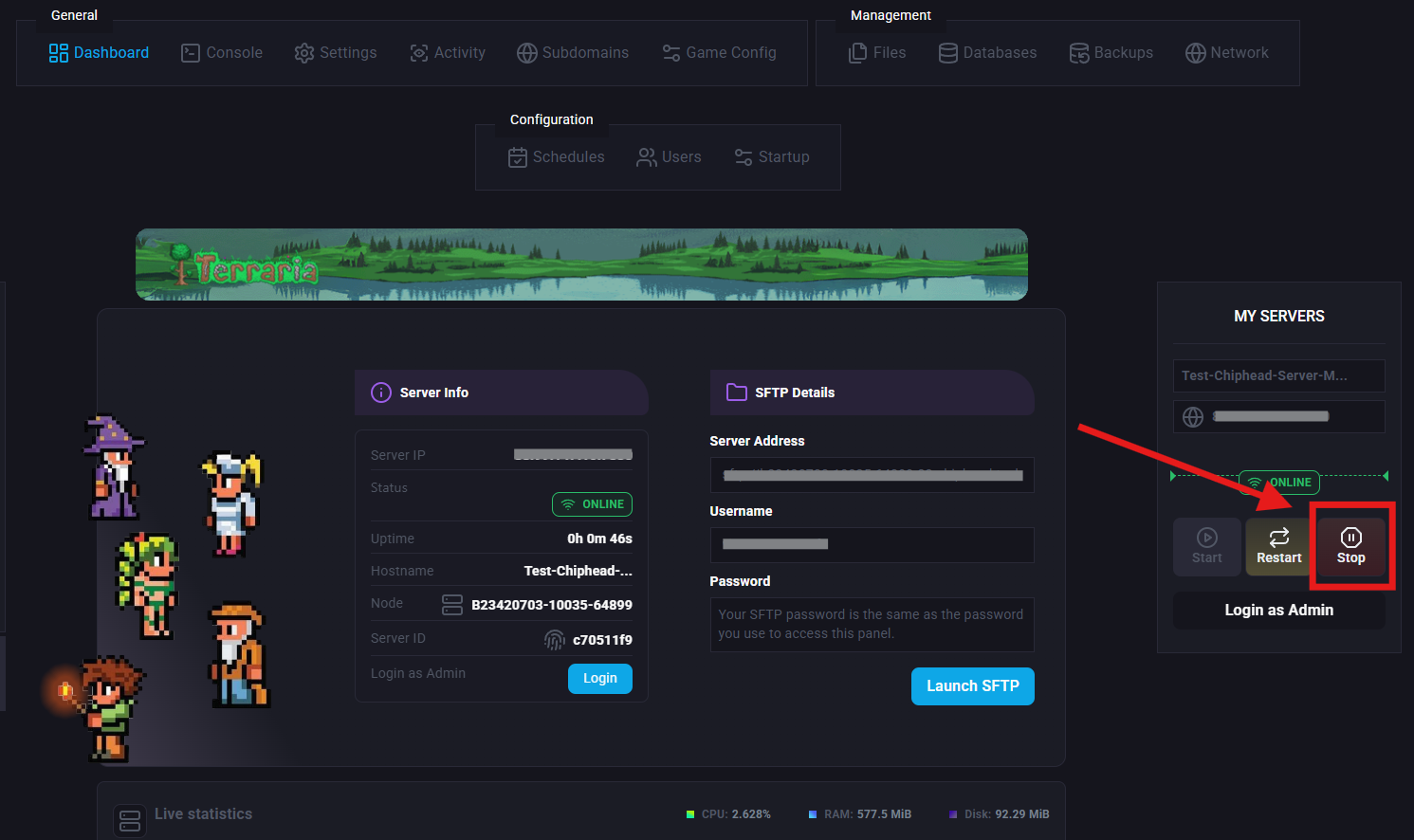
Log in to your Control Panel and stop the server.
Navigate to Files.
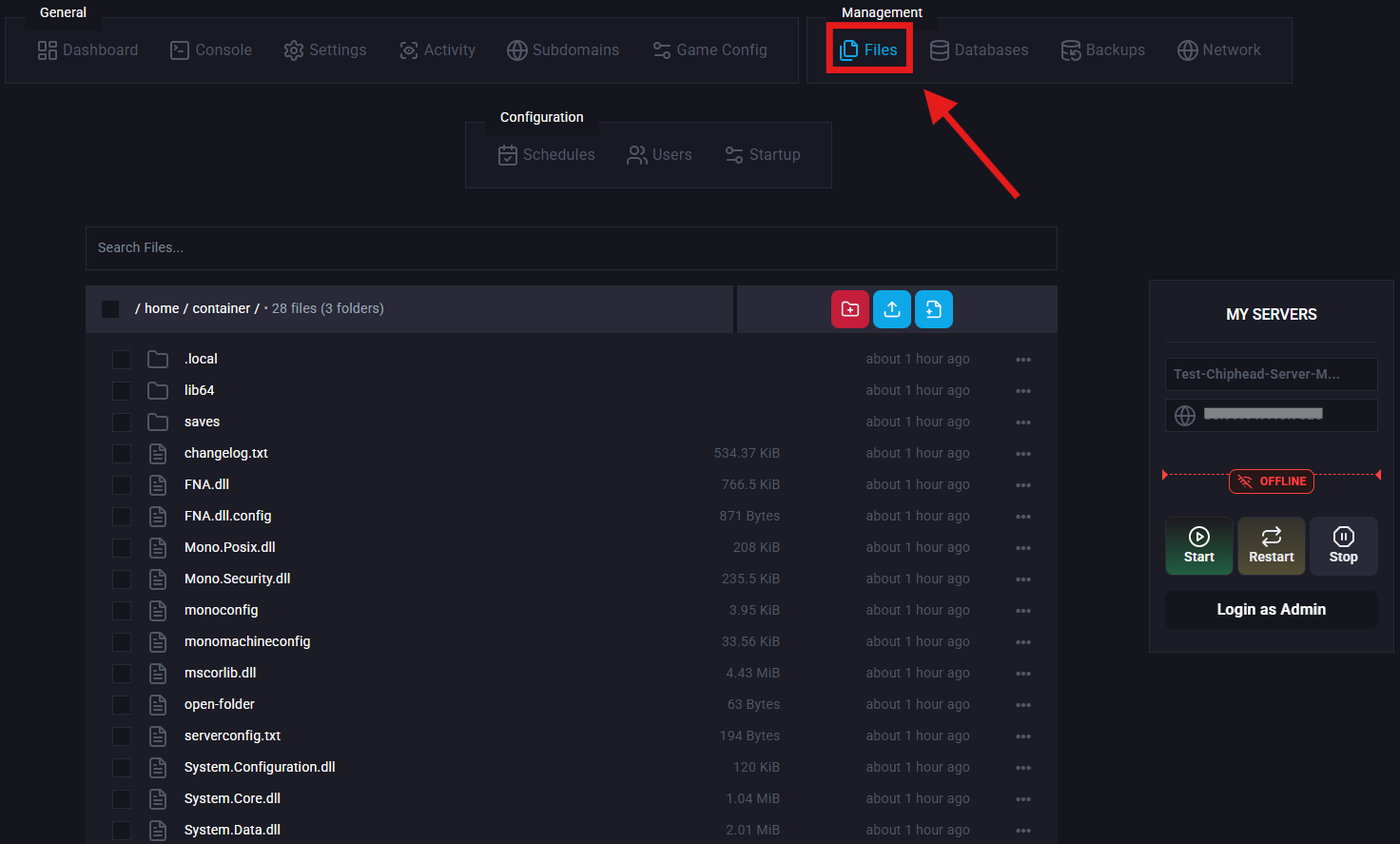
Open /saves/Worlds and delete the .wld file.

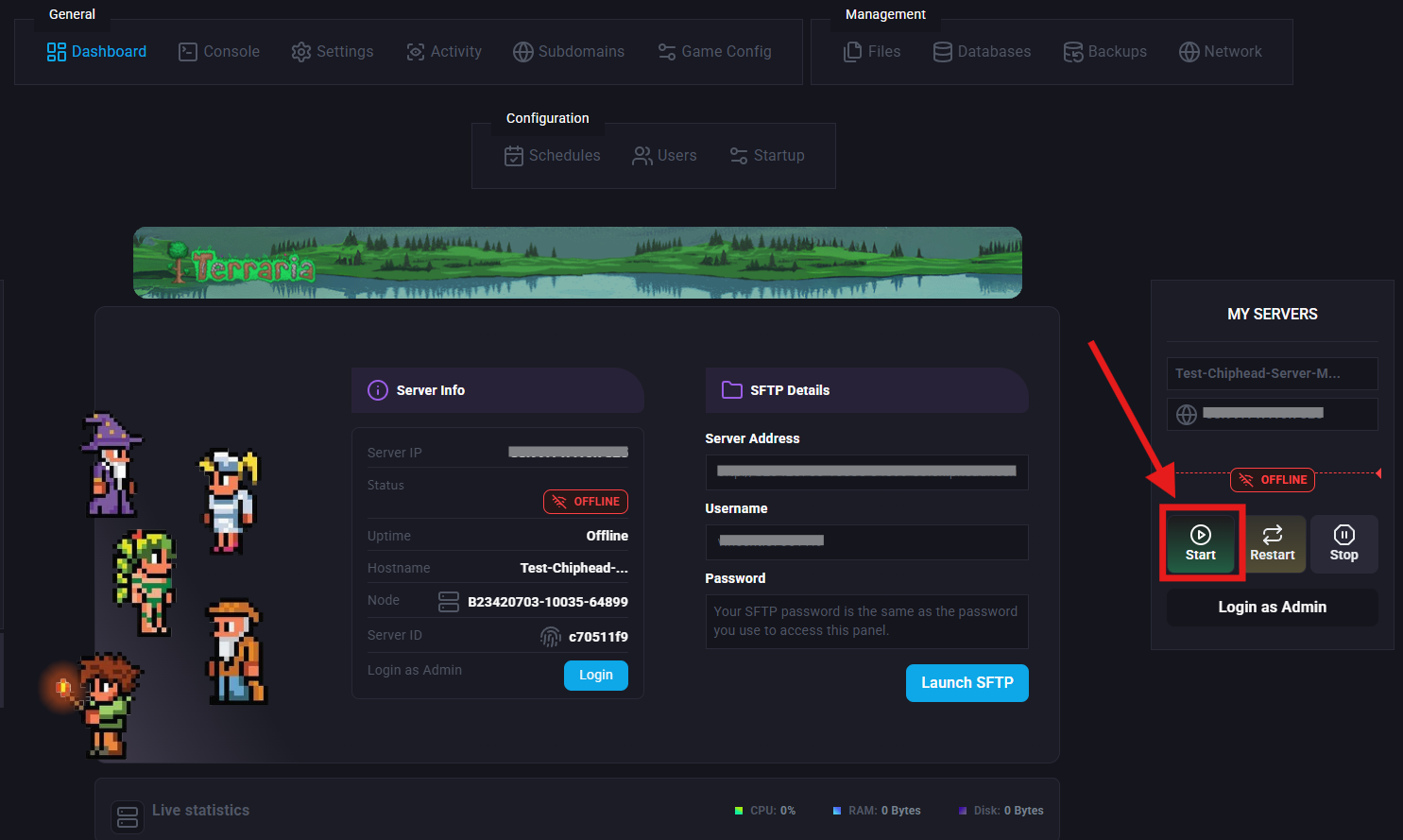
Start your server again, a brand new world will automatically generate.
If you’d like to keep your current world and start a new one without deleting anything, you can create a fresh world simply by changing the world name.
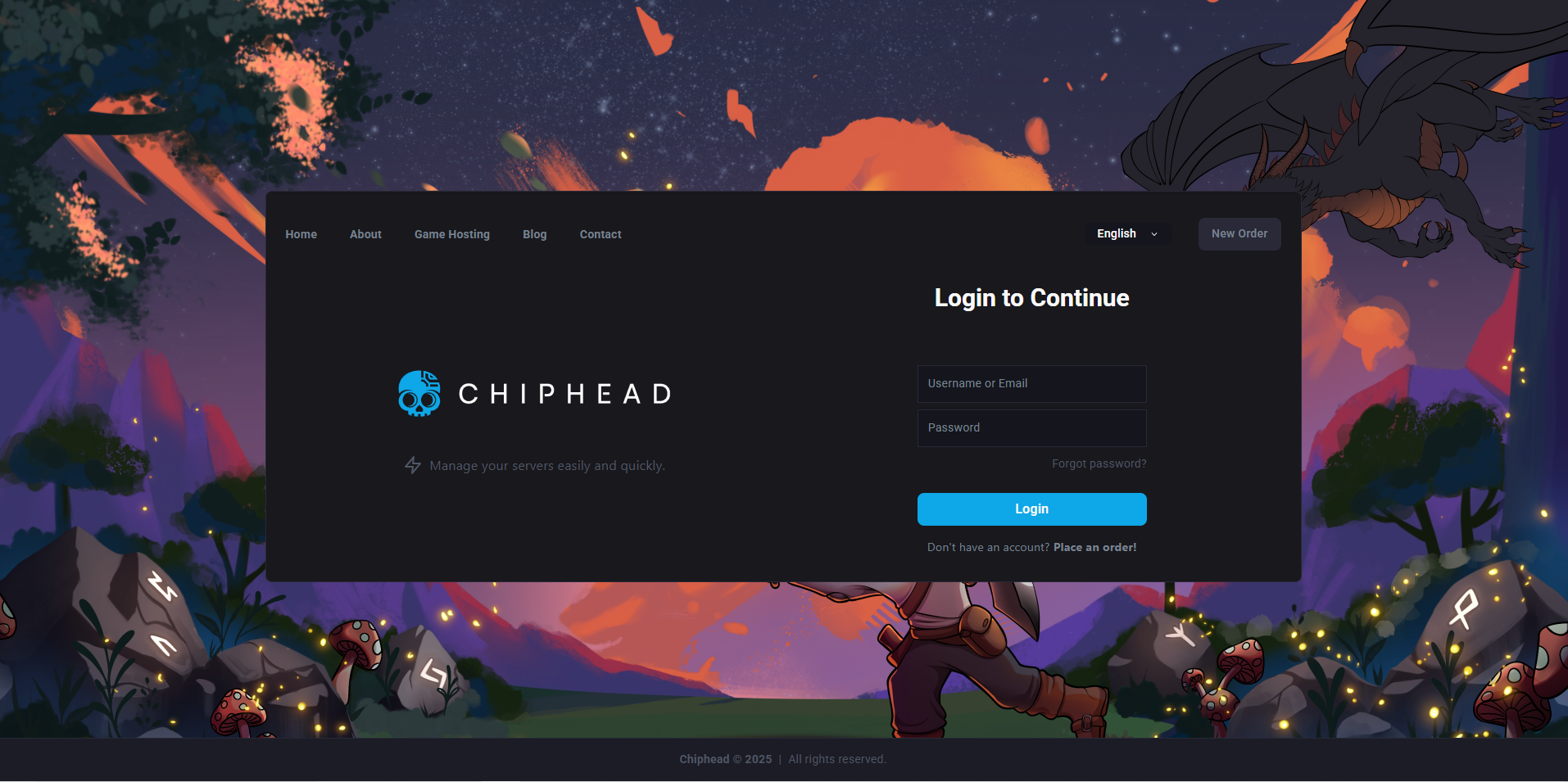
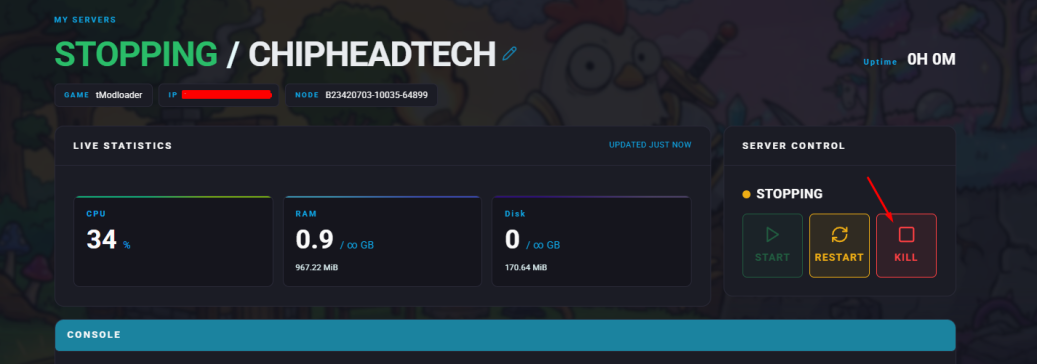
Log in to your Control Panel and stop the server.
Navigate Startup.
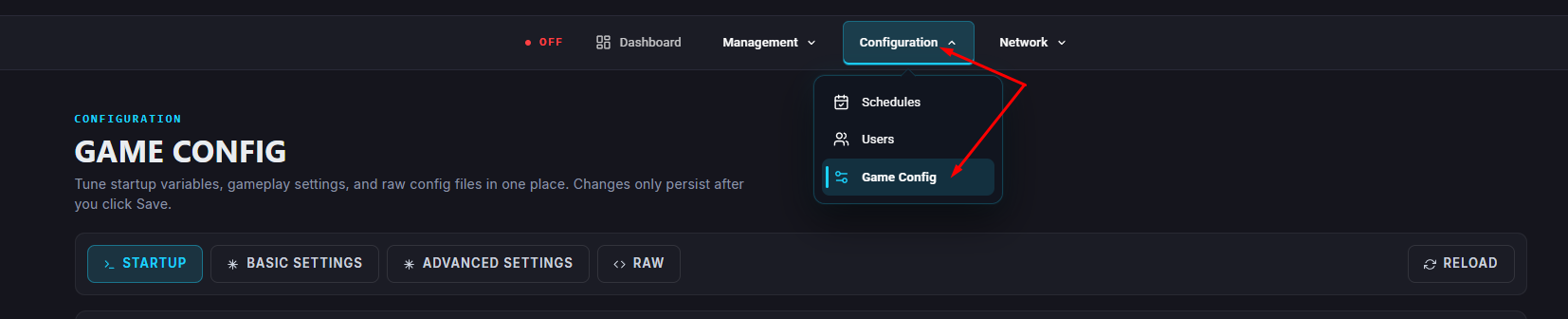
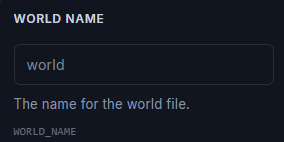
Enter your desired world name in the World Name field.
Start/restart your server.