Summary
Adding your own custom world to a Terraria server is a great way to personalize your gameplay. Whether it’s a map you created yourself or one downloaded from another source, uploading it to your server is quick and simple. Follow these steps to get your custom world set up and ready to play.
Uploading a Custom World
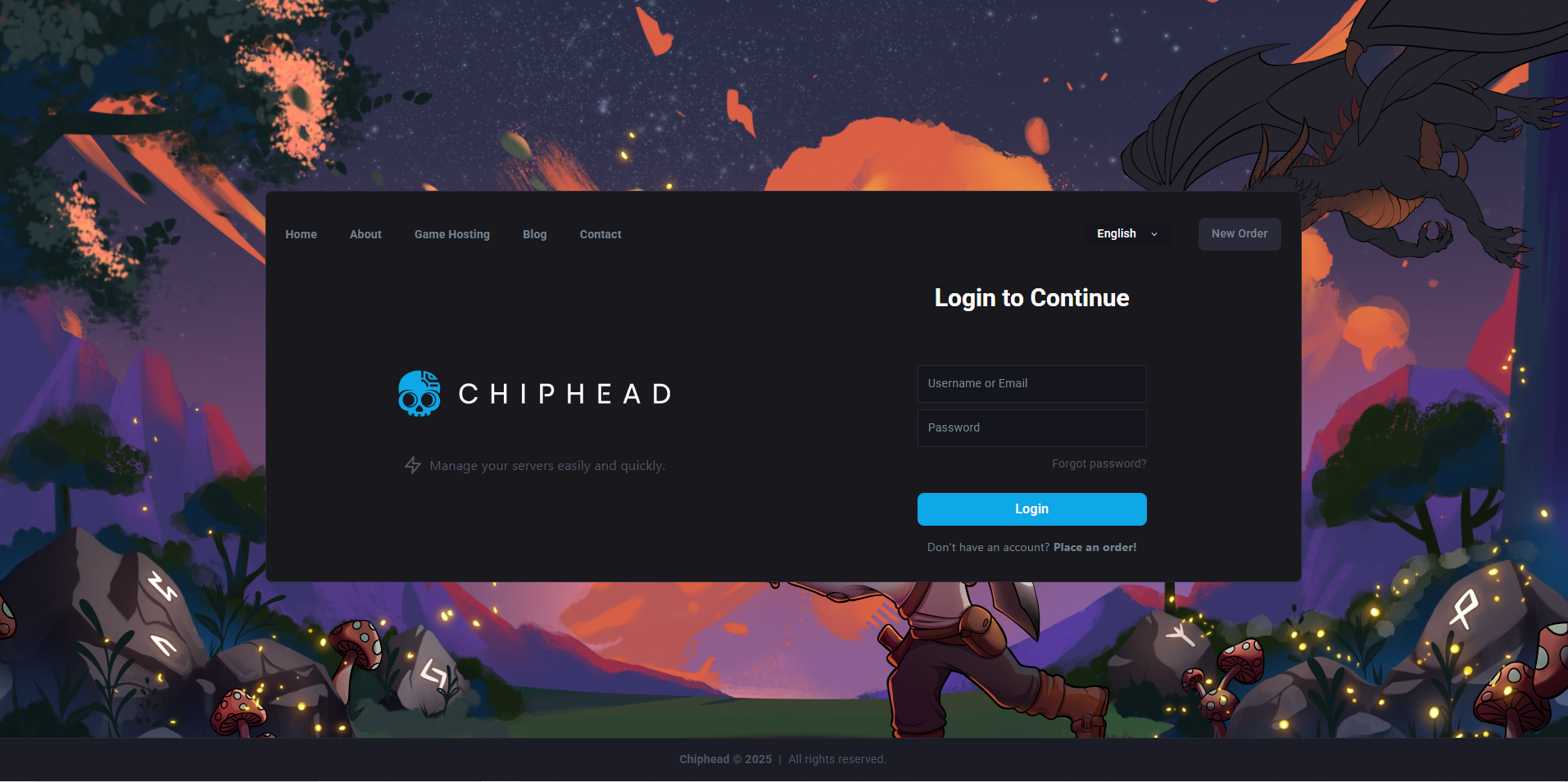
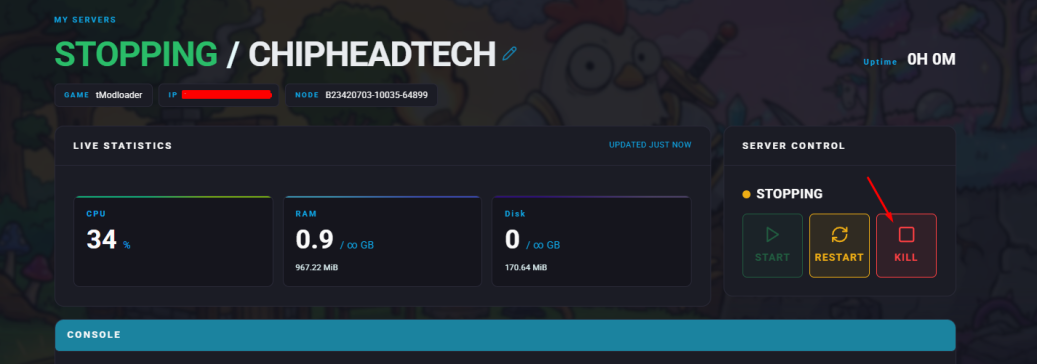
Log in to your Control Panel and stop the server.
Open the Files tab.
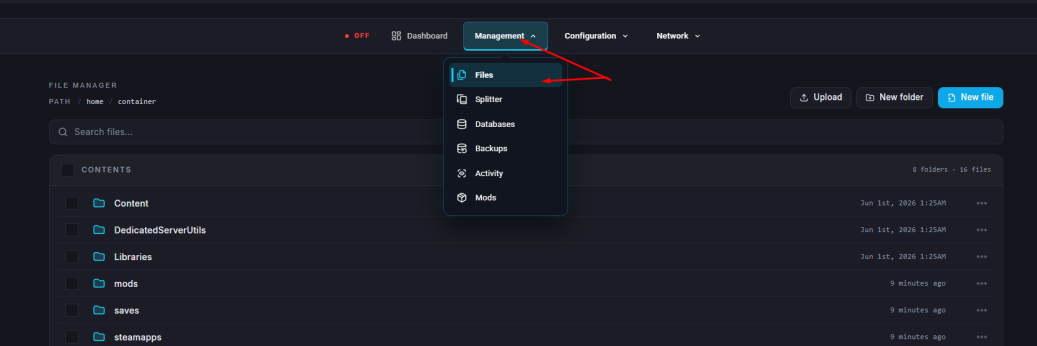
Navigate to /saves/Worlds/.

Upload your custom world’s .wld file (and .bak if available) into the /Worlds folder.

If your world was created in single-player, you can most likely find it on your PC at:
Documents\My Games\Terraria\WorldsIf the new World Name file does not match the name of the current world file on the server, delete the old world .wld file. You may keep the wld.bak file if you wish to keep the backup.
 Optional: You may wish to change the name to match the current uploaded world. If so, the files will be replaced when uploading the new .wld and .wld.bak files.
Start/restart the server.