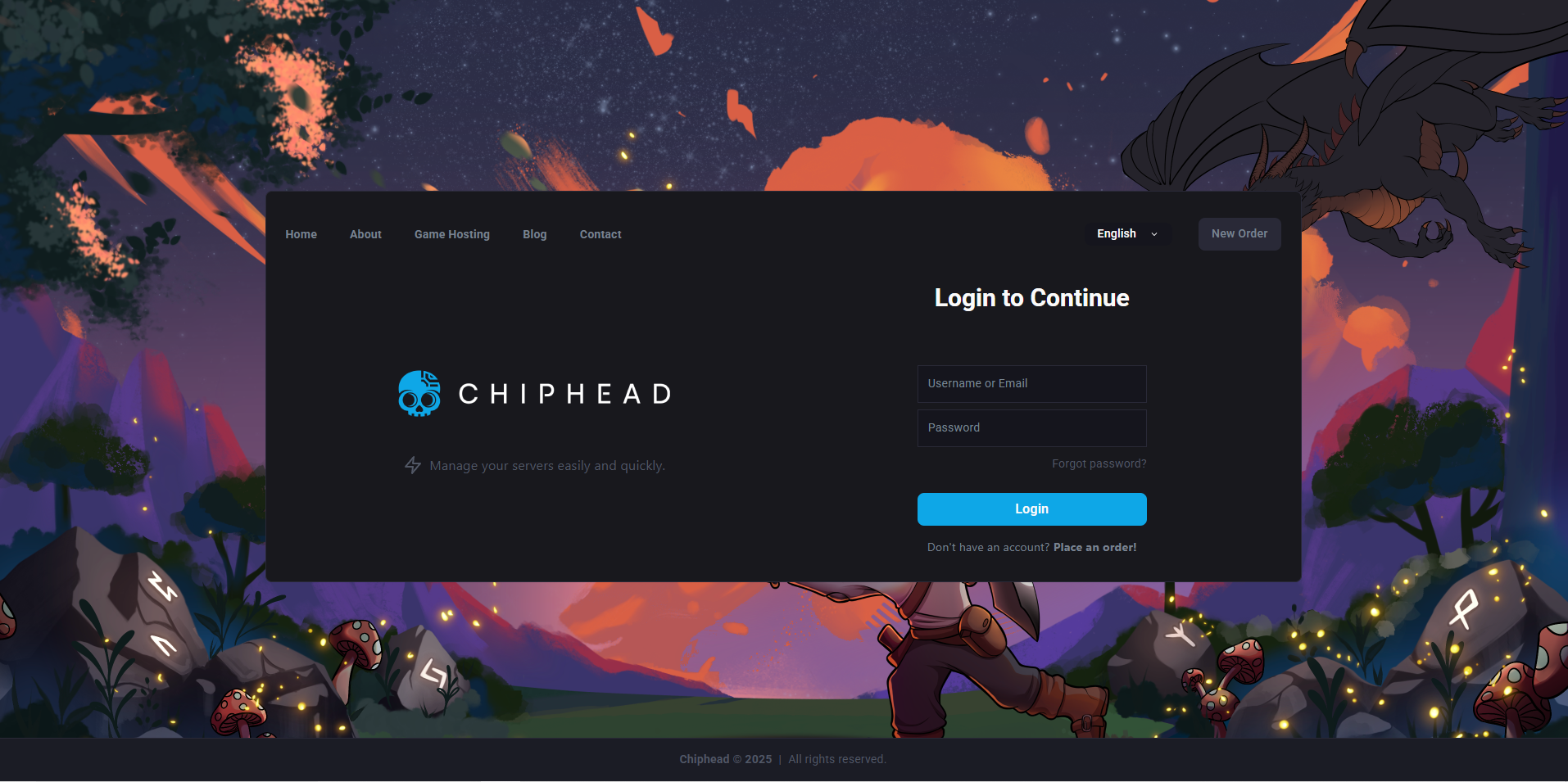
Log in to your ChipHead Panel.
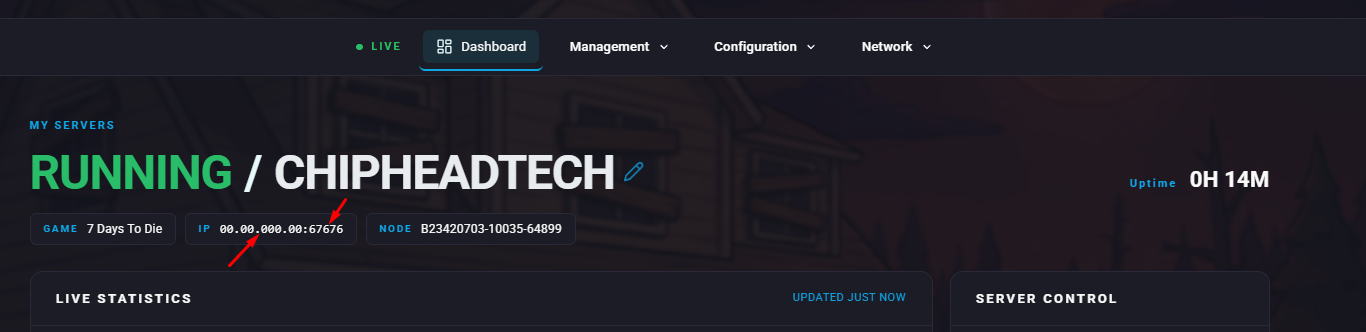
Locate your IP Address field and copy both the IP and the port number.

Once you have the IP, you can connect directly through the game:
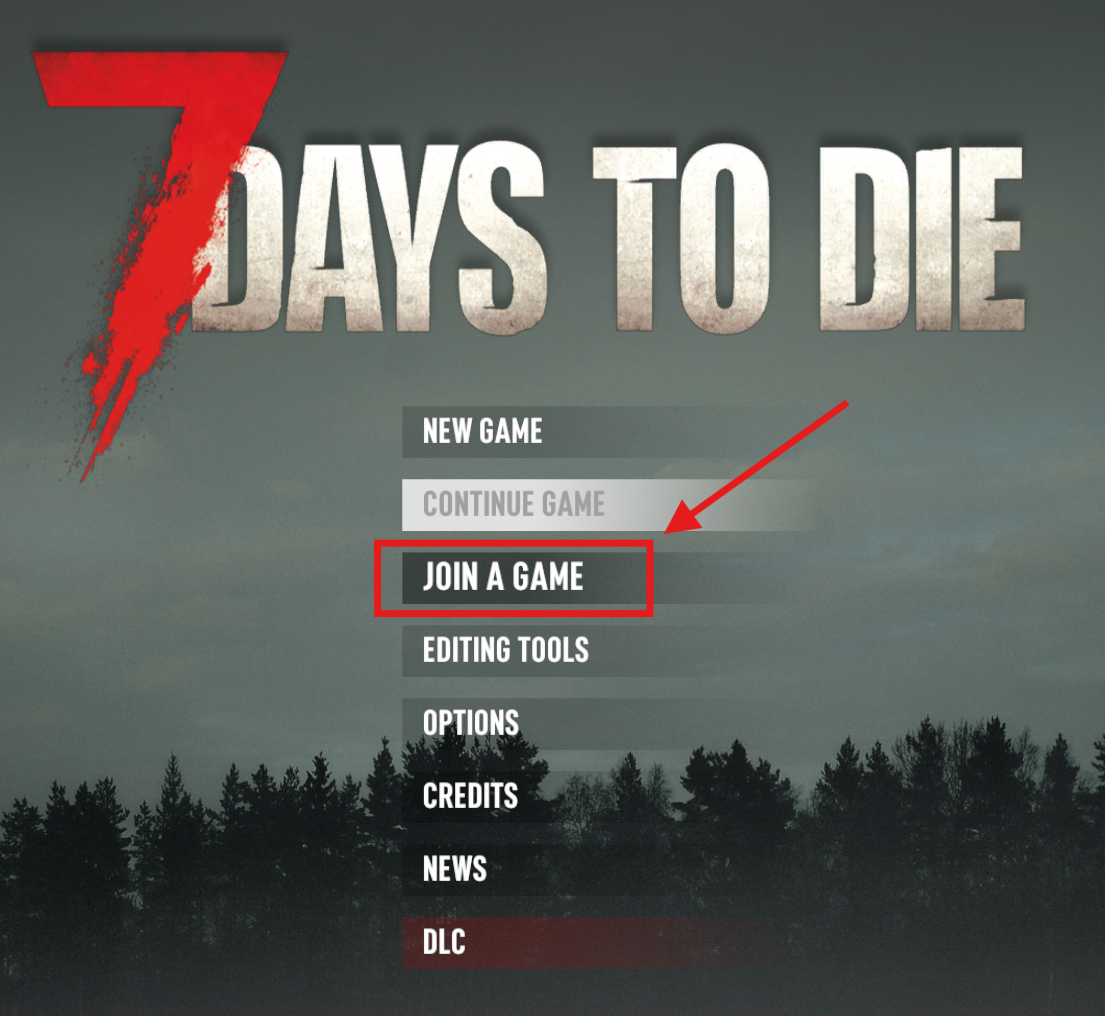
Launch 7 Days to Die and select Join a Game from the main menu.
Click Connect to IP.
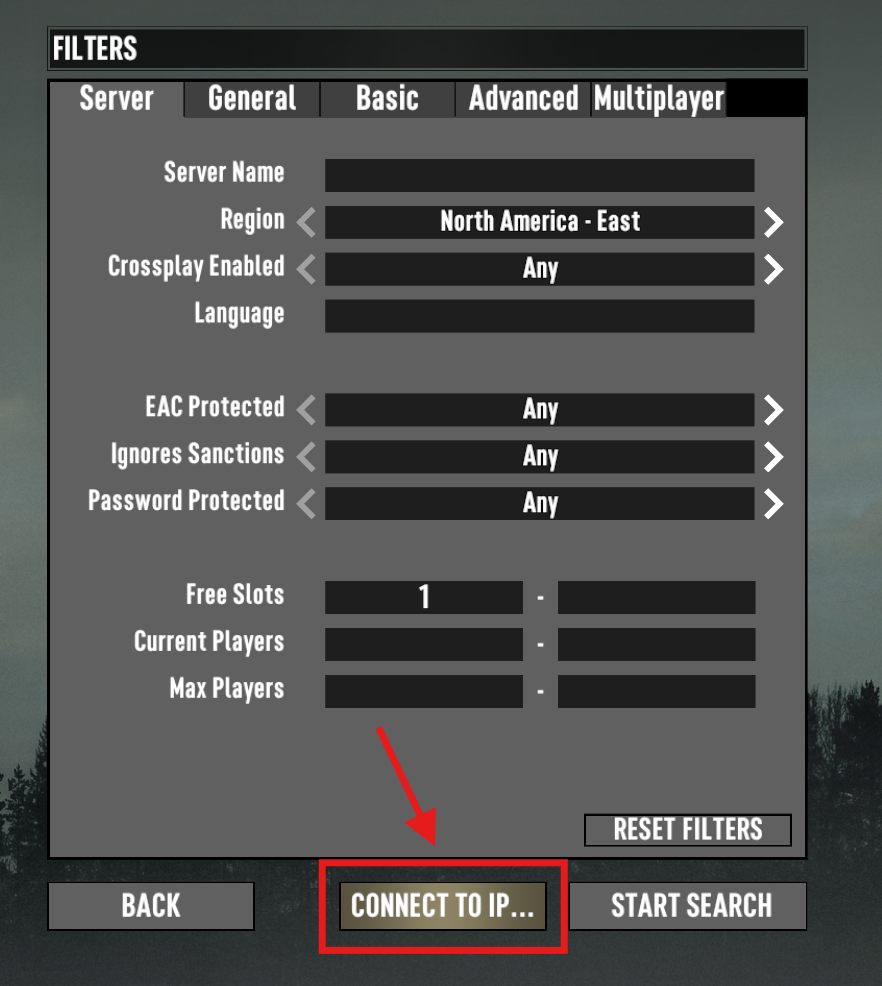
Enter your server’s IP and port number:
The part before the colon (:) is the IP.
The part after the colon is the port.
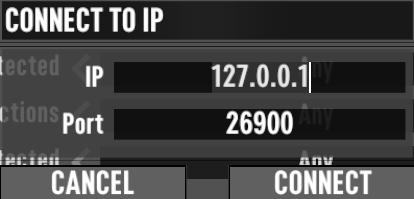
Press Connect to join.
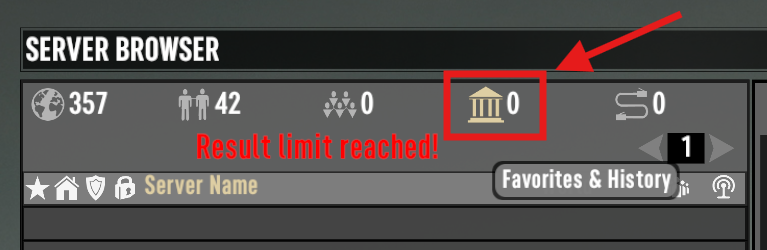
You can easily rejoin later by:
Clicking the temple icon to view recently joined servers.
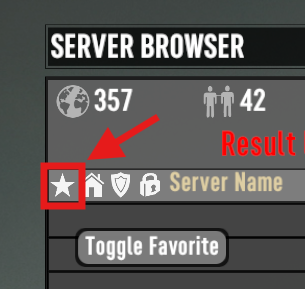
Clicking the star icon to add your server to your favourites for quick access.
Alternatively, you can find your server by searching for its name:
Go to the Config tab in the ChipHead Panel.

Click on </>Raw to access the serverconfig.xml file.
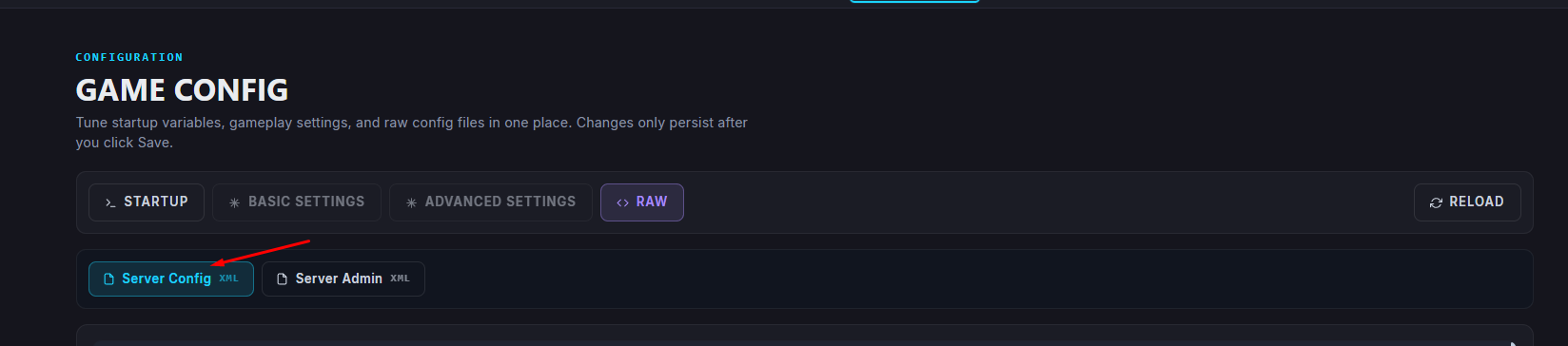
Look for the ServerName setting to confirm your server’s name.


