
One of the best parts of running your own 7 Days to Die server is being able to customise it exactly how you want. With a wide range of adjustable settings, you can fine-tune everything from difficulty to world behaviour - making your server truly unique.
General Settings
You can edit your 7 Days to Die server settings easily through the ChipHead Panel by adjusting the Startup variables.
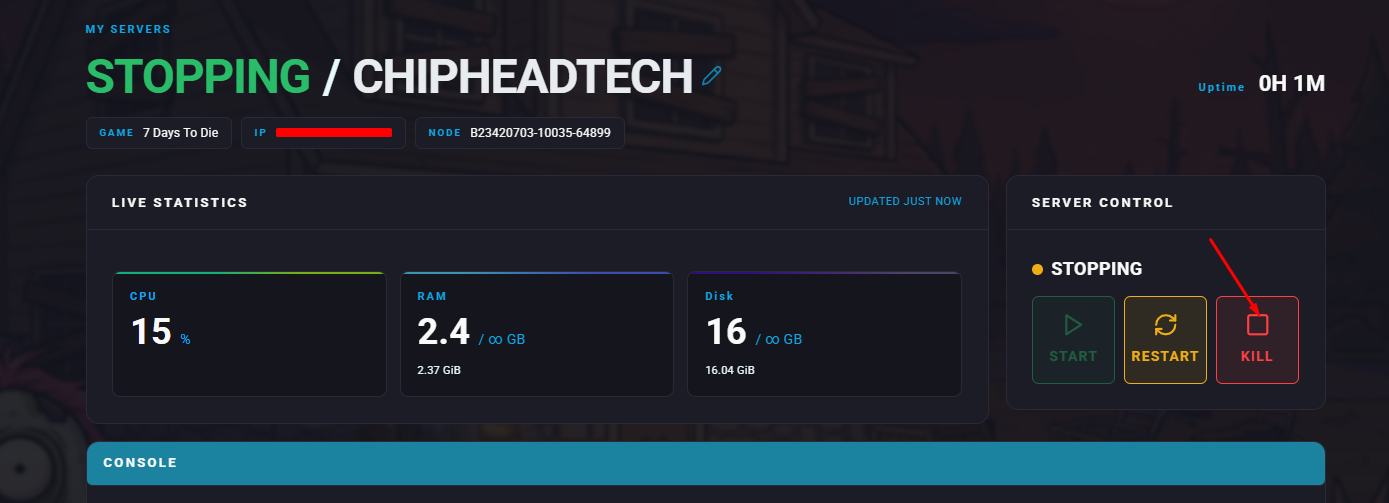
Open the ChipHead Panel and Stop your server.
Navigate to Startup.

Enter your desired game difficulty level in the Game Difficulty field.
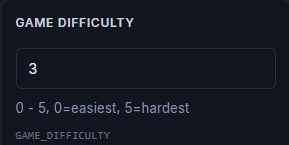
 Tooltip: 0 - 5, 0=easiest, 5=hardestOnce you’ve entered or changed your Enemy Difficulty level make sure to save changes.
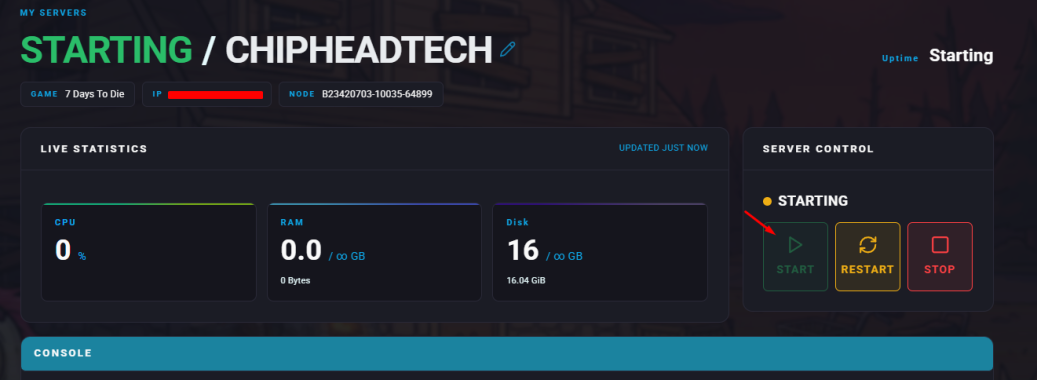
Start/restart your server.

That’s it! You can now tweak your 7 Days to Die server to create the perfect gameplay experience for your community on ChipHead.