
In some cases, you may want to disable Easy Anti-Cheat (EAC) - for example, if you or other players are being incorrectly flagged for cheating. Keep in mind that turning off EAC removes your server’s protection against hackers and exploiters, so only disable it if necessary.
Disabling Easy Anti-Cheat
You can disable EAC directly through your server configuration in the ChipHead Panel:
Log in to your ChipHead Panel and stop your server.

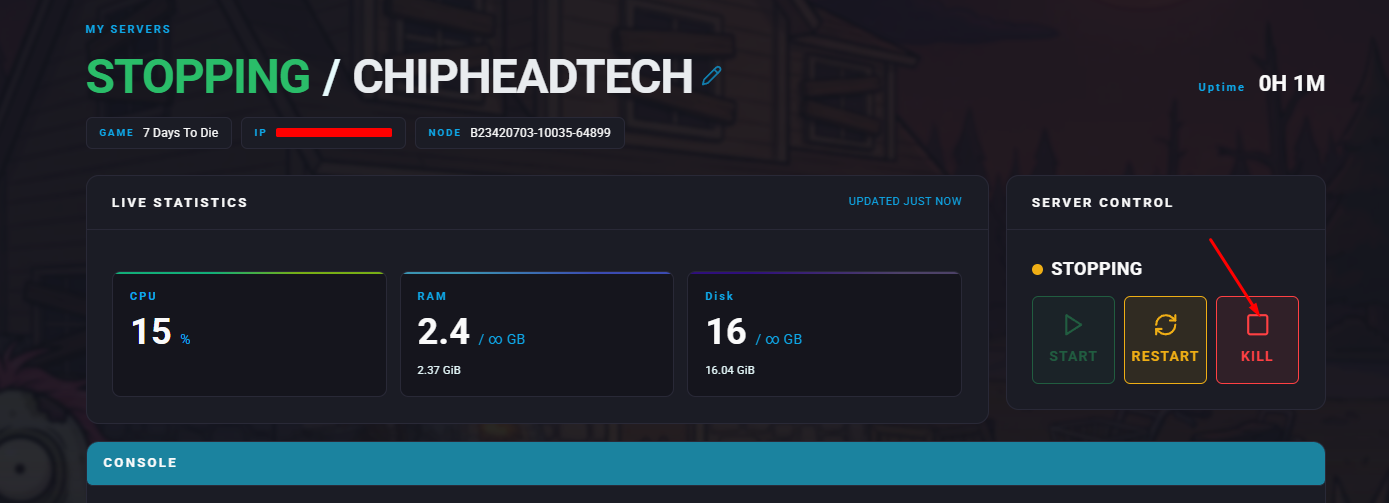
Navigate Game Config.

Click on </>Raw to access the serverconfig.xml file.

Locate the line that says
EACEnabledand change its value tofalse.Click Save.
Start/restart your server.
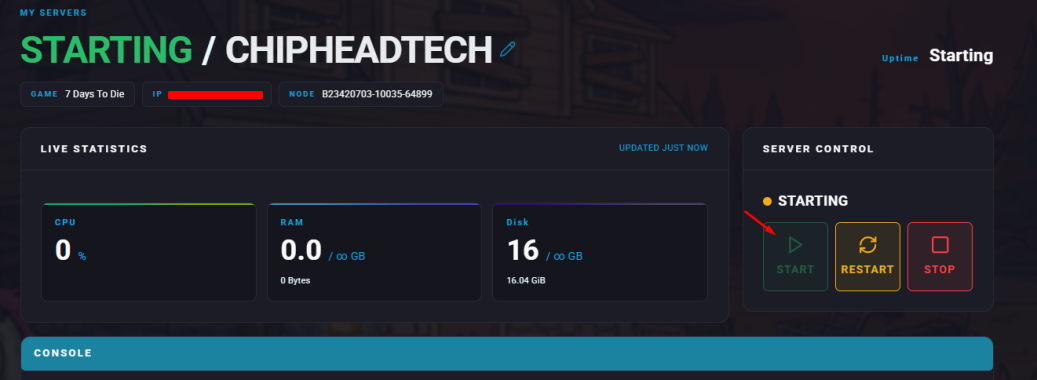

Once your server restarts, Easy Anti-Cheat will be turned off. Players who were previously being kicked for false detections will now be able to join and play without issue.
For security reasons, it’s recommended to re-enable EAC when testing or troubleshooting is complete.