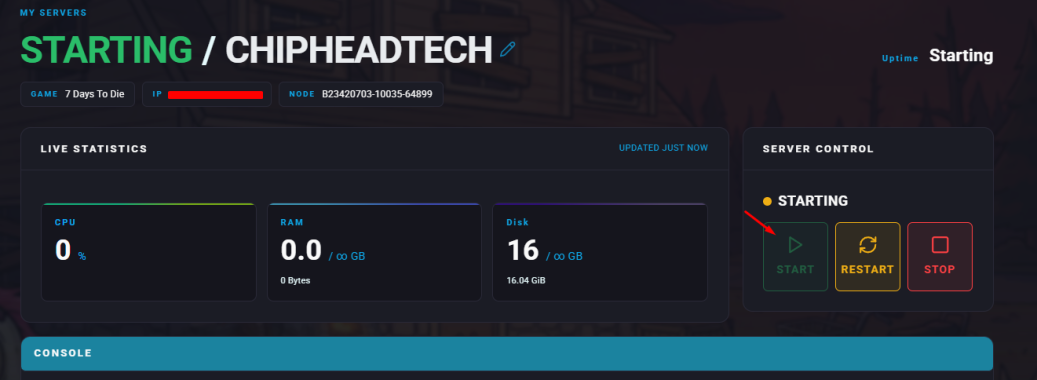
When hosting a 7 Days to Die server, you may want to adjust the rules for player versus player (PvP) combat or friendly fire. You can easily customise how players interact in combat through your ChipHead Panel.
There are four PvP modes available:
Value | Mode | Description |
0 | No PvP | Players cannot damage each other under any circumstances. |
1 | PvP with allies only | Players can damage each other only if both are on each other’s Allies list. |
2 | PvP with strangers only | Players can damage everyone except their allies. |
3 | PvP with anyone | Players can damage anyone, regardless of ally status. |
Adjusting PvP Settings
To change your server’s PvP mode:
Log in to your ChipHead Panel.
Navigate to Game Config.

Click on </>Raw to access the serverconfig.xml file.

Locate the line that says
PlayerKillingMode.Set the value to your preferred PvP mode (0–3).
Click Save.
Start/restart your server.