
Adding a Steam Workshop Collection to your Garry’s Mod server is the easiest way to include multiple addons, maps, and mods all at once. It ensures that everyone joining your server uses the same content, preventing compatibility issues and saving you time compared to installing addons individually.
Adding a Workshop Collection to Your Server
Follow these steps to link your Steam Workshop Collection using the ChipHead Panel:
Get the Collection URL
Visit the Steam Workshop
Select a “Mod” you like and copy the URL ID in the address bar

Add the Collection to Your ChipHead Server
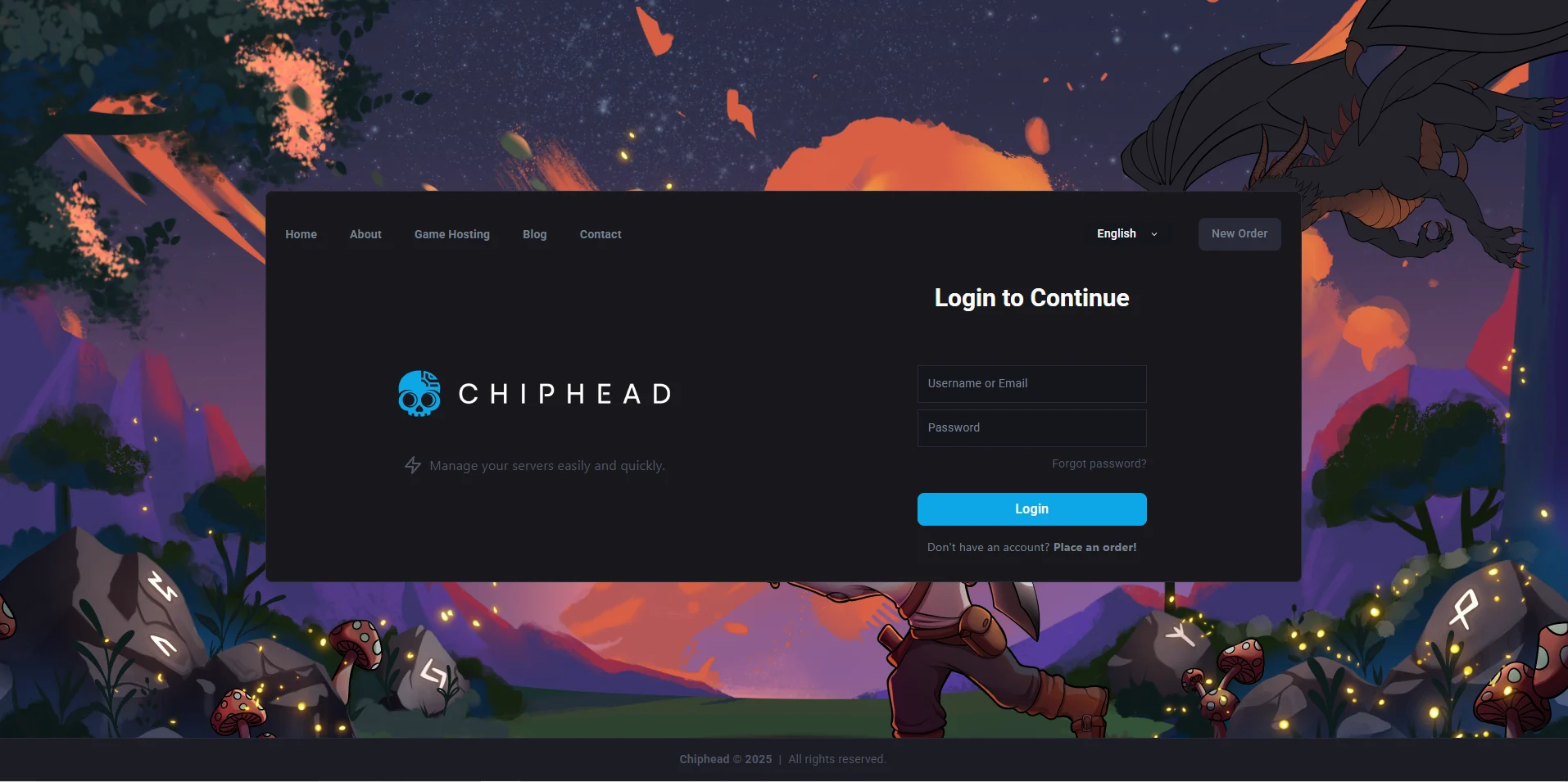
Log in to your ChipHead Panel.
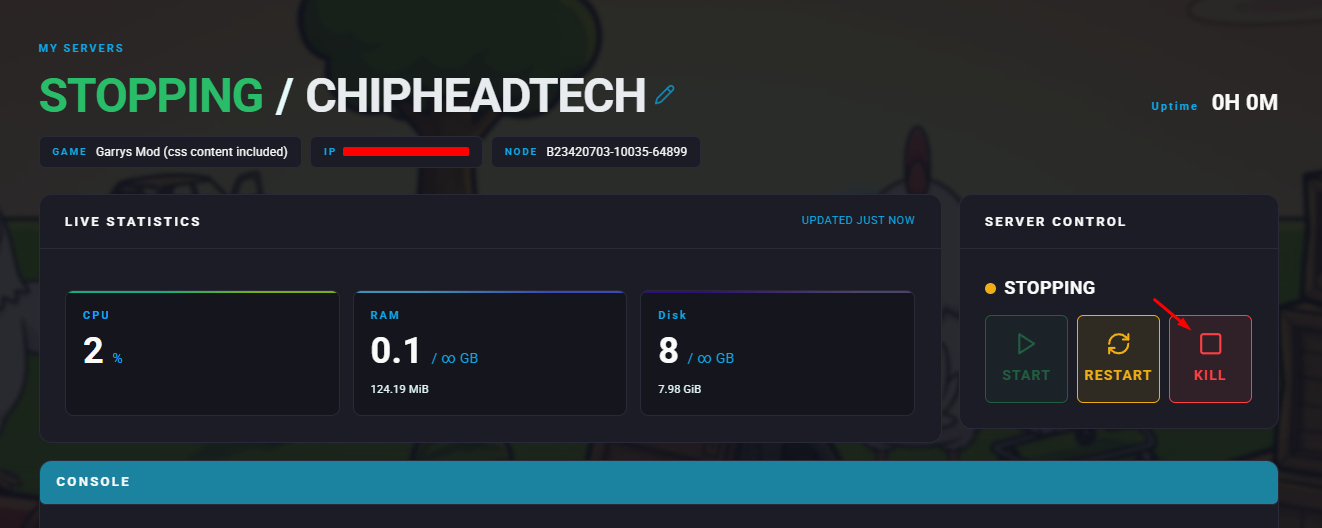
Stop your server.
Go to the Startup tab.

Find the Workshop ID field & Paste the Collection ID you copied earlier.
Start Your Server
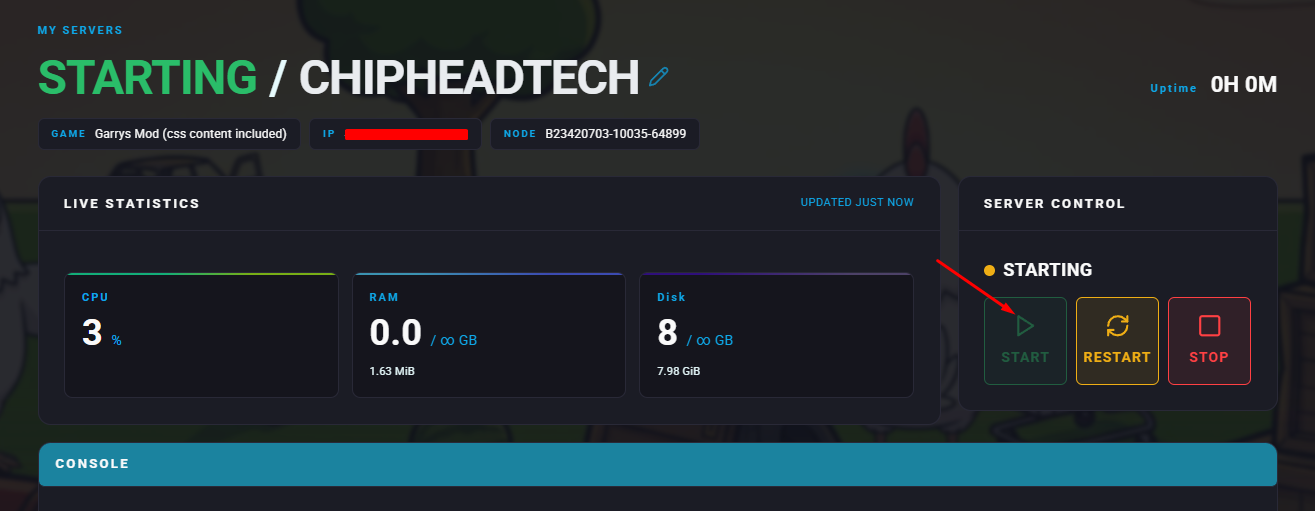
Once you’ve saved your changes, start your server.
Garry’s Mod will automatically download all the addons from the Workshop Collection.

Your Garry’s Mod server is now linked to your Steam Workshop Collection. All subscribed addons will be installed automatically, making it easier than ever to keep your server’s content consistent for all players on ChipHead.