You can add custom startup parameters to your Garry’s Mod server to fine-tune performance, control content loading, or test specific configurations. These parameters are applied through the server.cfg file found in your server’s config directory and are executed each time the server starts.
For example, you can disable Lua refreshes to reduce lag or prevent certain addons from loading while testing new settings.

server.cfg file before editing to avoid losing important configurations.Follow these steps to add startup parameters using the ChipHead Panel:
Log in to your ChipHead Panel.
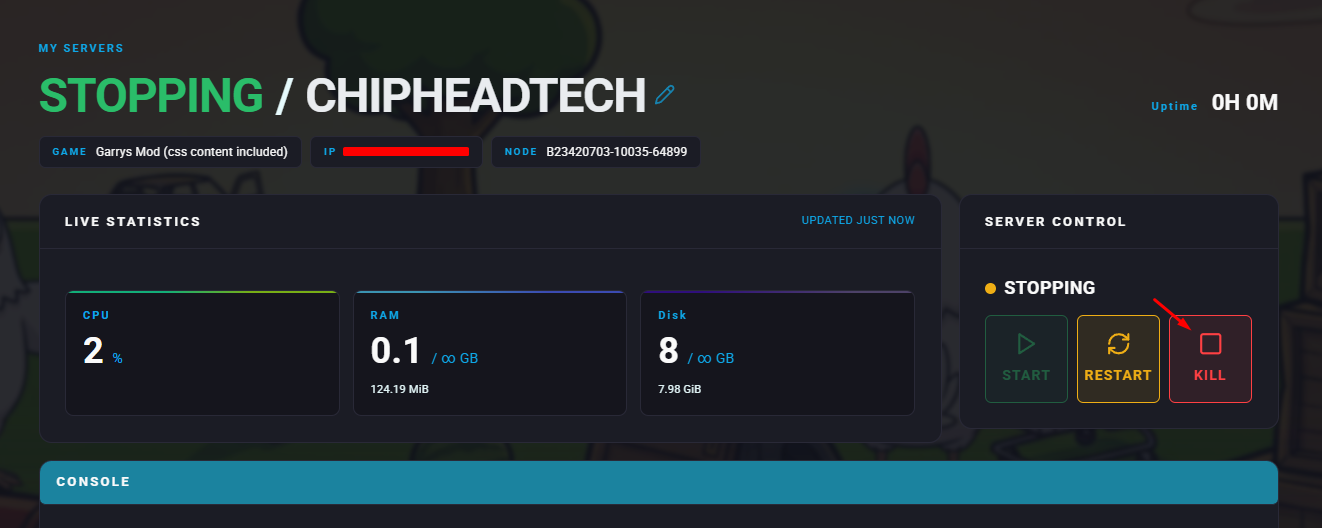
Stop your server.
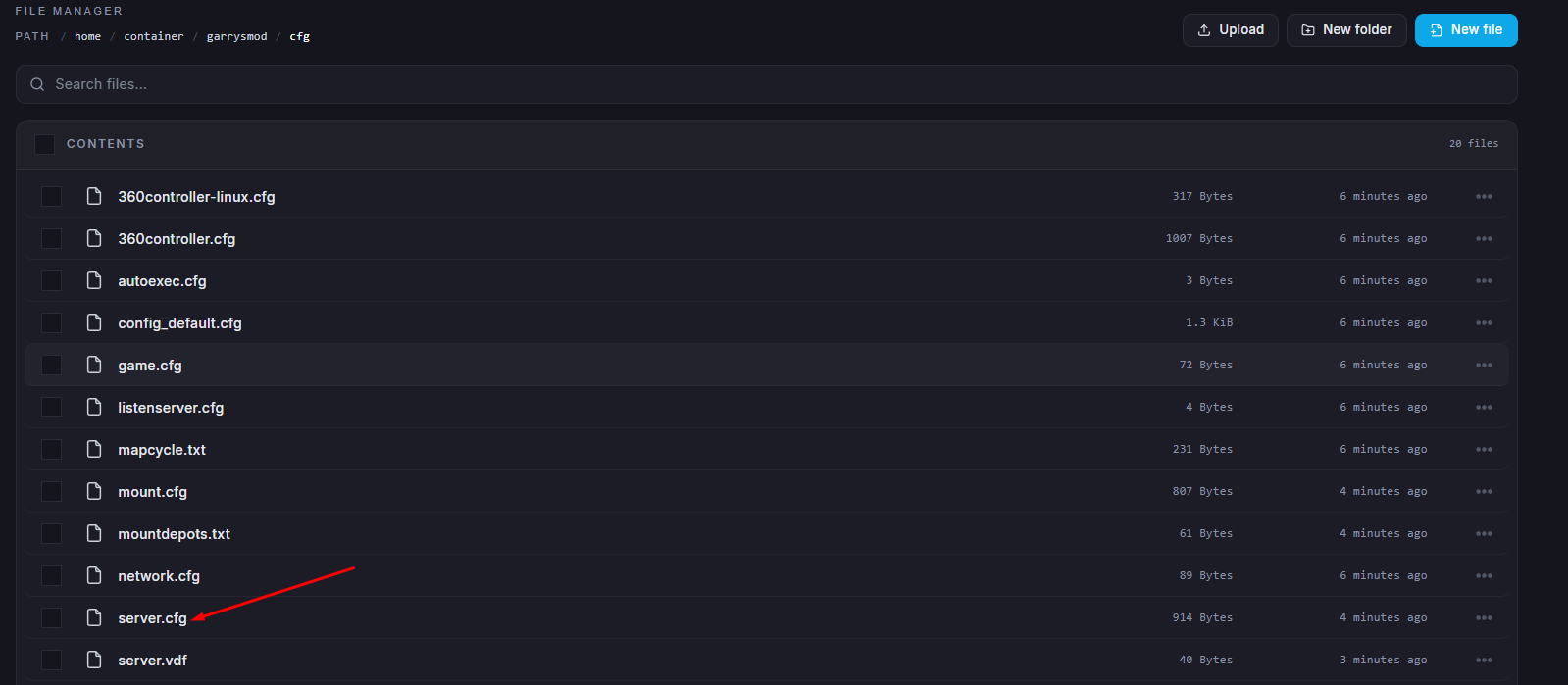
Go to the Files tab and navigate to garrysmod/cfg/server.cfg
Add your desired startup parameters to the bottom of the file.
Click “Save Content“ when finished.
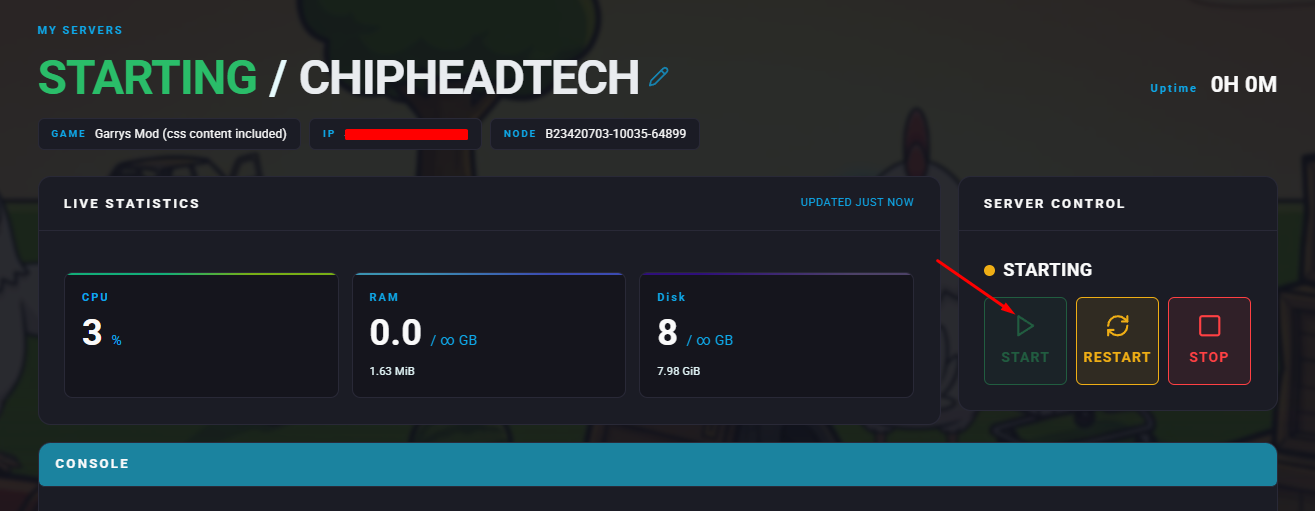
Start your server
Parameter | Description |
| Prevents loading of addons from the server’s addons folder. |
| Disables Steam Workshop integration and stops workshop addons from being installed. |
| Turns off automatic |
| Disables Chromium integration for players using the Steam Chromium beta. |

