Even the best Garry’s Mod servers can occasionally attract players who break the rules, exploit bugs, or disrupt gameplay. Whether your server is public or private, banning unwanted players helps keep your community safe and enjoyable for everyone.
If you’ve configured custom permissions, moderators can also handle bans independently - making server moderation smooth and efficient.

banid command requires a valid SteamID64. Check out our guide on Finding a Player’s SteamID if you need help locating it.Log in to your ChipHead Panel.
Open the “Console” tab.
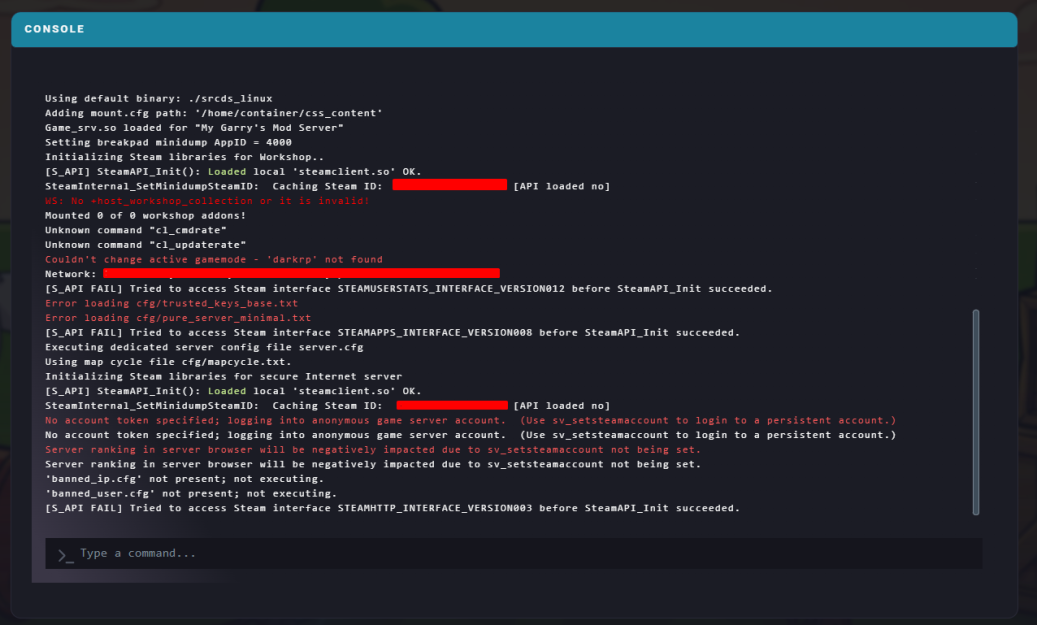
Use one of the commands below to ban or unban a player:
Command | Description | Example |
ulx ban <player> [minutes] [reason] | Bans a player by username for a set time (use | ulx ban Steve 0 rude |
ulx banid <steamid> [minutes] [reason] | Bans a player using their Steam64ID. Username and reason are optional. | ulx banid 76561198169700921 Steve 0 |
ulx unban <steamid/username> | Removes a ban by SteamID or username. | ulx unban Steve |
If you’re an admin or moderator with the proper permissions, you can also use chat commands directly from the in-game chat box:
Command | Description | Example |
!ban <player> [minutes] [reason] | Bans a player by username (use 0 for a permanent ban). | !ban Steve 0 rude |
!banid <steamid> [minutes] [reason] | Bans a player using their Steam64ID. | !banid 76561198169700921 Steve 0 |
!unban <steamid/username> | Unbans a player by SteamID or username. | !unban Steve |

