
Changing your Garry’s Mod server hostname is a great way to make it more recognisable and appealing to players. A clear and descriptive name helps your server stand out in the list, attract new players, and communicate key details like your community focus, game mode, or server region. It’s also useful when rebranding or updating your server’s identity.
Changing Your Server Hostname
Follow these steps to update your server name through the ChipHead Panel:
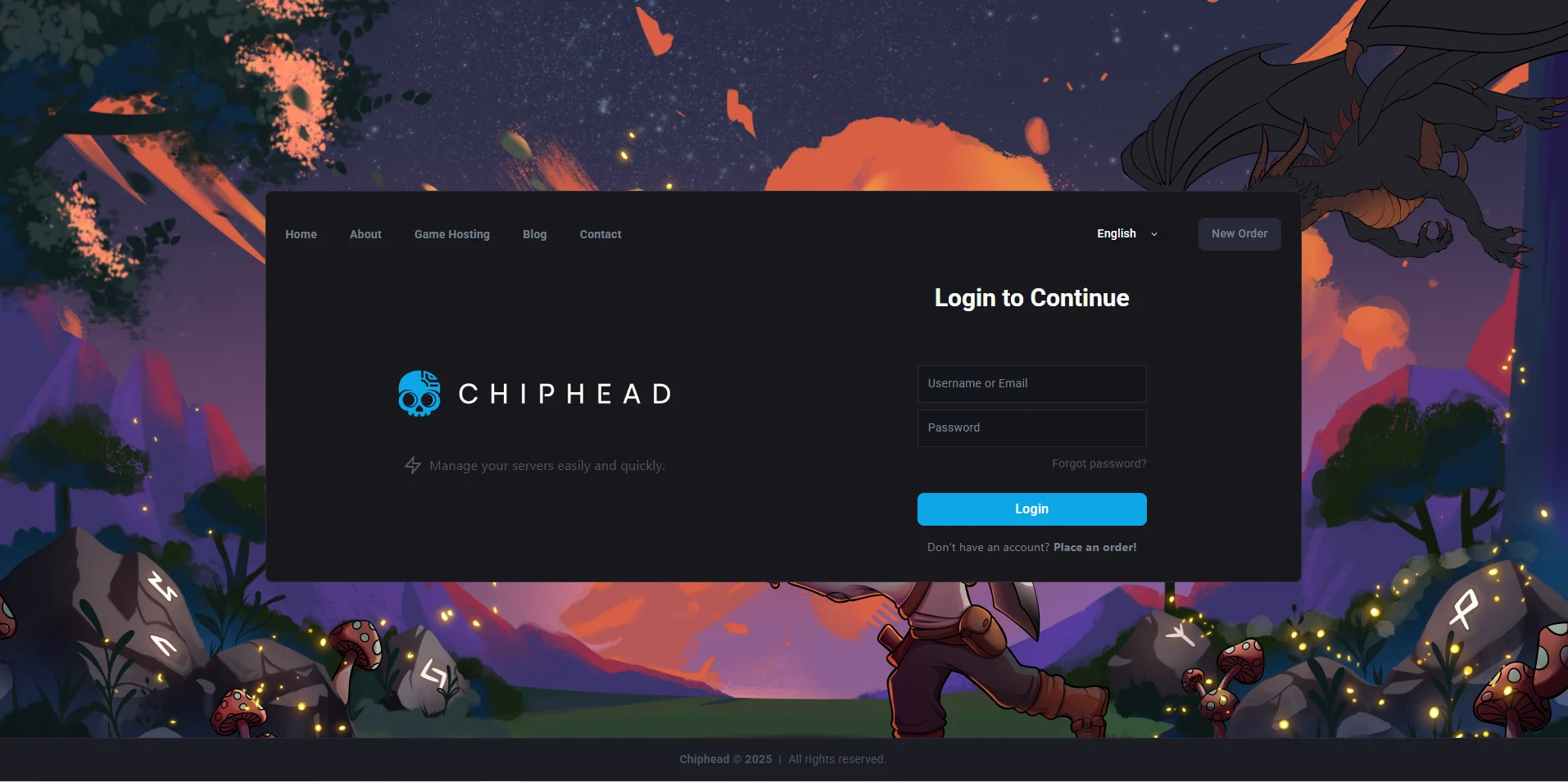
Log in to your ChipHead Panel.
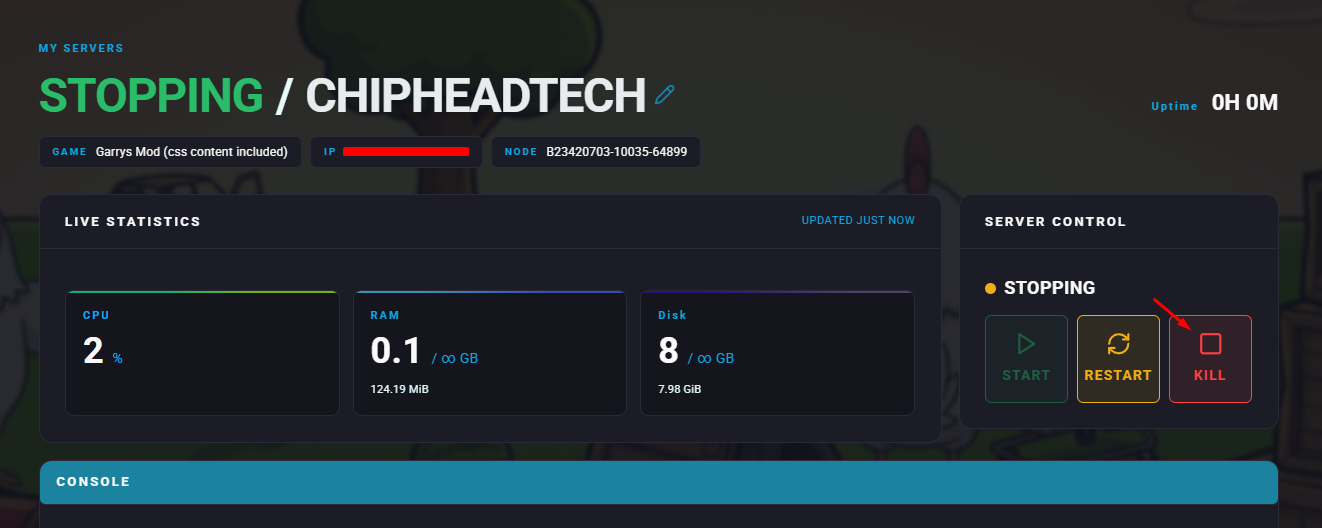
Stop your server.
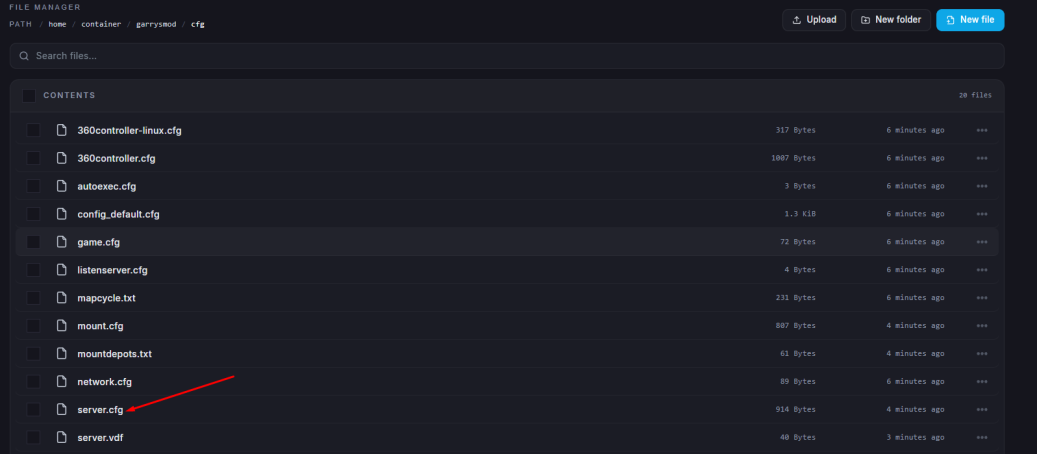
Go to the Files tab & Open the server.cfg file.
Find the line that begins with hostname.
Type your new server name between the quotation marks.
Example:
hostname "ChipHead Sandbox Server - UK Community"
Click “Save Content”.
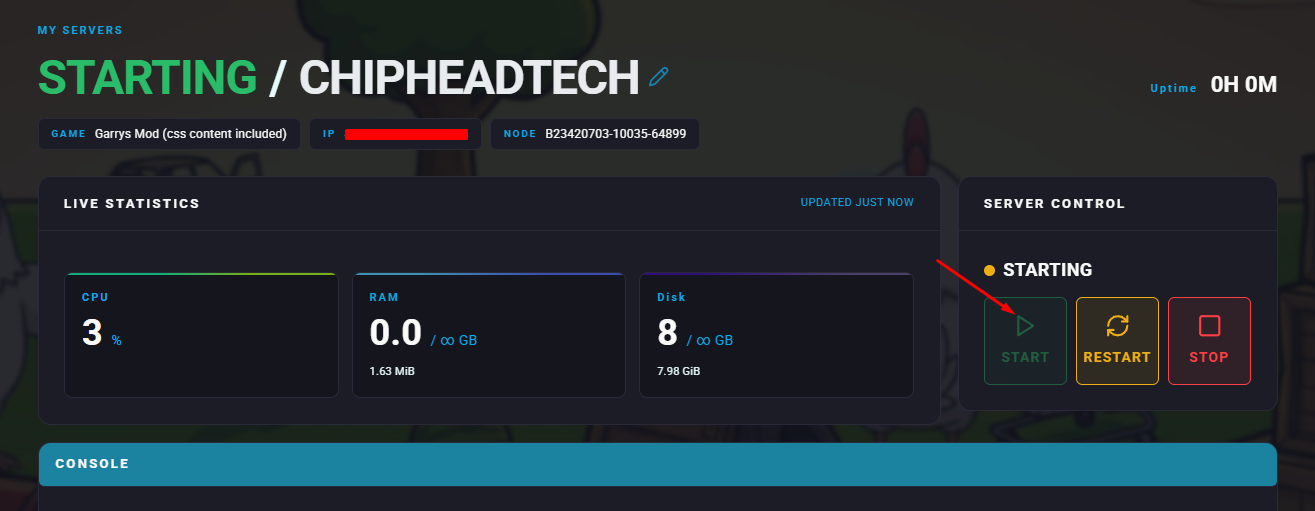
Start your server.

All done!
Your Garry’s Mod server will now display your new hostname in the public server list, helping players easily find and remember your ChipHead server.
Your Garry’s Mod server will now display your new hostname in the public server list, helping players easily find and remember your ChipHead server.