
Performing a full server reset can help fix technical issues, remove corrupted data, and restore your Garry’s Mod server to its default state. This is especially useful if your server has been running for a long time, undergone major changes, or accumulated outdated addons and configurations. A full reset also gives you a clean slate to rebuild or rebrand your server.

Note: Before resetting, always make a local backup of your files to avoid losing important data such as configurations, saves, or workshop content.
Resetting Your Garry’s Mod Server
Follow these steps to completely reset your server using the ChipHead Panel:
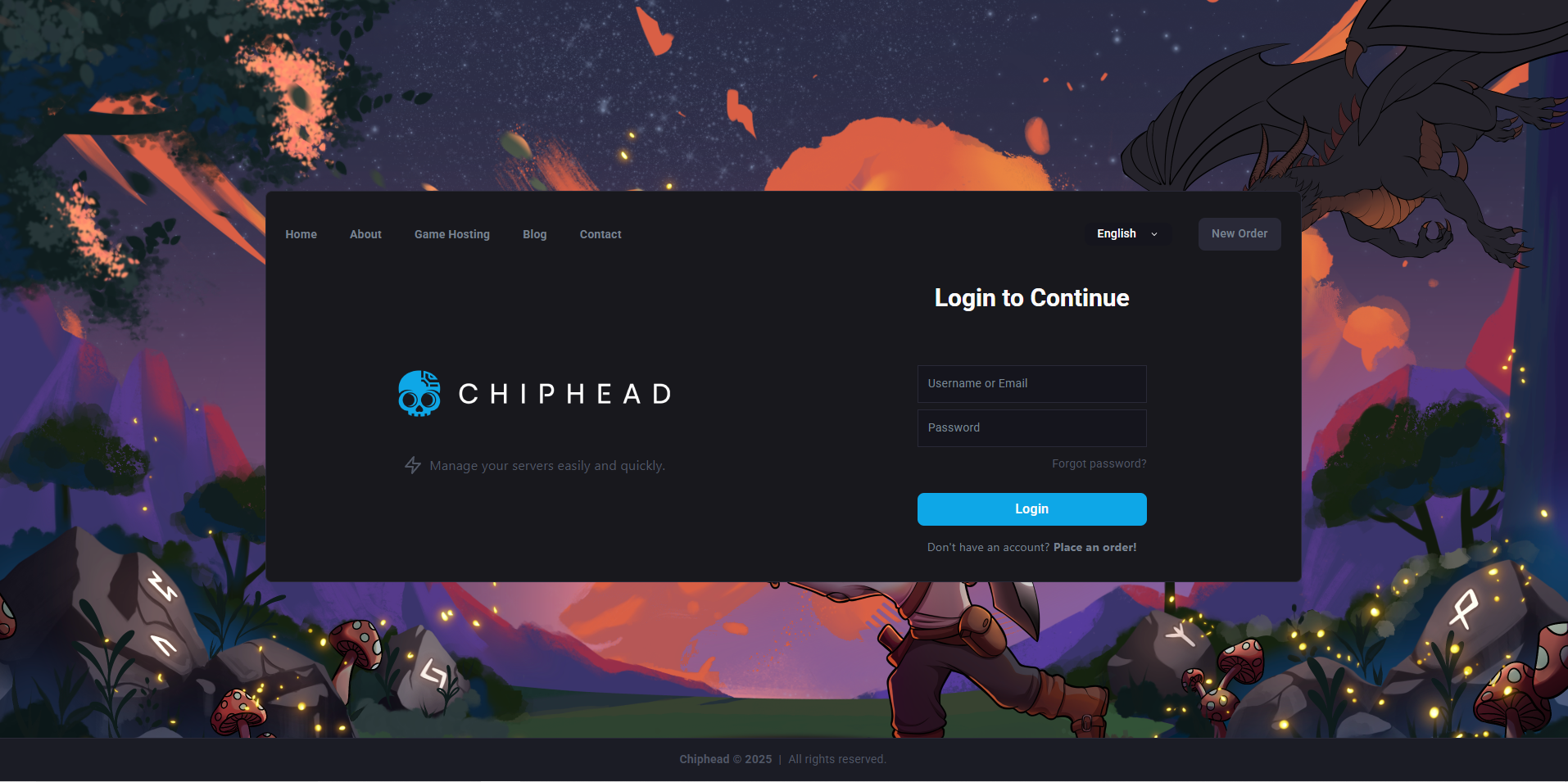
Log in to your ChipHead Panel.
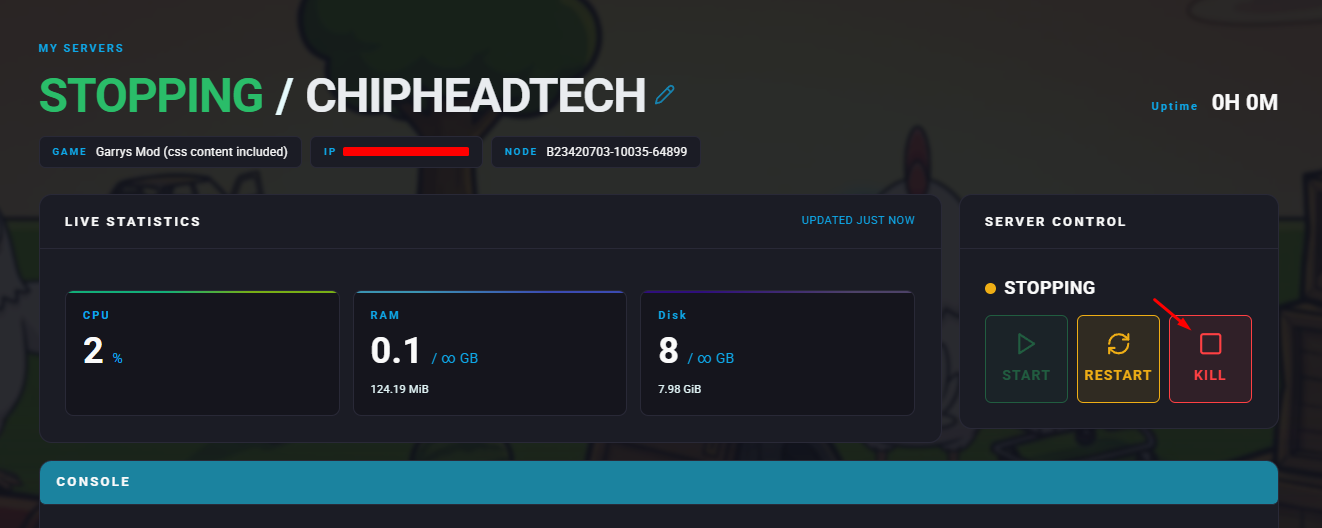
Stop your server.
Go to “Dashboard” & scroll down to “Reinstall”.

Click Reinstall to begin the process.
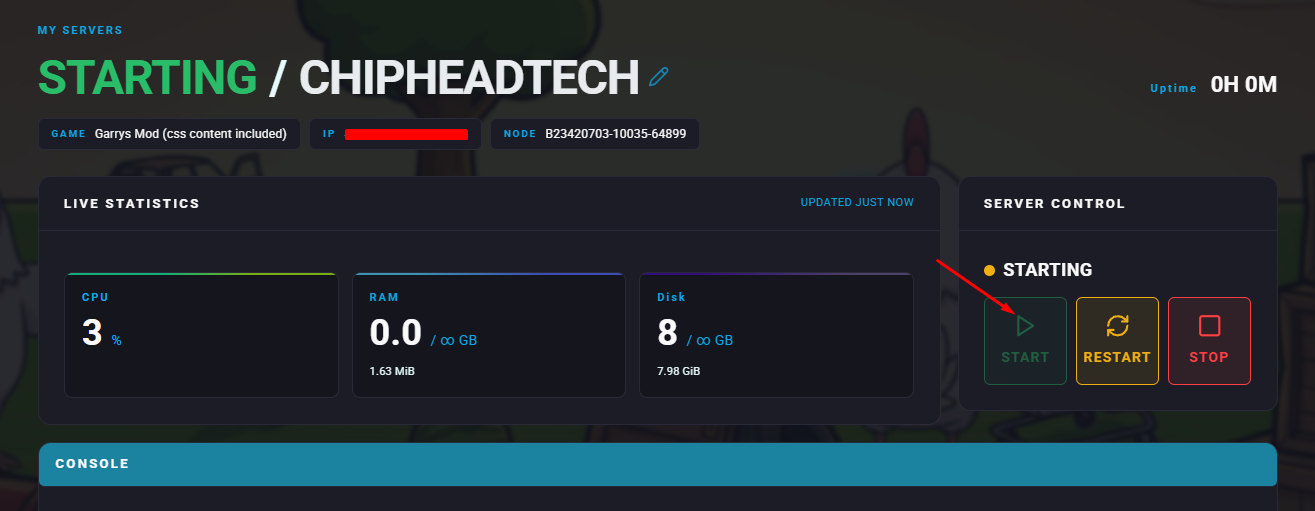
Once the reinstall completes, start your server again.

Your server is now fully reset!
You can begin fresh configuration, upload new content, or reapply your preferred settings - giving your ChipHead Garry’s Mod server a clean start for better performance and stability.
You can begin fresh configuration, upload new content, or reapply your preferred settings - giving your ChipHead Garry’s Mod server a clean start for better performance and stability.