RCON (Remote Console) is a powerful tool that lets server owners and admins send commands directly to their Garry’s Mod server from outside the game. It’s ideal for managing your server remotely, running admin commands, and even using ULX commands without being logged in locally.

Follow these steps to set up RCON using the ChipHead Panel:
Log in to your ChipHead Panel.
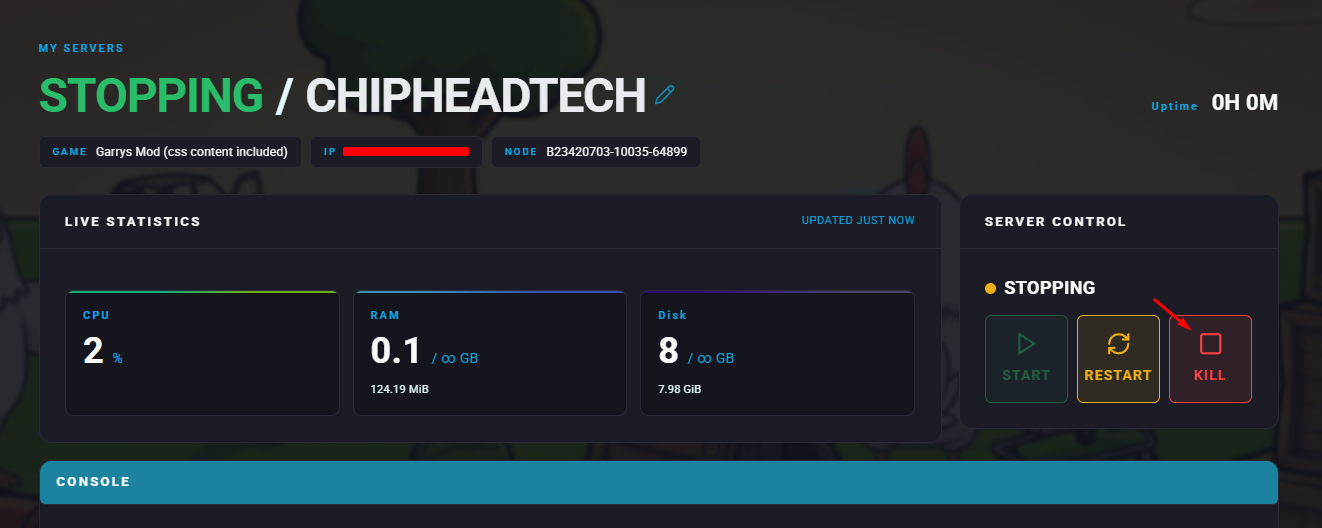
Stop your server.
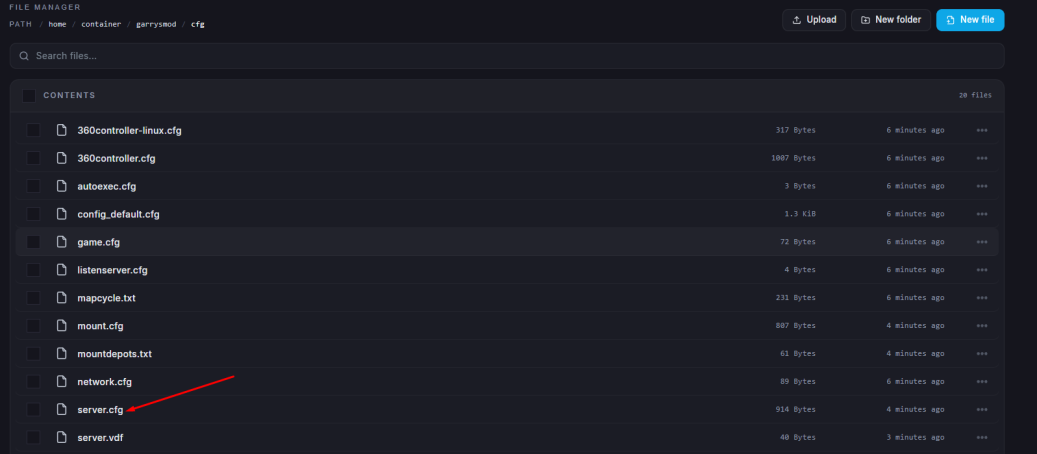
Go to the Files tab & Open the server.cfg file.
The warning about setting RCON inside server.cfg can be safely ignored.
Add the following line under your custom settings:
rcon_password "YourSecurePassword"Replace YourSecurePassword with a strong password of your choice.
Click “Save Content”.
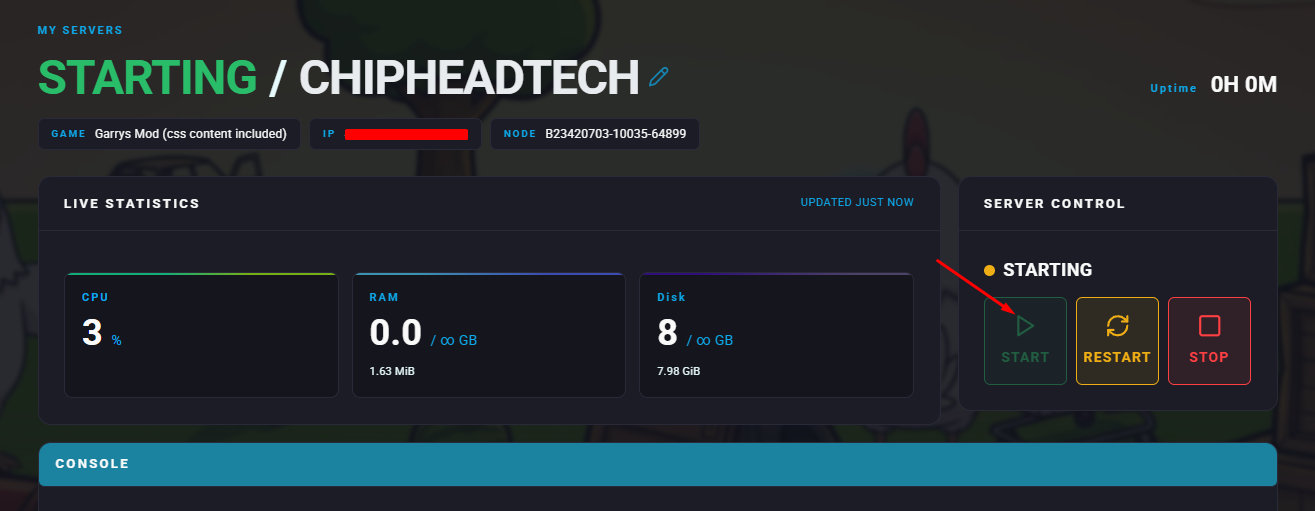
Start your server.
Once your server is running:
Launch Garry’s Mod and connect to your server.
Open the console by pressing the tilde (~) key.
Enter the following commands:
rcon_address <ServerIP>Replace <ServerIP> with your server’s actual IP address.
Then log in with your password:
rcon_password YourSecurePassword
