
Like other Source-based games, Garry’s Mod servers require a Game Server Login Token (GSLT) to operate publicly. This token links your server to your Steam account, ensuring accountability and compliance with Steam’s Terms of Service.
To create a GSLT, you must:
Own Garry’s Mod on your Steam account.
Have a verified phone number attached to your account.
Have an account that is not banned or limited.
Stay within the 1,000-token limit per account.
Creating a GSLT Key
Follow these steps to generate your GSLT key and apply it to your server using the Chip Head Panel:
Visit the Game Server Account Management page.
At the bottom of the page, enter 4000 as the App ID (this identifies Garry’s Mod).
(Optional) Add a short memo to label your token for future reference.
Click Create.
Copy the Login Token that appears - this is your GSLT key.
Adding the GSLT Key to Your Server
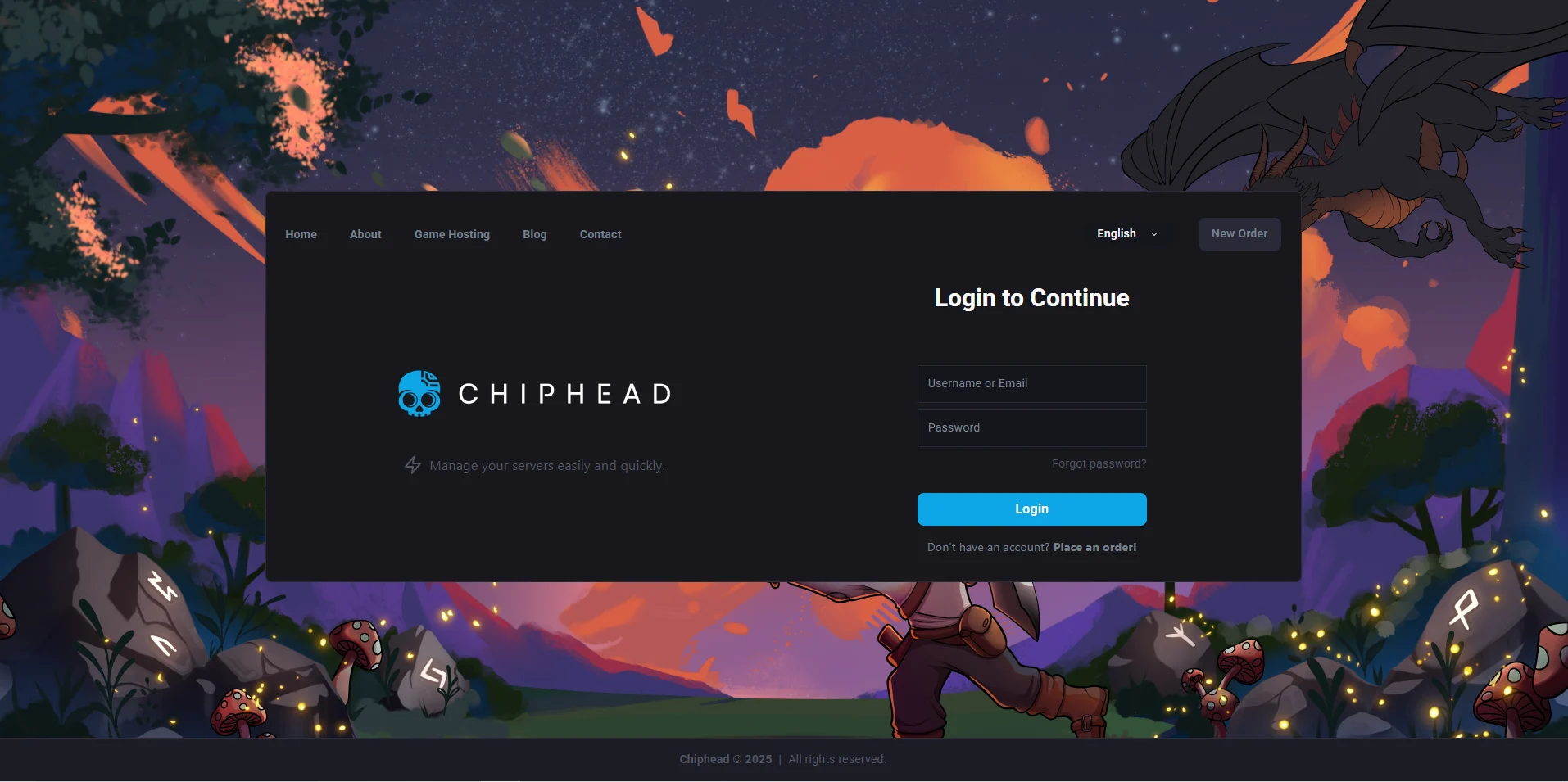
Log in to your ChipHead Panel.
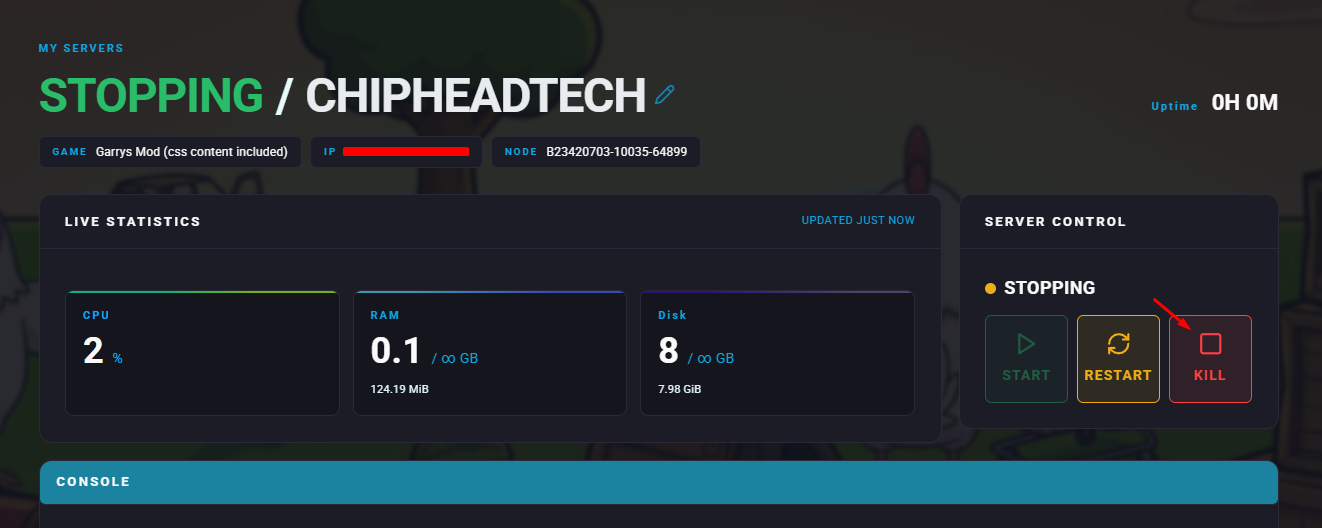
Stop your server.
Go to the Startup tab.

Find the “Steam Account Token” field & Paste your Login Token into the field.
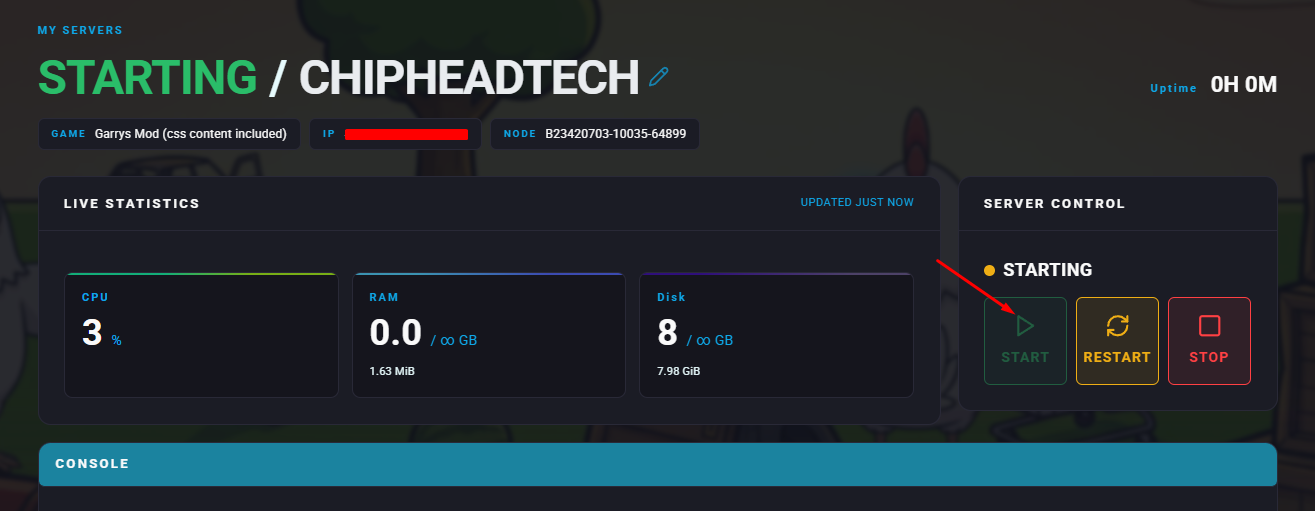
Start your server.

Your Garry’s Mod server is now authenticated with Steam and ready for public use. This ensures your Chip Head server runs smoothly and complies with Steam’s community standards.