
DarkRP is one of the most popular roleplay game modes in Garry’s Mod, placing players in a lively city setting where they can take on roles such as police officers, criminals, shop owners, or ordinary citizens. The mode thrives on player interaction, creativity, and improvisation - making it a community favourite for those who enjoy immersive and unpredictable gameplay.
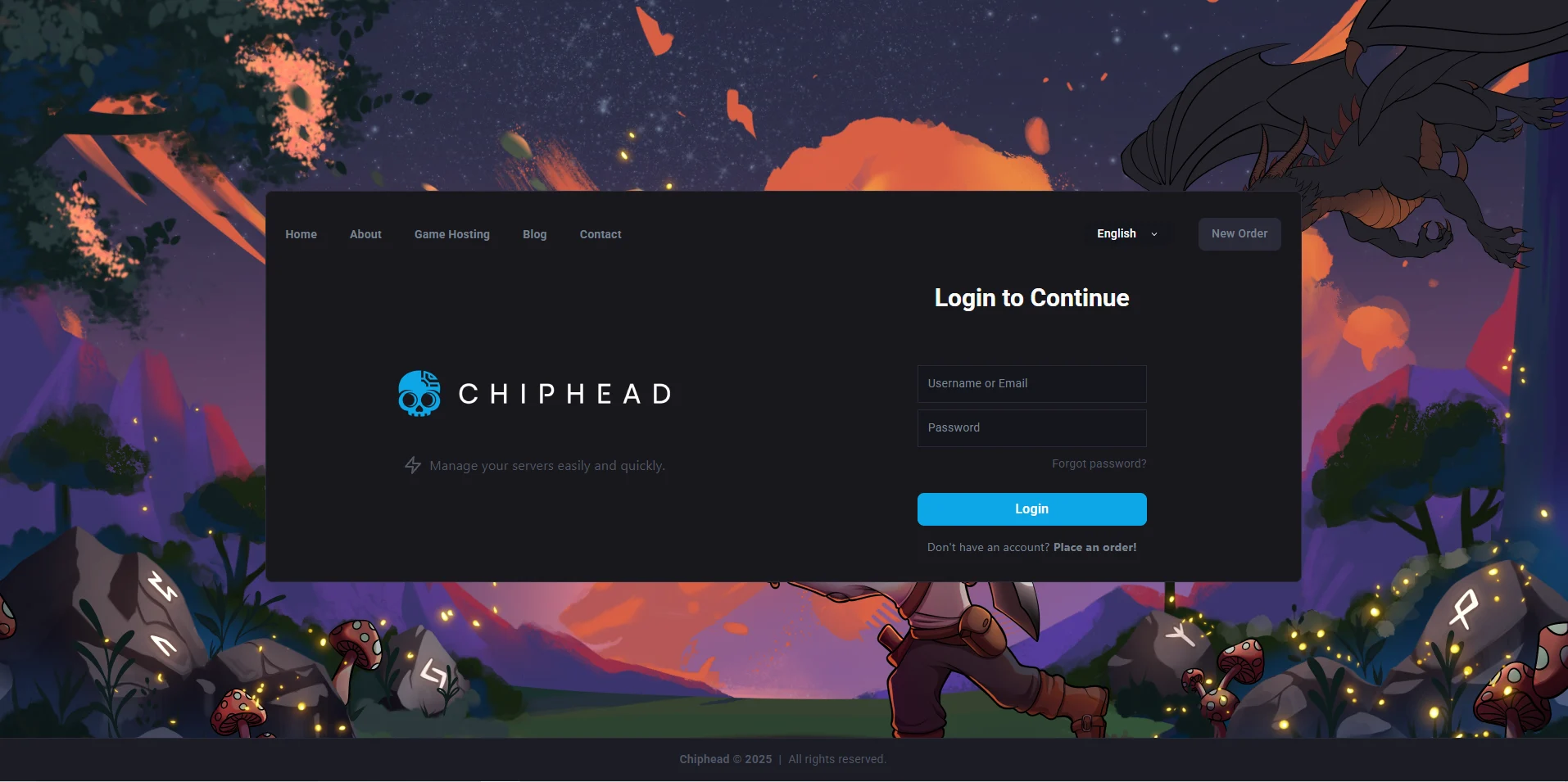
Log in to your ChipHead Panel.
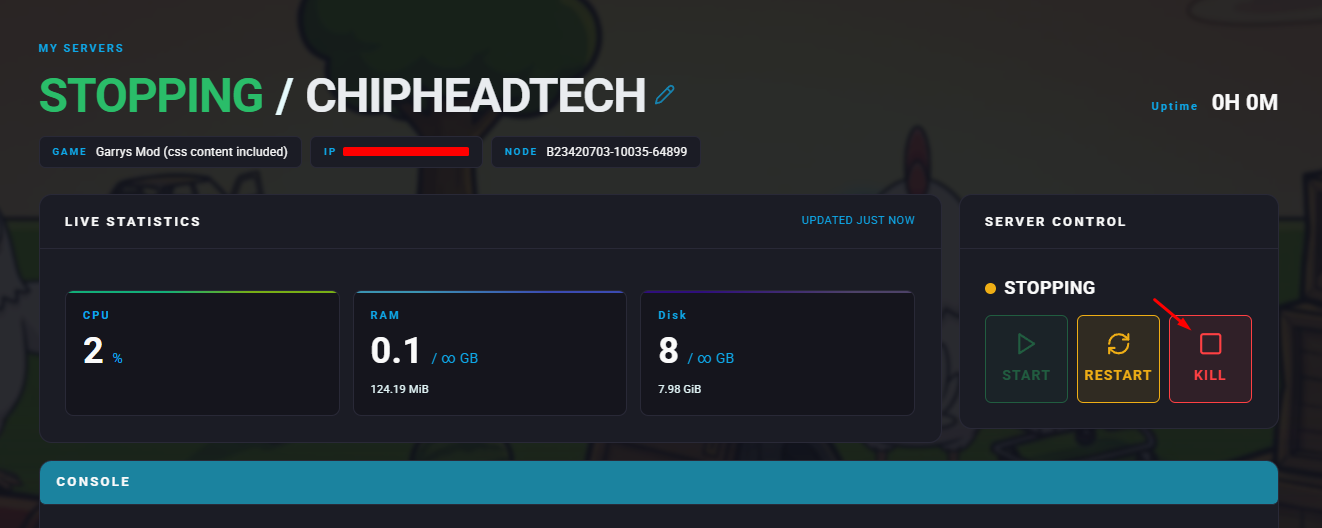
Stop your server.
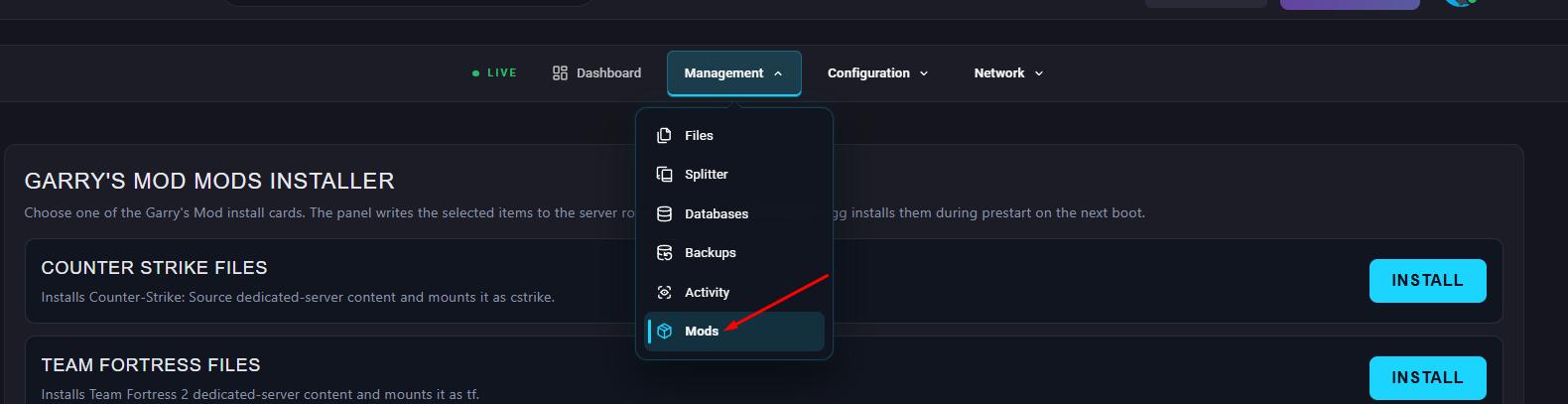
Go to the “Mods” Section.
Scroll down till you find DarkRP & Click “Install”.

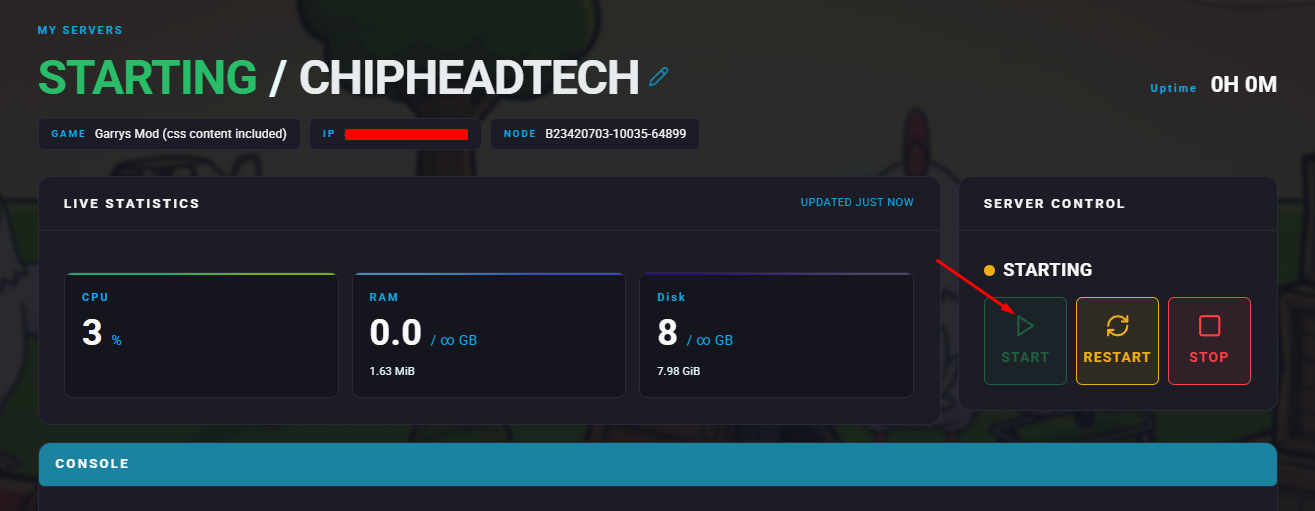
Start Server.
Press Sync Status. (Status should change to “Installed”)


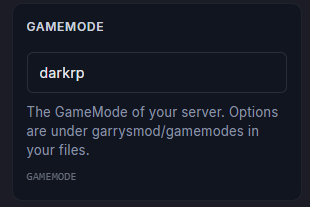
In "Game Config” > “Startup” write “darkrp” and save.
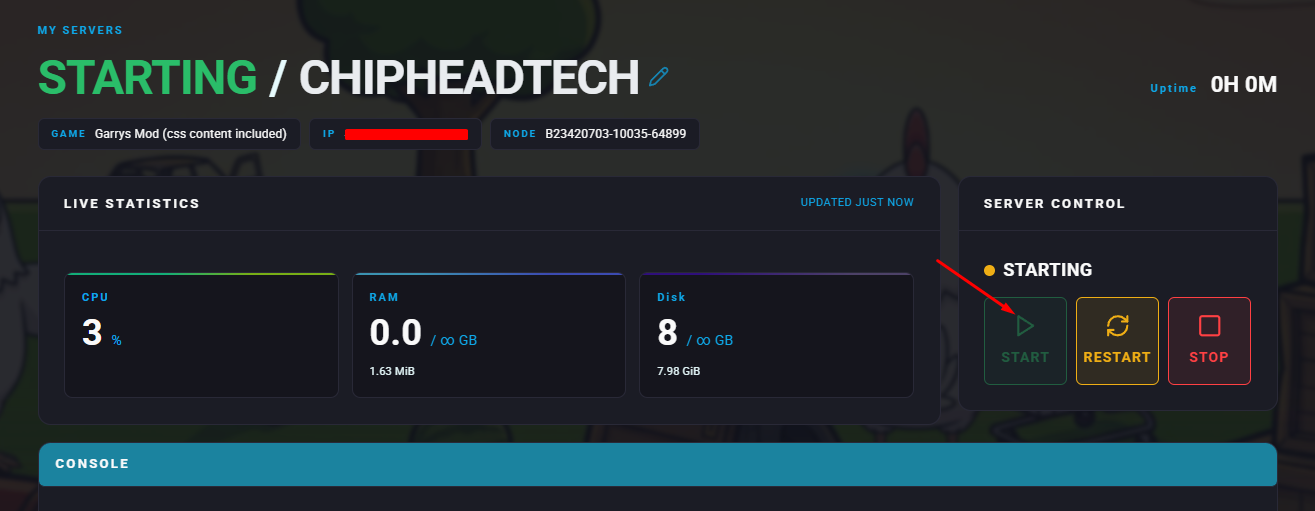
Start your server.

That’s it!
DarkRP is now installed and running on your Garry’s Mod server. Jump in, choose your role, and start shaping your virtual city - all powered by your ChipHead server.
DarkRP is now installed and running on your Garry’s Mod server. Jump in, choose your role, and start shaping your virtual city - all powered by your ChipHead server.