
The ULX Admin System is one of the most widely used administration tools for Garry’s Mod. It provides powerful yet easy-to-use features for managing your server, including user permissions, group management, and custom commands. Paired with ULib, ULX gives server owners complete control and flexibility over moderation and gameplay settings.
Note: You can also install ULX via a Steam Workshop Collection. Check out our guide on Adding a Steam Workshop Collection to a Garry’s Mod Server for instructions.
Installing ULX on Your Server
Follow these steps to install ULX and ULib using the ChipHead Panel:
Download both ULX and ULib from the official Ulysses website.
Log in to your ChipHead Panel
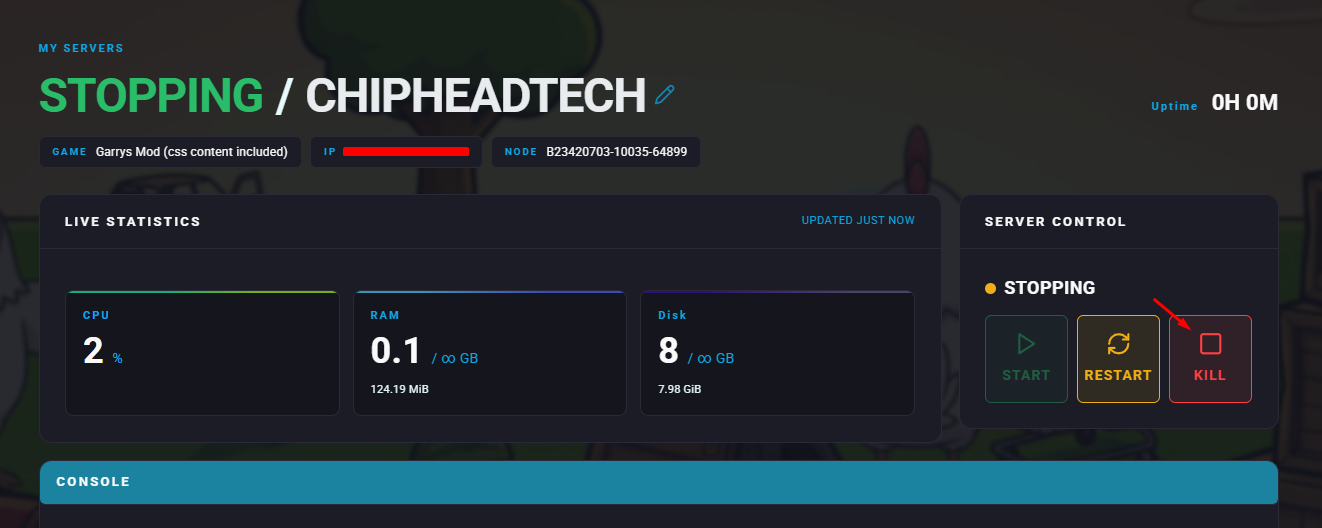
Stop your server.
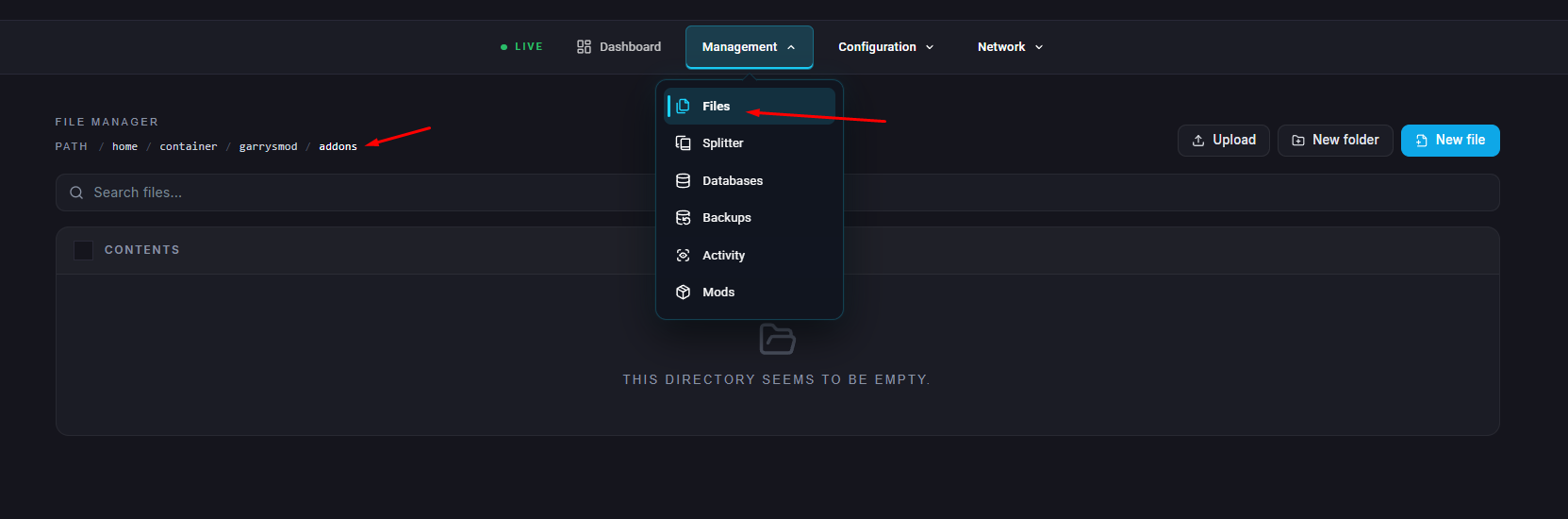
Go to the Files tab Navigate to the directory /garrysmod/addons/
Click Create Folder icon
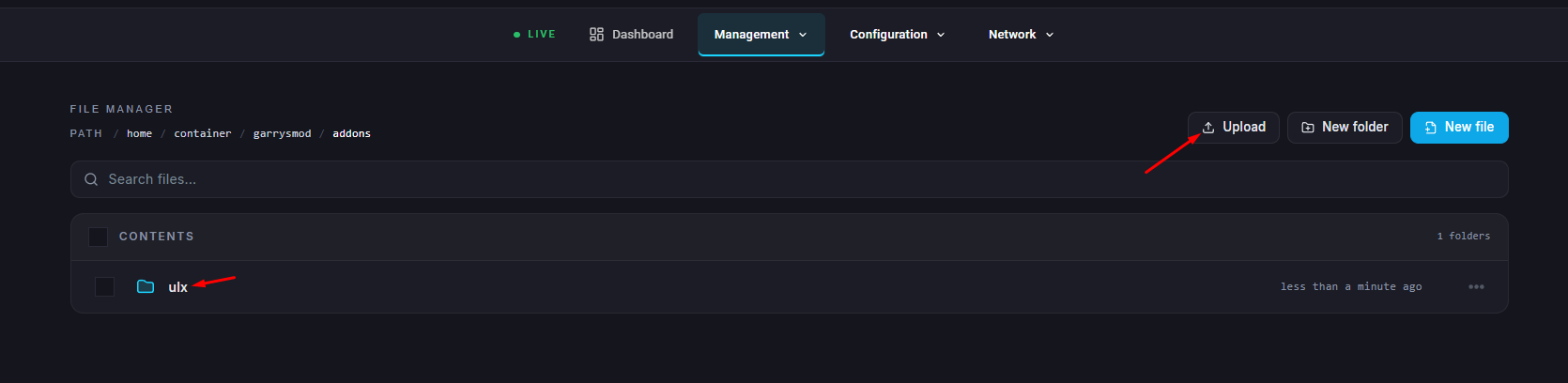
Create two separate folders named
ulxandulib.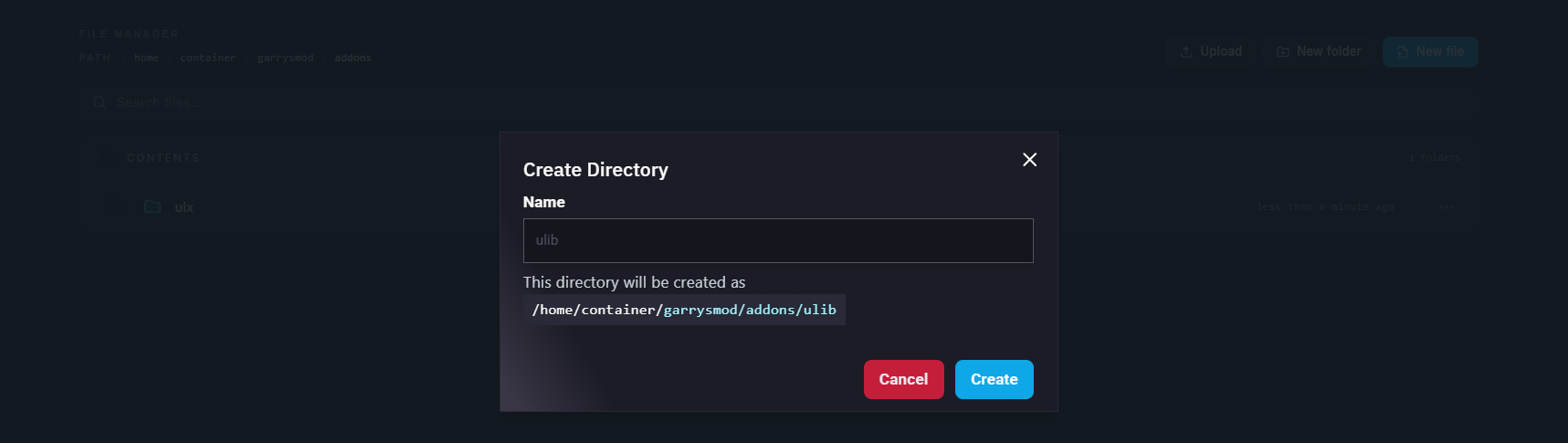
Upload the downloaded
.zipfiles into their corresponding folders.Right-click each
.zipfile and select Unarchive to extract them.Once both folders are unpacked, start your server.
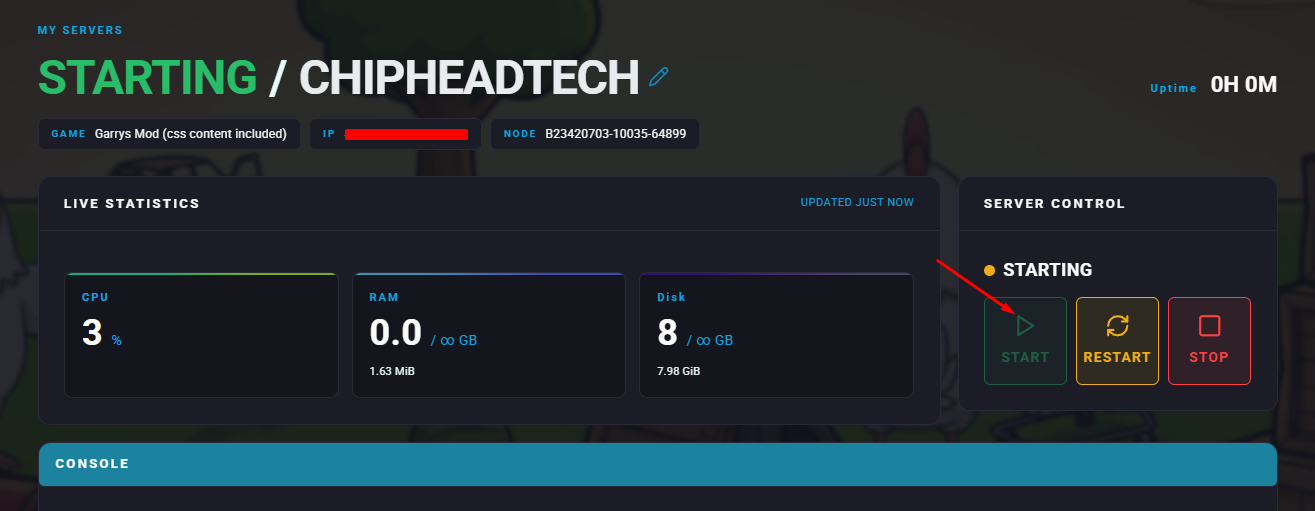

The ULX Admin System is now installed and ready to use on your Garry’s Mod server. You can now manage players, assign permissions, and execute admin commands with ease — all through your ChipHead control panel