
Installing custom addons is one of the best ways to personalise your Garry’s Mod server. Addons can improve moderation, enhance gameplay, or introduce entirely new mini-games and tools.
Because custom addons are often downloaded outside of the Steam Workshop, it’s important to only use trusted sources — as some files can contain malicious code.

Installing Custom Addons on Your Server
Follow these steps to manually install custom addons using the ChipHead Panel:
Log in to your ChipHead Panel.
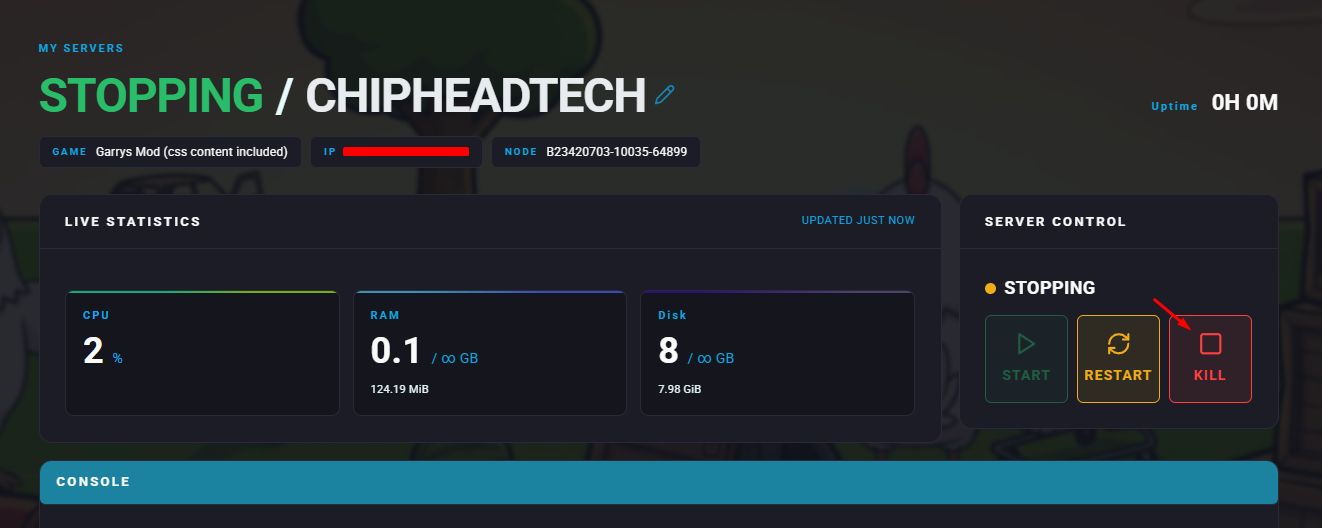
Stop your server.
Go to the Files tab & Navigate to the following directory : garrysmod/addons
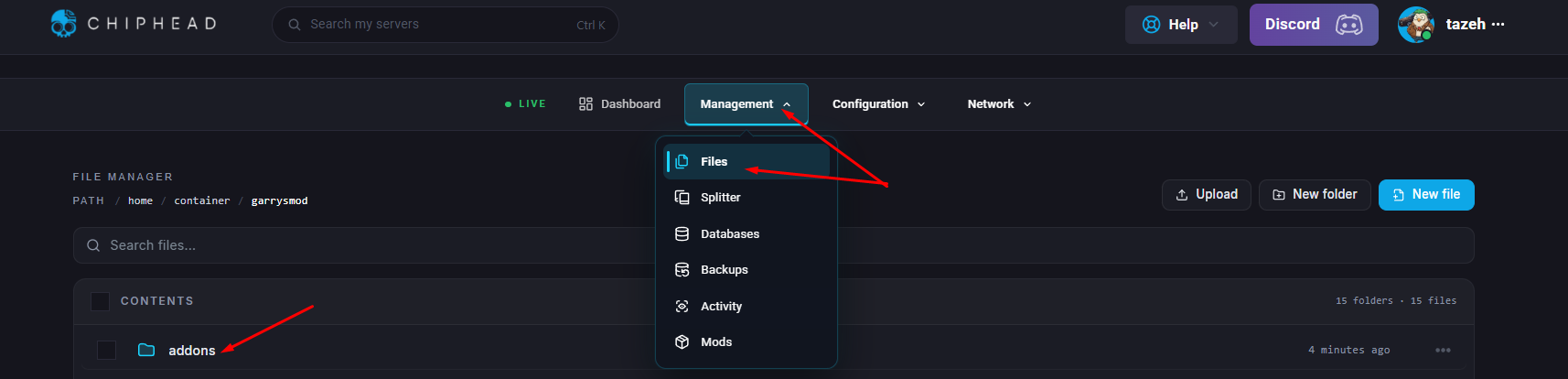
Upload your addon files by dragging and dropping them into this folder OR using the Upload icon.
Once the upload completes, start your server.
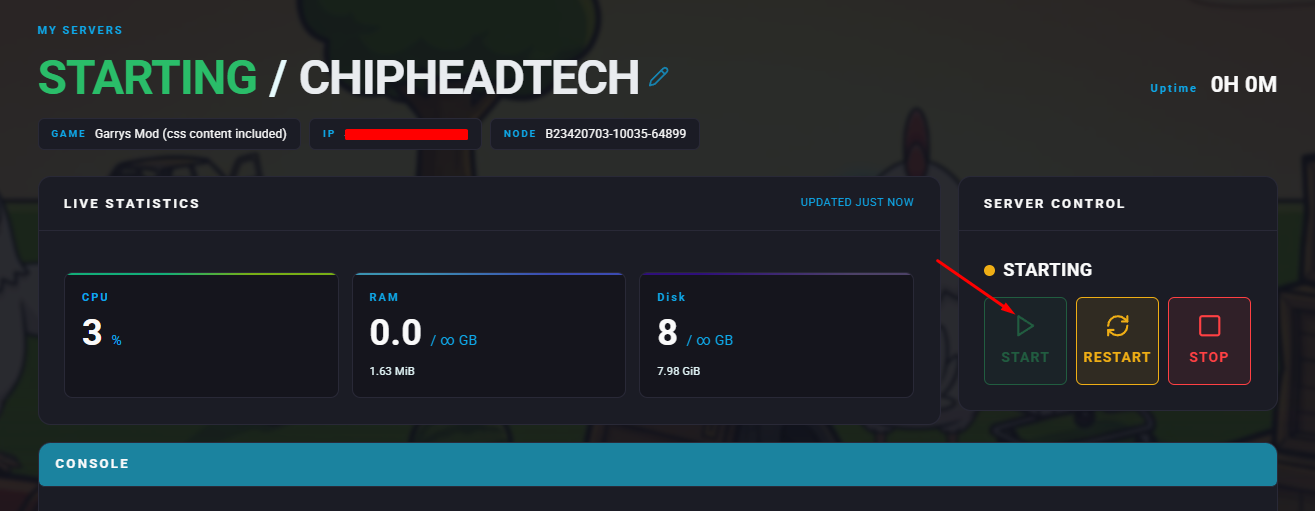
Your addons will now load automatically and appear in-game when you join your Garry’s Mod server.

Your custom addons are now installed and ready to use on your ChipHead server. Whether you’re adding admin tools, roleplay features, or new game modes, your setup can now be tailored exactly to your community’s needs.