
Garry’s Mod (GMod) is a sandbox physics game that gives players endless freedom to create, experiment, and play together. With multiplayer support, you can join online servers to build, roleplay, or compete with others across countless game modes and community worlds.
Joining a Garry’s Mod Server
Follow these steps to connect to your server using the ChipHead Panel and Steam:
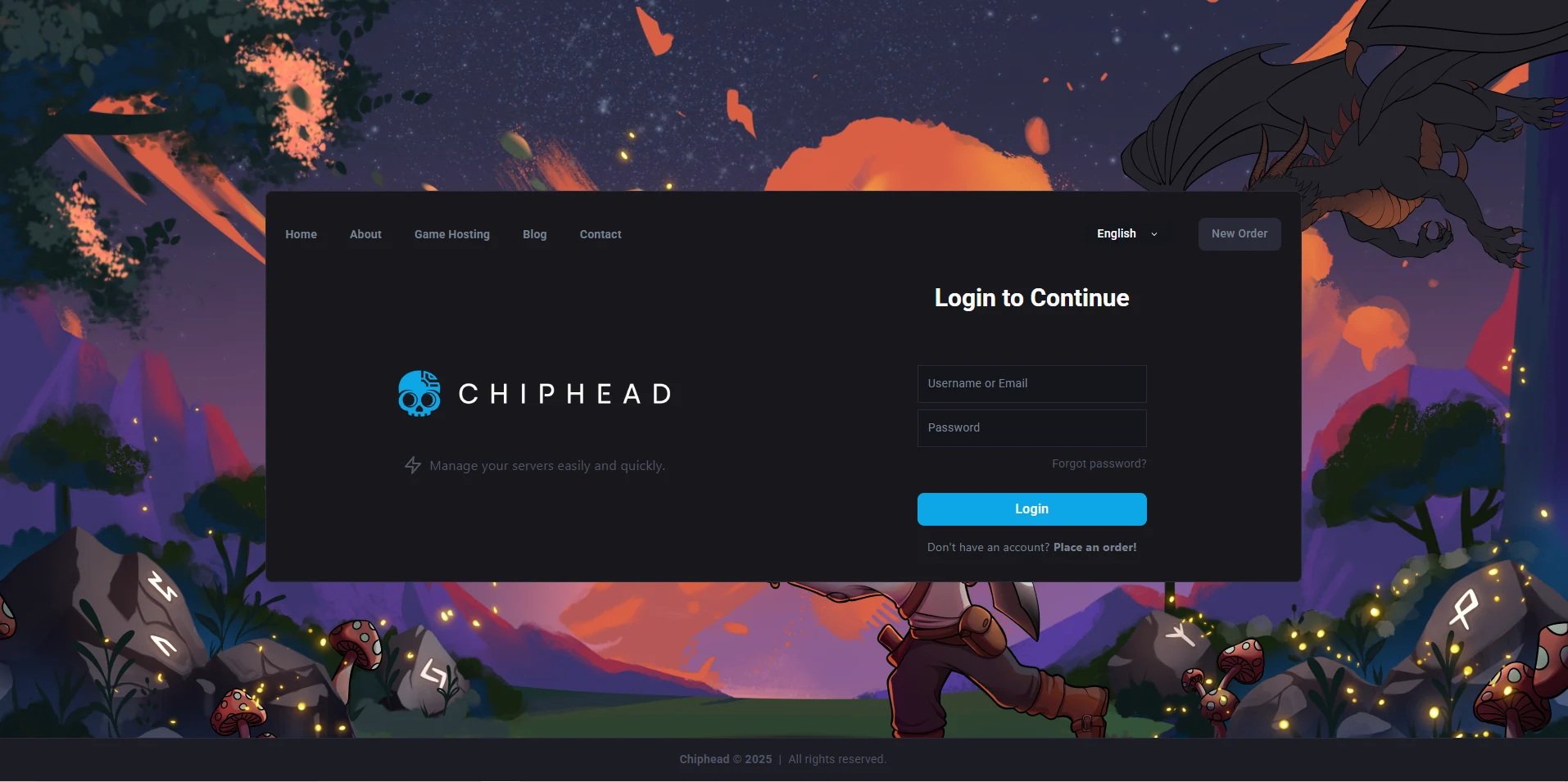
Log in to your ChipHead Panel.
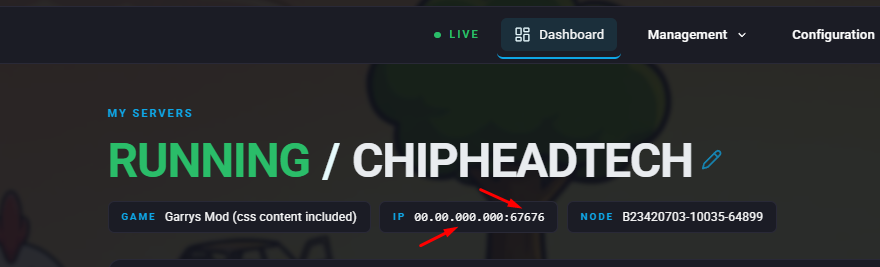
Copy your Server IP and Port from the Home tab.
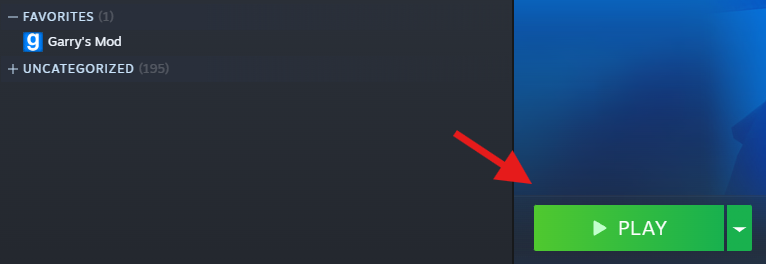
Launch Garry’s Mod.
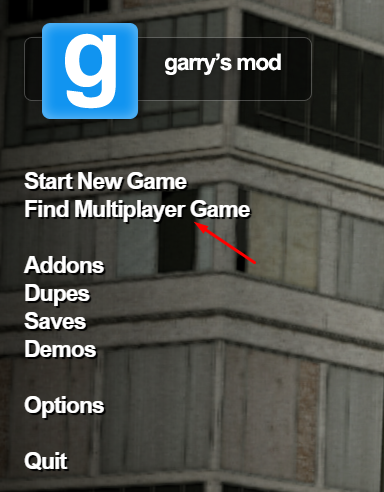
Choose Find Multiplayer Game from the main menu.
Select Favorites to view your saved servers.
Click the “+” button and Add your IP and Port you copied in Step 2
Click your server from the list and press Connect.

You’re in!
You’ve successfully joined your Garry’s Mod server. Whether you’re exploring, building, or roleplaying, your ChipHead server is now ready for you and your friends to enjoy.
You’ve successfully joined your Garry’s Mod server. Whether you’re exploring, building, or roleplaying, your ChipHead server is now ready for you and your friends to enjoy.