
Adding a password to your Garry’s Mod server is a simple but effective way to control who can join. Whether your server is meant for friends, a private community, or testing purposes, setting a password helps prevent unwanted players from entering and keeps your sessions organised and secure.
Setting a Password on Your Server
Follow these steps to add a password through the ChipHead Panel:
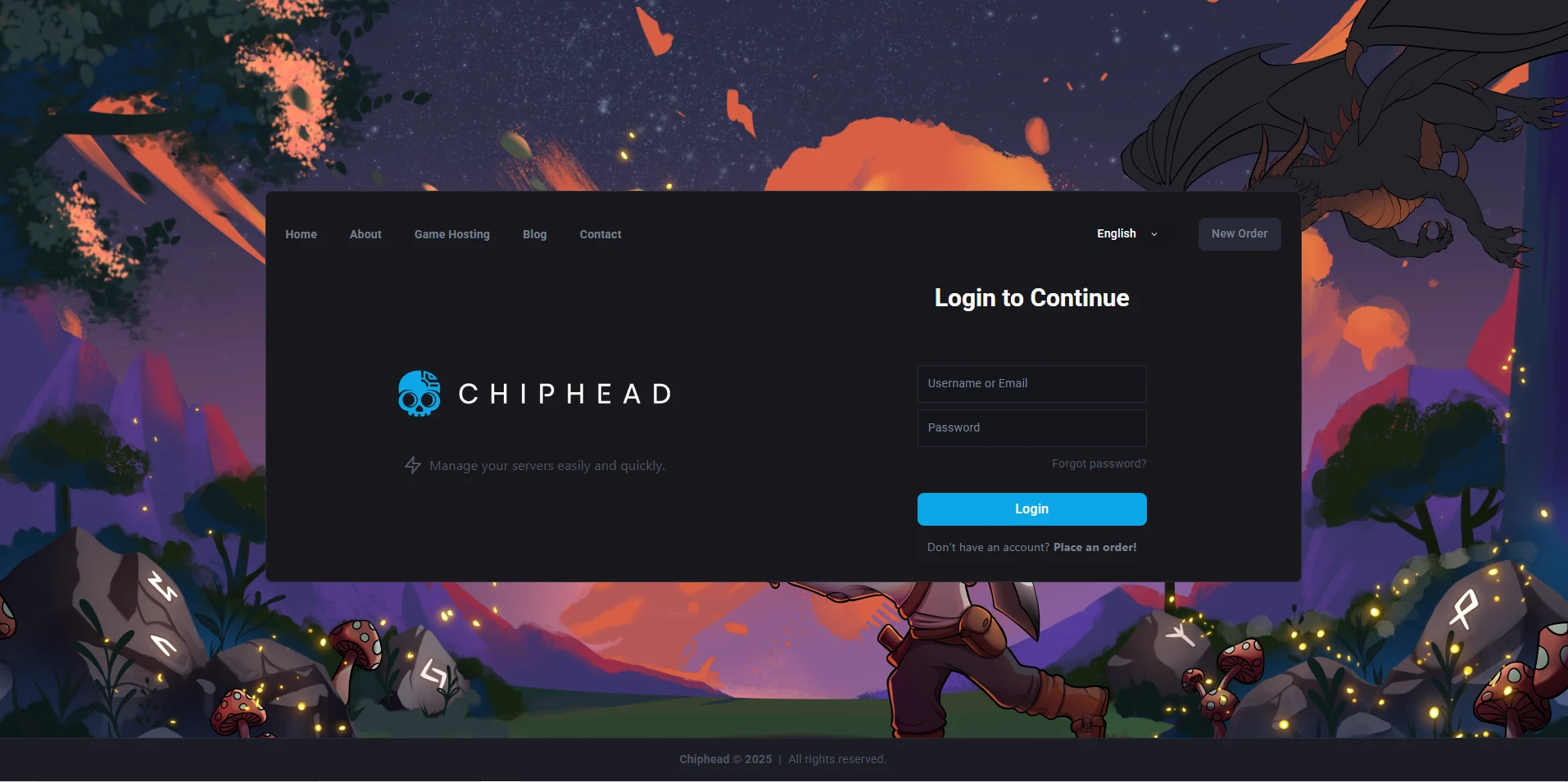
Log in to your ChipHead Panel.
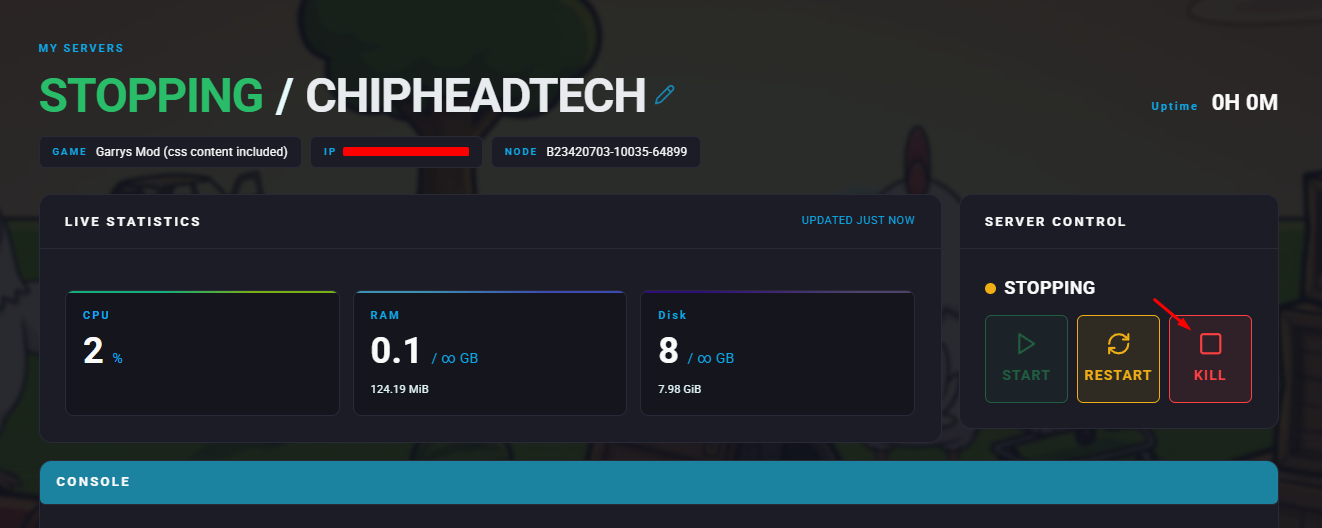
Stop your server.
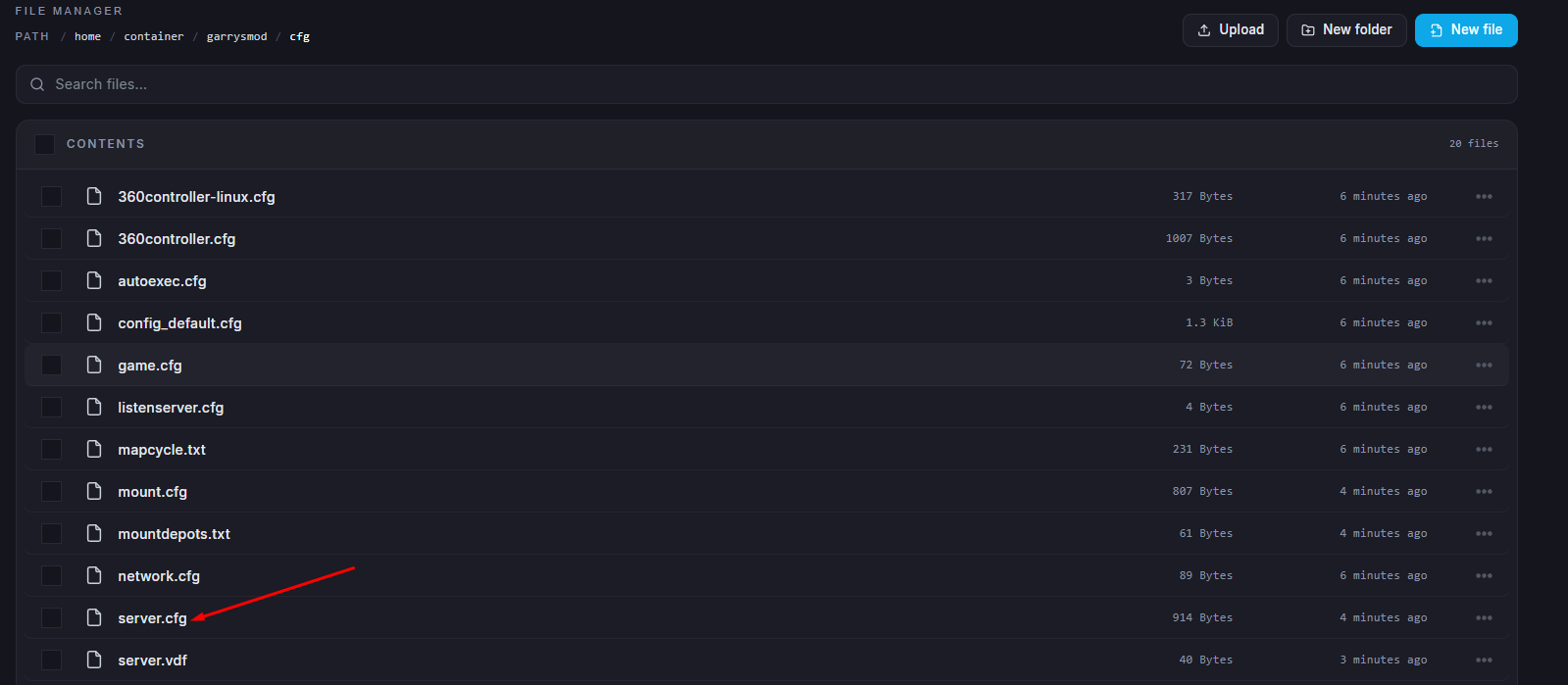
Go to the Files tab & Open the server.cfg file.
Find the line beginning with
sv_password.Enter your desired password between the quotation marks.
Example:
sv_password "MyPrivateServer"
Click “Save Content”.
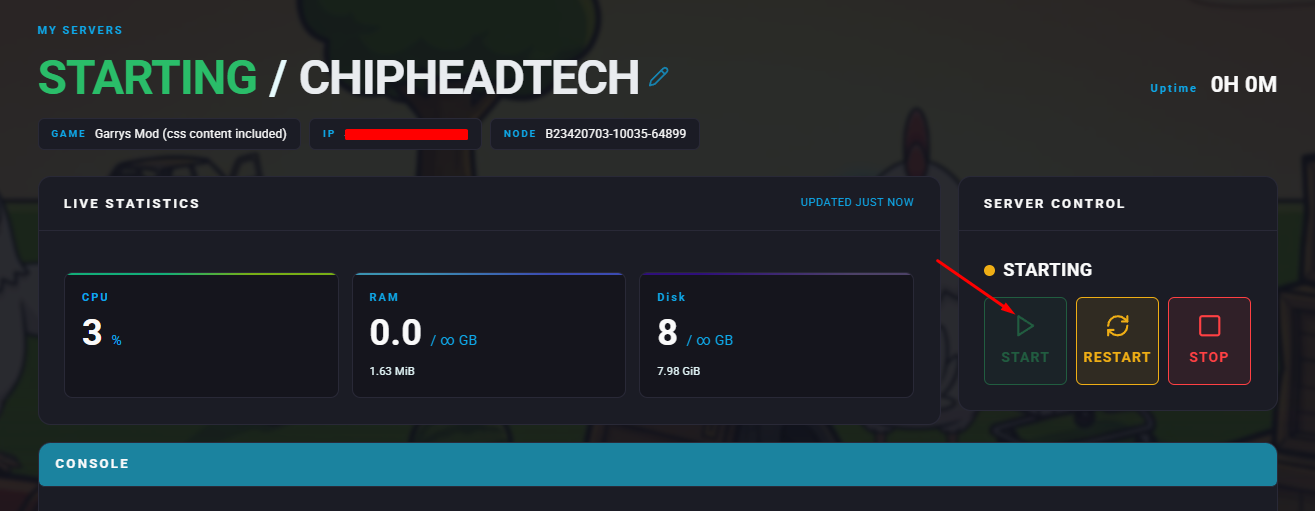
Start your server.

All done!
Your Garry’s Mod server is now password-protected. Only players who know the password will be able to join, giving you full control over access to your ChipHead server.
Your Garry’s Mod server is now password-protected. Only players who know the password will be able to join, giving you full control over access to your ChipHead server.