
Setting up automatic Workshop downloads allows your Garry’s Mod server to send required addons directly to players as they join. This makes joining your server seamless - especially for new players - since they won’t need to manually subscribe to addons before connecting.
While this feature simplifies things, keep in mind that some textures or models may still require manual installation if they aren’t included in the Workshop files.
Enabling Automatic Workshop Downloads
Follow these steps to configure automatic Workshop downloads through the ChipHead Panel:
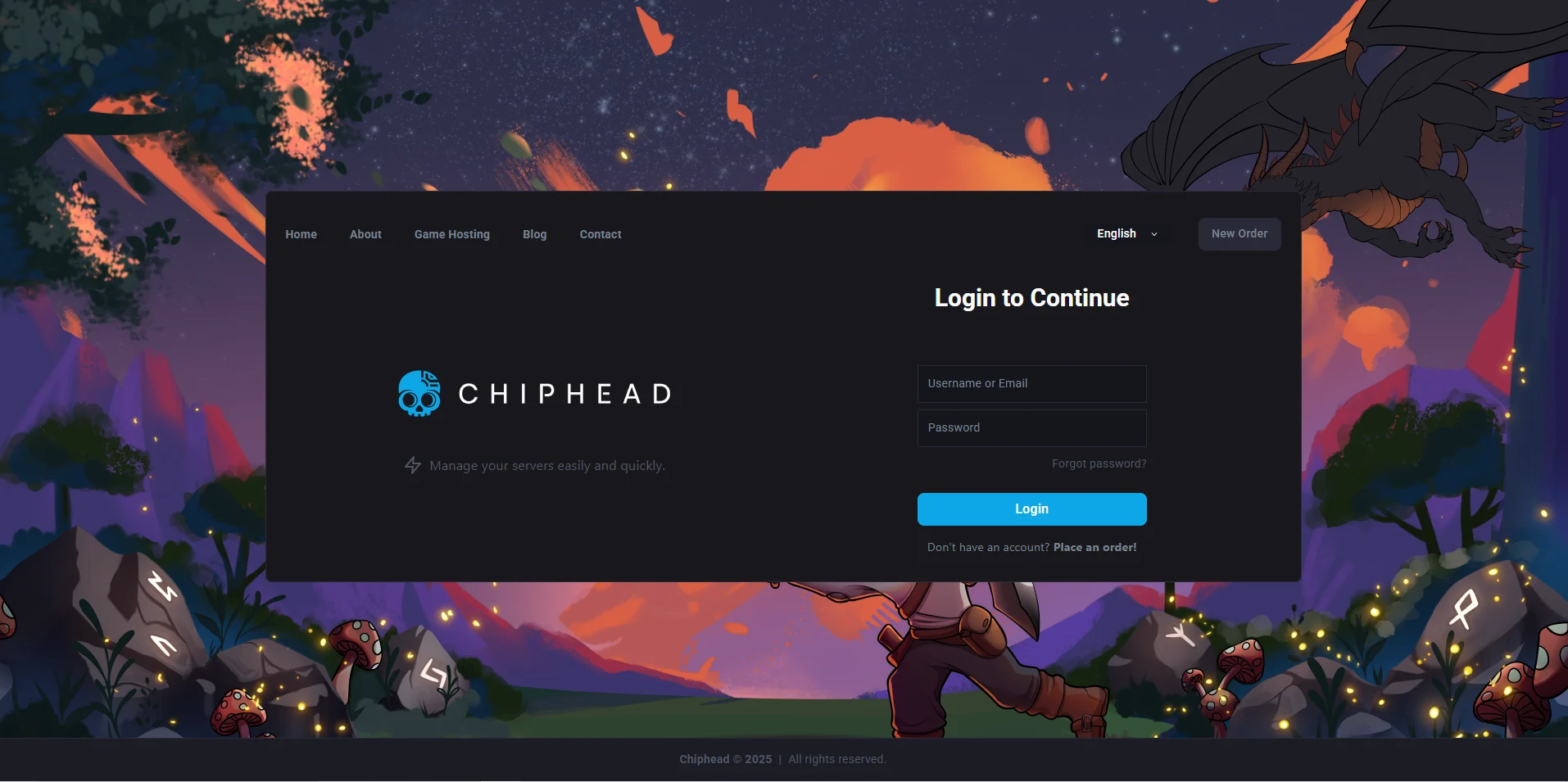
Log in to your ChipHead Panel.
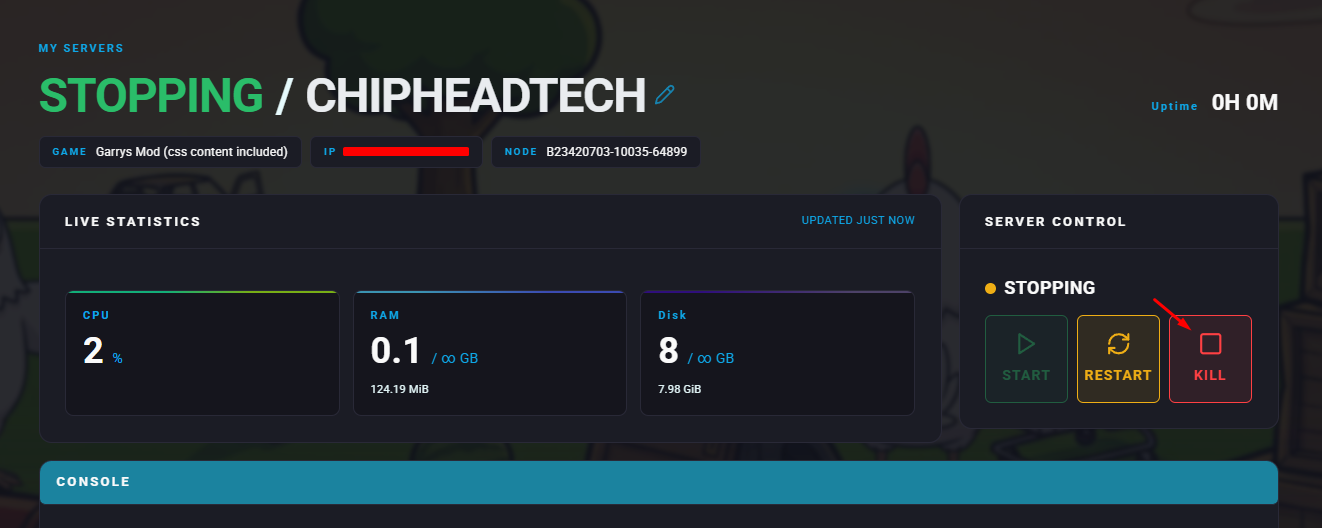
Stop your server.
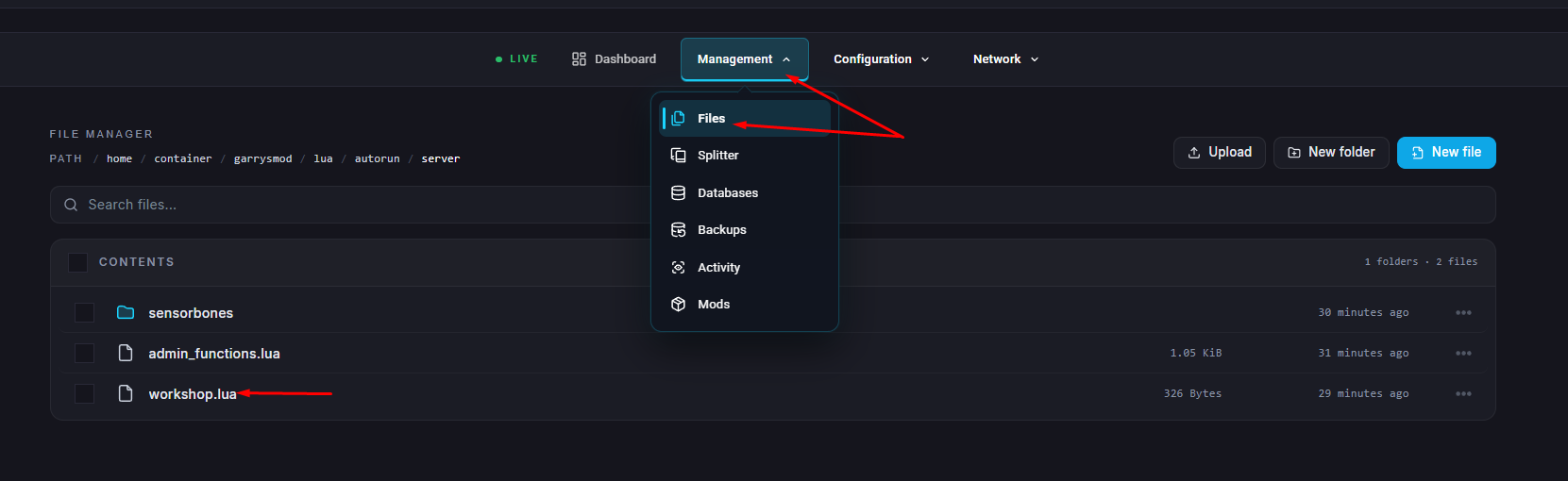
Go to the Files & Navigate to /garrysmod/lua/autorun/server/workshop.lua
Add a new line for each Workshop item you want players to download, using the format:
resource.AddWorkshop("<WorkshopID>")(Replace
<WorkshopID>with the actual Steam Workshop ID for each addon.)Click “Save Content”
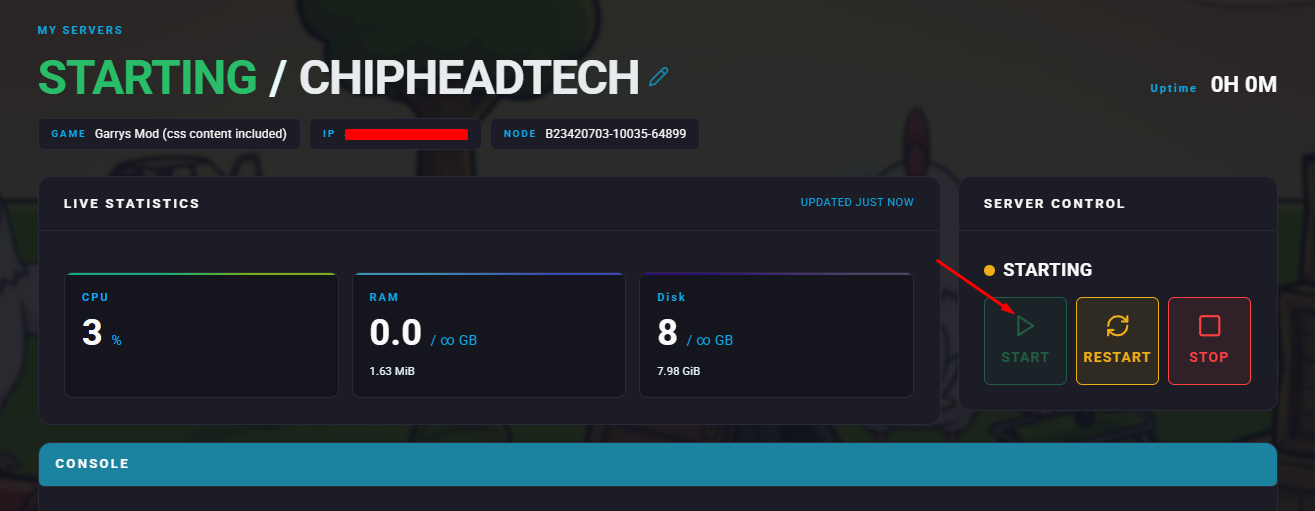
Start your server.

Players joining your Garry’s Mod server will now automatically download all designated Workshop addons, ensuring they have everything needed to play smoothly on your ChipHead server.