
Customising your Garry’s Mod loading screen is a great way to make your server stand out. Using the official Garry’s Mod Loading Screen Maker, you can add your own images, sounds, and text to create a unique loading experience for your players. Once designed, the loading screen can be easily applied through your ChipHead Panel configuration.
Uploading a Custom Loading Screen
Follow these steps to create and upload your custom loading screen:
Create your loading screen using the Gmod Loading Screen Maker.
Once you’re finished, click Install on your Server.

Copy the link provided inside the quotation marks at the bottom of the page.

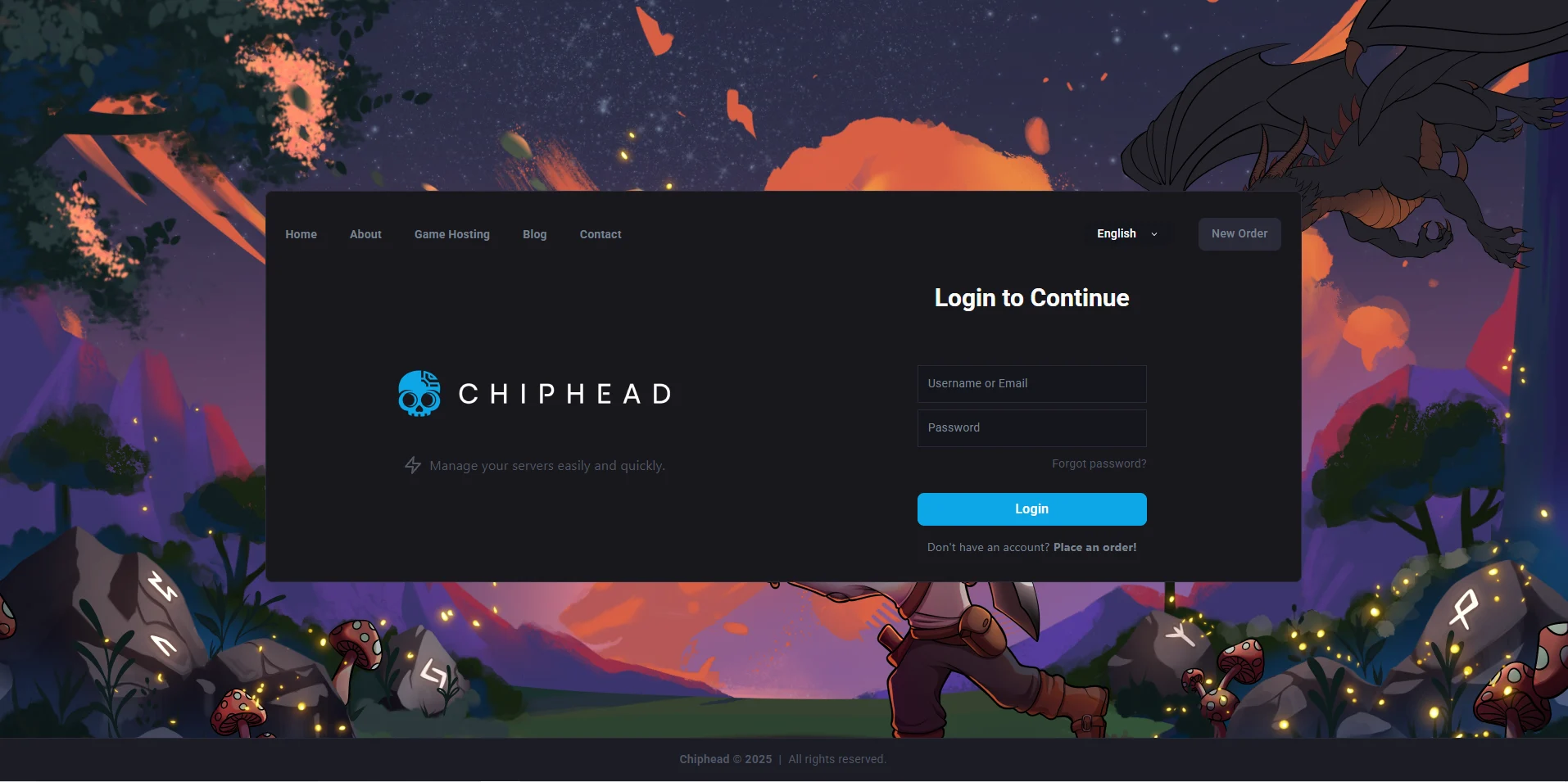
Log in to your ChipHead Panel.
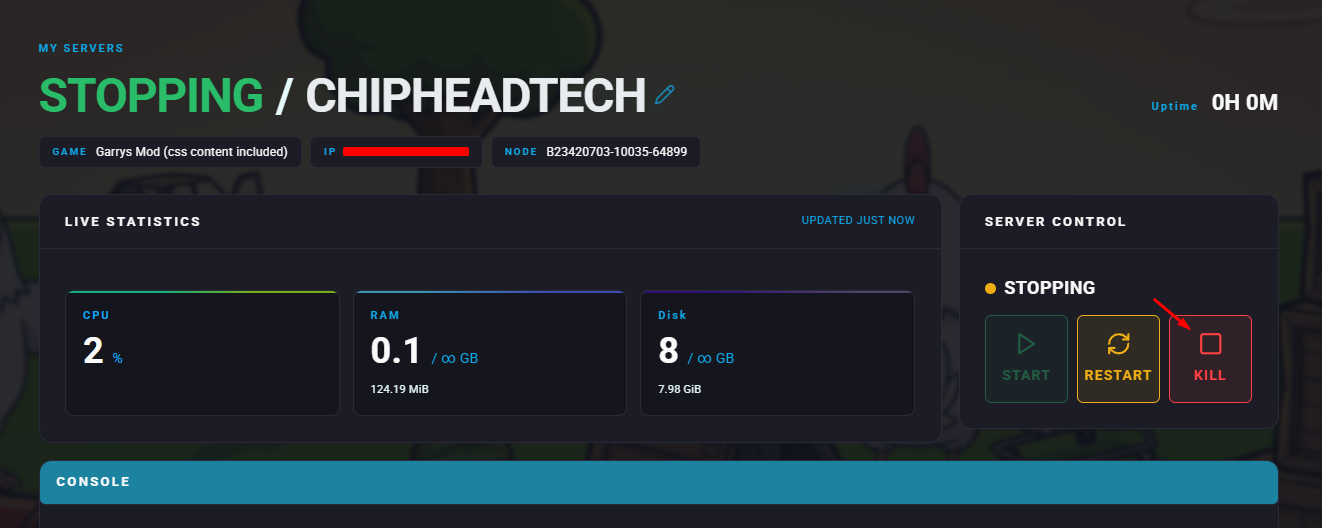
Stop your server.
Go to the Files tab & Open the server.cfg file.
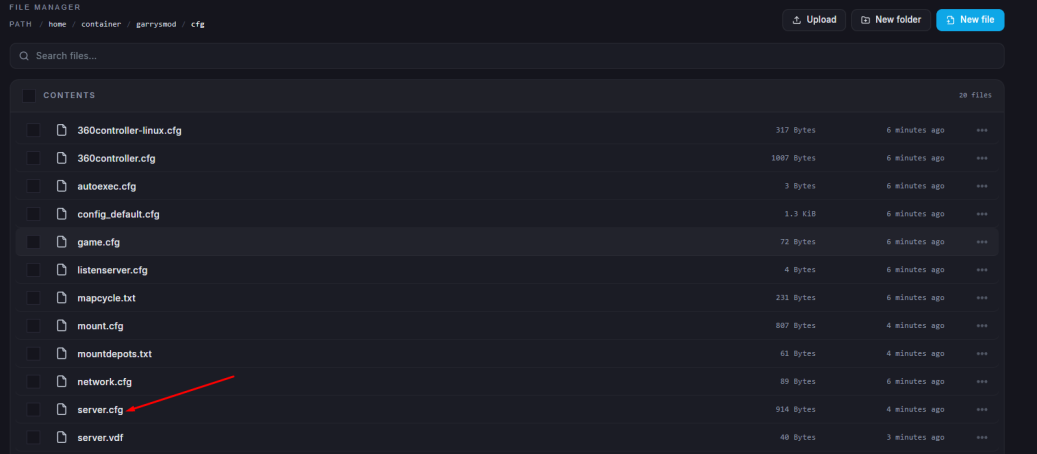
Find the line beginning with
sv_loadingurland paste your copied link between the quotation marks.Example:
sv_loadingurl "https://yourcustomloadingscreenlink.com"
Click “Save Content”.
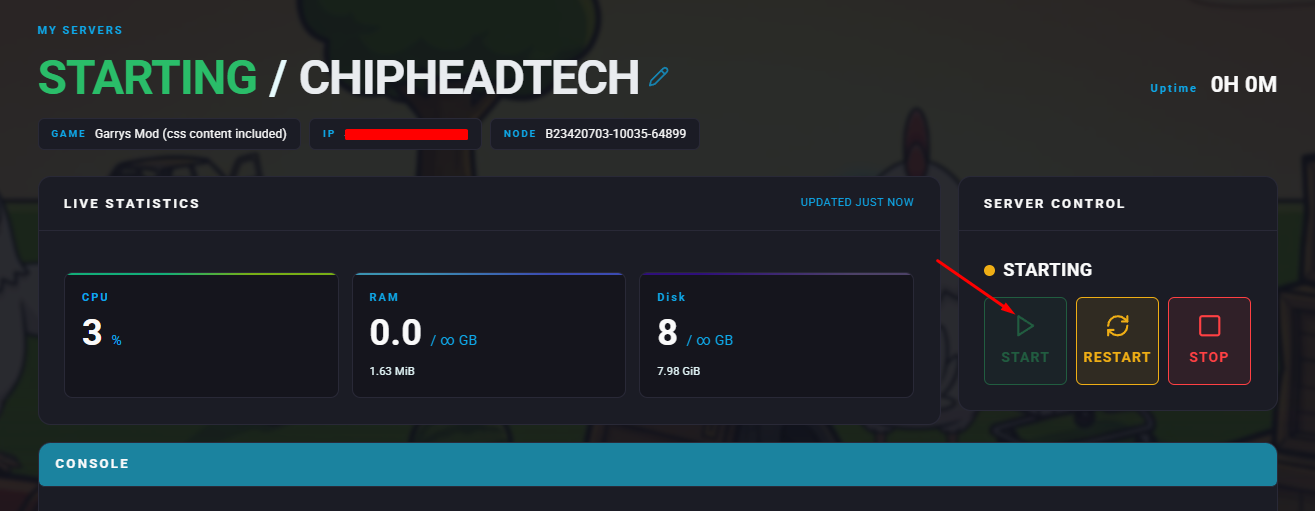
Start your server.

Players connecting to your Garry’s Mod server will now see your new custom loading screen a perfect way to give your ChipHead community a professional and personalised first impression