
Adding a custom map to your Garry’s Mod server gives players a fresh and exciting environment to explore. Custom maps can completely transform gameplay, inspire new game modes, and encourage creativity within your community. Plus, it’s a great way to share and experience player-made content from the wider modding scene.
Uploading a Custom Map
Follow these steps to upload and apply your custom map using the ChipHead Panel:
Download your desired .bsp Garry’s Mod map file.
Right-click the file and select Rename. Copy everything before the
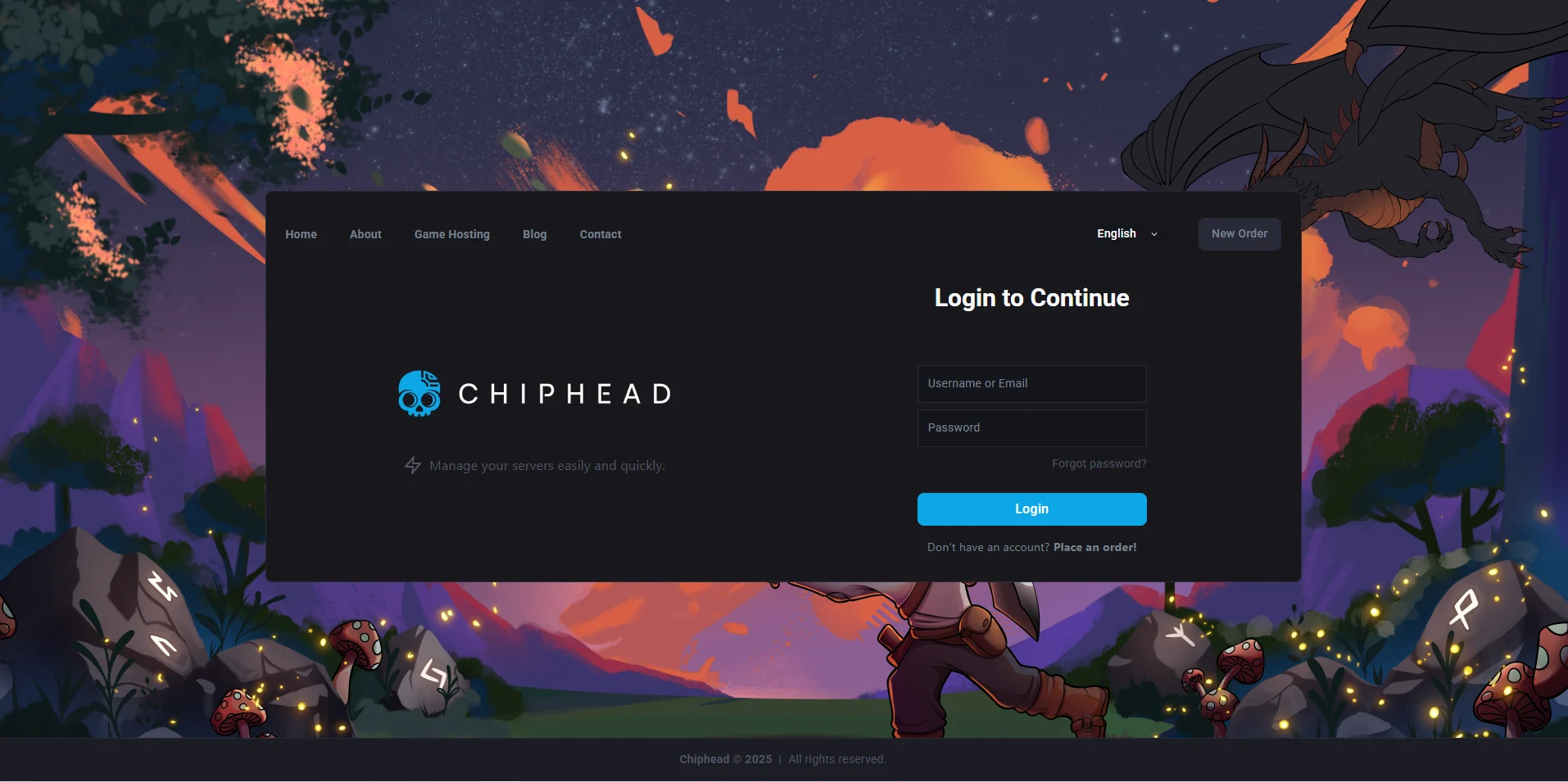
.bspextension — you’ll need this later.Log in to your ChipHead Panel.
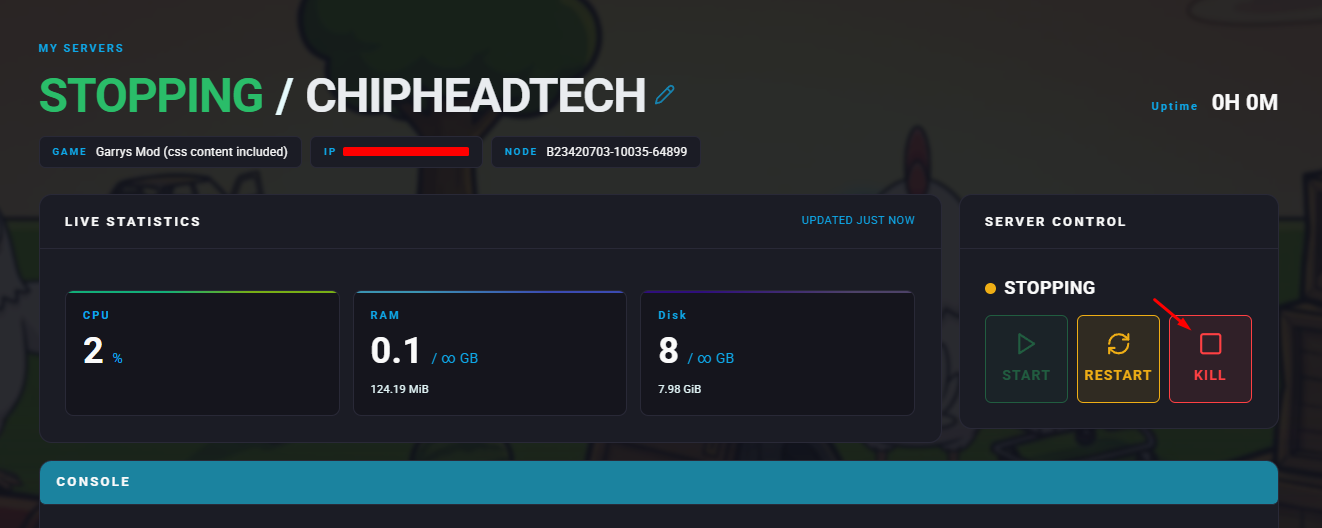
Stop your server.
Go to the Files tab.
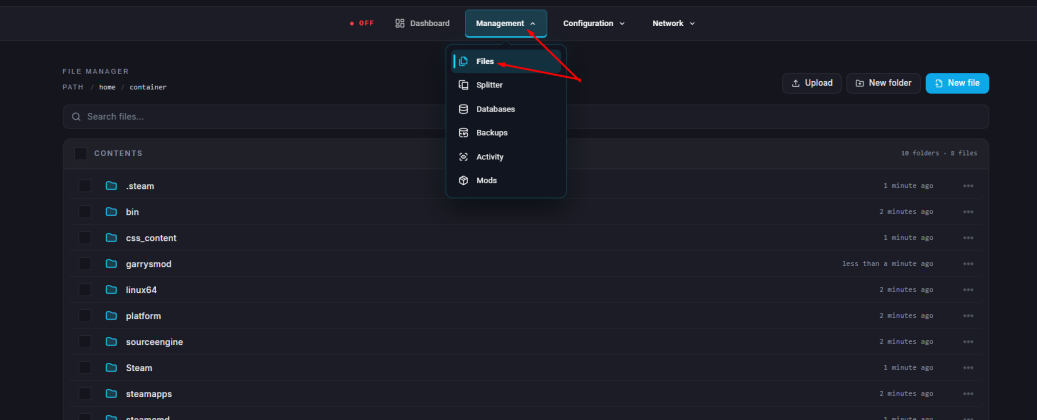
Navigate to the directory:
/garrysmod/maps/Click the Upload button.
Select and upload your
.bspmap file.Once uploaded, go to Startup.

In the Map field, paste the map name you copied earlier (without
.bsp).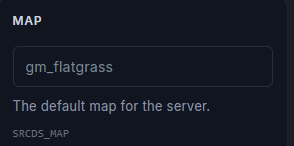
Start your server.
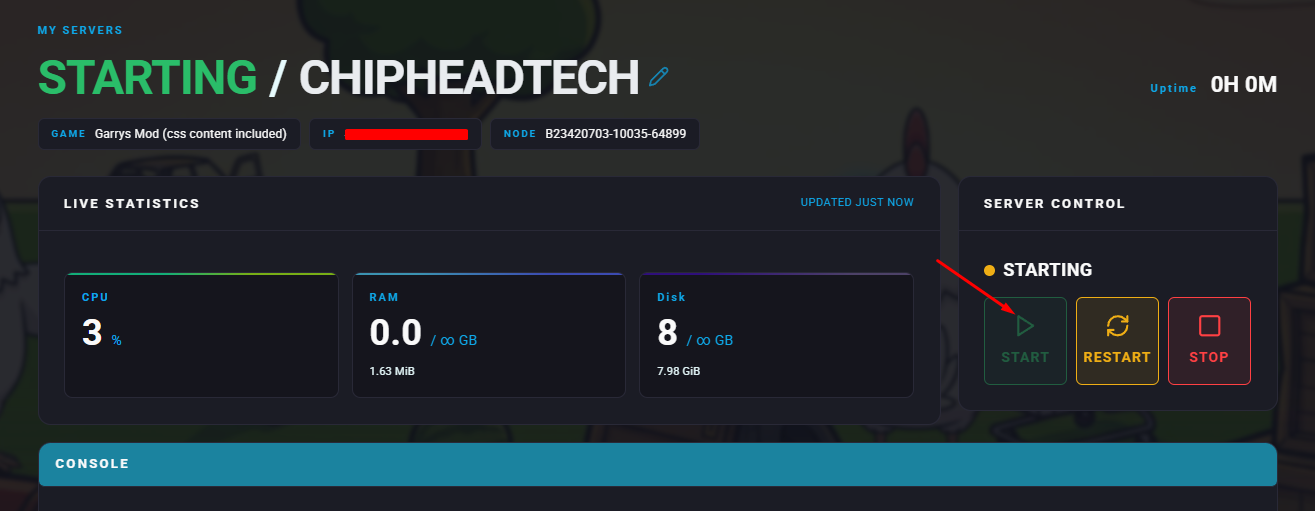

Your new map is now live on your Garry’s Mod server. Players can connect and explore the custom environment right away — another great way to personalise your ChipHead server experience.