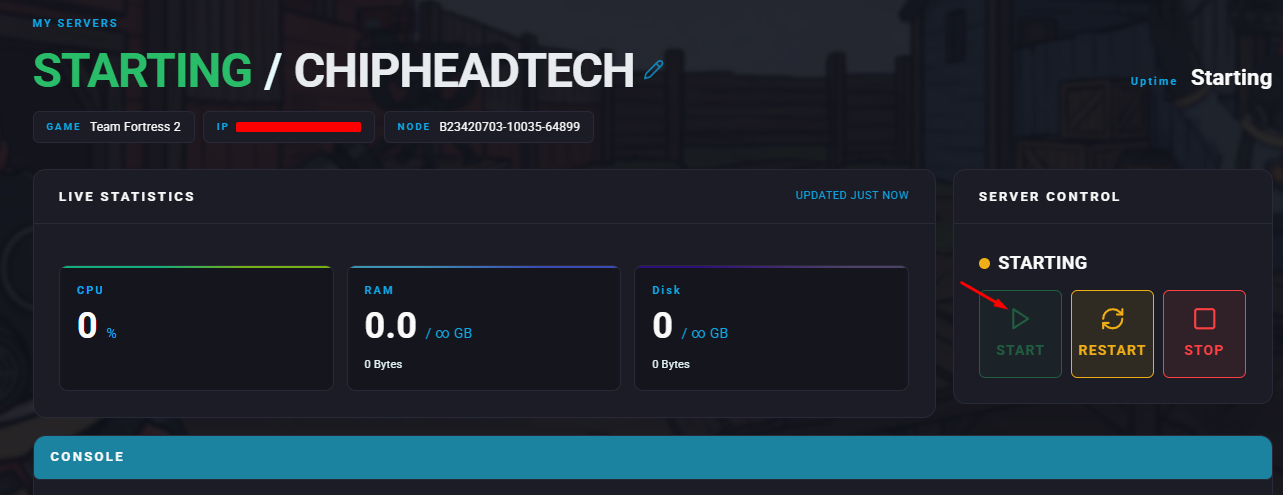
Team Fortress 2 offers several options for team balancing to keep matches fair and enjoyable, whether you prefer small groups or large-scale battles. One popular feature is Team Autobalancing, which automatically redistributes players to even out the teams. You can also configure your server to use bots that fill empty slots and leave as real players join, keeping your matches active and engaging at all times.

Log in to the ChipHead Control Panel.
Open the Console tab.
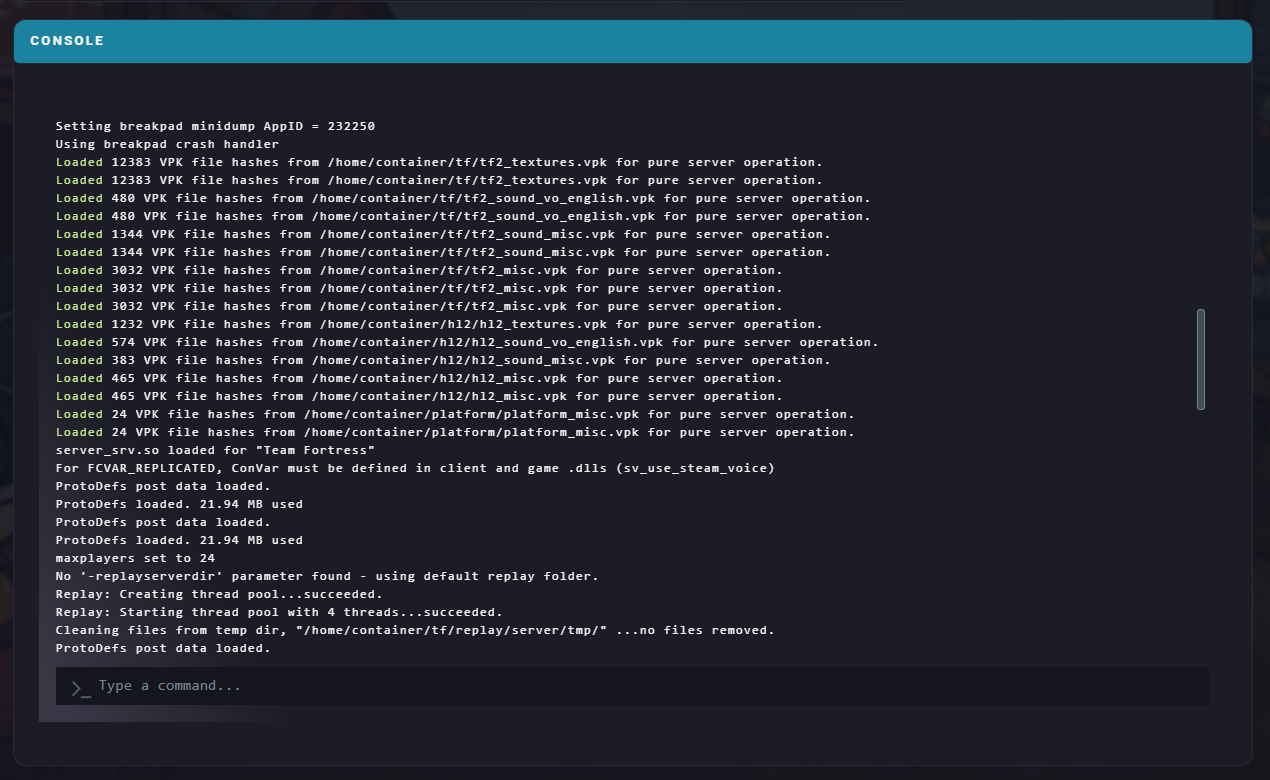
Enter the following command: tf_bot_add <amount> <team> <class>, replacing the values as needed.

Launch Team Fortress 2 and connect to your server.
Open the console by pressing the tilde (`) key.
Enter the command: rcon_password <X>, replacing <X> with your server’s RCON password.
You can now use RCON to run the add bot command. For example:rcon tf_bot_add 6 red
This example adds six bots to the Red team.
Log in to the ChipHead Control Panel.
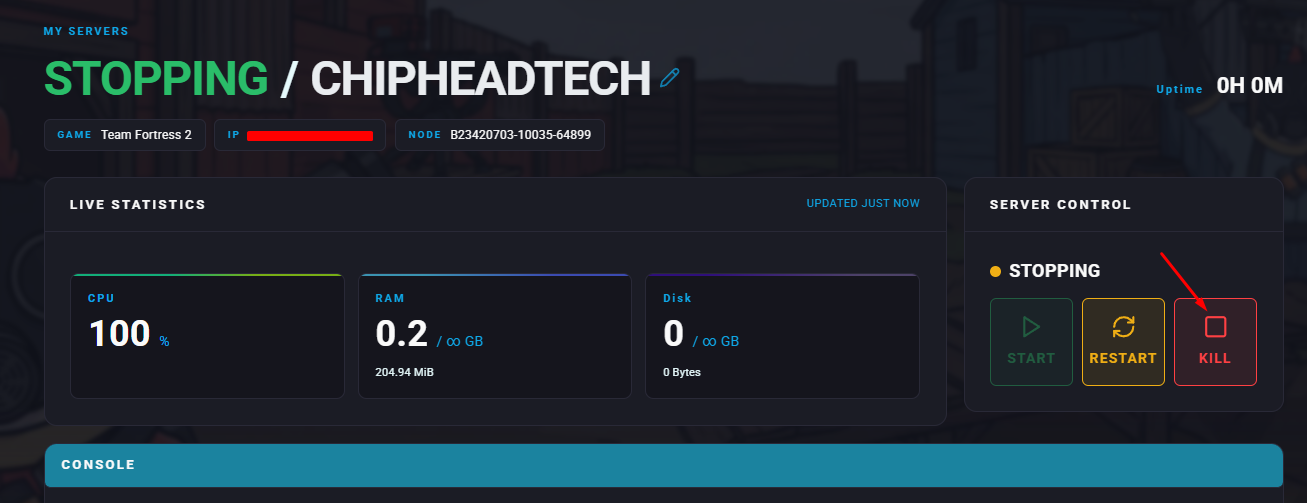
Stop your server.
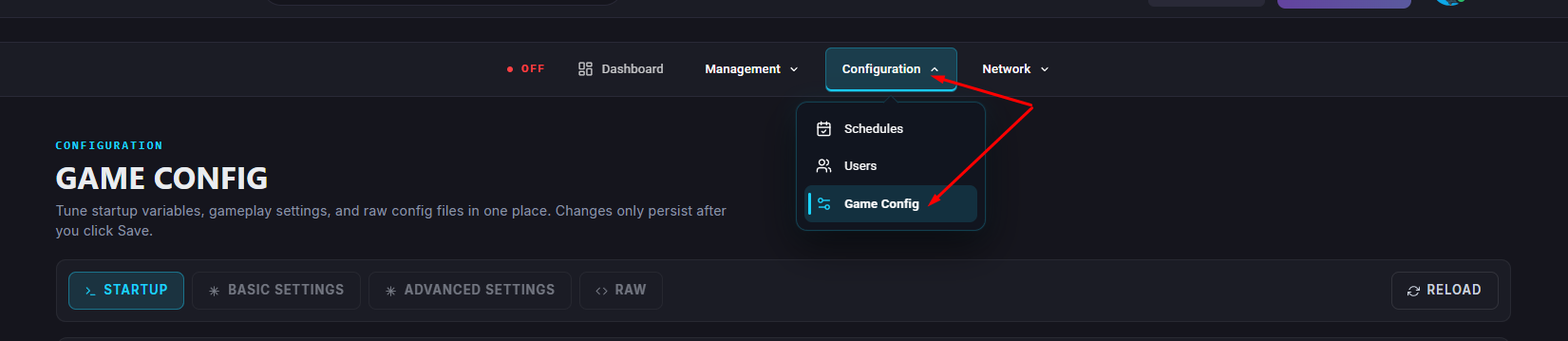
Navigate to the Game Config.
Head into </>Raw.
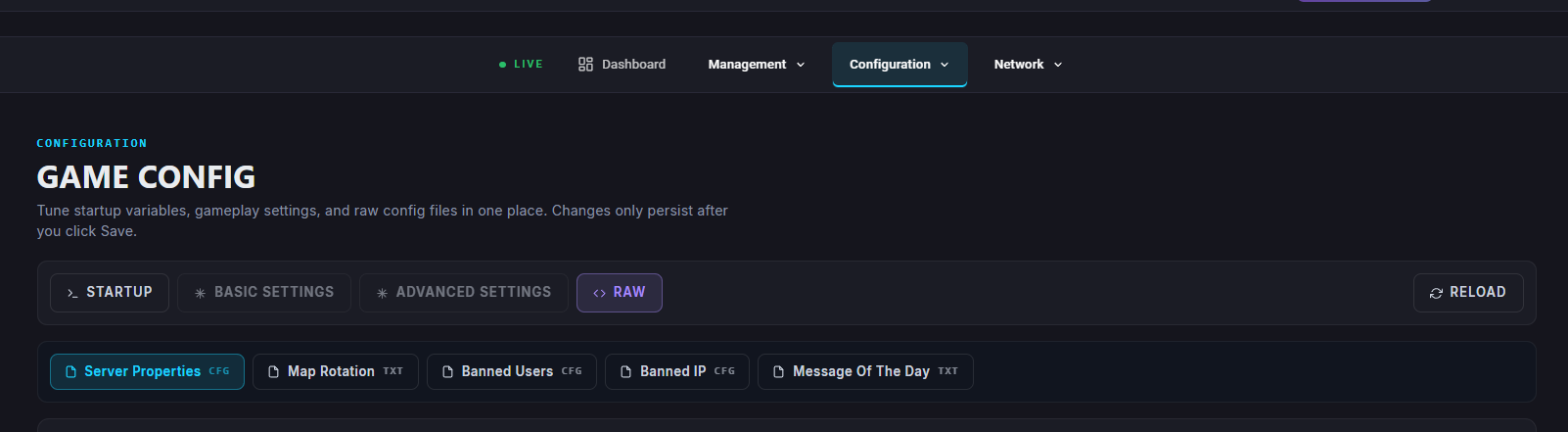
Add the following lines, replacing <X> with the desired number of bots:tf_bot_quota "<X>"tf_bot_quota_mode "fill"tf_bot_auto_vacate "1"
Once finished, click Save.
Restart/Start your server.