
Team Fortress 2 servers launch with a default map whenever they start. Changing the default map lets you control which map loads first when the server boots or when players join for the first time.
How to Change the Default Map
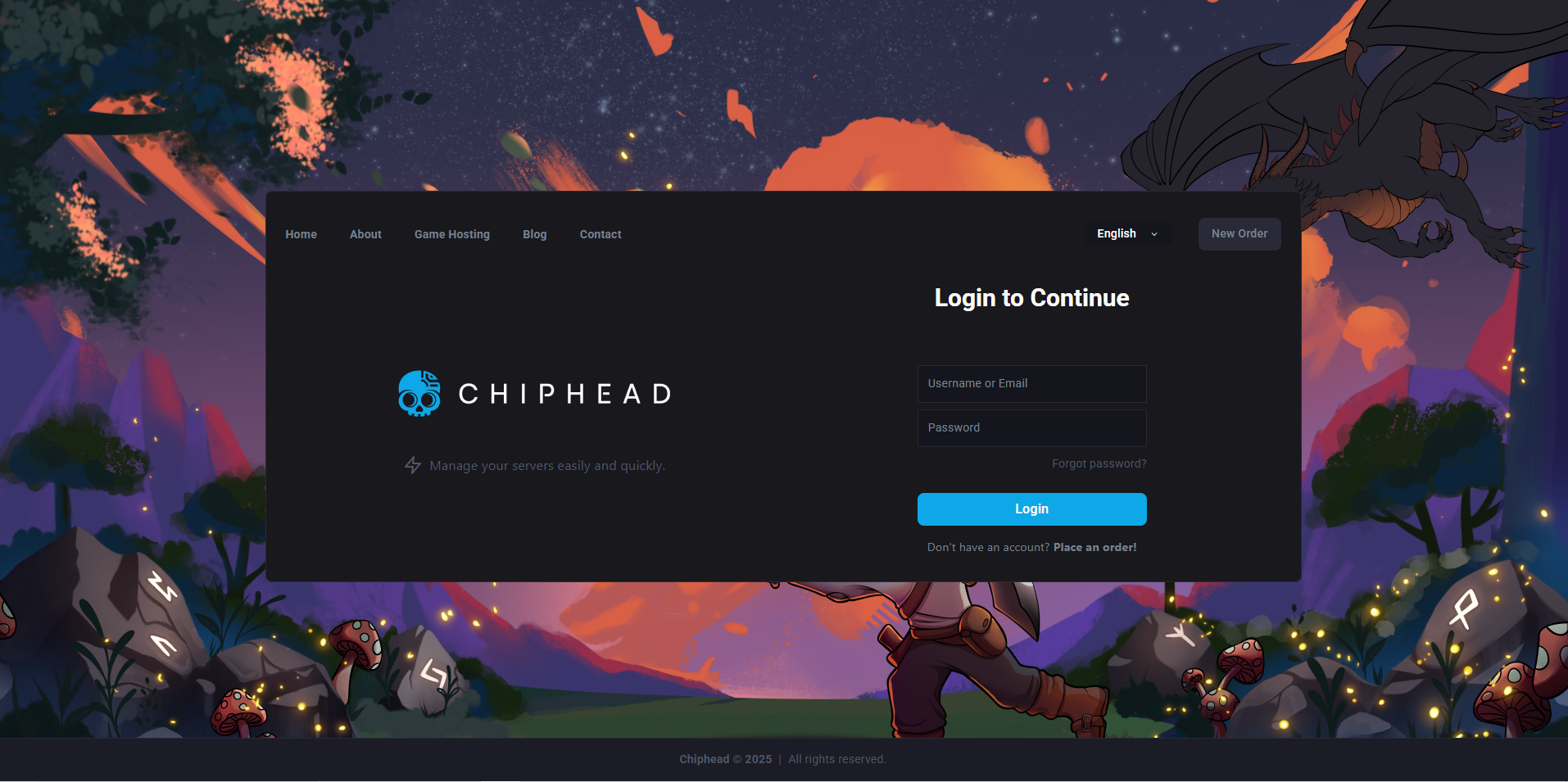
Log in to the ChipHead Control Panel.
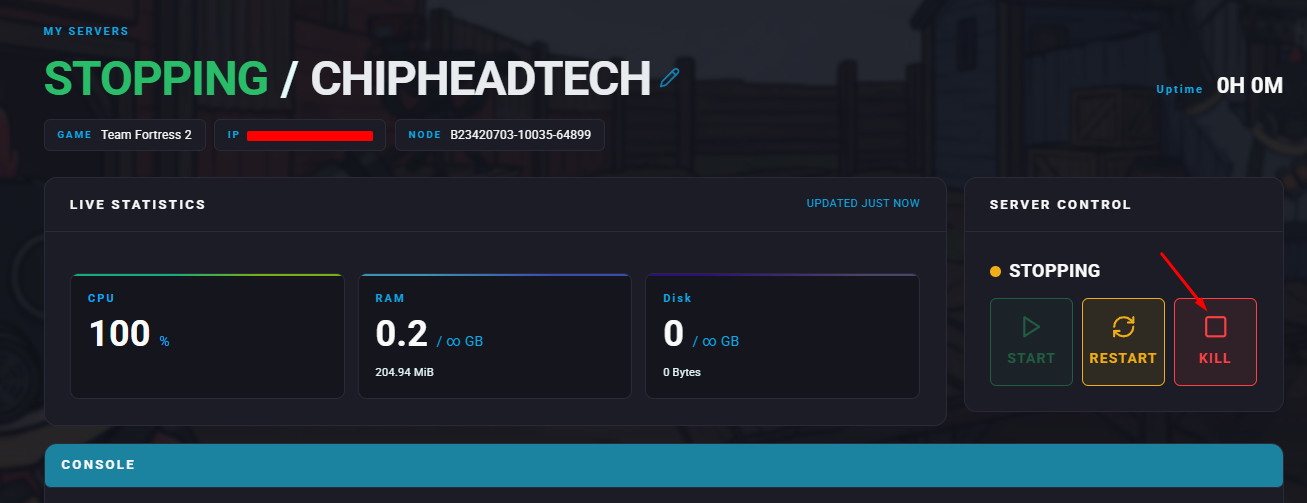
Stop your server.
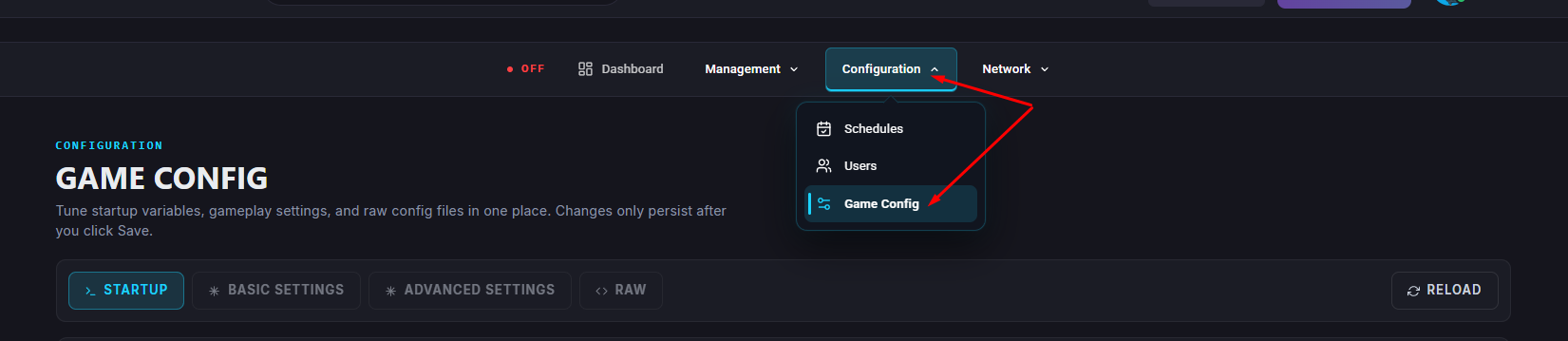
Navigate to the Game Config.
Head into </>Raw.
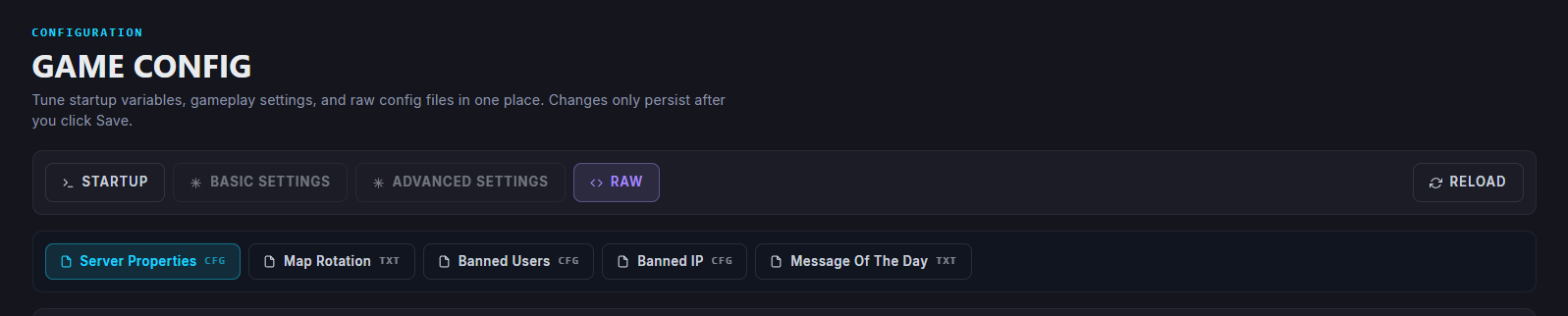
Add or edit the following line, replacing <mapname> with the name of your desired map:
map <mapname>Click Save.
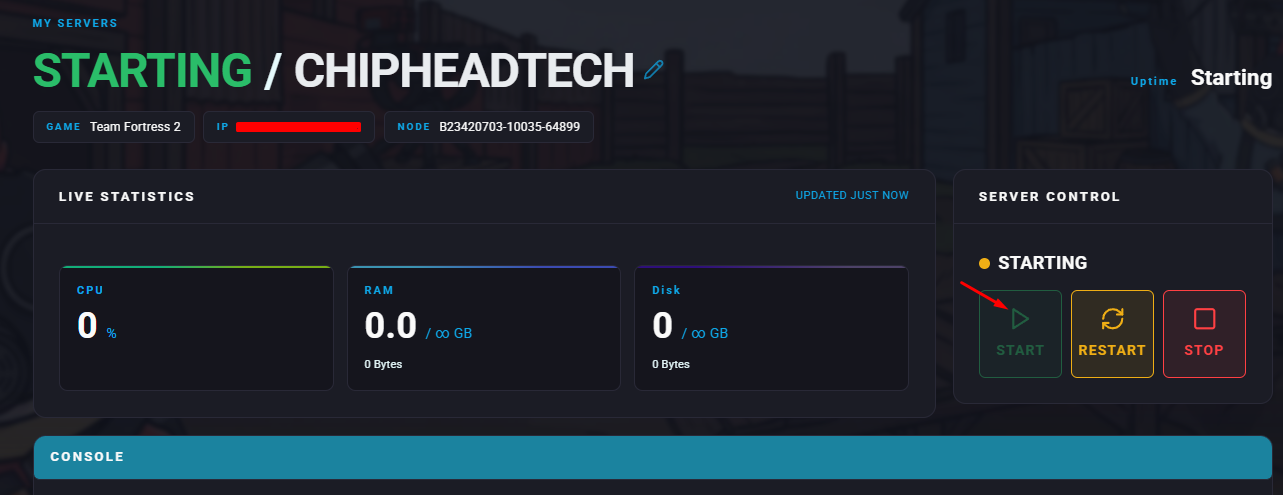
Restart/Start your server.

Your Team Fortress 2 server will now automatically start with the map you set as the default.
Example
If you want your server to start on 2Fort, the entry should look like this:map ctf_2fort