
Summary
Team Fortress 2 (TF2) servers use an MOTD, or Message of the Day, to display a message to players when they join. This message is often used to share server rules, announcements, or a welcoming note to create a friendly and informative first impression for new players.
How to Change the MOTD on a Team Fortress 2 Server
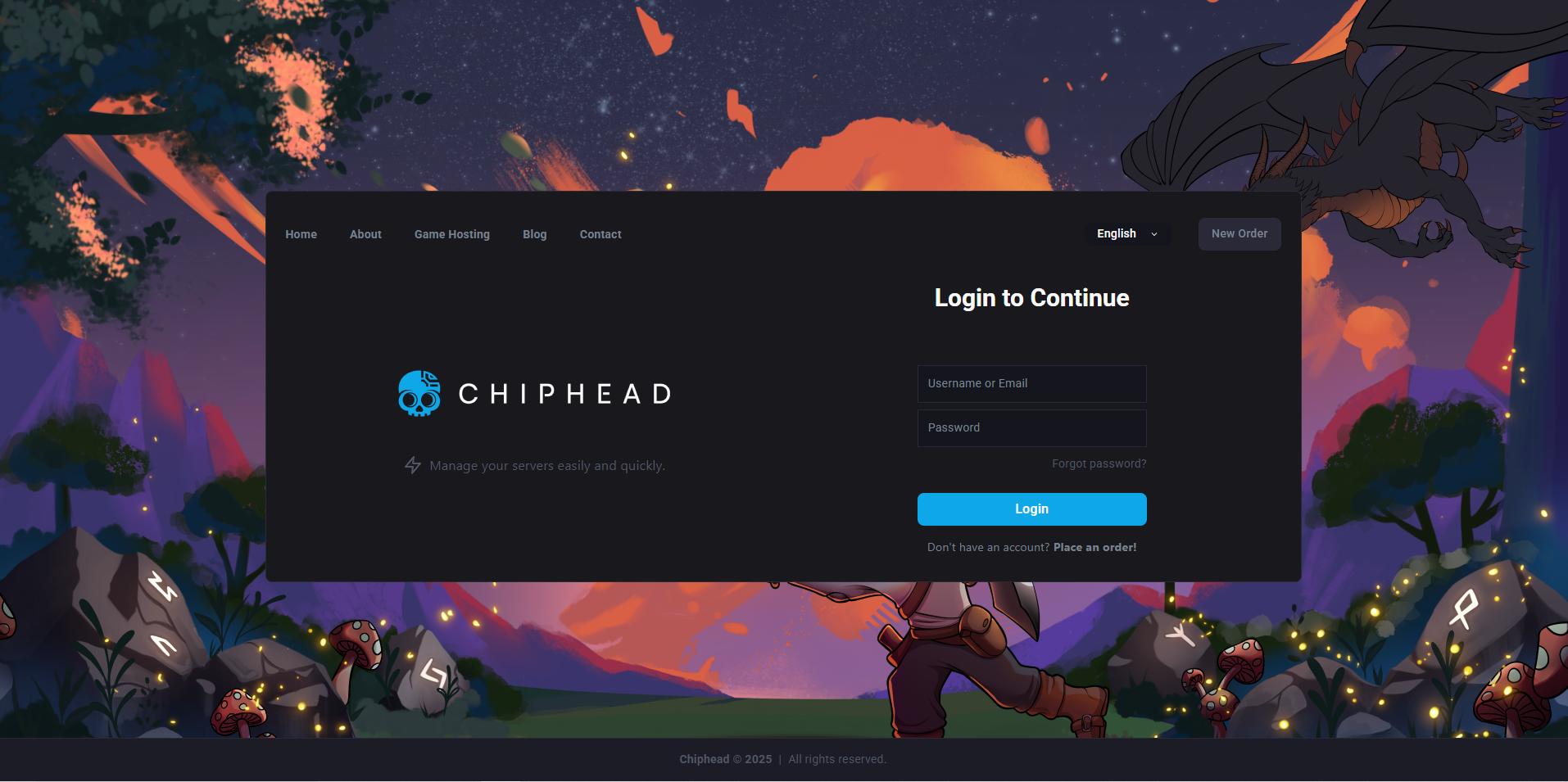
Log in to the ChipHead Control Panel.
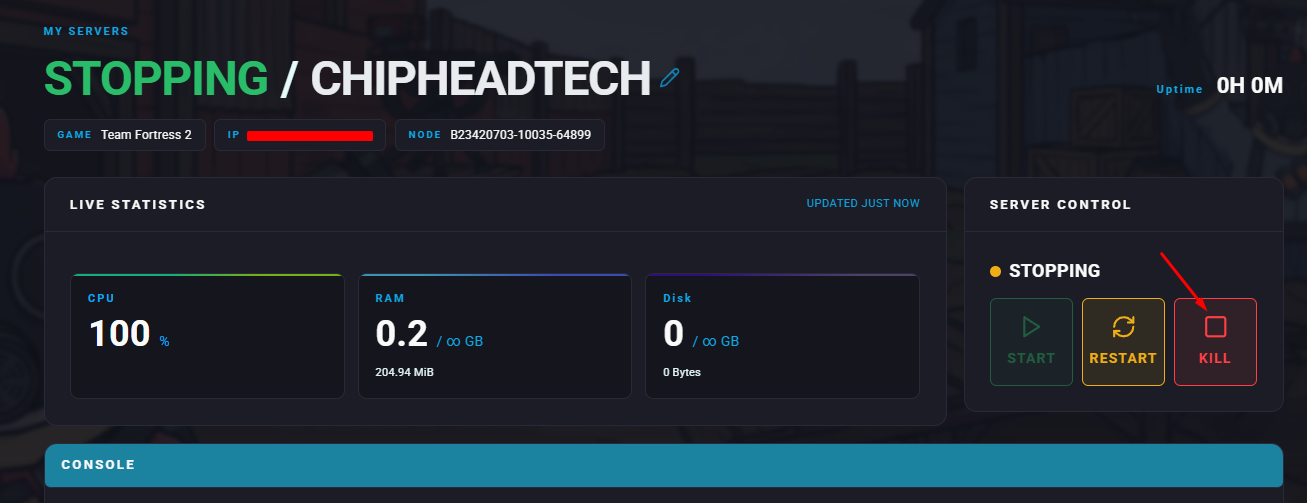
Stop your server.
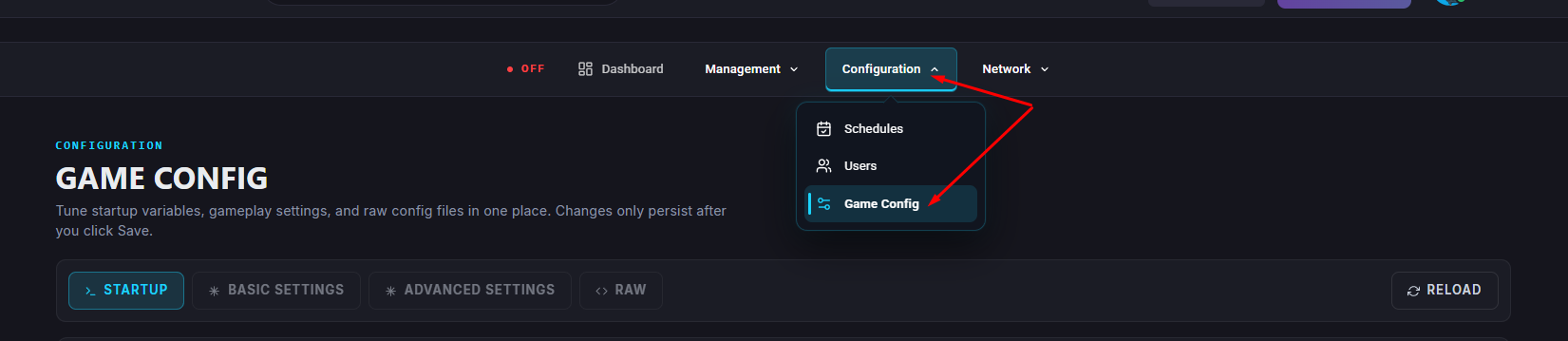
Navigate to Game Config.
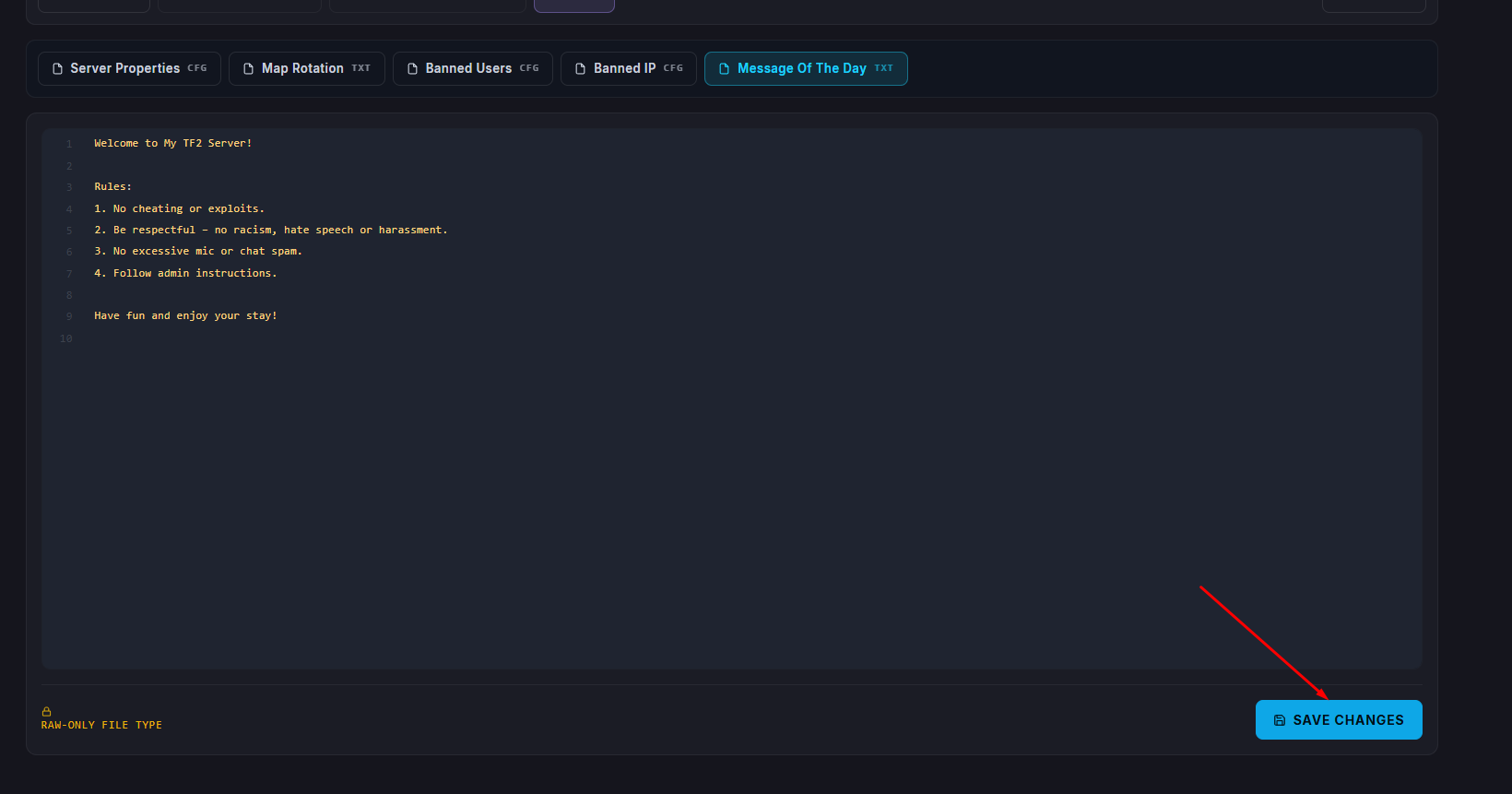
Select Message Of The Day.
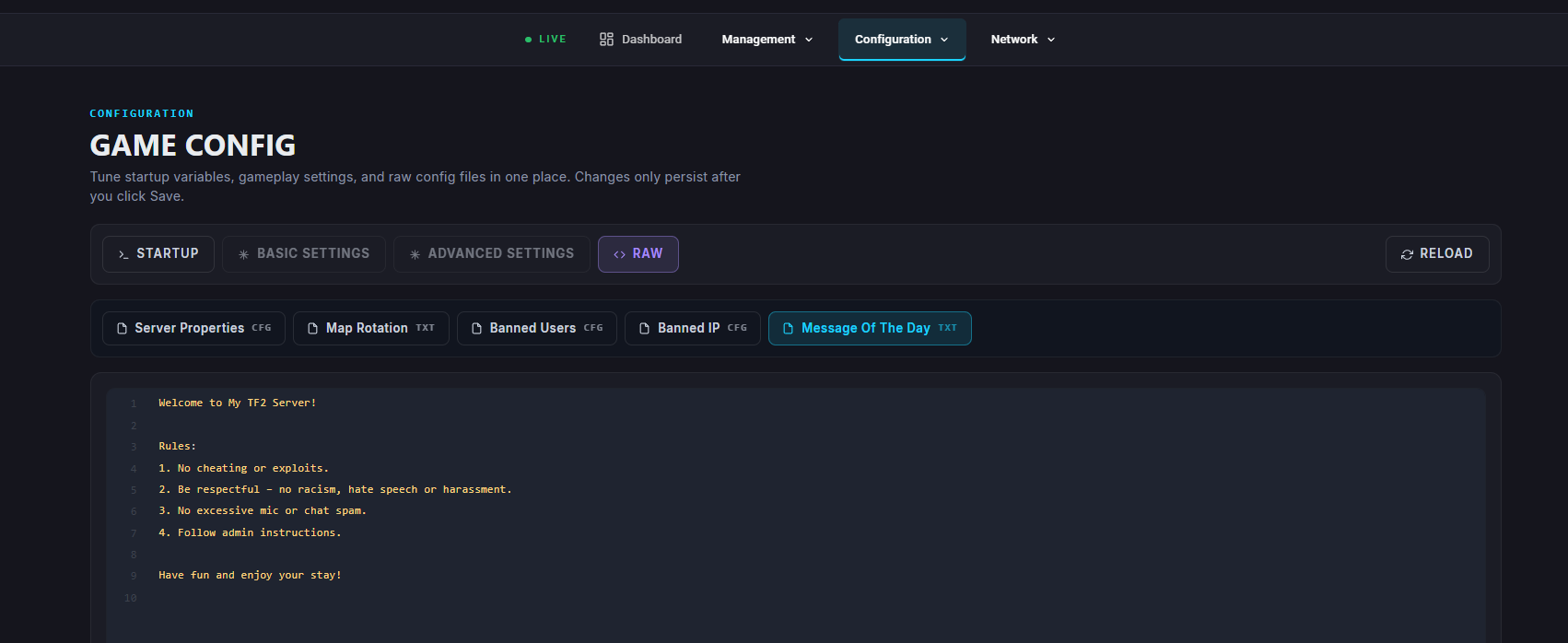
Enter the message you would like to display to players when they join.
Click Save once you are done editing.
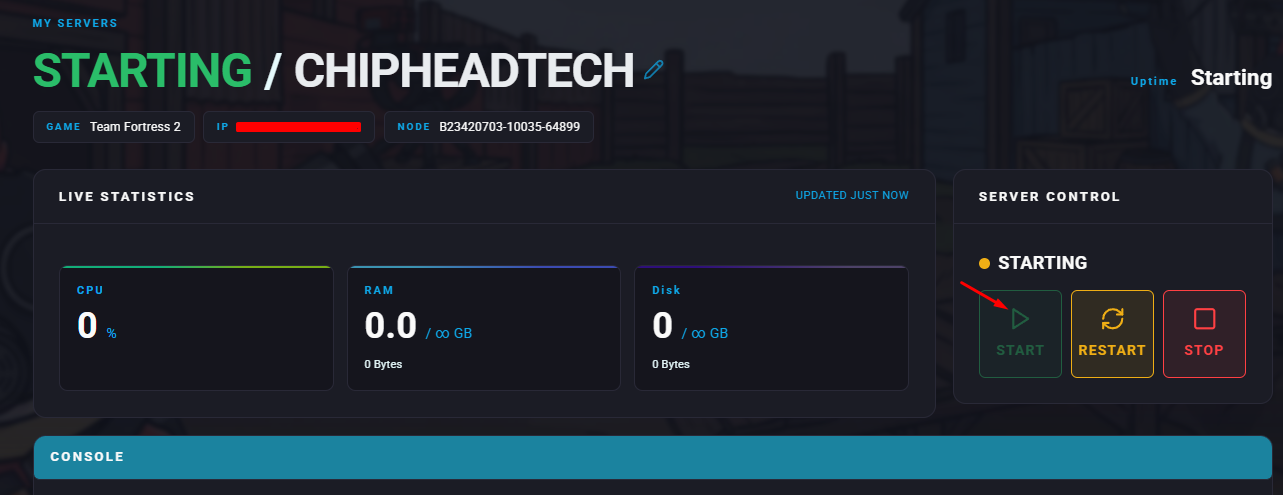
Start your server.

Your new Message of the Day will now appear whenever players join your Team Fortress 2 server.