
Summary
Your Team Fortress 2 server name is what players see in the server browser and when they join your server. Changing your server name helps personalize your server and make it stand out to players.
How to Change the Server Name on a Team Fortress 2 Server
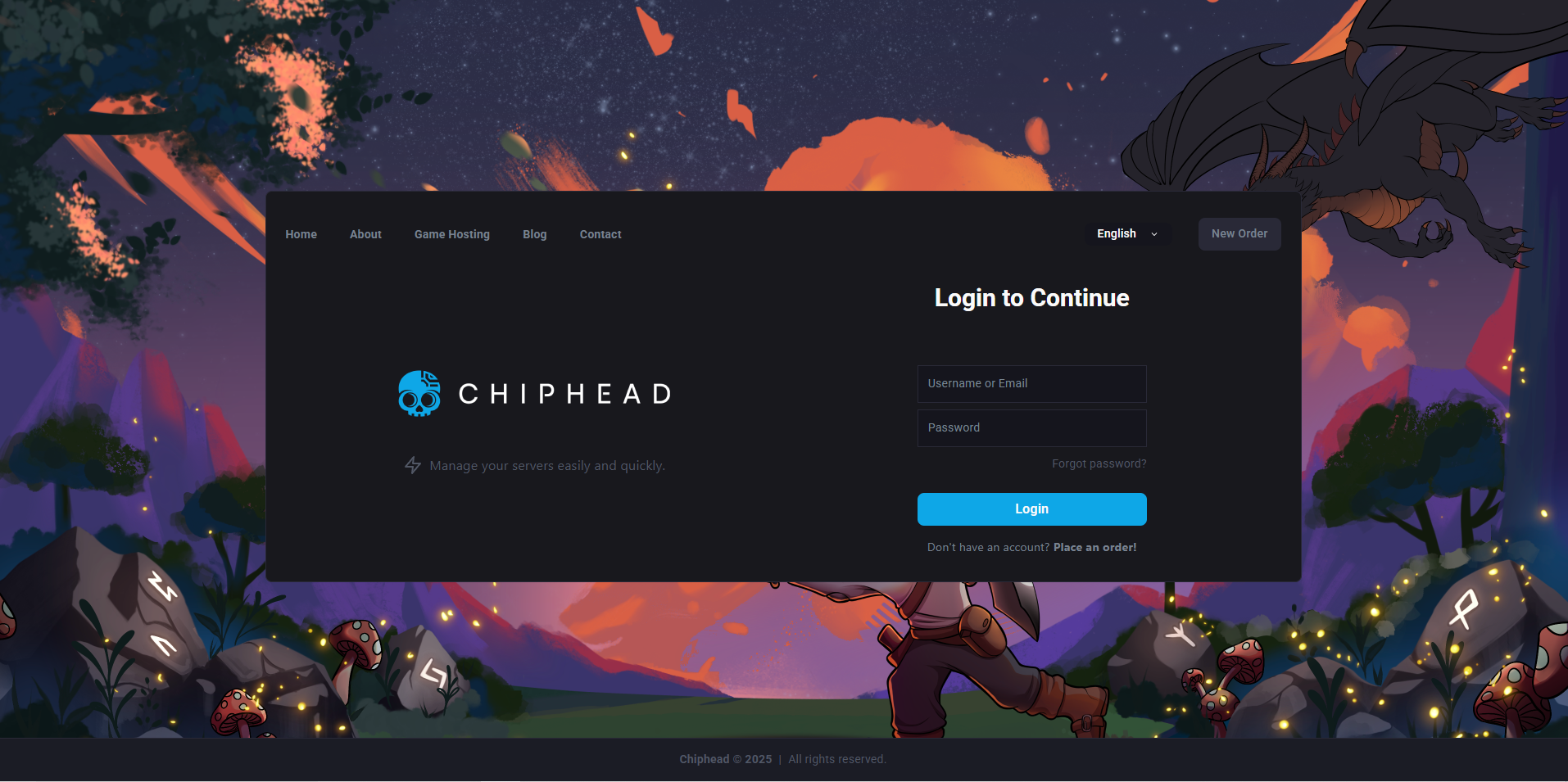
Log in to the ChipHead Control Panel.
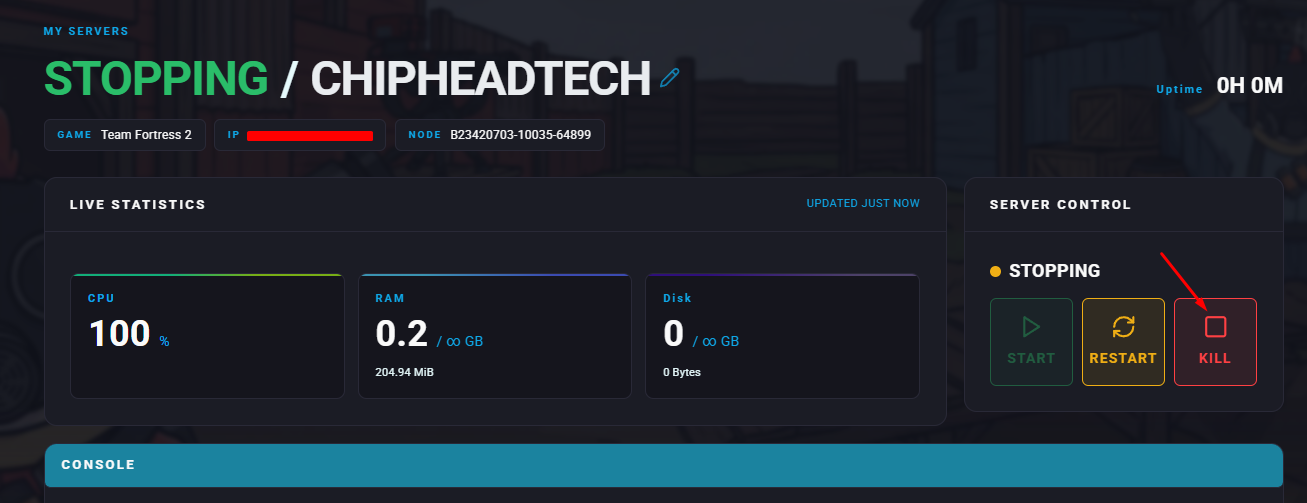
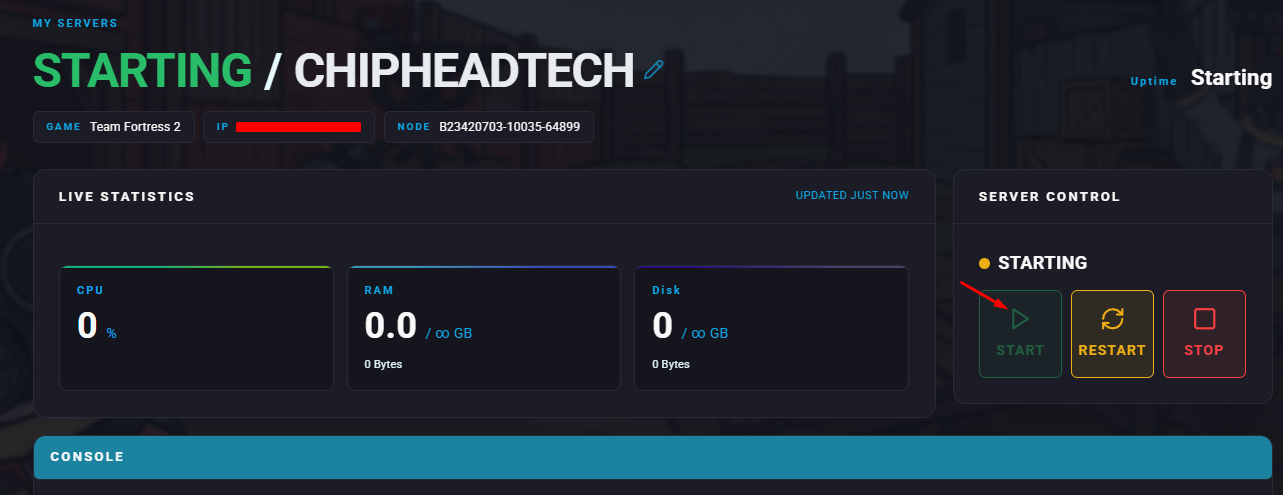
Stop your server.
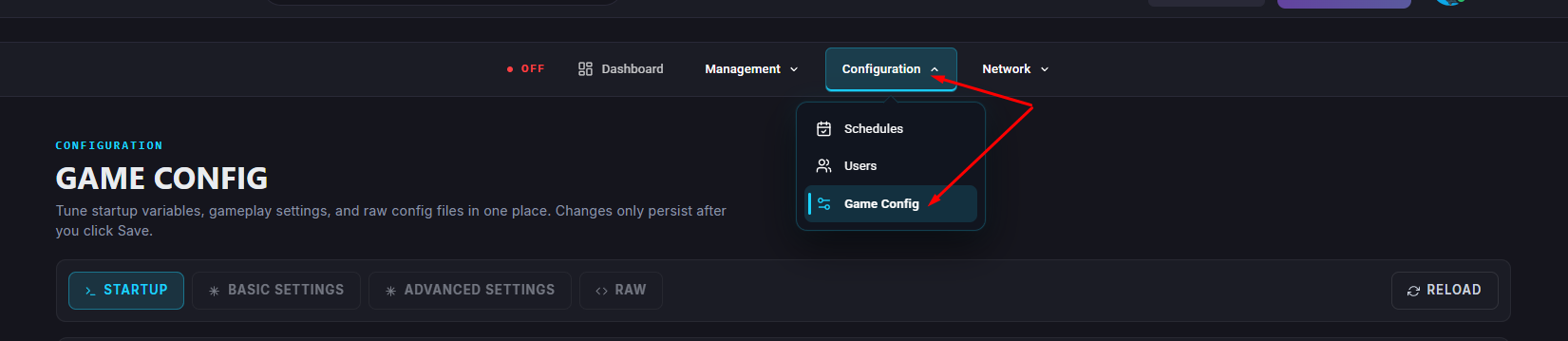
Navigate to Game Config.
Under the Server Properties, locate the Server Name field and replace or enter your desired server name.
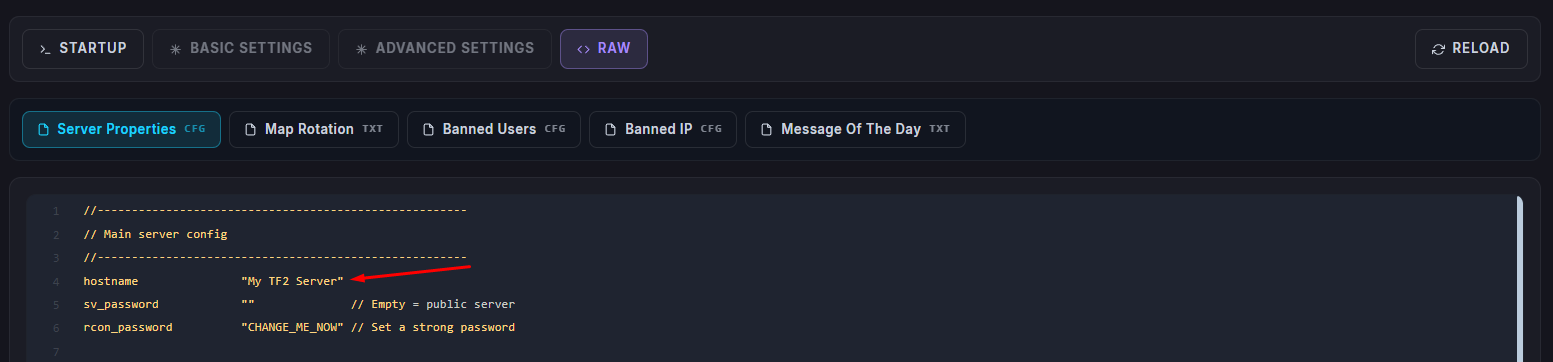
 Make sure to save your changes.
 If you empty the field, it might disappear from Visual. You will then have to go into </>Raw to find “hostname” and make sure to click Save within </>Raw when editing.
Restart/Start your server.

Your Team Fortress 2 server will now display the new name in the server list and in-game scoreboard.