
Summary
Resetting your Team Fortress 2 server can help resolve persistent issues, such as crashes, bugs, or gameplay imbalances. A full reset returns your server to its default state, allowing for a clean setup and a smoother gameplay experience for all players.

Note: It’s strongly recommended to make a local backup before resetting to preserve any important files or configurations.
How to Completely Reset a Team Fortress 2 Server
Log in to the ChipHead Control Panel.
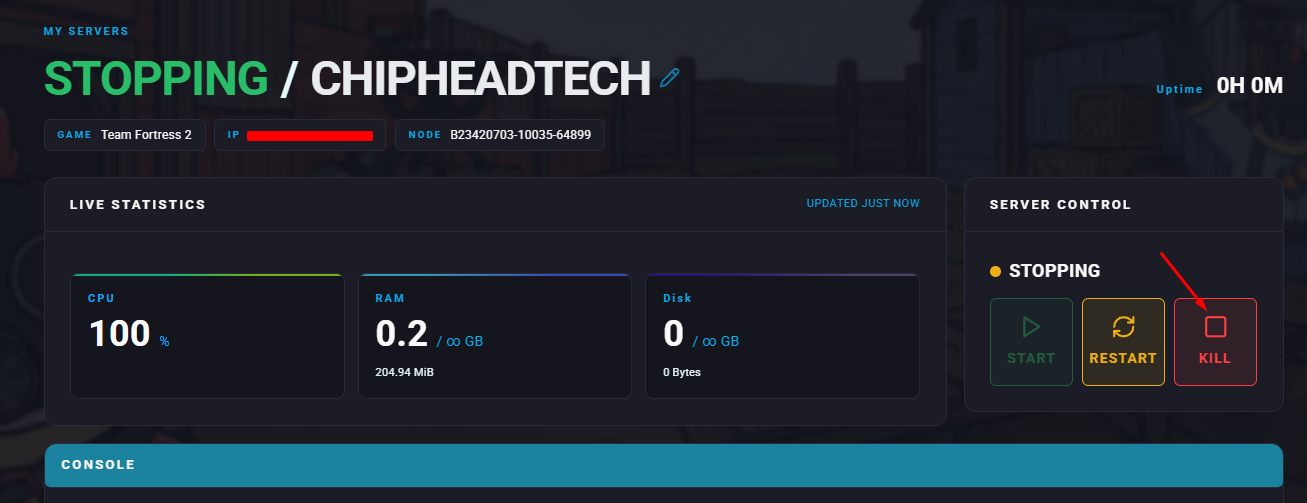
Stop your server.
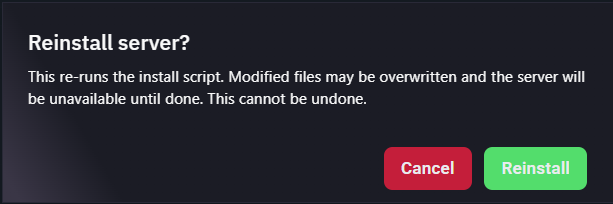
Navigate to “Dashboard” & scroll down to “Reinstall”.

When prompted, choose Yes, reinstall server. This process may take a few minutes to complete.
Restart/Start your server.
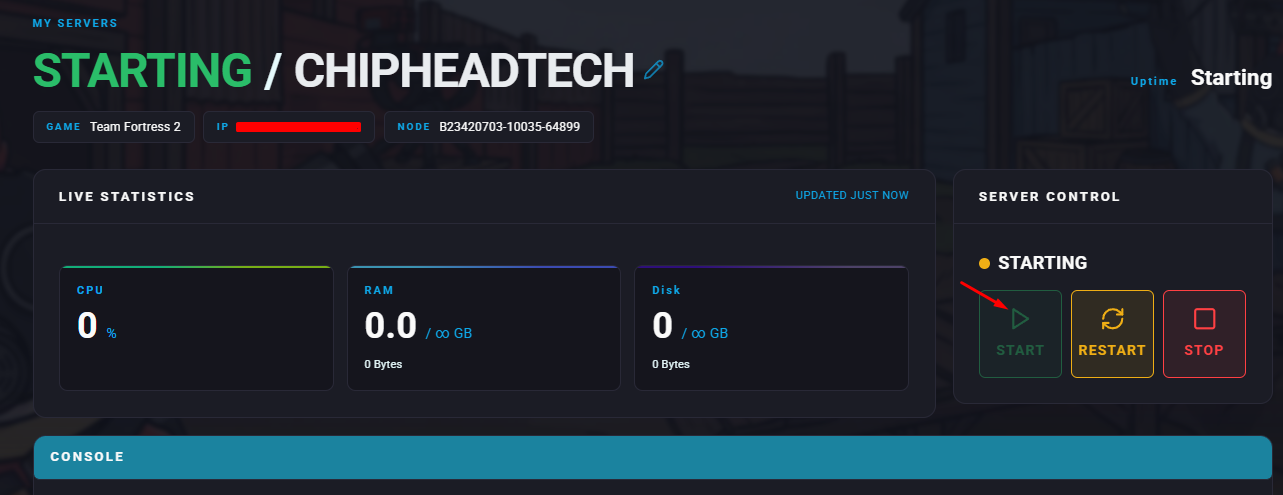

Your Team Fortress 2 server will now be fully reset to its default configuration, ready for a fresh start.