
Summary
Steam Workshop maps are a great way to expand your Team Fortress 2 server’s content beyond the default map selection. With thousands of community-made maps available, you can find everything from reimagined classics to entirely new game modes like dodgeball, surf, or hide and seek. Adding these maps to your server is quick and easy through the Steam Workshop.
How to Install Workshop Maps on a Team Fortress 2 Server
Browse the Team Fortress 2 Steam Workshop and find a map you want to install.
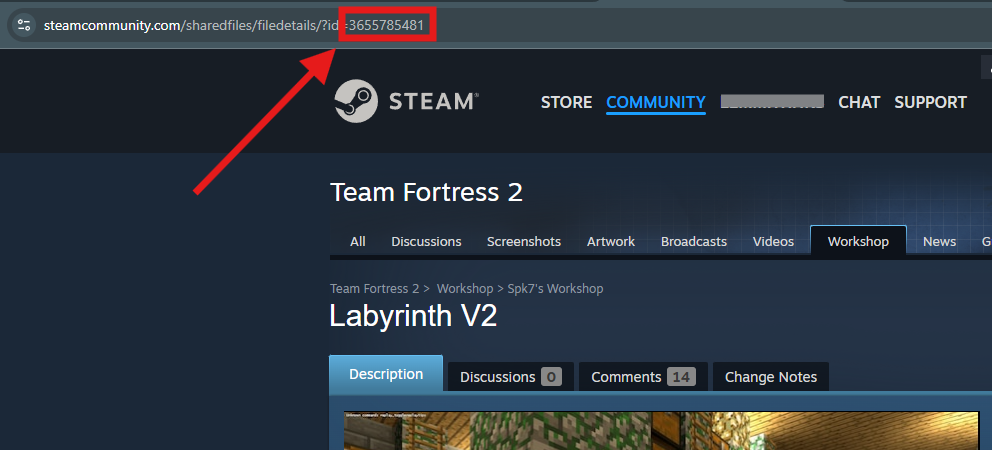
Copy the Workshop ID from the map’s URL. This is the series of numbers at the end of the address.
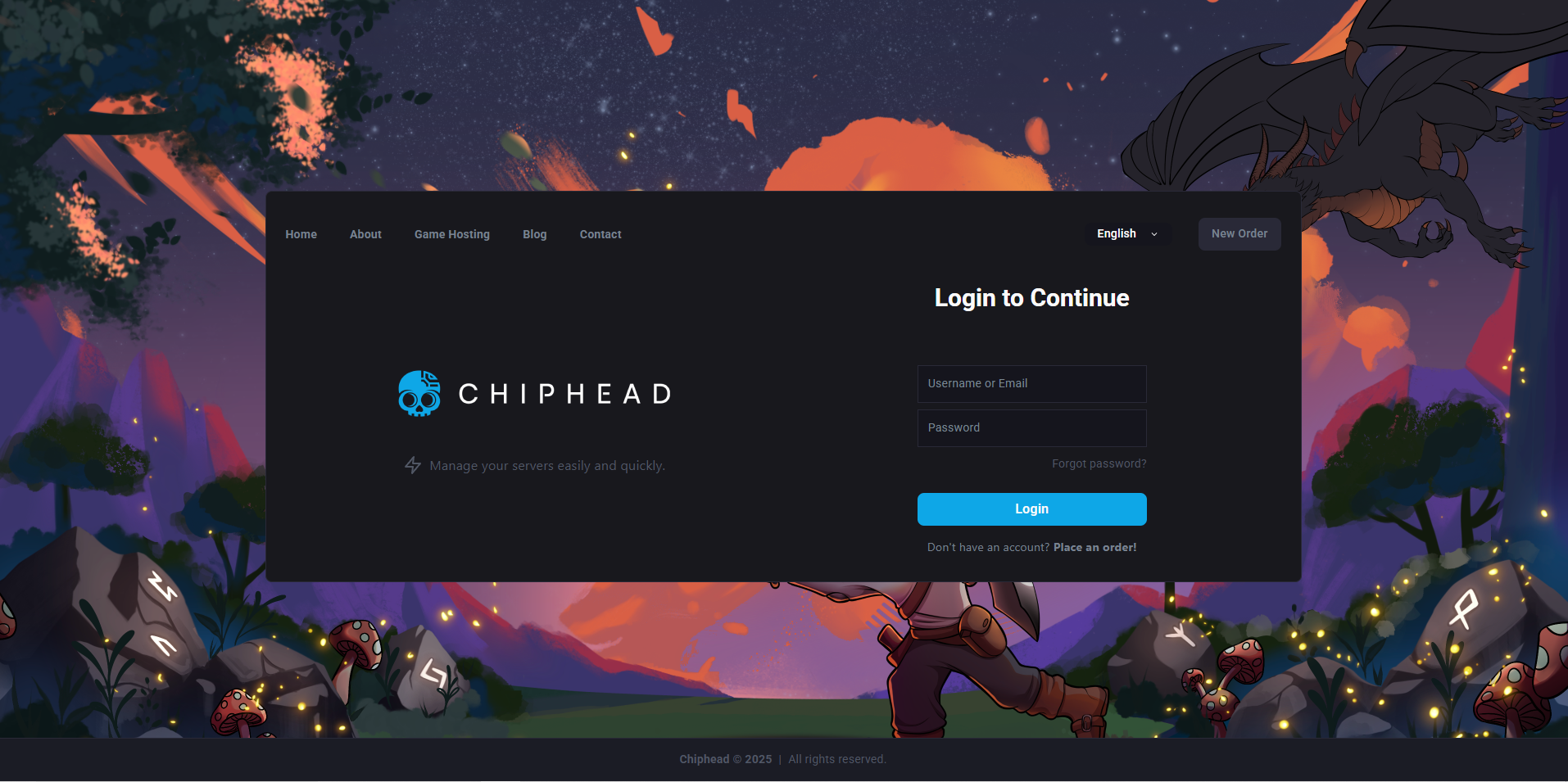
Log in to the ChipHead Control Panel.
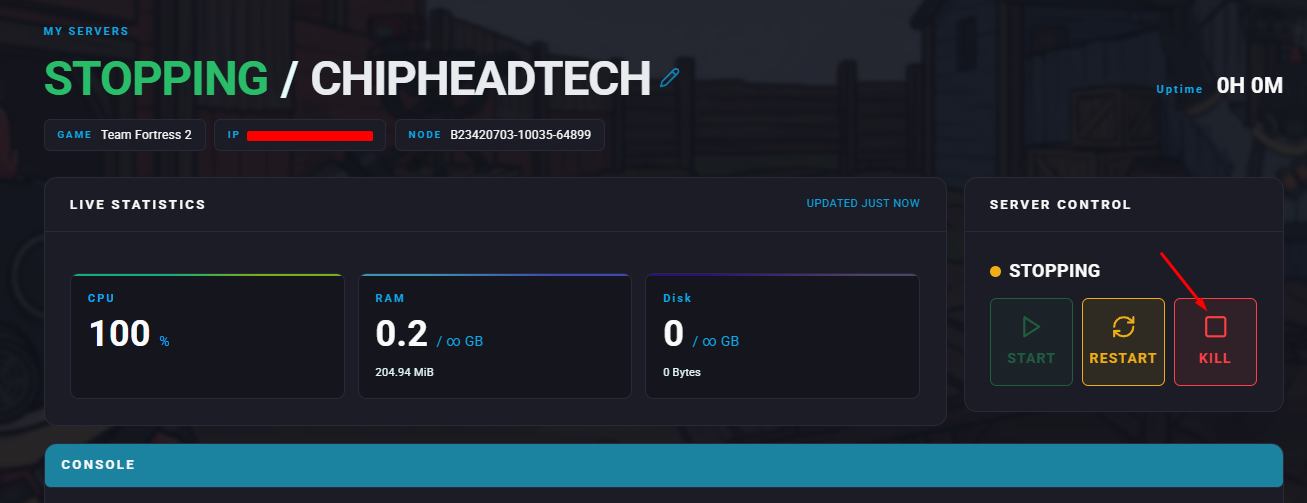
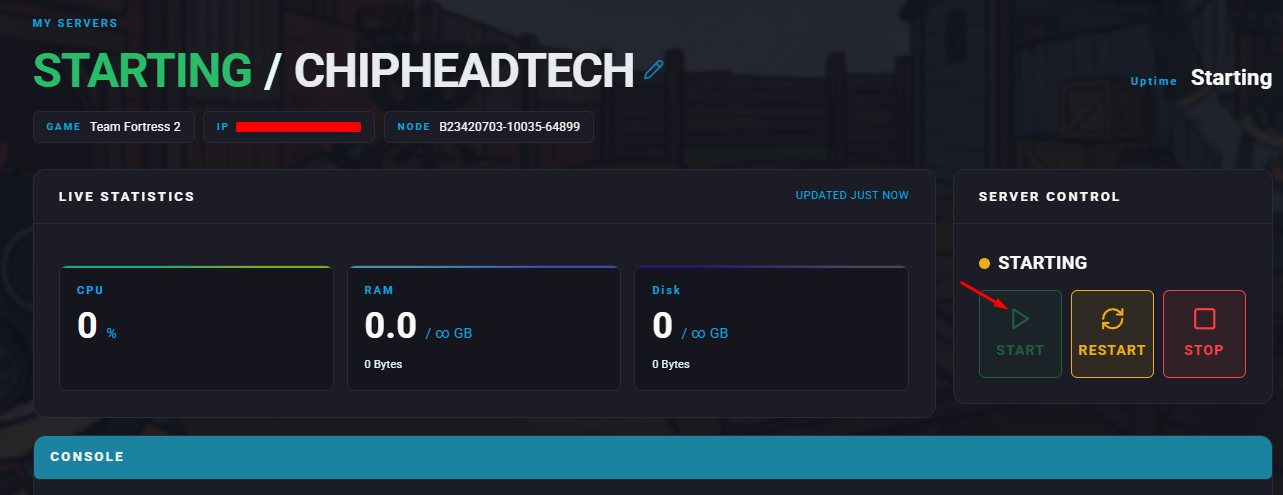
Stop your server.
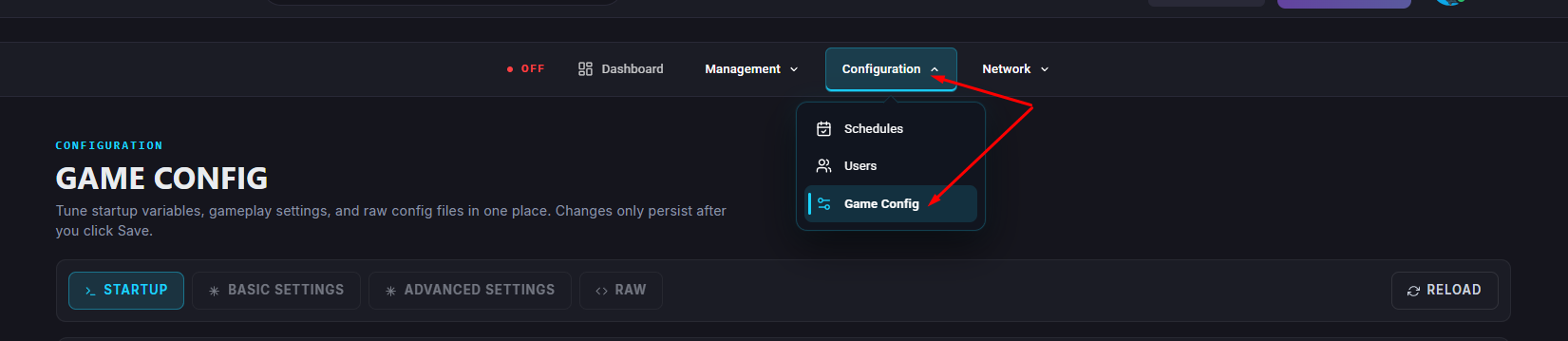
Navigate to the Game Config.
Select Map Rotation.
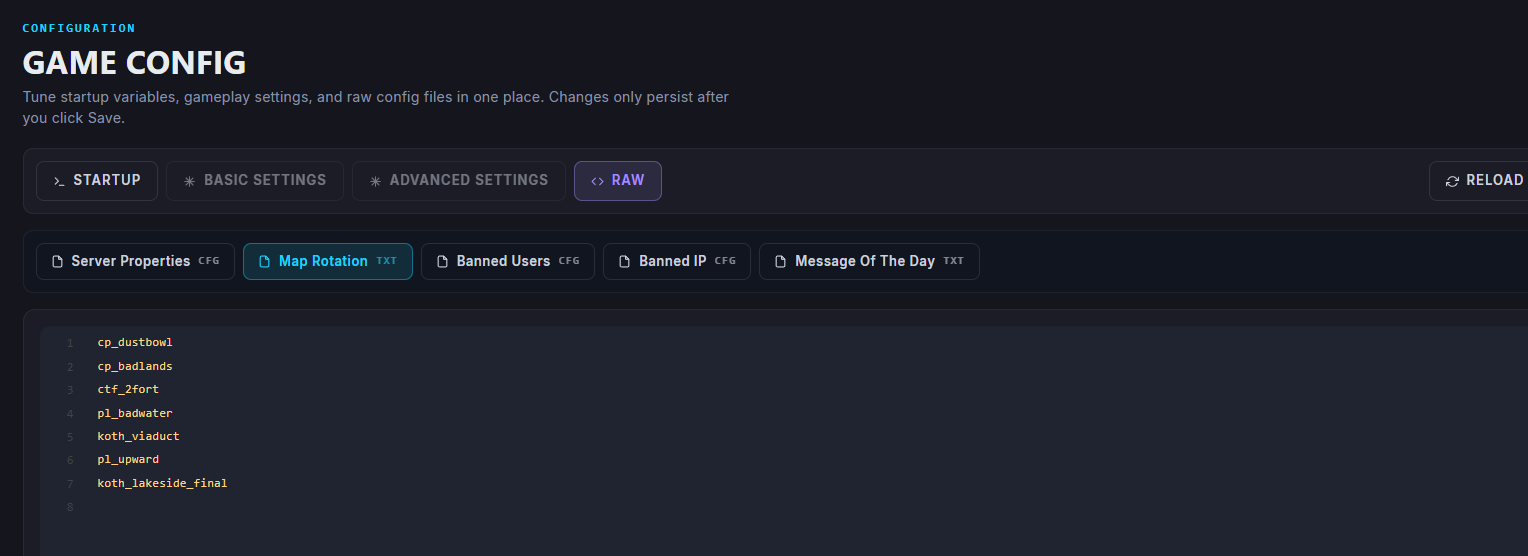
On a new line, enter the map.
Save your changes.
Start your server.
The new Workshop map will now appear in your map rotation and can be voted for when a round ends.