Summary
Moderation is an important part of managing a Team Fortress 2 server. While in-game vote kicks can be used to remove disruptive players, they often require team votes and aren’t always effective. Server admins can instead directly kick or ban players through console commands — allowing for faster, more reliable moderation control.
Note
You’ll need the player’s SteamID64 to kick or ban them. If you’re unsure how to find this, check out our guide on How to Find a SteamID.
How to Kick or Ban Players on a Team Fortress 2 Server
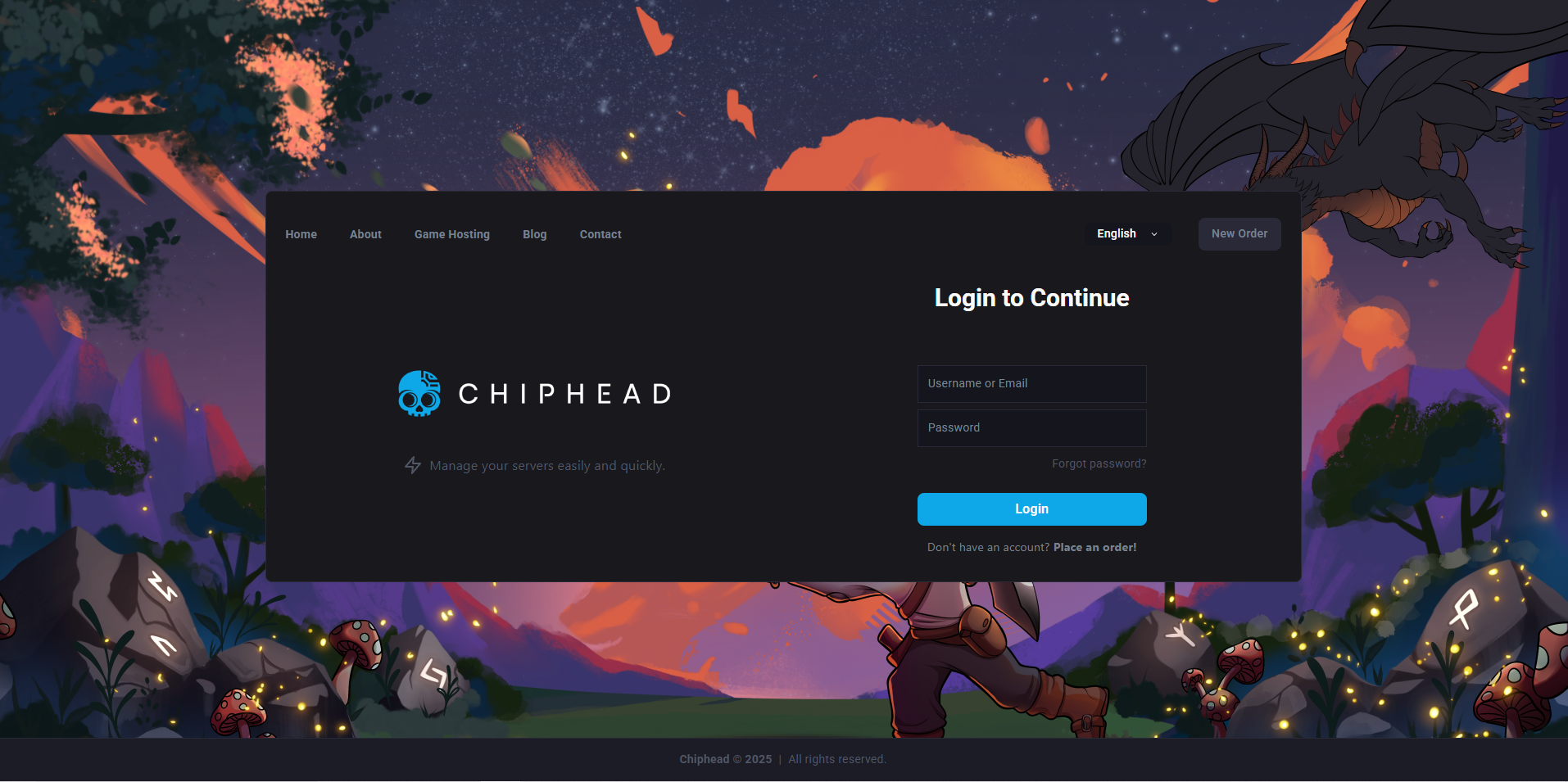
Log in to the ChipHead Control Panel.
Open the Console tab.
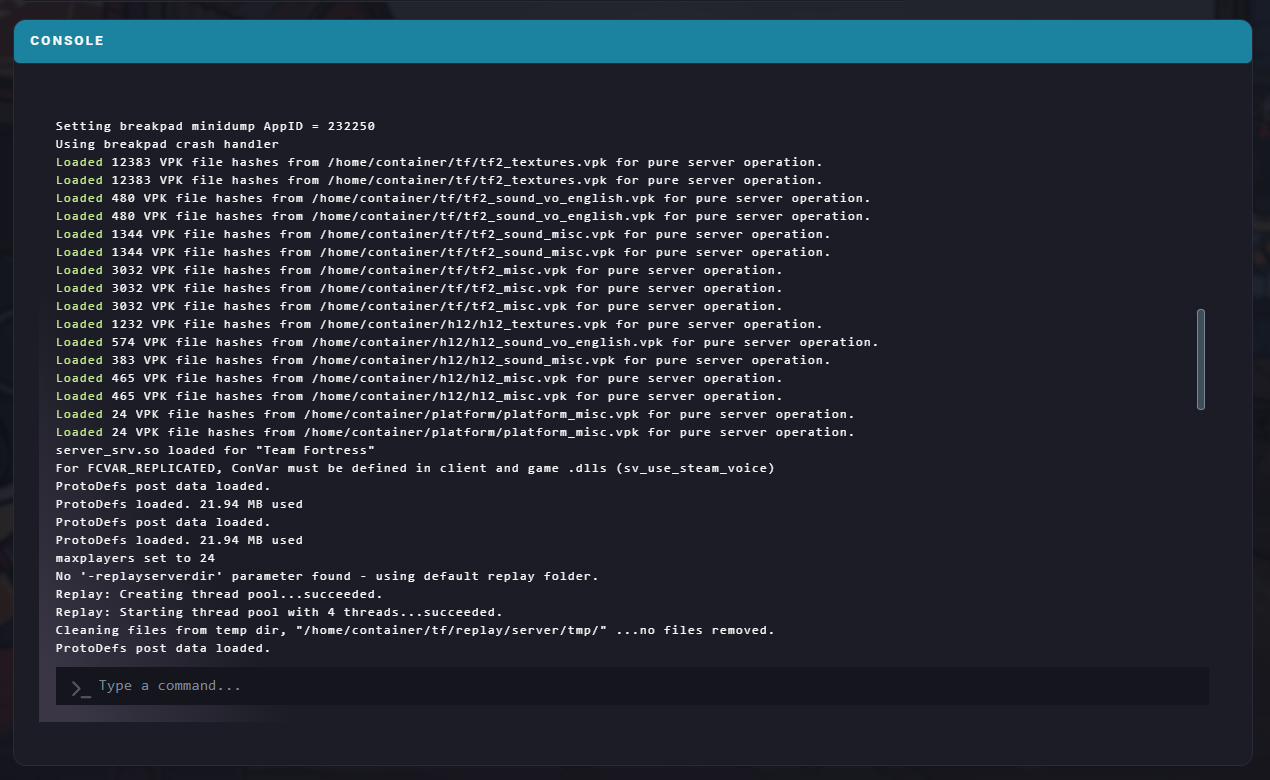
Find the SteamID64 of the player you want to take action against.
Enter the following command into the console:
banid <Minutes> <SteamID64> kickReplace <Minutes> with how long the ban should last. Enter 0 to ban the player permanently.
To unban a player, enter these two commands in order:
removeid <SteamID64>writeid